
|
This page contains no introduction. |
Debug Menu#
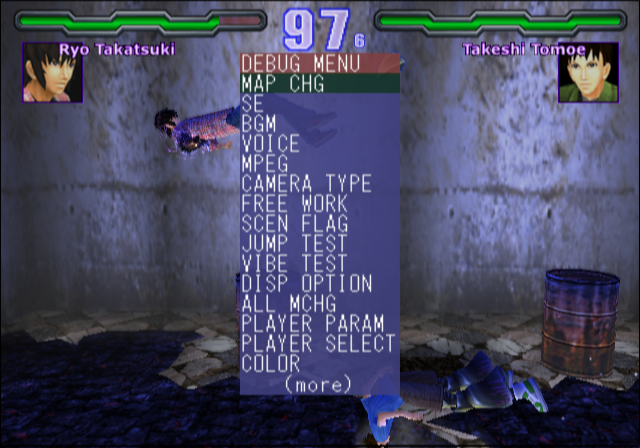
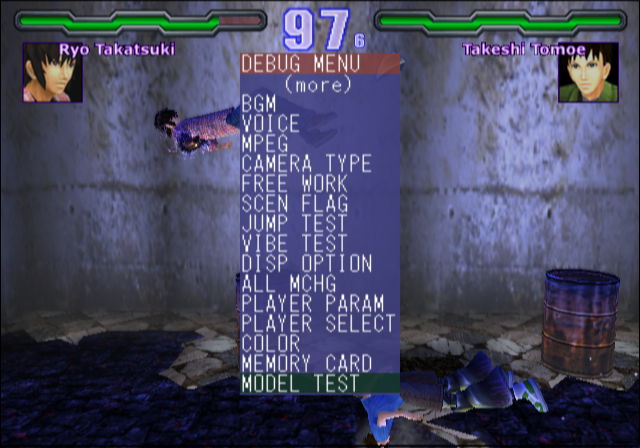
Much like Orphen: Scion of Sorcery, mostly the same debug menu can be found here. Apply the below code to enable it. With the code on, press Select button at anytime. When the menu first gets activated, it will not render correctly. To fix that, press Circle once then press X.
Enable Debug Menu (Press Select)
E002FFFE 0157B602
203EF4D4 00334FA0
203EF4D0 0020BDC8
(Source: Original TCRF research)
SE#
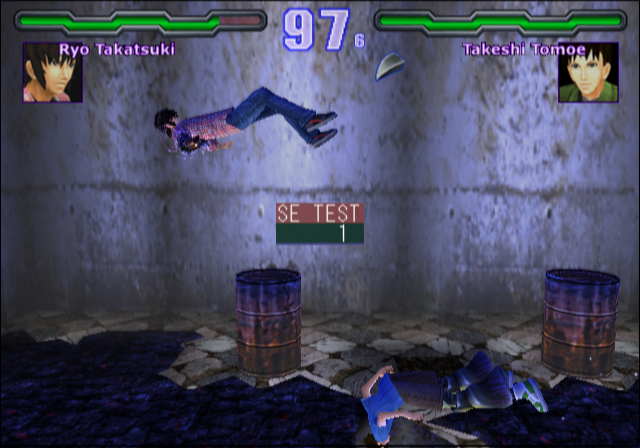
A simple menu to play all of the SFX in the game.
BGM#
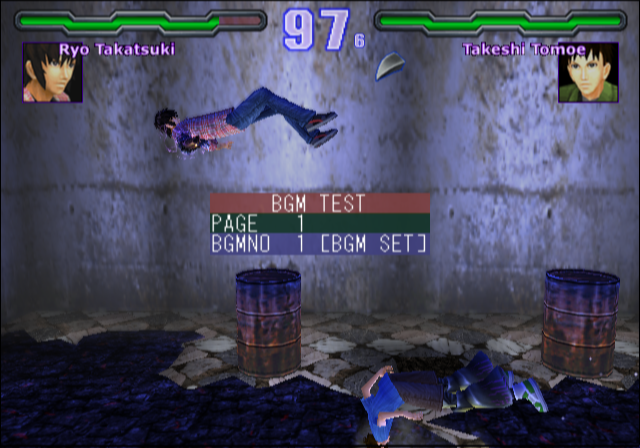
Another simple menu that allows you to play all possible music in the game.
VOICE#
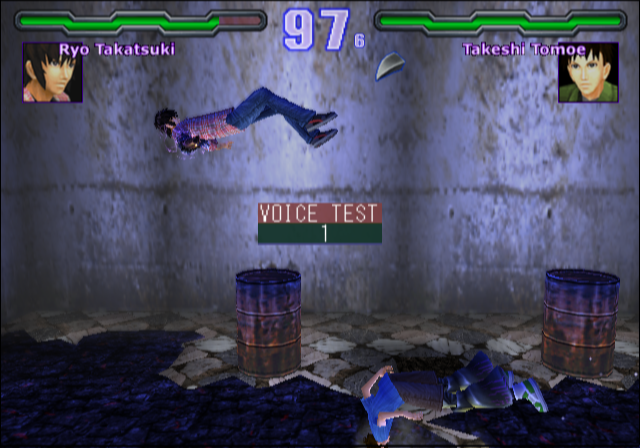
This menu allows you to play all of the voices in the game.
MPEG#
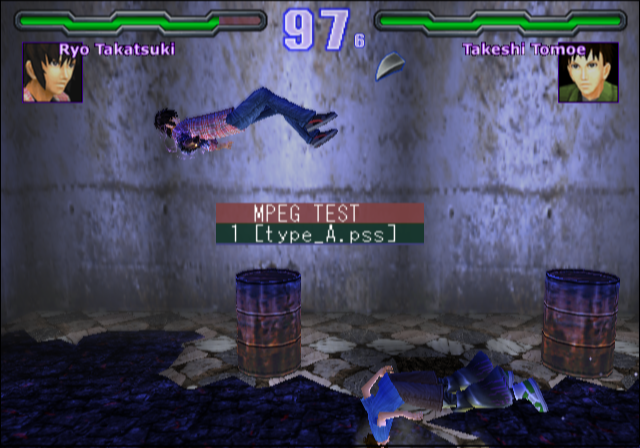
Just like the sound test options, this one is for the movies.
CAMERA#
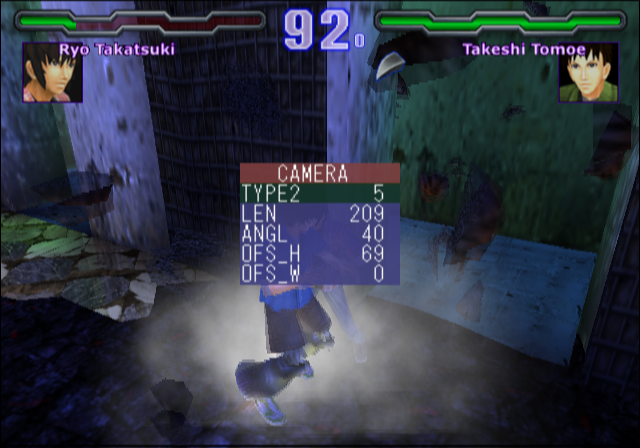
Using this option allows you to toggle different camera angles, as well as modify them.
FREE WORK#
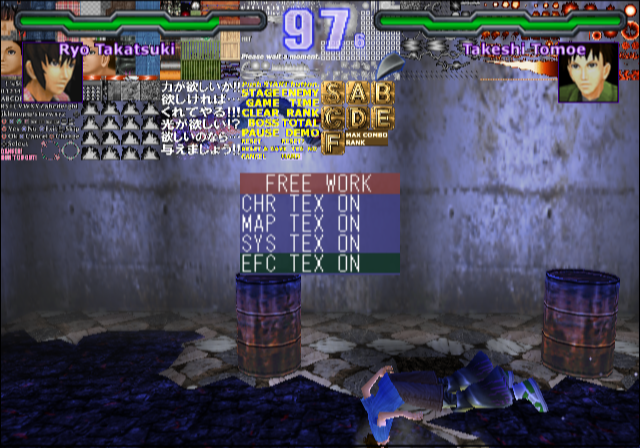
This menu will display various graphics on screen when toggling anything here.
PLAYER PARAM#
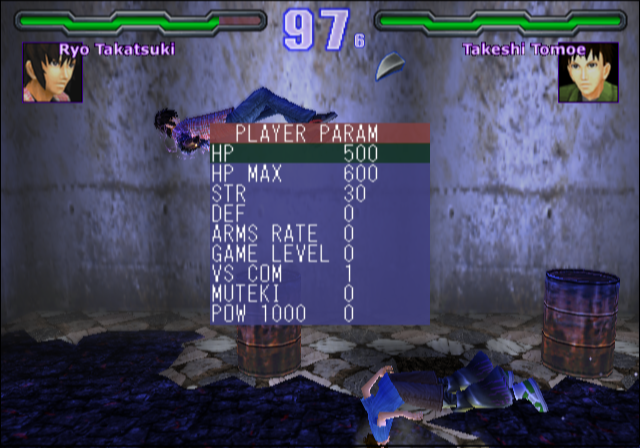
Using this menu will allow you to edit your character statuses. You can toggle invincibility on or off as well.
PLAYER SELECT#
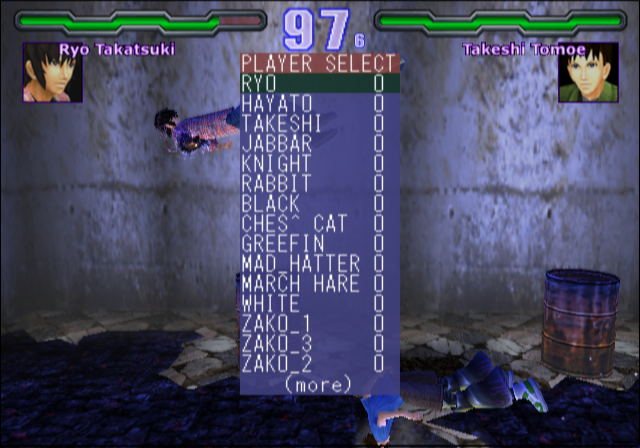
Using this menu's options will instantaneously change your character and reload the map.
COLOR#
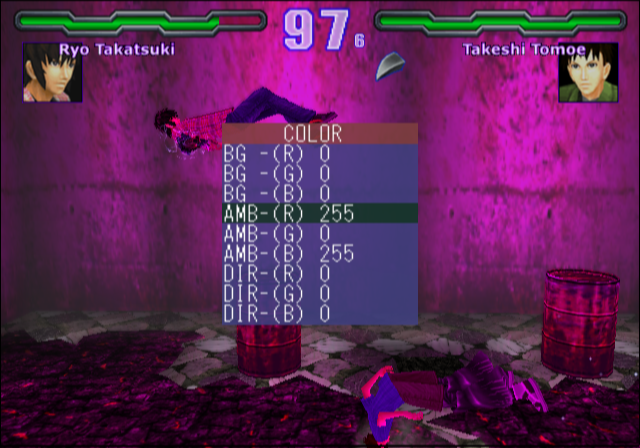
This changes various color settings on the map.
MODEL TEST#
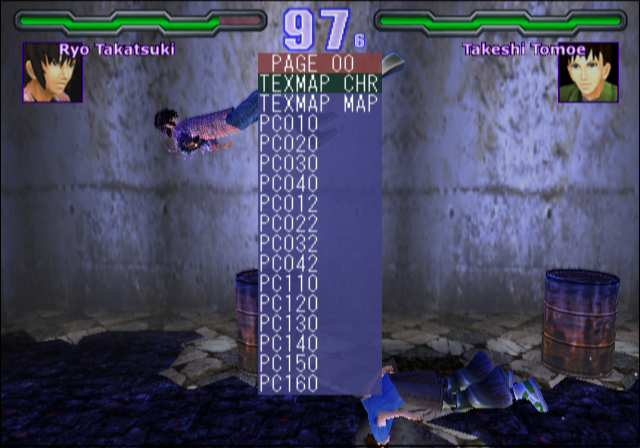
Nothing appears to work here. Selecting anything will send you to a blank map.