 This article has a talk page!

|
To do:
|
Orphen: Scion of Sorcery is a game based on the light novel series Sorcerous Stabber Orphen. Notable for being a launch title for PlayStation 2 in North America and Europe.
Debug Menu#
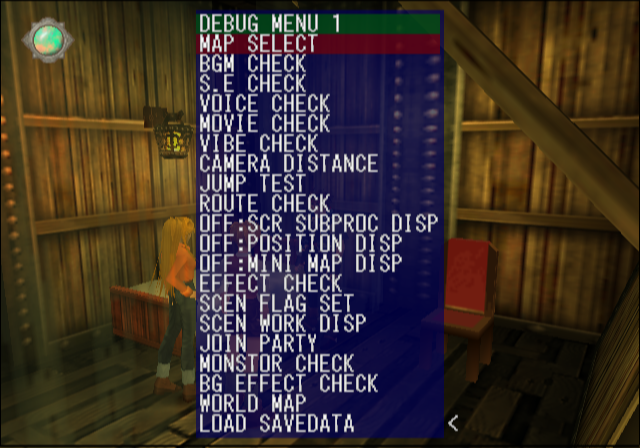
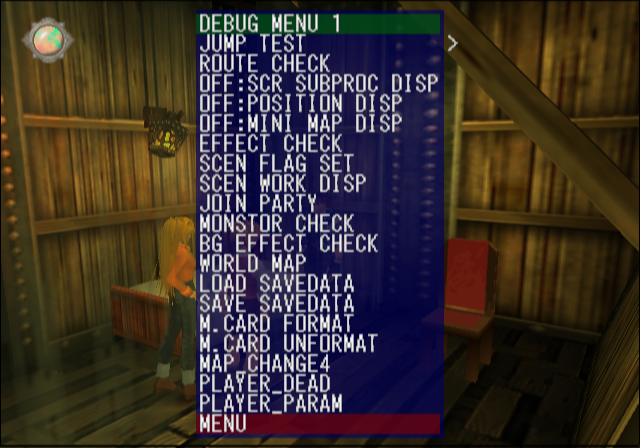
A large debug menu can be enabled with the below code. Apply the code and press Select while in-game or at the main menu to access it. In the Japanese demo version, the debug menu would get enabled if the game crashed and could recover.
USA Code:

Enable Debug Menu
103555DA 00000001

Japanese Code (SLPS-25008):

Master Code
902F7FF8 0C0BDFA4

Enable Debug Menu
10355DCA 00000001

Japanese Demo (SLPM-60113)
00349942 00000001
(Source: Original TCRF research)
Map Select#
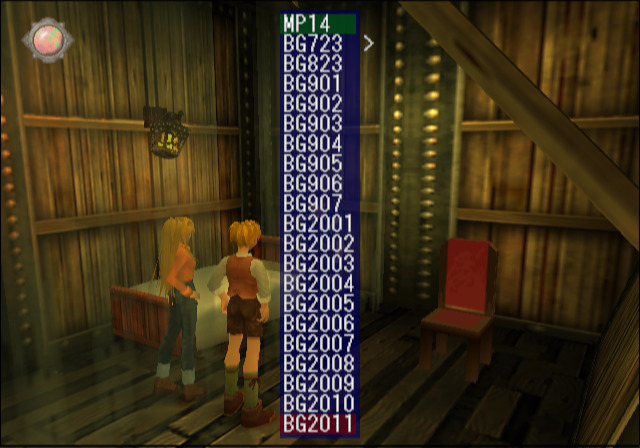
Selecting anything here will instantaneously send you to a map.
BGM Check#
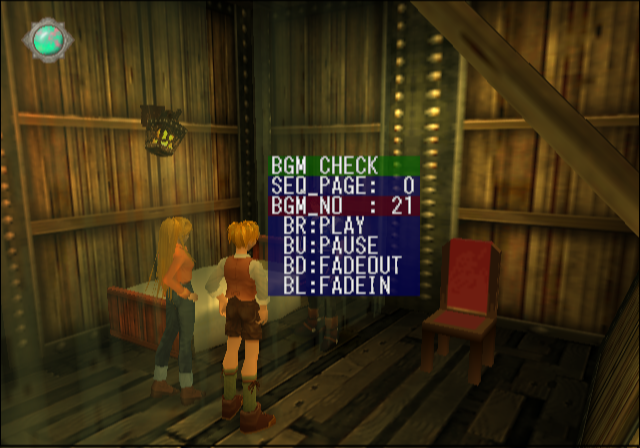
Here, you can listen to all of the game's music.
S.E Check#
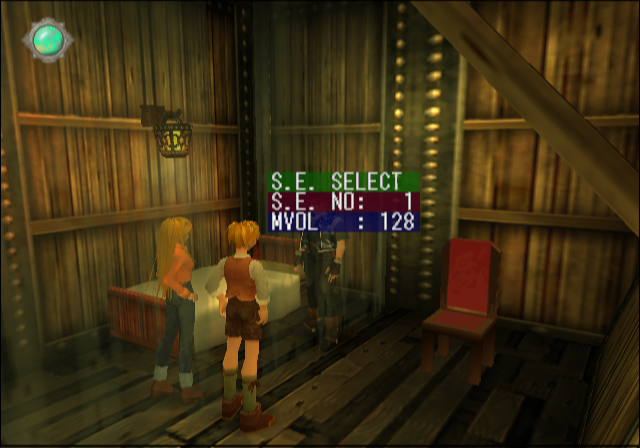
The SFX test option.
Voice Check#
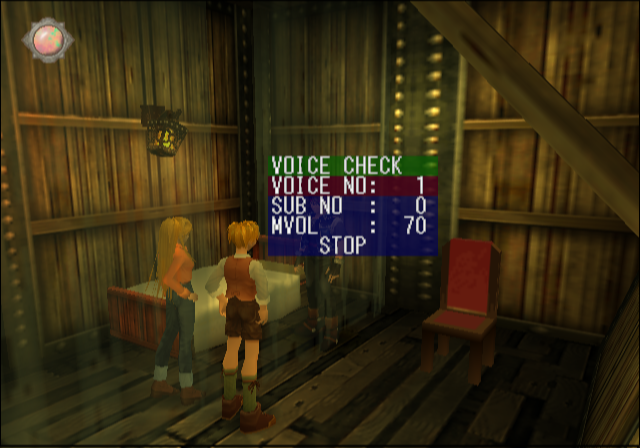
Much like the BGM and SFX test options, here you can play all of the voices in the game.
Movie Check#
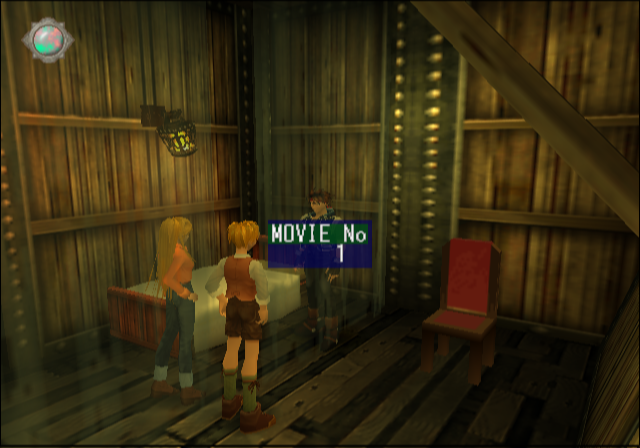
Watch all of the game's pre-rendered movies here.
Camera Distance#
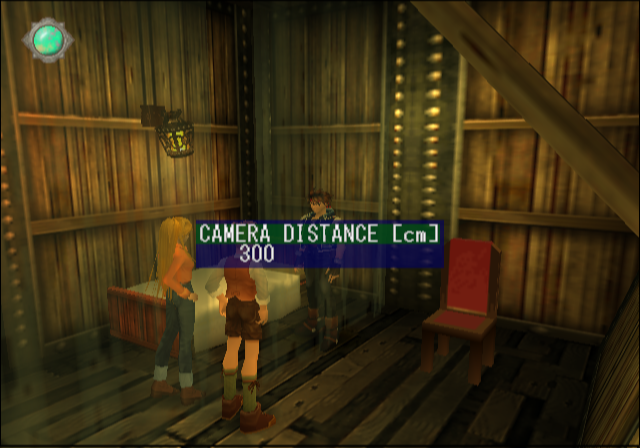
Using this option will allow you to zoom the camera in and out.
Effect Check#
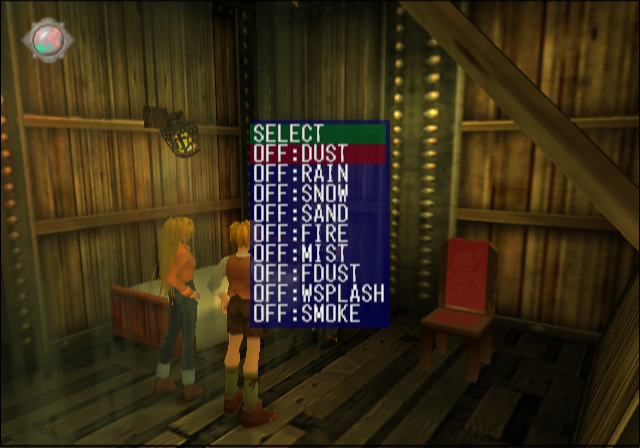
Toggling anything here will render the desired effect on-screen.
Monstor Check#
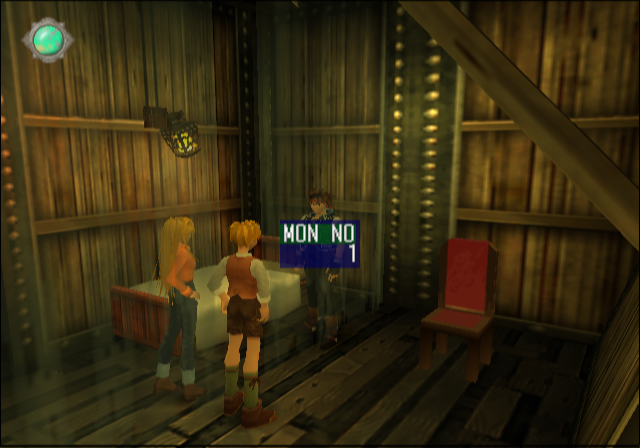
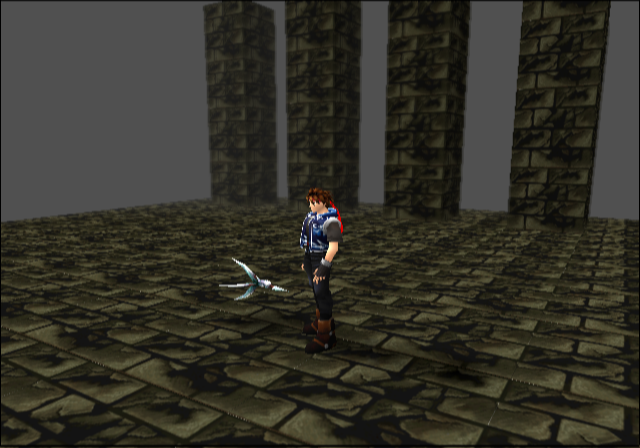
Selecting anything here will send you to a test map with the monster number you chose.