 This article has a talk page!

|
To do: |
Minesweeper, now for the new age of mobile apps except for computers.
Debug Menu#

|
This needs some investigation. |
 |
Download Microsoft Minesweeper Debug Files File: MicrosoftWindows8Games-DebugFiles.rar (9 KB) (info) |
Like the other Microsoft games developed by Arkadium, in /Common/DebugModule/ there are 5 .xbf files containing data for a debug menu. There is a sixth debug file, AdModuleDebug.xbf, stored in /Arkadium.Advertisement/View/.
Regional Differences#
Note: this section only applies to version 3.1.9160 (and possibly earlier). Version 4.x doesn't have a garden theme at all.
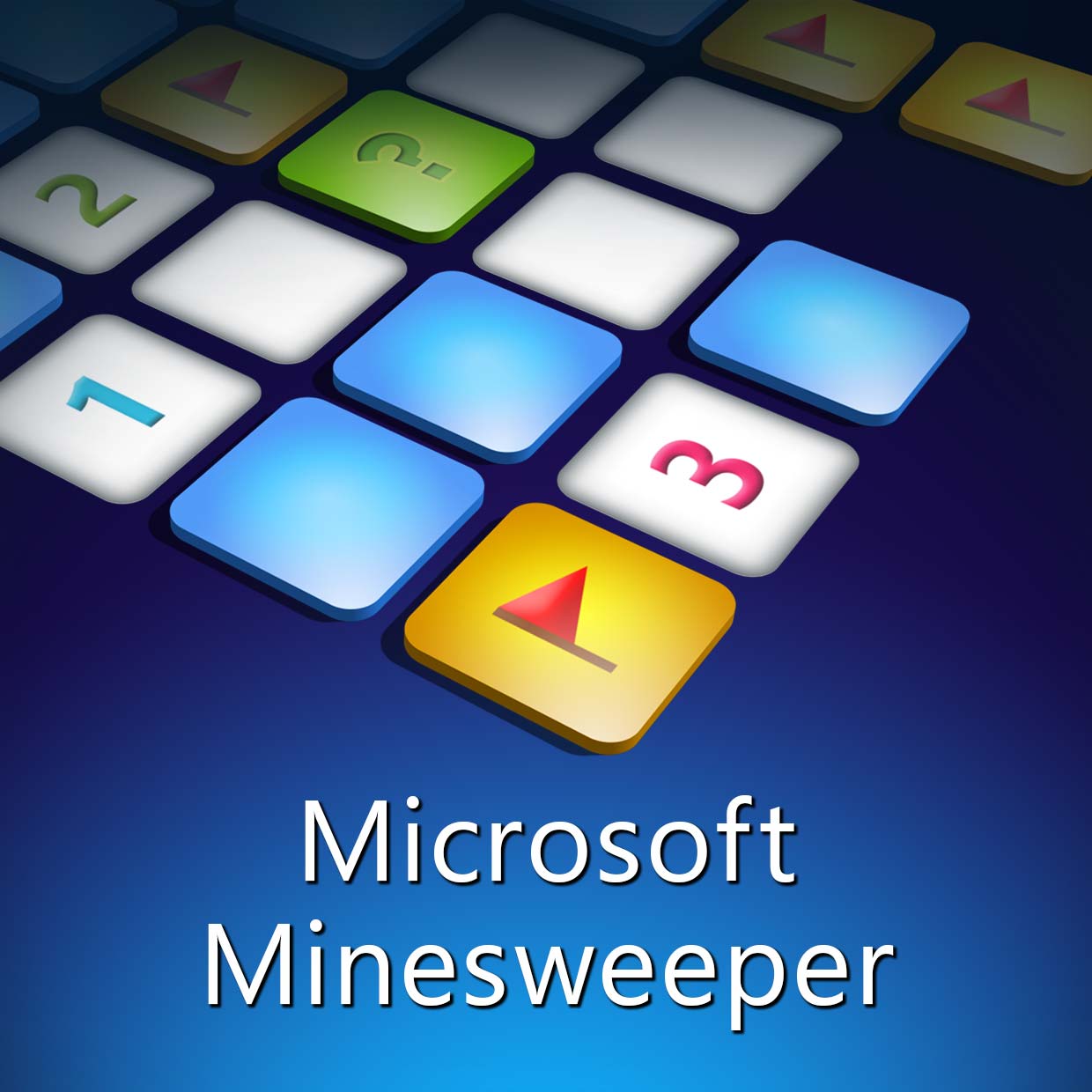
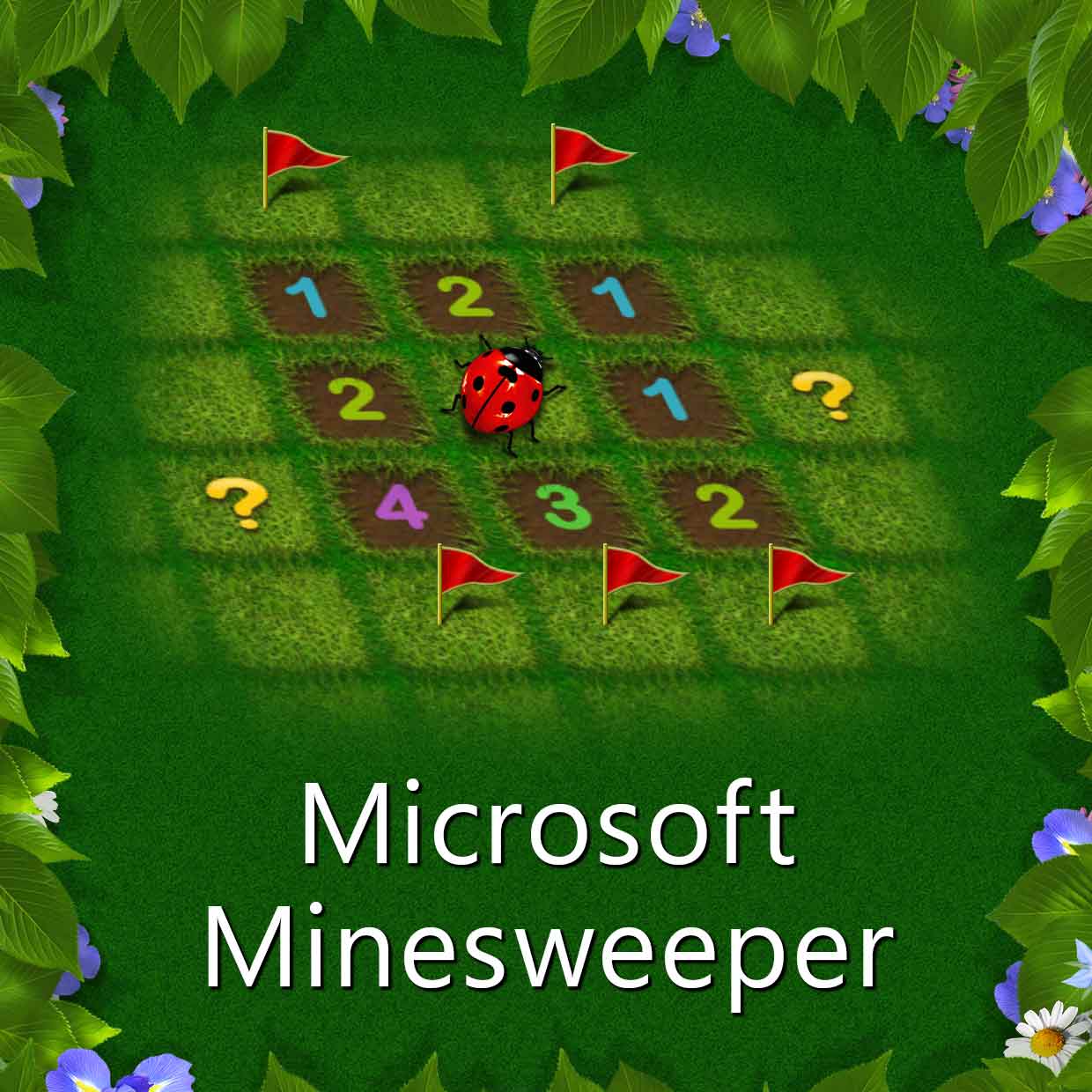
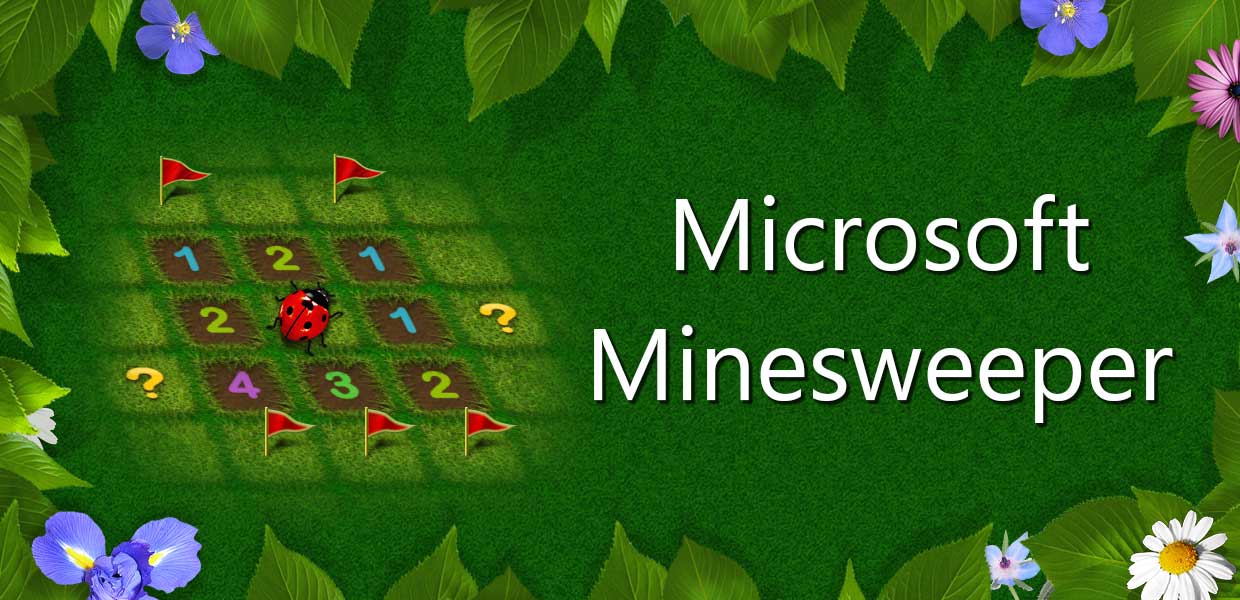
When the game is in Italian, Serbian, Simplified Chinese, or Traditional Chinese, "modern theme" disappears, and only "garden theme" is available. The tile image is also changed to depict the garden theme. (Note that Metro apps follow the "preferred languages" list, and not the "Windows display language")
English |
Italian |
|---|---|
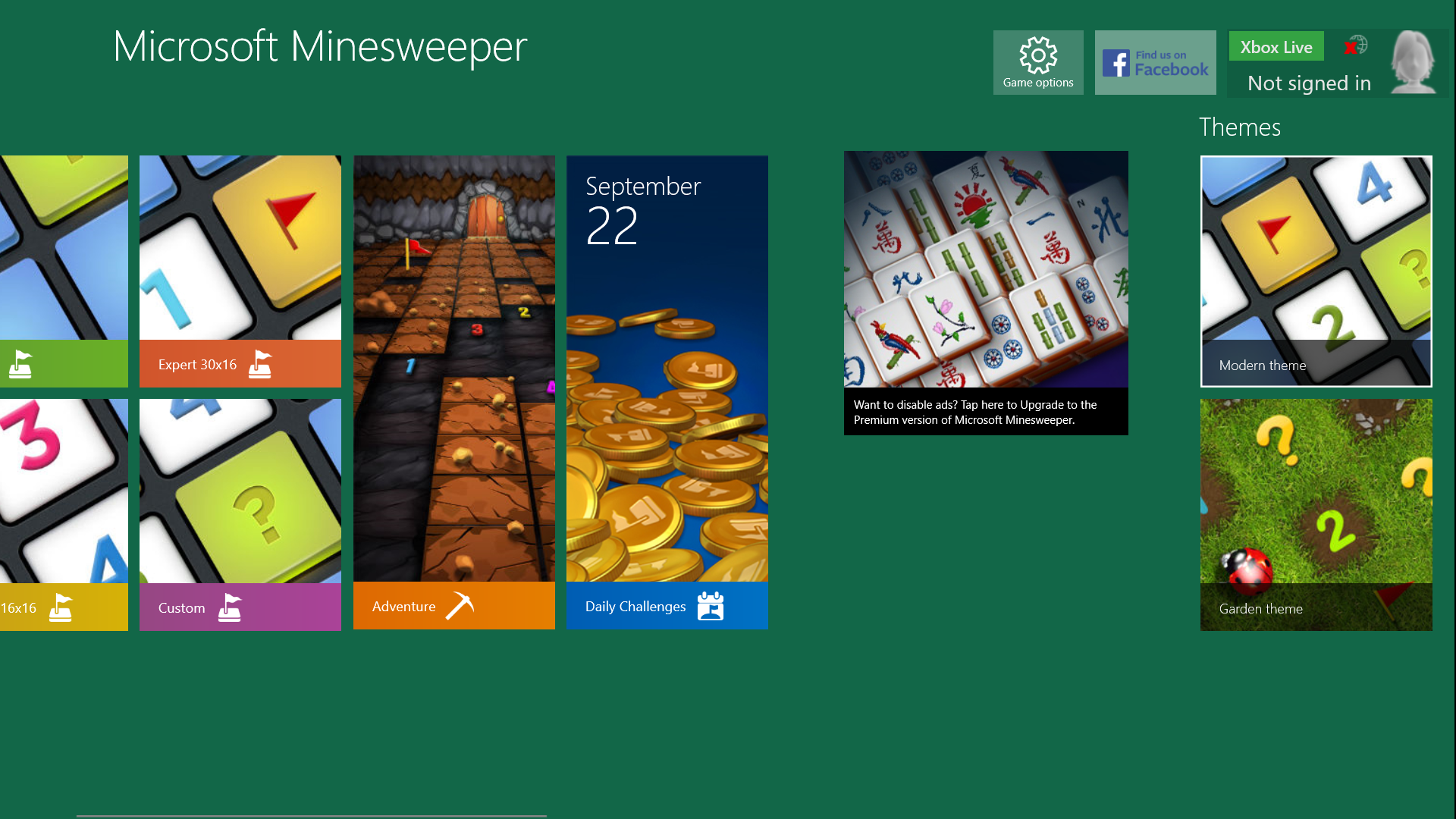 |
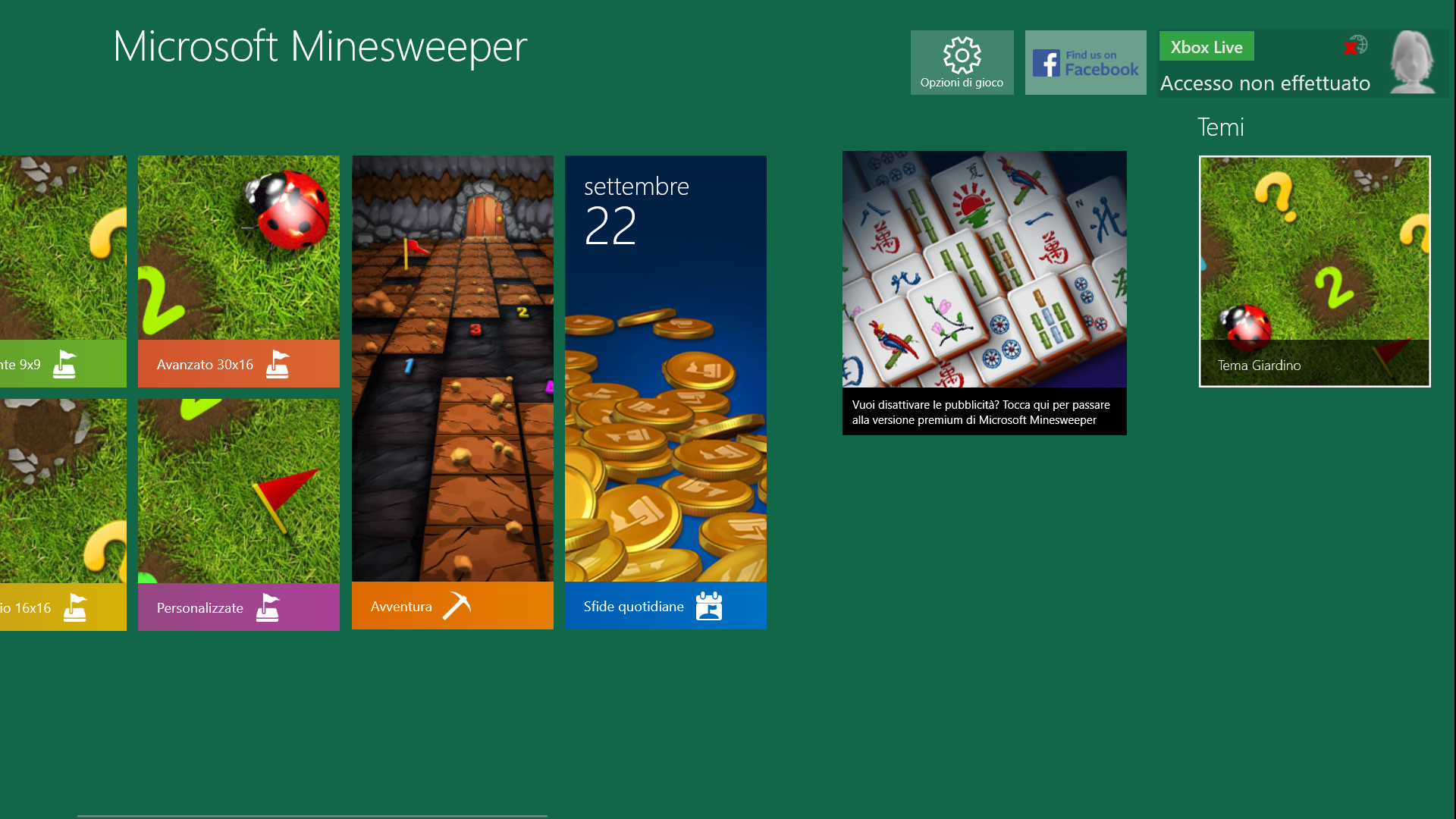 |
Modern |
Garden |
|
|---|---|---|
LargeTile |
 |
 |
MediumTile |
 |
 |
SmallTile |
 |
 |
WideTile |
 |
 |
Version Differences#
Version 4.x is a rewrite that brings it closer to the current (as of 2022) version of its cousin Microsoft Solitaire Collection.
Version 3.x and older are made with .NET and XAML (they have dependencies `Microsoft.NET.Native.Framework.2.2` and `Microsoft.NET.Native.Runtime.2.2`). Version 4.x onwards are made with Unity.
Like Microsoft Solitaire Collection, version 4.x of Microsoft Minesweeper comes with a redesign that matches Windows 11 visual styles, along with a UI overhaul.
|
The Minesweeper series | |
|---|---|
|
Windows |
Minesweeper (1990) (Prototypes) • Minesweeper (2007) • Microsoft Minesweeper |
|
Game Boy |
|