 This article has a talk page!

|
This page contains no introduction. |
Debug Options#
Debug Menu#
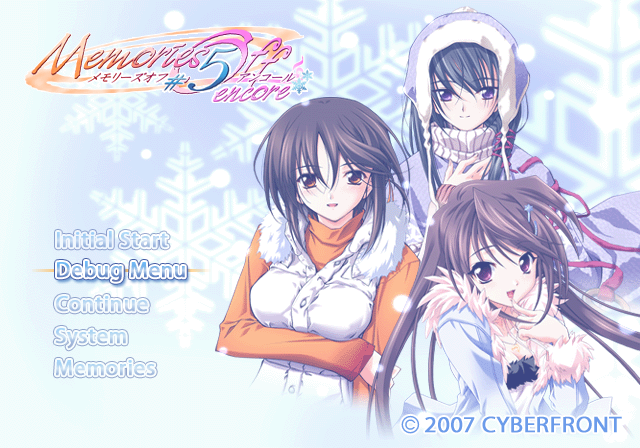
This menu contains various options to view background images, event images, and unlock certain options. It also contains various route select options. Apply the below code to make Debug Menu appear in the main menu.
Debug Menu in Main Menu
003C32E0 00000088


Page 1:
Text |
Translation |
Notes |
|---|---|---|
次頁 |
Next page |
Next page. |
★最初から始める★ |
Start from the beginning |
Starts a new game. |
クイックスタート |
Quick start |
Sends you to the title screen. |
ファイル別実行 |
Run file |
Event select menu. |
システムフラグの設定 |
System Flag Settings |
Sets various system-related parameters. |
各エンドクリア処理 |
End Clear Process |
Sets route clear flags. |
タイトルへ戻る |
Return to title |
Returns to the title screen. |
Page 2:
Text |
Translation |
Notes |
|---|---|---|
次頁 |
Next page |
Next page. |
メッセージチェック(連続) |
Message Check (continuous) |
Displays various text messages. |
メッセージチェック(ファイル別) |
Message Check (by file) |
Allows you to select messages based on the event files. |
メッセージチェック(キャラ別) |
Message Check (by character) |
Allows you to select messages based on character files. |
フローチェック(MSG+選択肢) |
Flow check (MSG + choice) |
It's not clear what's different about this option. |
フローチェック(選択肢のみ) |
Flow check (only choices) |
Shows story choices only. |
クイックセーブチェック(タイトル) |
Quick save check (title) |
Doesn't work. Would likely test title background images. |
クイックセーブチェック(選択肢) |
Quick save check (choices) |
Doesn't work. |
Page 3:
Text |
Translation |
Notes |
|---|---|---|
次頁 |
Next page |
Next page. |
イベントCGチェック |
Event CG check |
Cycles through all of the CG images. |
背景BGチェック |
Scenery BG check |
Cycles through all of the background images. |
キャラチェック |
Character check |
Doesn't appear to work. |
顔窓チェック |
Face window check |
Doesn't work. |
キャラカラーチェック |
Character color check |
Displays a menu for background CGs to view. |
BGMチェック |
BGM check |
Doesn't work. |
SEチェック |
SE check |
Doesn't work. |
ムービーチェック |
Movie check |
Allows you to view the game's movies. |
(Source: Original TCRF research)
Debug Flags#
The below codes set bypass methods for unlocking certain portions of the game.
Debug Unlock All Album
10A3B4EA 00000001
Debug Unlock All Menu Options
10A3B4E6 00000001
Debug Unlock All Movies
10A3B4EE 00000001
Debug Unlock All Encyclopedia
10A3B4F2 00000001
Debug Unlock All Music
10A3B4EC 00000001
Debug Unlock All Shortcut
10A3B4E8 00000001
Unused Images#
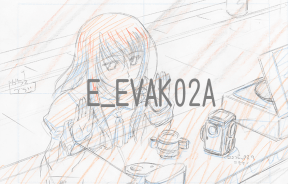
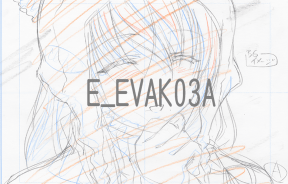
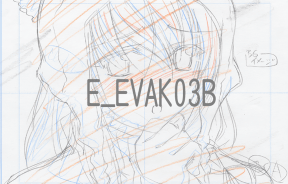
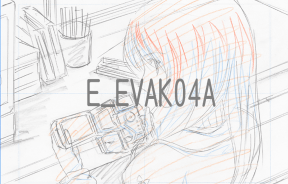
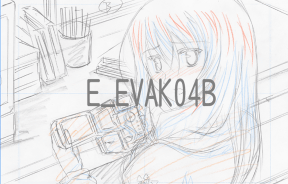
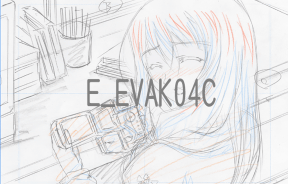
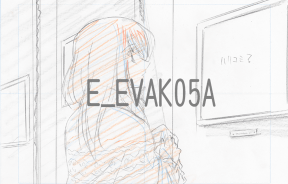
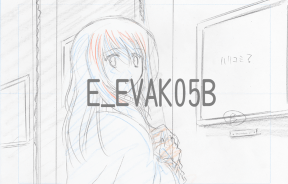
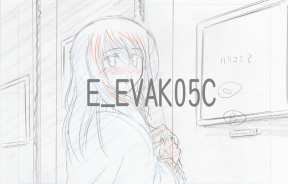
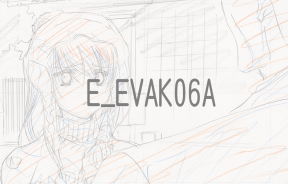
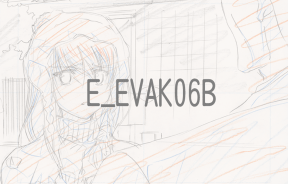
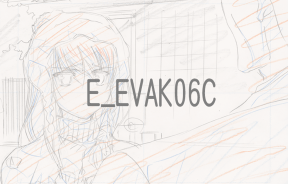
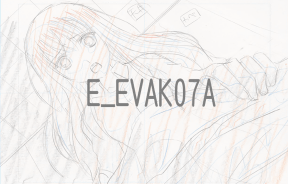
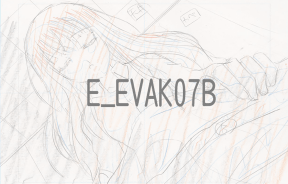
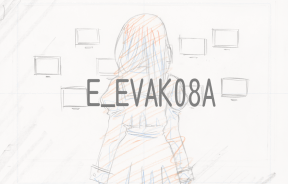
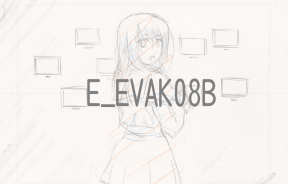
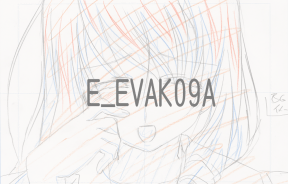
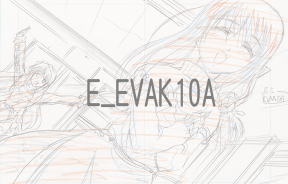
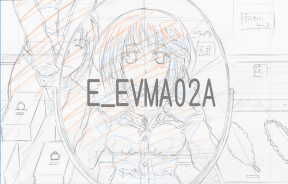
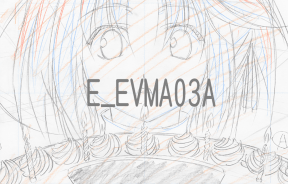
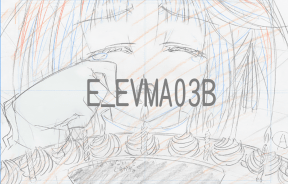
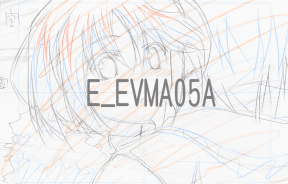
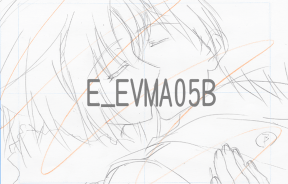
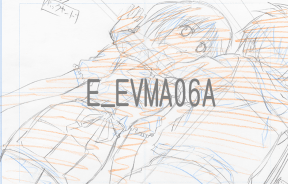
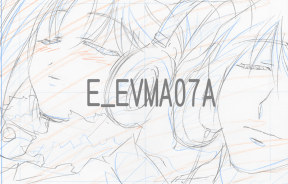
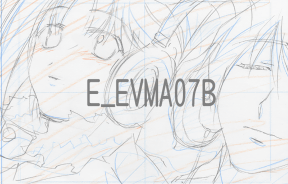
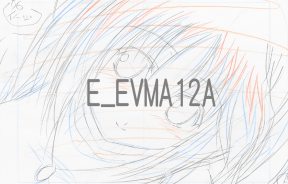
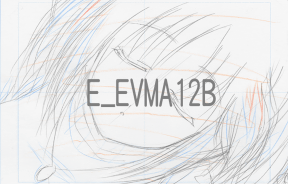
Rough drafts of event images seemingly left over from early in development.









Progressive Display Mode (640x480p)#
Holding Triangle + X when the game is first starting up will allow you to turn on progressive mode.