
|
This page contains no introduction. |

|
To do: |
Debug Menu#
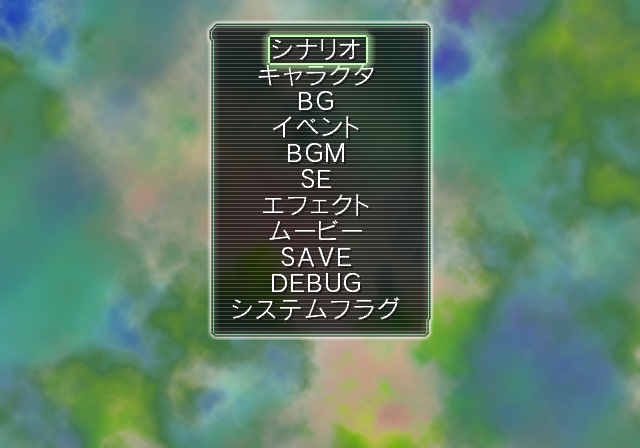
A decent sized debug menu can be accessed with the below code. This menu allows you to view all of the images in game, play all of the SFX, test controller vibration options, unlock everything and select any of the game's events. This debug menu can also be found in Aria The Origination: ~Aoi Hoshi no El Cielo~.
Master Code (Only needed for cheat devices)
90205D98 0C08170E

Enable Debug Menu
0010D4B0 00000000
D0478782 0000FFFE
202727E4 00000000
With the above code on, you will enter the debug menu when you first start up the game. At anytime, to go back to it, press and hold Select button while entering any mode, such as the Options menu.
Text |
Translation |
Notes |
|---|---|---|
シナリオ |
Scenario |
Sends you to a list of story related scenes to choose from. |
キャラクタ |
Character |
Allows you to view all of the character portraits. |
BG |
BG |
Allows you to view all of the background images. |
イベント |
Event |
Allows you to view all of the event images in the game. |
BGM |
BGM |
Plays only one song. |
SE |
SE |
Goes through all of the SFX in the game. Also contains descriptions of the SFX. |
エフェクト |
Effect |
Sends you to a menu where you can test screen effects. |
マービー |
Movie |
Allows you to watch all of the movies in the game. |
SAVE |
SAVE |
Sends you to the save menu. |
DEBUG |
DEBUG |
This appears to be the same as the Scenario option. |
システムフラグ |
System Flag |
Unlocks everything in the game when selected. |
(Source: Original TCRF research)
Scenario#

This menu allows you to view all of the story related scenes of your choice.
Character#
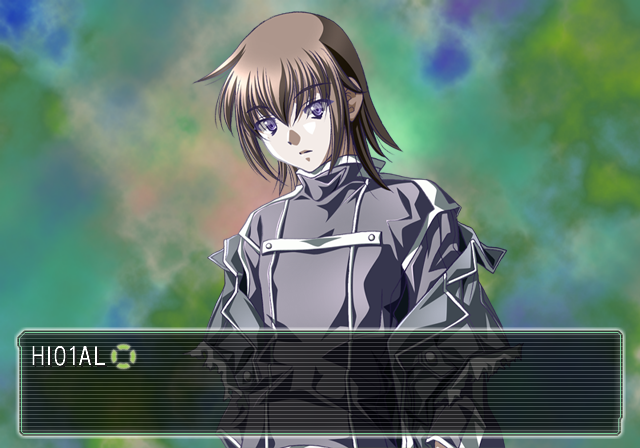
This option allows you to view all of the character portraits in the game.
Event#
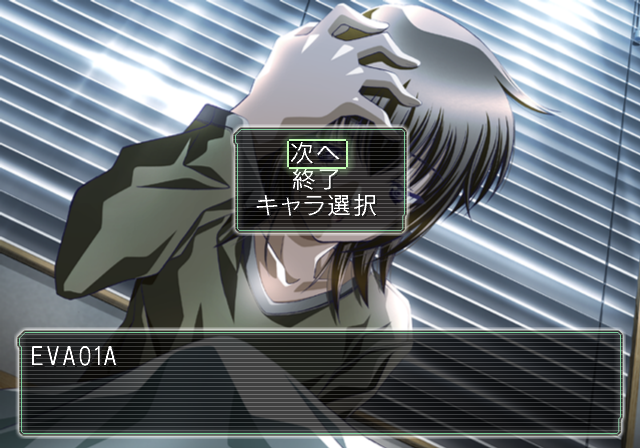
This allows you to view all of the event CGs in the game.
SE#


This option allows you to listen to all of the SFX in the game. It also contains descriptions of every SFX.
Effect#
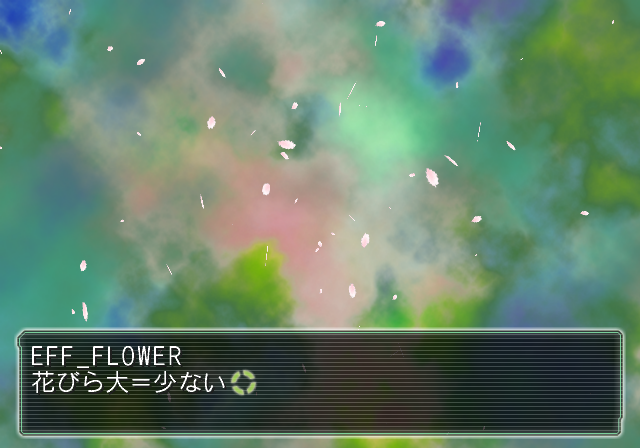
This lets you test various screen effects, such as the weather.
Miscellaneous Debug Functions#
File Editor#


This option would let you edit files, presumably bring up a hex editor-like window, boot files, and play movies. However, none of that works anymore.
Enable File Editor At Boot
0010D4B0 00000019
Test Text#

A small test option which displays the alphabet and some other text can be enabled with the below code. It will display this then start a new game normally.
Replace New Game with Test Text
0014D254 00000011