 This article has a talk page!
One of two ports of the Windows adult visual novel Green Green, focusing on the "solitude" romance part of the game.
Unused Scripts#
Activating the below code will enable an unused script when starting a new game.
New Game = Unused Script
D0B244F2 00000342
10B244F2 0000????

For ???? replace with one of the following:

00FC = DEBUG.DAT
00FD = DUMMY_1.DAT
00FE = DUMMY_2.DAT
(Source: Original TCRF research)
DEBUG.DAT#


Left Screen
Japanese |
English |
|---|---|
イベント分岐 |
Event Divergence |
日程分岐 |
Schedule Divergence |
Right Screen
Japanese |
English |
|---|---|
旧キャラ(5人) |
Former Characters (5 people) |
新キャラ(4人) |
New Characters (4 people) |
サブキャラ |
Sub Characters |
その他(OP・グリーンイベント・バッドエンド) |
Others (OP・Green Event・Bad Ending) |
朝・晩 |
Morning・Night |
This allows you to choose from event scenes in the game to watch.
DUMMY_1.DAT#
This tests various scripts, such as looping sound effects (which has a cat meow on repeat the entire script), various fade in / out effects and so forth.
DUMMY_2.DAT#
Japanese |
English |
|---|---|
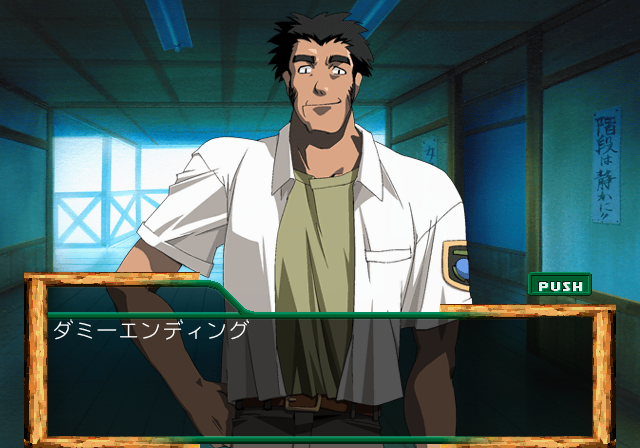
ダミーエンディング |
Dummy Ending |
This script tests a fake ending.
Printf Logging#
Within the game is a stubbed printf function which would have logged various background information to a debug unit. This logs information such as files loaded and memory information. It would also report errors if any occurred. To re-enable this mode, apply the below code:
Re-enable Printf Logging
201E1D14 FFBF0018
201E1D18 0C046030
201E1D1C 00000000
201E1D20 DFBF0018
201E1D24 03E00008
201E1D28 27BD0050
If you are playing the game on a regular PlayStation 2, you will need to use a TOOL, RDB, or a debug version of OPL to view the logs. If you are playing on an emulator, you can see this information by enabling the option "Show Console".
Unused Images#
Below are several images not referenced by any script.

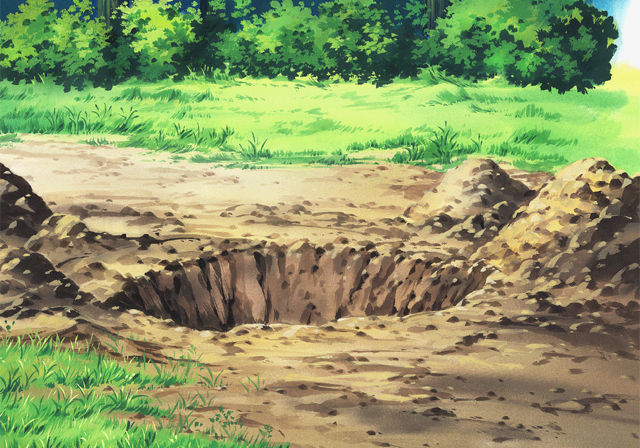


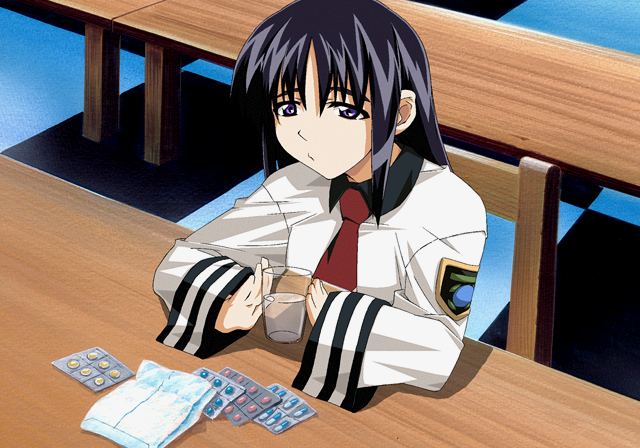
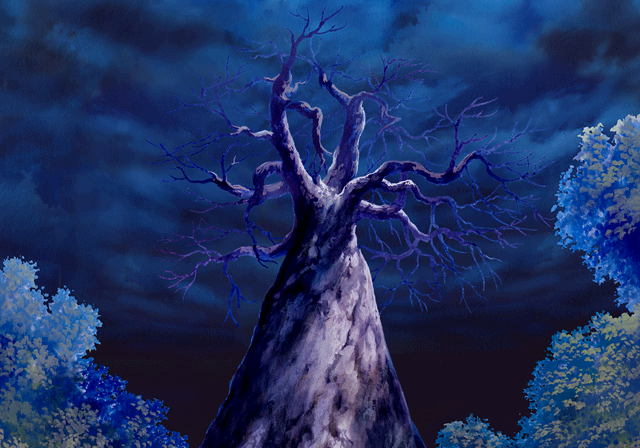
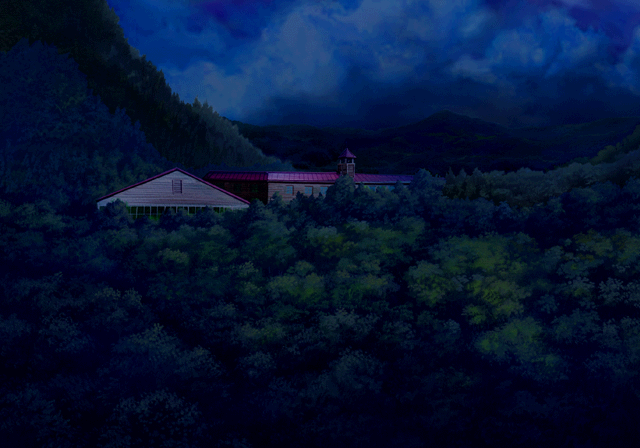

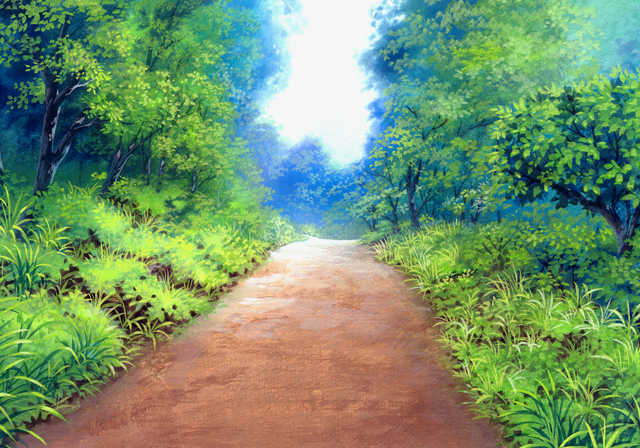
(Source: Original TCRF research)