 This article has a talk page!

|
This page contains no introduction. |

|
This page is rather stubbly and could use some expansion. |
Debug Mode#
left To access the game's debug mode, enable the Pro Action Replay code 0080F606 and then perform a soft reset.
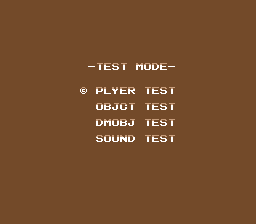
The debug mode consists of a player sprite viewer, two object viewers, and a sound test. To exit the debug mode, turn the game off and on, or disable the code and perform another soft reset.
Player Test#
left This screen is for viewing all available player frames. Hold Up or Down, then press Y to move forward/back one frame or B to move forward/back 16 frames.
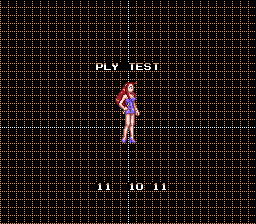
The game doesn't do any bounds checking for frame numbers, so be careful not to go higher than A4 or else the game will crash.
Object/dmobj Test#

|
This needs some investigation. |
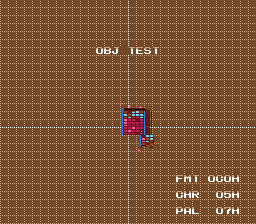
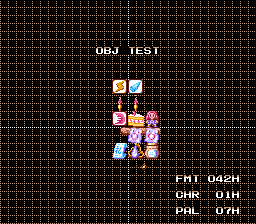
These two screens are similar to the player test screen, but are for viewing background pieces and other sprites. The controls are different from the previous screen; hold one of these and press Up/Down:
- Y to change FRM by one
- B to change FRM by 16 (10 in hex)
- X to change CHR by one
- A to change PAL by one
Pressing Start will refresh(?) the screen, while pressing Select will display some graphics with the currently selected parameters on a few screens which can be cycled through by pressing Up/Down.
Sound Test#
|
|
This needs some investigation. |
left Yes, it's another one of these.
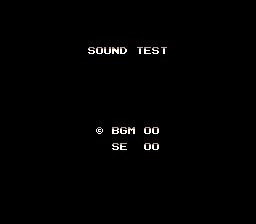
Press Select to switch between BGM and SE, Up/Down to increase/decrease the selected music/sound effect, Y to start, and Start to stop. When you stop a song, you can't start the same song again. Simple, right?
(Source: Original TCRF research)