
|
This page contains no introduction. |

|
To do: |
Debug Menus#
A few debug menus can be enabled with the below code. While in-game, press the buttons labeled below to enable different menus.
EU Code:

Enable Debug Menus
D046B09E 0000FBFD
2045B1E0 00280060
D046B09E 0000FEFD
2045B1E0 002810E0
D046B09E 0000FDFD
2045B1E0 002805F0
D046B09E 0000F7FD
2045B1E0 00292100
D046B09E 0000FFFE
2045B1E0 0016CD40
With the above code on, press one of the following buttons to bring the debug menus on-screen:
- L3 + L1 for BGM Test.
- L3 + L2 for Voice Test.
- L3 + R2 for SE Test.
- L3 + R1 for Demo Viewer.
- Select to exit.
(Source: Original TCRF research)
BGM Test#
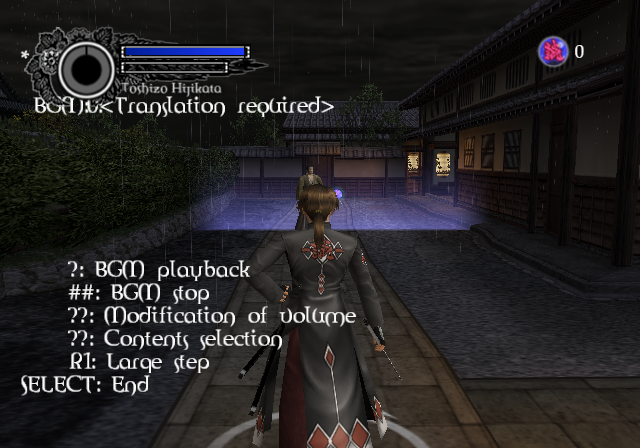
This menu lets you play the game's music. It is also half translated.
Controls:
- D-Pad Up / Down to increase / decrease volume.
- D-Pad Left / Right to change BGM. Hold R1 while pressing D-Pad Left / Right to increase the current item by a lot.
- Circle to play BGM.
- X to stop BGM.
Demo Viewer#
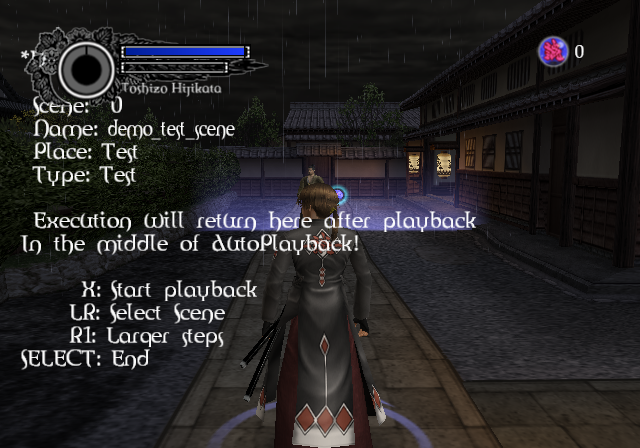
This menu lets you view all of the in-game cutscenes.
SE Test#
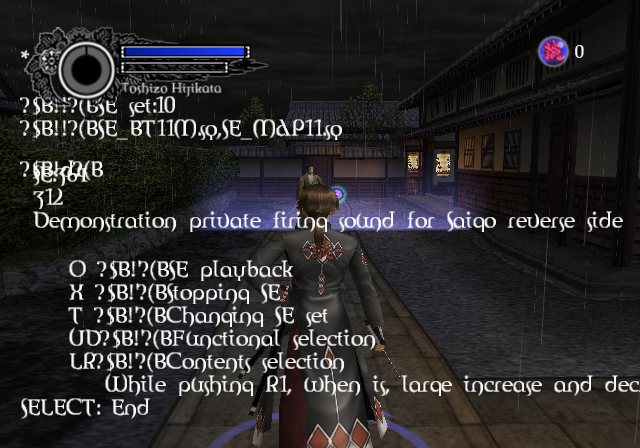
This menu lets you play all of the game's SFX.
Controls:
- D-Pad Up / Down to move up / down.
- D-Pad Left / Right to change sound.
- Circle to play SE.
- X to stop SE.
Voice Test#
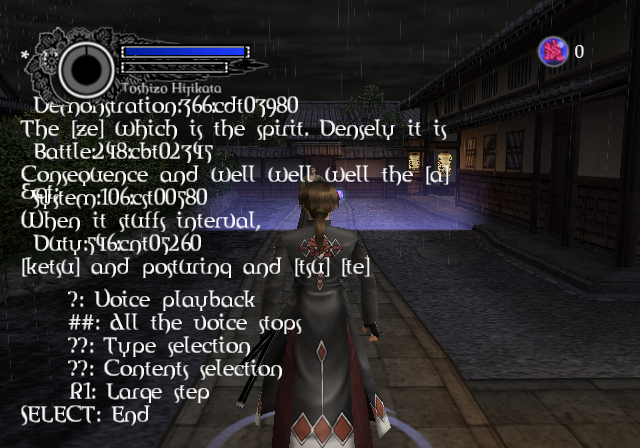
This menu lets you play all of the game's voices.
Controls:
- D-Pad to move through the menu. Hold R1 while pressing D-Pad Left / Right to increase the current item by a lot.
- Circle to play the current item.
- X to stop all sounds.