 This article has a talk page!
This sequel to Heart no Kuni no Alice is one of the many dating simulation games for the PlayStation 2.
Debug Mode#
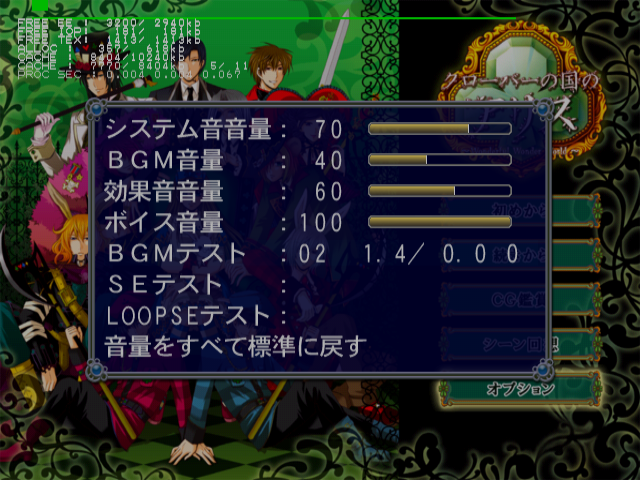
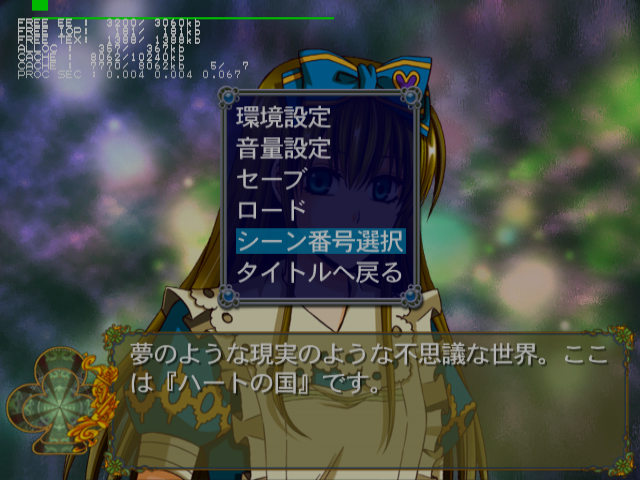
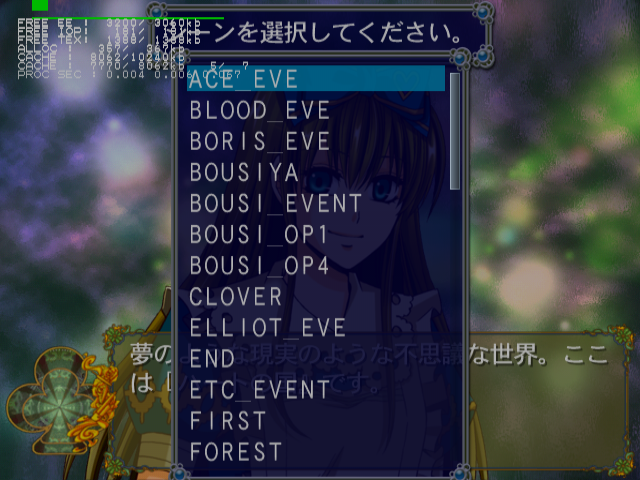
This mode enables a screen capture debug mode, an event select menu, debug information, and sound test options.
Once you have enabled Debug Mode and saved while it is active, you will no longer need to activate the code.
Master Code (only needed for cheat devices)
901D96B8 0C076556

Enable Debug Mode
203DF7E0 00000001
Controller #1 debug inputs:
- Triangle + Circle + X + Square + Start will return you to the title screen.
- Select + Triangle will enable or disable progressive mode.
Controller #2 debug inputs:
- Circle to toggle debug modes. Press this once or twice to enable sound test options in the Sound Settings menu in the Options menu. This will also open a scene select menu in the pause menu in-game.
- Select for screen capture menu. This will save an image in raw bmp (bitmap) format to your memory card.
- Triangle to log printf information.
- Square to toggle Debug flag on or off. This will temporarily unlock everything when on.
- X to log printf information.
- R1 to log printf information.
(Source: Punk7890)
Progressive Display Mode (640x480p)#
Holding Triangle + X when the game is first starting up will allow you to turn on progressive mode.
|
The Kuni no Alice series | |
|---|---|
|
PlayStation 2 |
Heart no Kuni no Alice: Wonderful Wonder World • Clover no Kuni no Alice: Wonderful Wonder World |