Bravely Default II is the third main game in the Bravely series.
Unused Maps#
An easy way to load maps is to use "Universal Unreal Engine 4 Unlocker", which "re-creates the in-game console (which is usually stripped out in released games)". The console command open
Switch Version Demo#
The game's main folder and pak file are named "Sunrise" internally.
The folder SunriseTrial-E/Content/Maps/Test/BattleTest contains a couple maps not found in the retail versions. These were extracted from the demo NSP's .pak file, repacked into a mod file, and loaded on the PC version.
BattleSequenceBuild#
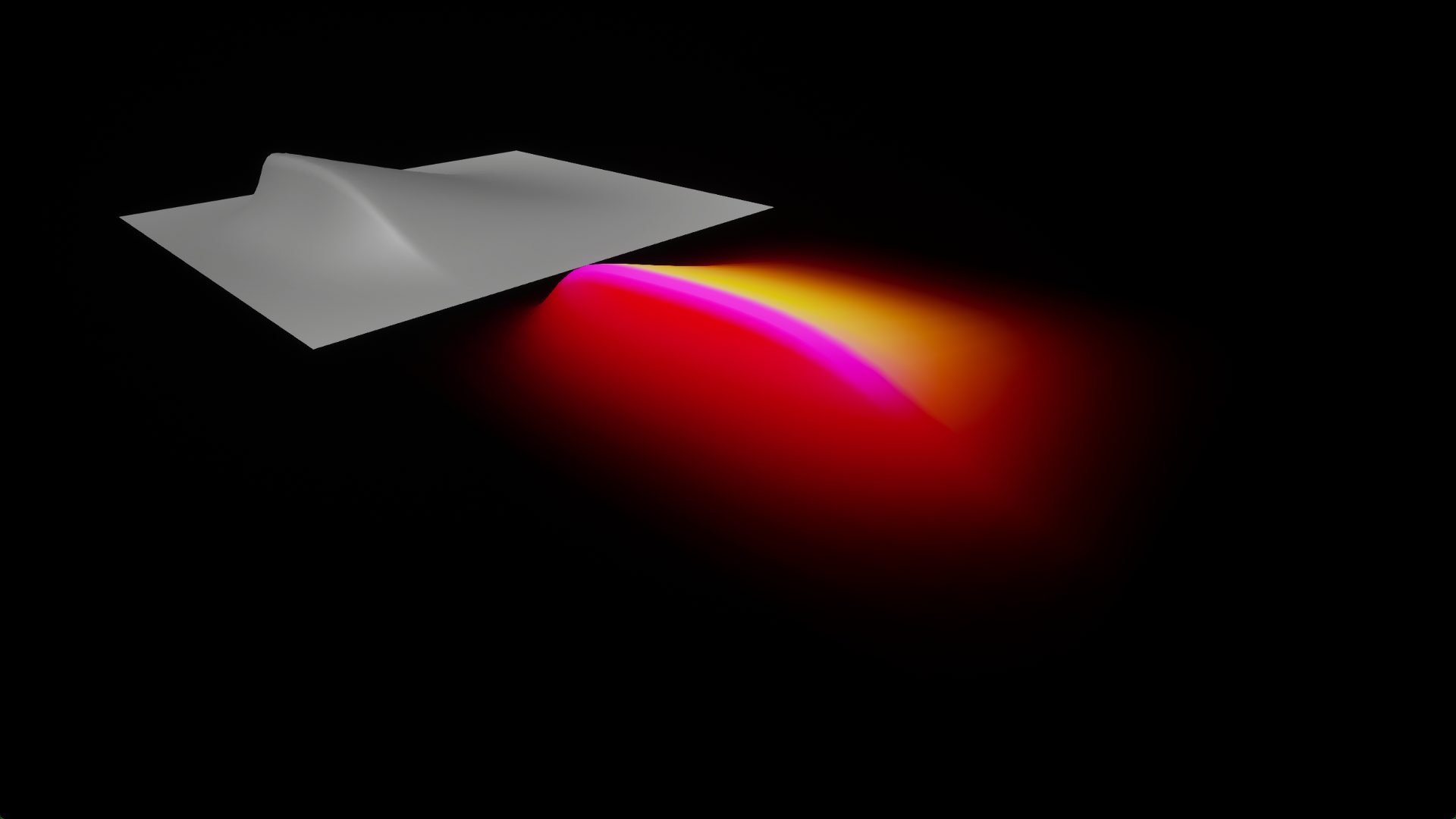
A few models sit on top of a small square platform.
BattleSequenceViewer#
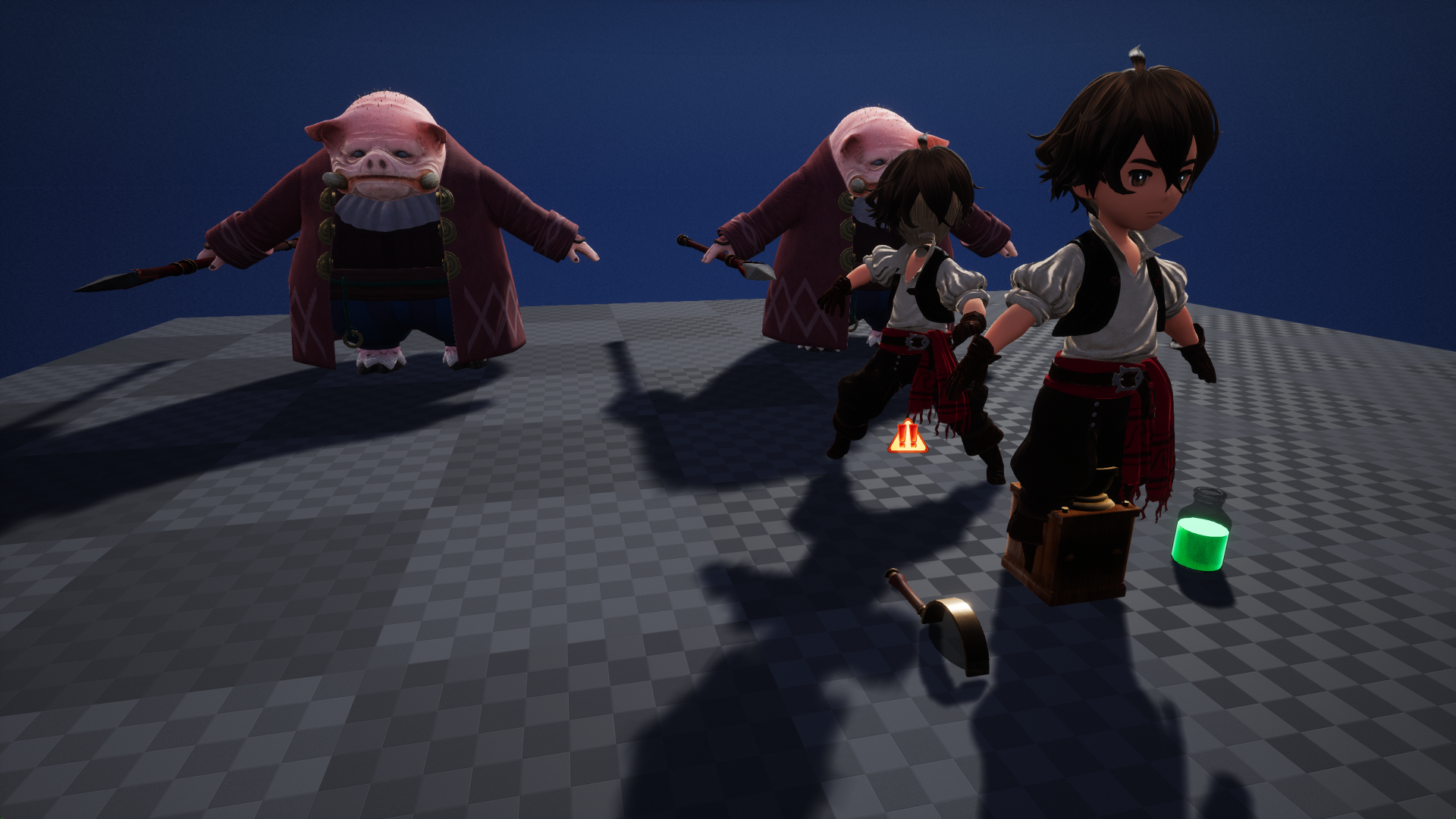
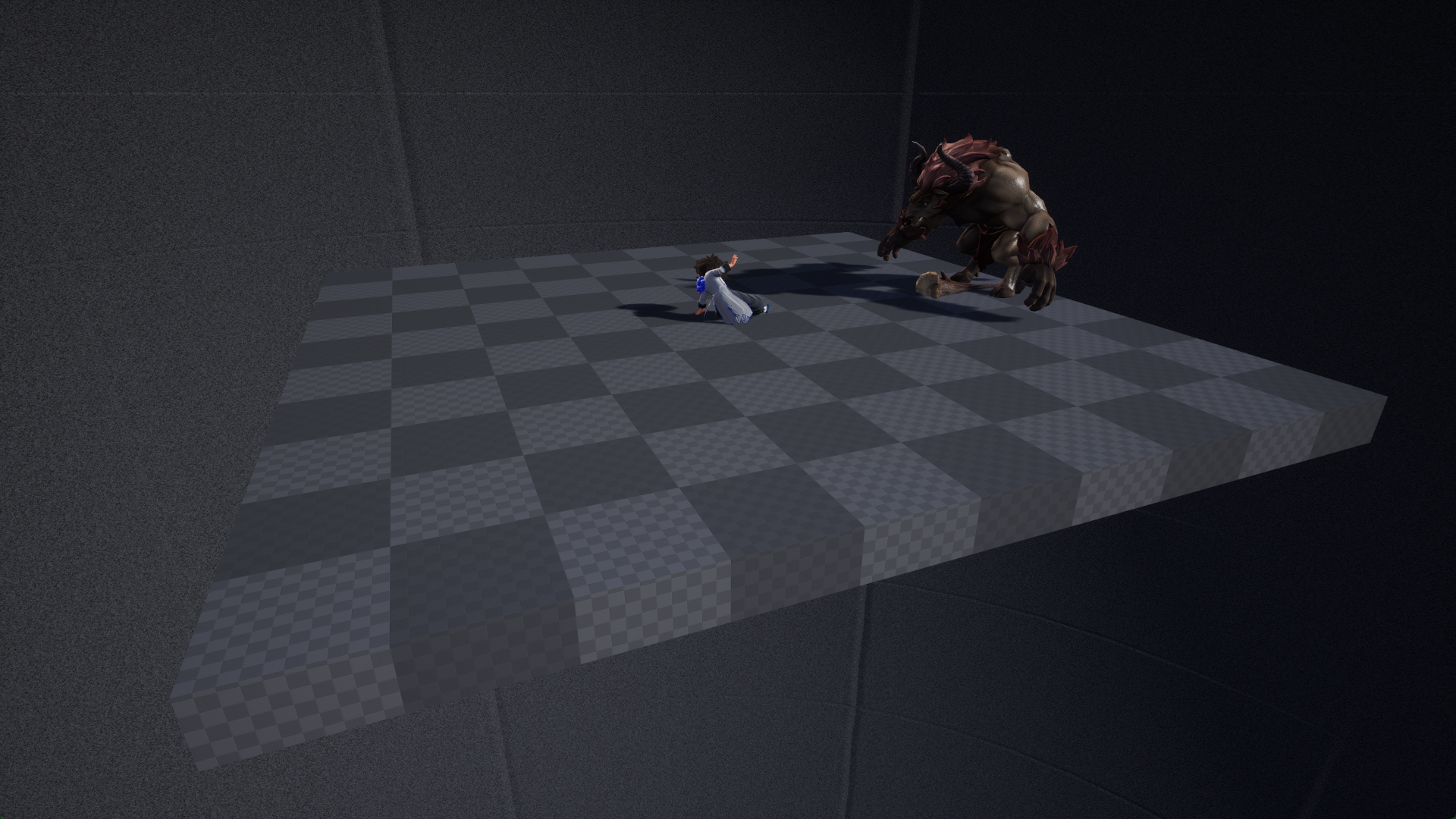
Seth and Gloria stand in front of two enemies. They each have an icon on top, and are in their default battle idle animations. They stand on top of a square plane with a dark placeholder texture.
BattleHub_Parent#
Bravely_Default_II/Content/Debug/Maps/BattleHub
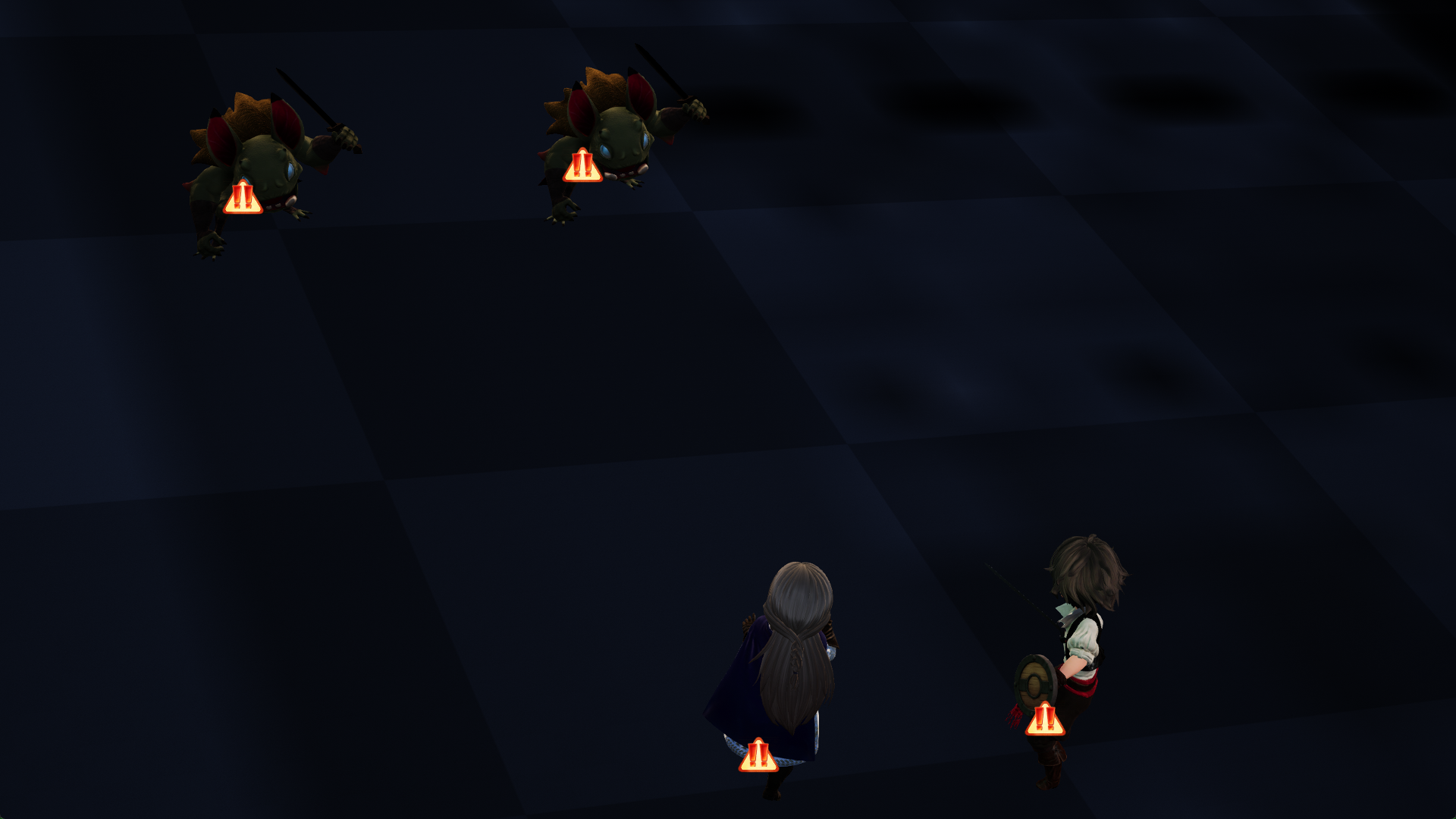
A debug menu that lets you set up test battles. You can configure enemy parties, which map to use, and toggle preemptive and Brave attack on/off.
バトルメニュー (Battle Menu)
- 敵パーティ
- (List of monster mobs)
- マップ
- (List of maps)
- 先制攻擊
- BBAE_Default
- BBAE_Player
- BBAE_Monster
- ブレイブアタック
- BBAE_None
- BBAE_Player
- BBAE_Monster
- スタート [+ボタン]
 |
 |
 |
 |
 |
 |
BattleHub#
Bravely_Default_II/Content/Debug/Maps/BattleHub
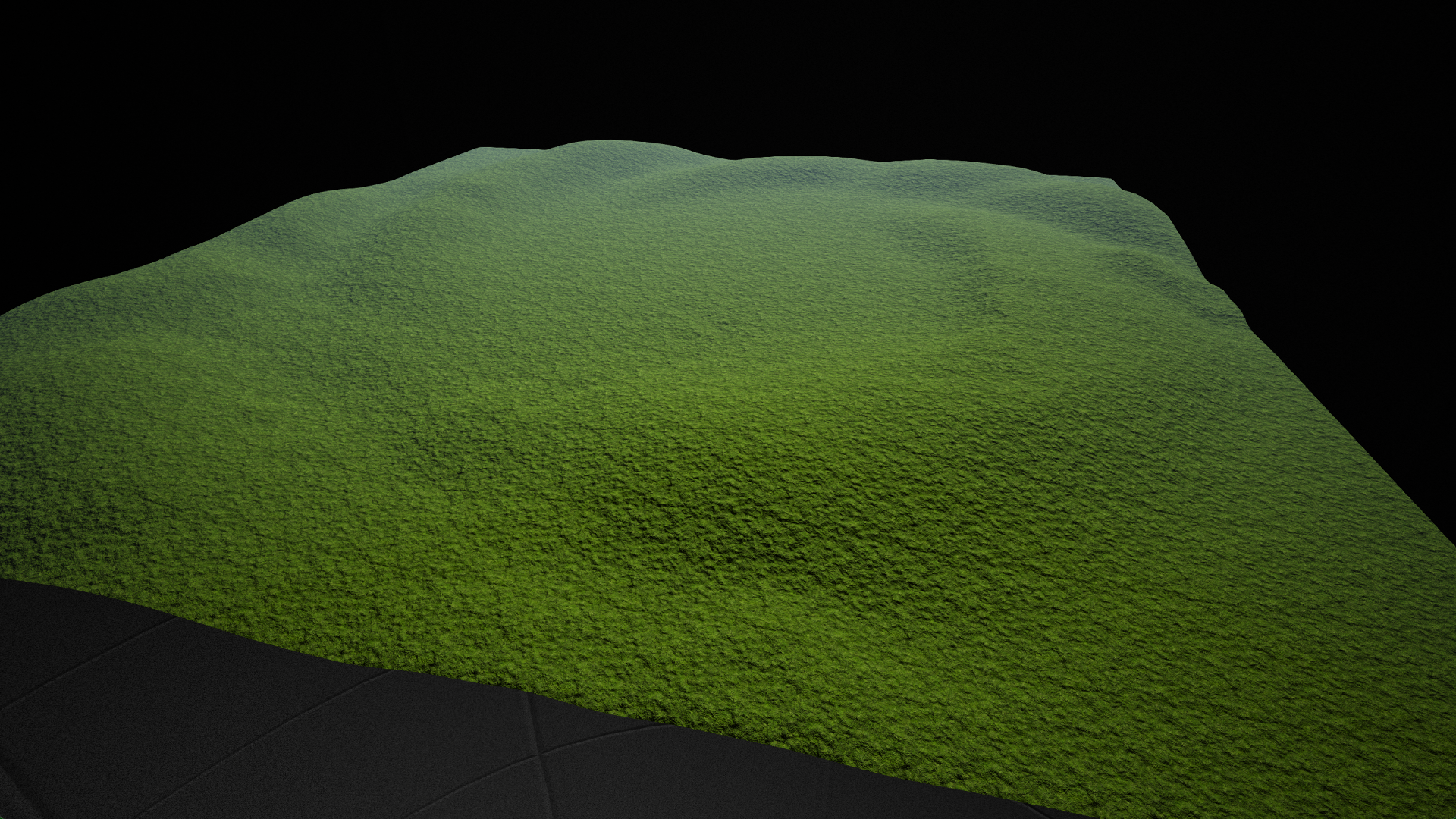
A simple square grass plane.
CharacterViewer#
Bravely_Default_II/Content/Debug/Maps/CharacterViewer
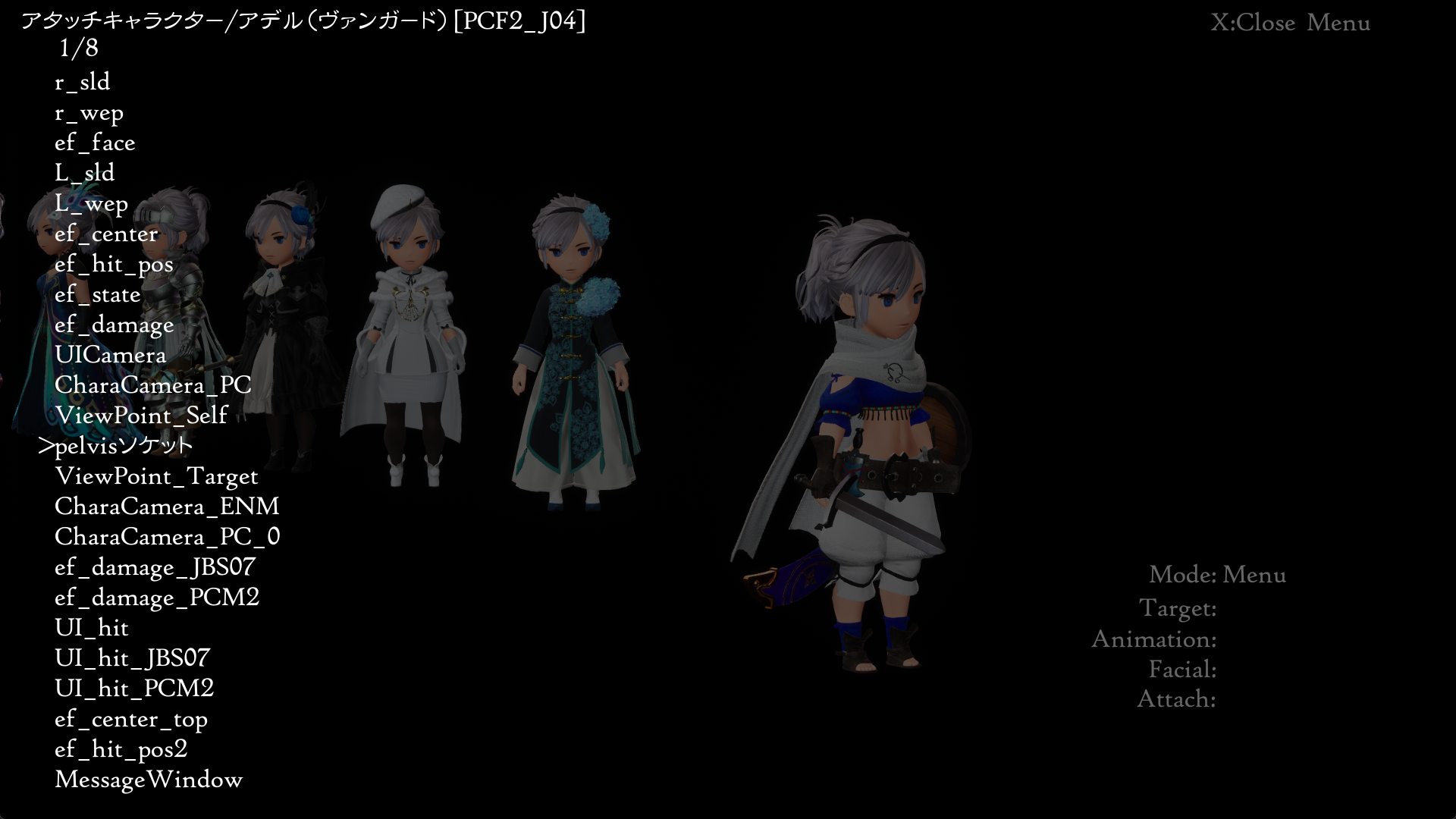
A fairly robust character viewer. Use D-Pad Up/Down to select mode, use D-Pad Left/Right to change the "Target". You can open a submenu when Character or Effect mode is on. You can also pause the animations, as well as take high quality screenshots here. The Modes you can select are:
- Camera
- Character
- Effect
- Light
- Wind
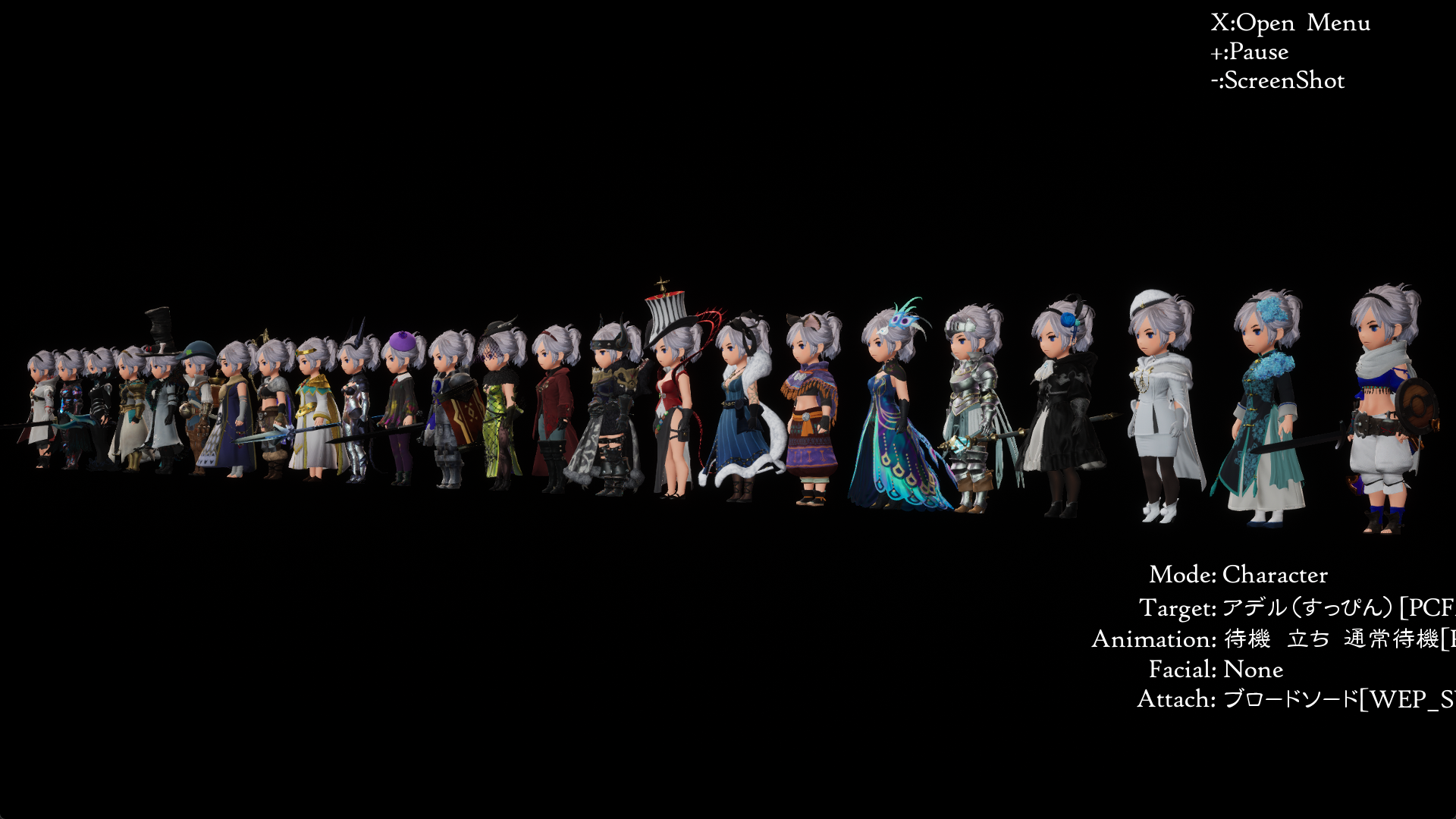
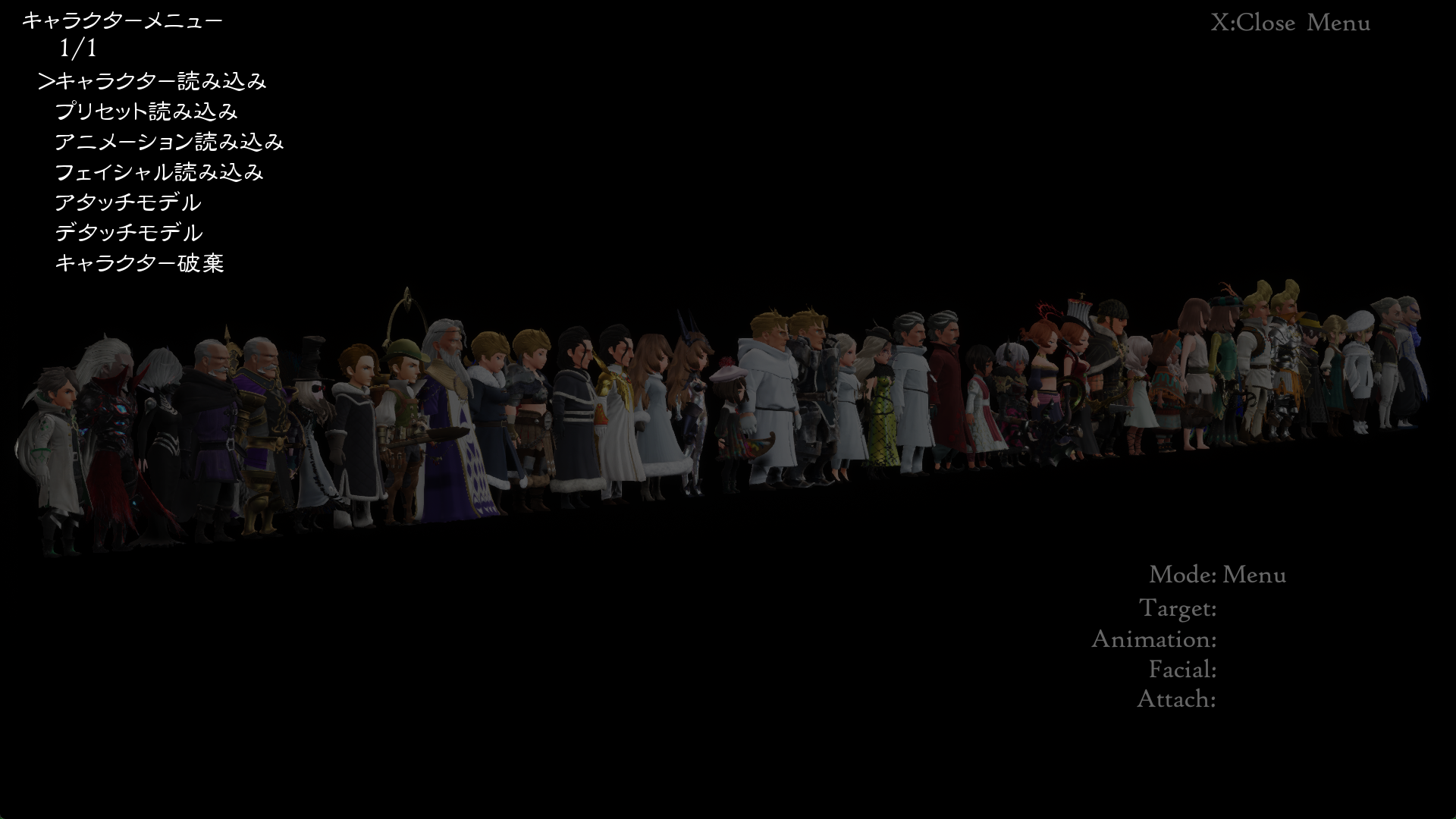
キャラクターメニュー (Character Menu)
- キャラクター読み込み - load a single model
- プリセット読み込み - loads multiple models
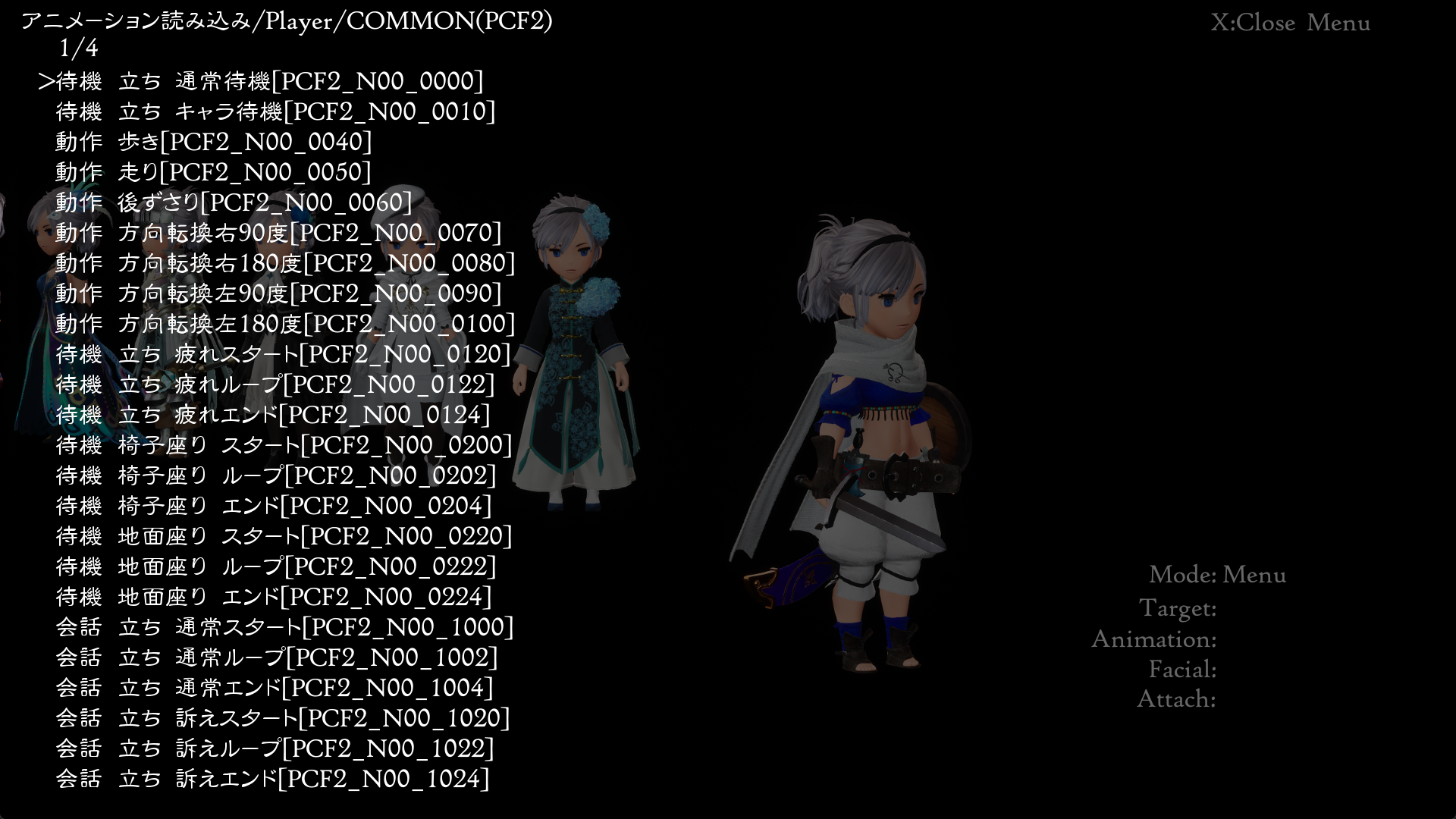
- アニメーション読み込み - loads an animation
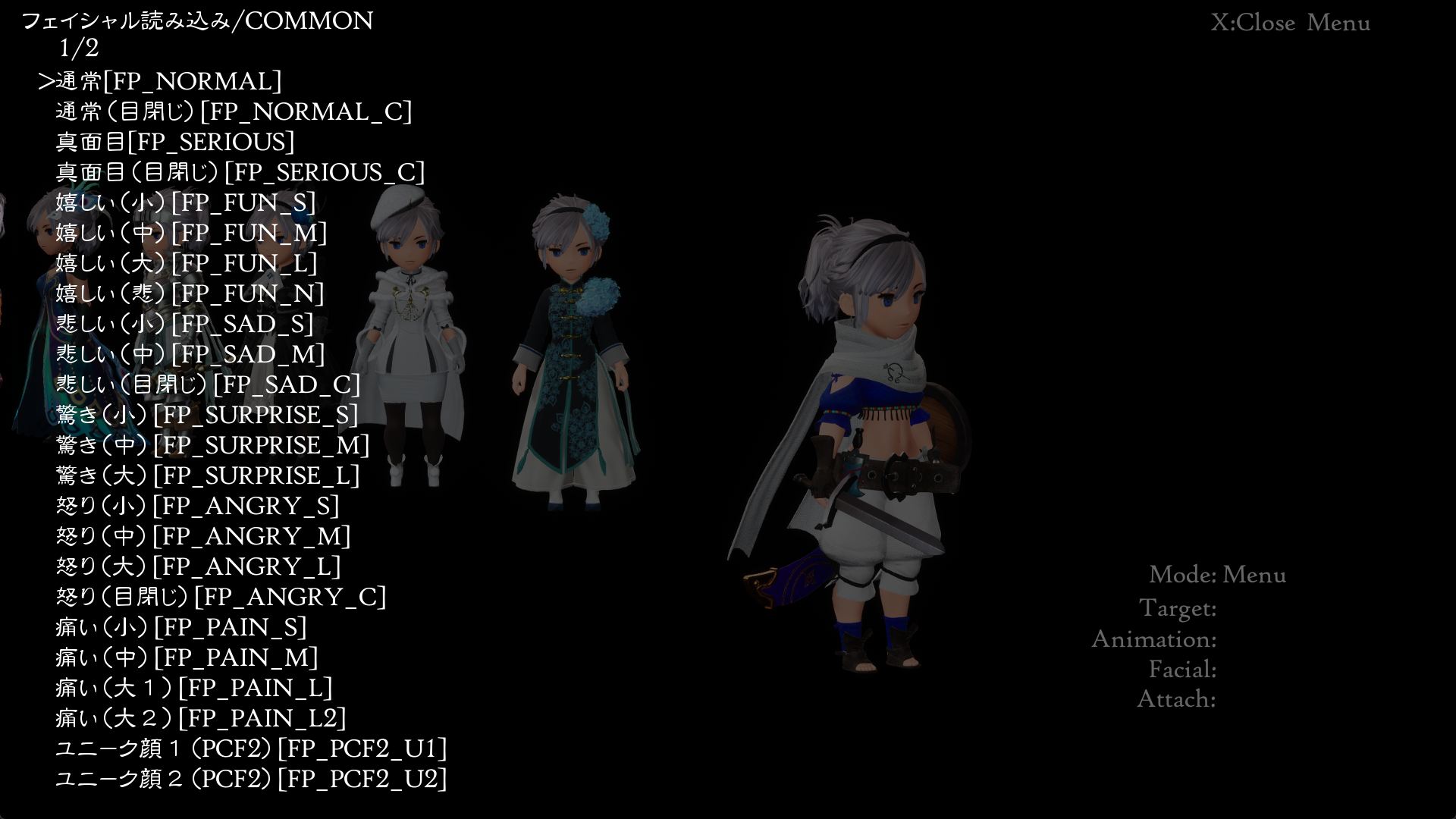
- フェイシャル読み込み - loads a facial expression
- アタッチモデル - where to attach another model to
- デタッチモデル
- キャラクター破棄
 |
 |
 |
 |
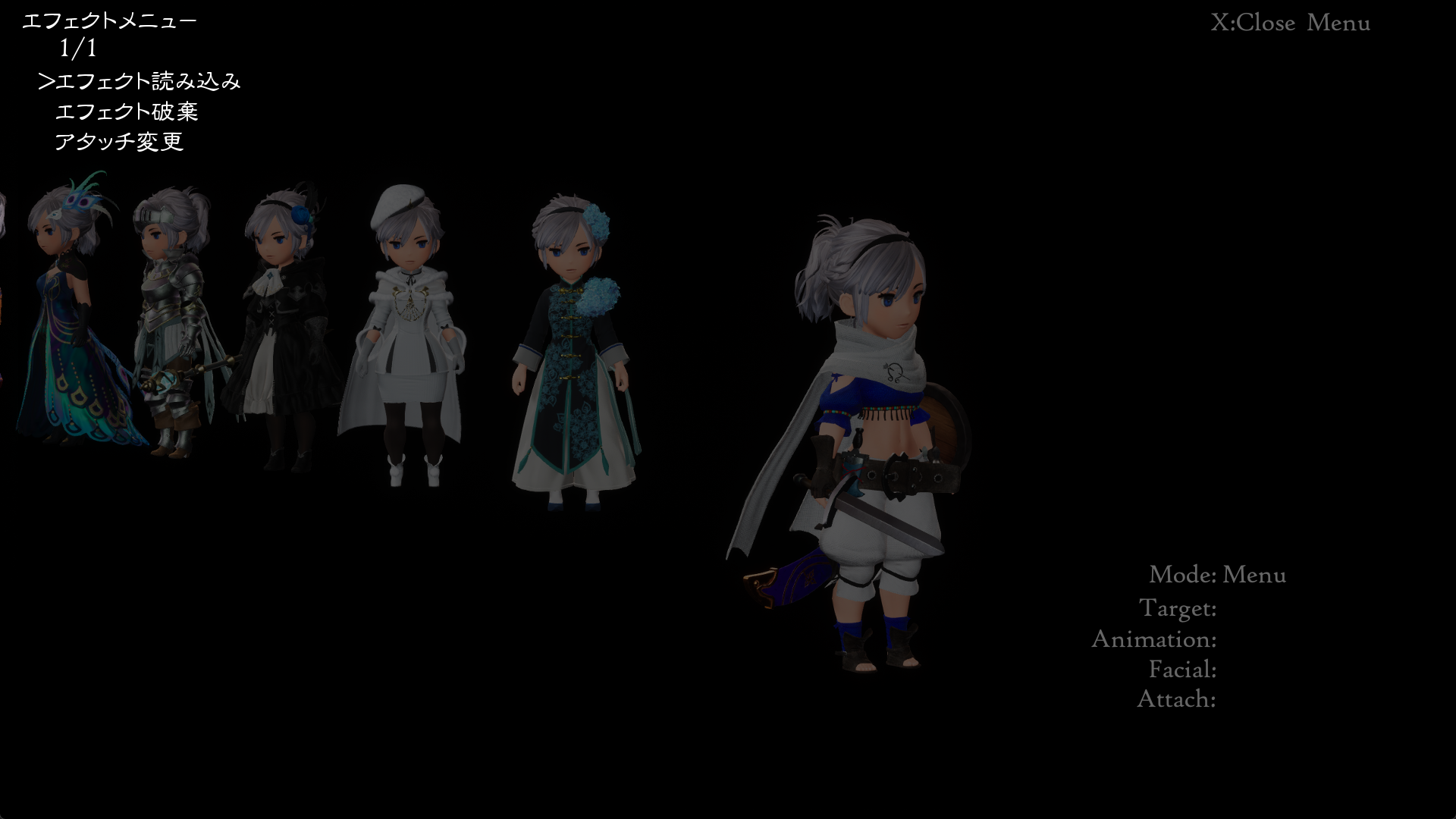
エフェクトメニュー (Effect Menu)
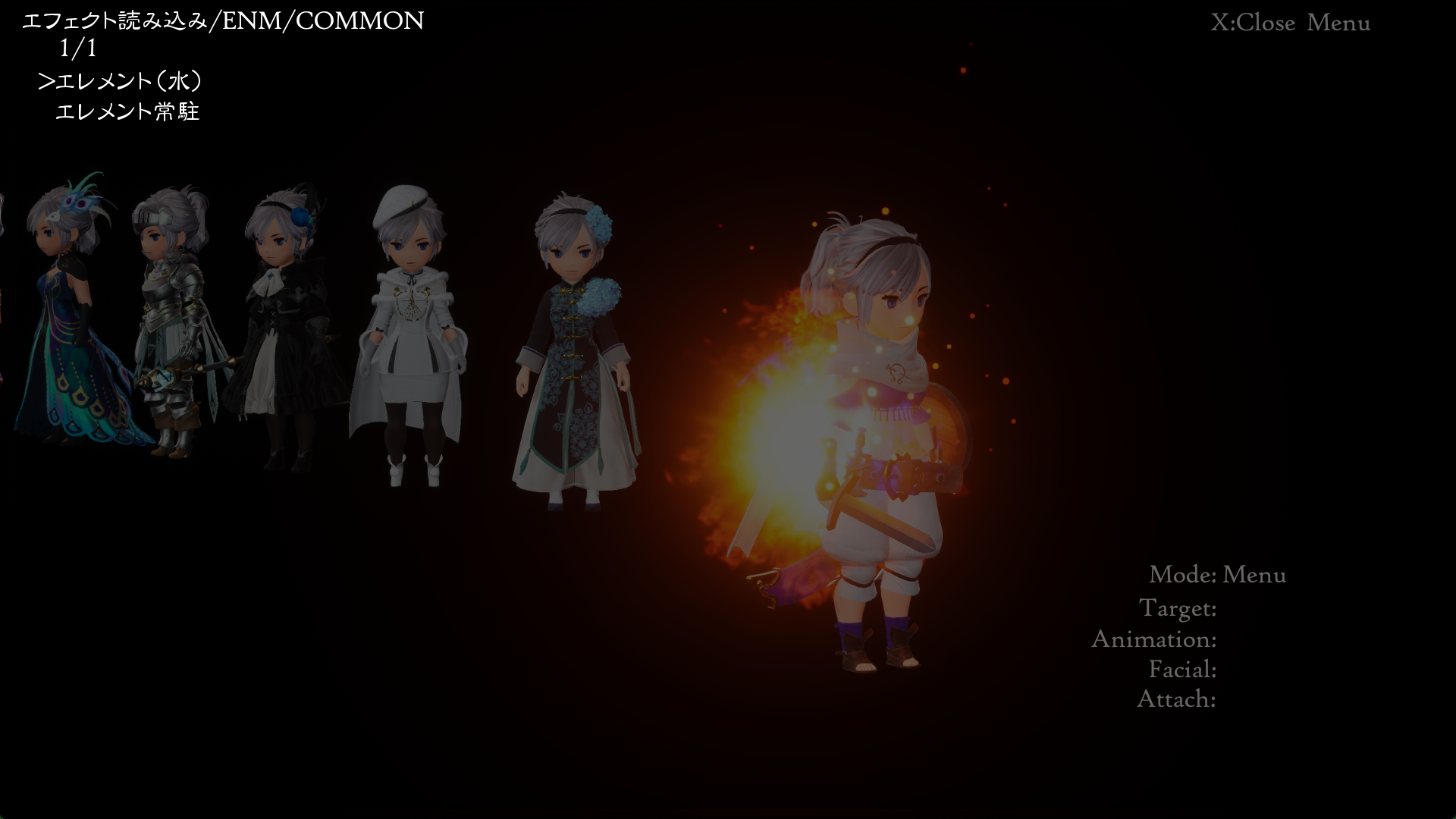
This menu lets you choose from a few animations and lets you choose which target and the location (on or around the model) to play it.
- エフェクト読み込み
- エフェクト破棄
- アタッチ変更
 |
 |
ModelViewer#
Bravely_Default_II/Content/Debug/Maps/ModelViewer
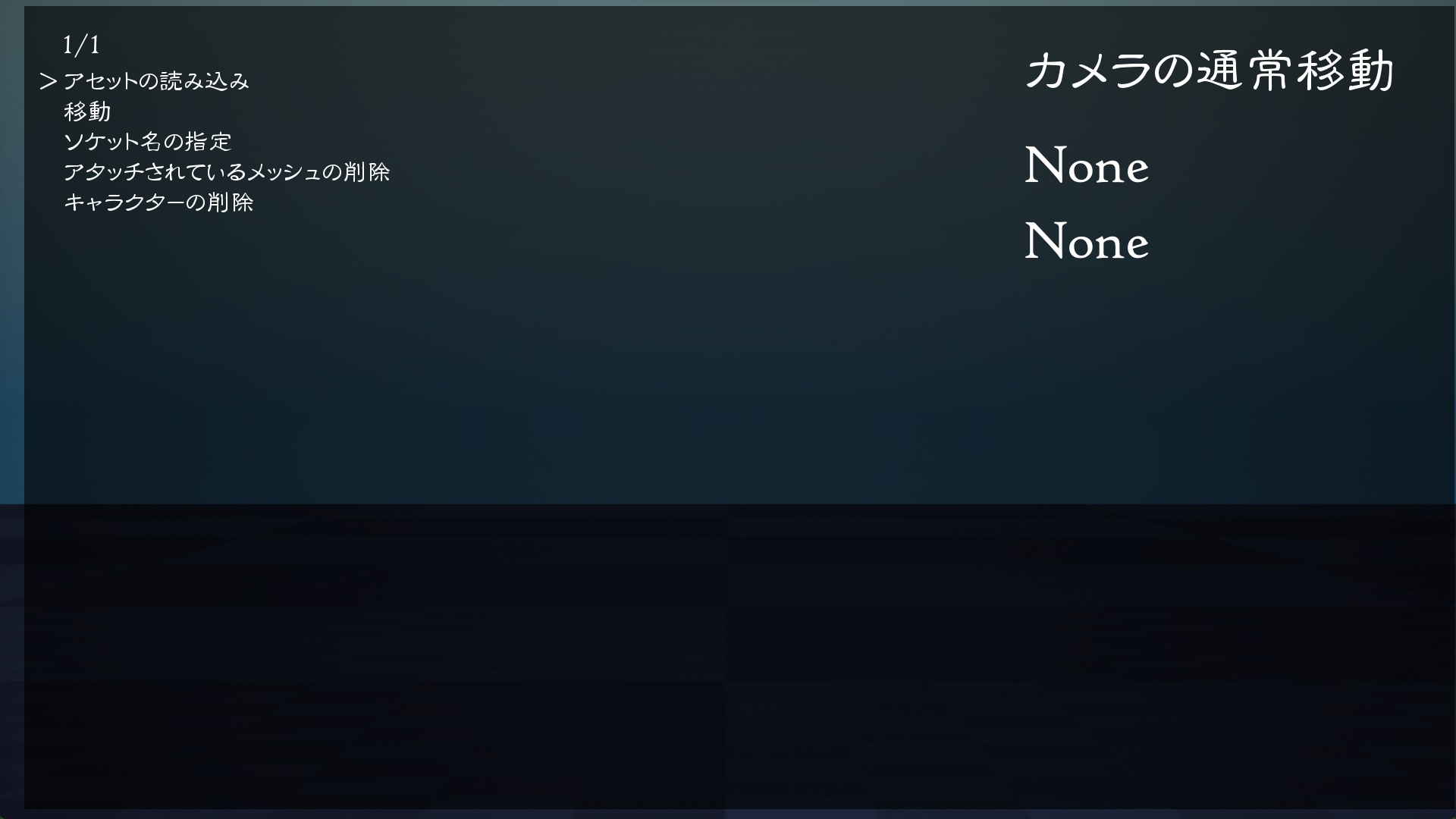
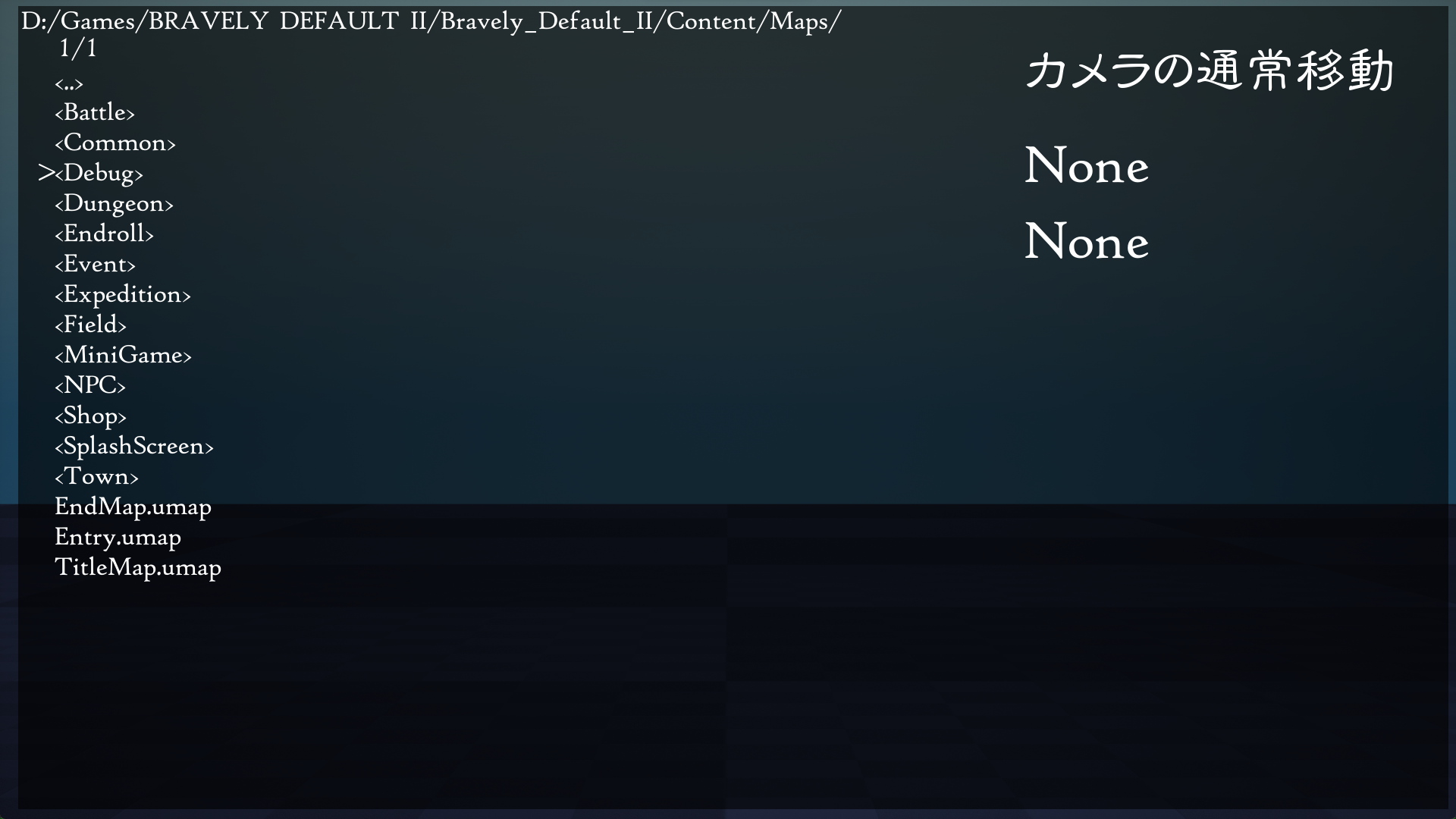
A model viewer which lets you explore the game's folders and load various game assets, even maps. Press Start to toggle the menu on/off. The menu options are:
- アセットの読み込み
- キャラクター - loads models
- マップ - loads maps
- アニメーション - plays animations
- アタッチ用メッシュ - loads models and attaches it to a character
- 移動
- カメラ
- カメラの通常移動
- カメラの注視点移動
- モデル
- モデルの移動
- カメラ
- ソケット名の指定
- アタッチされているメッシュの削除
- キャラクターの削除
Expeditiontest#
Bravely_Default_II/Content/Debug/Maps/Test
You can click and edit the number value, as well as click the Add and Reset buttons on the right but to no effect, seemingly.

BustUpIconTest#
Bravely_Default_II/Content/Debug/Maps/UITest
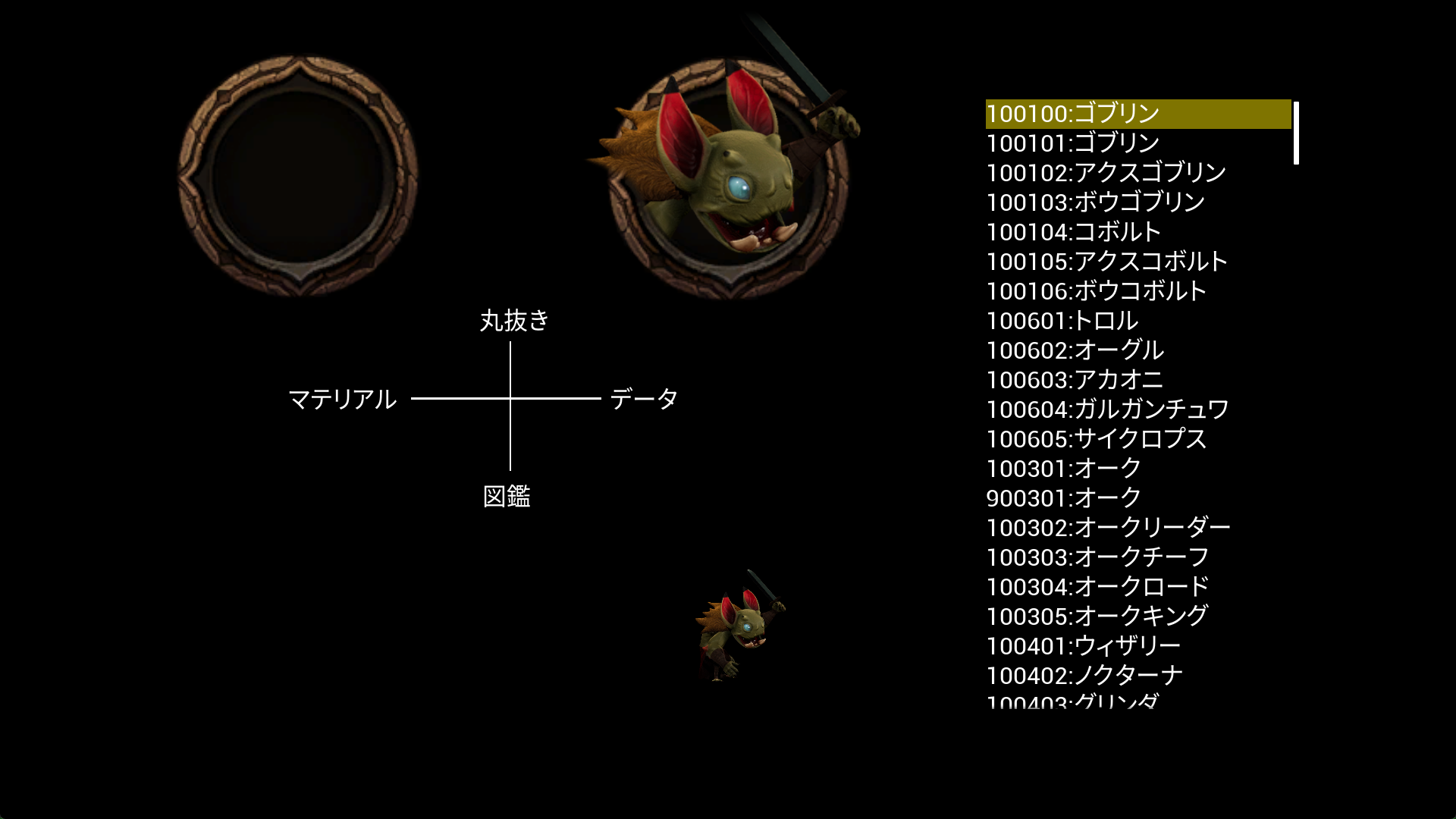
A debug menu that appears to test icons. Controls don't seem to work but it was possibly just loaded improperly.
LVL_showcase#
Bravely_Default_II/Content/Enviroment/Field/Purchase/ModularQuarry/Levels
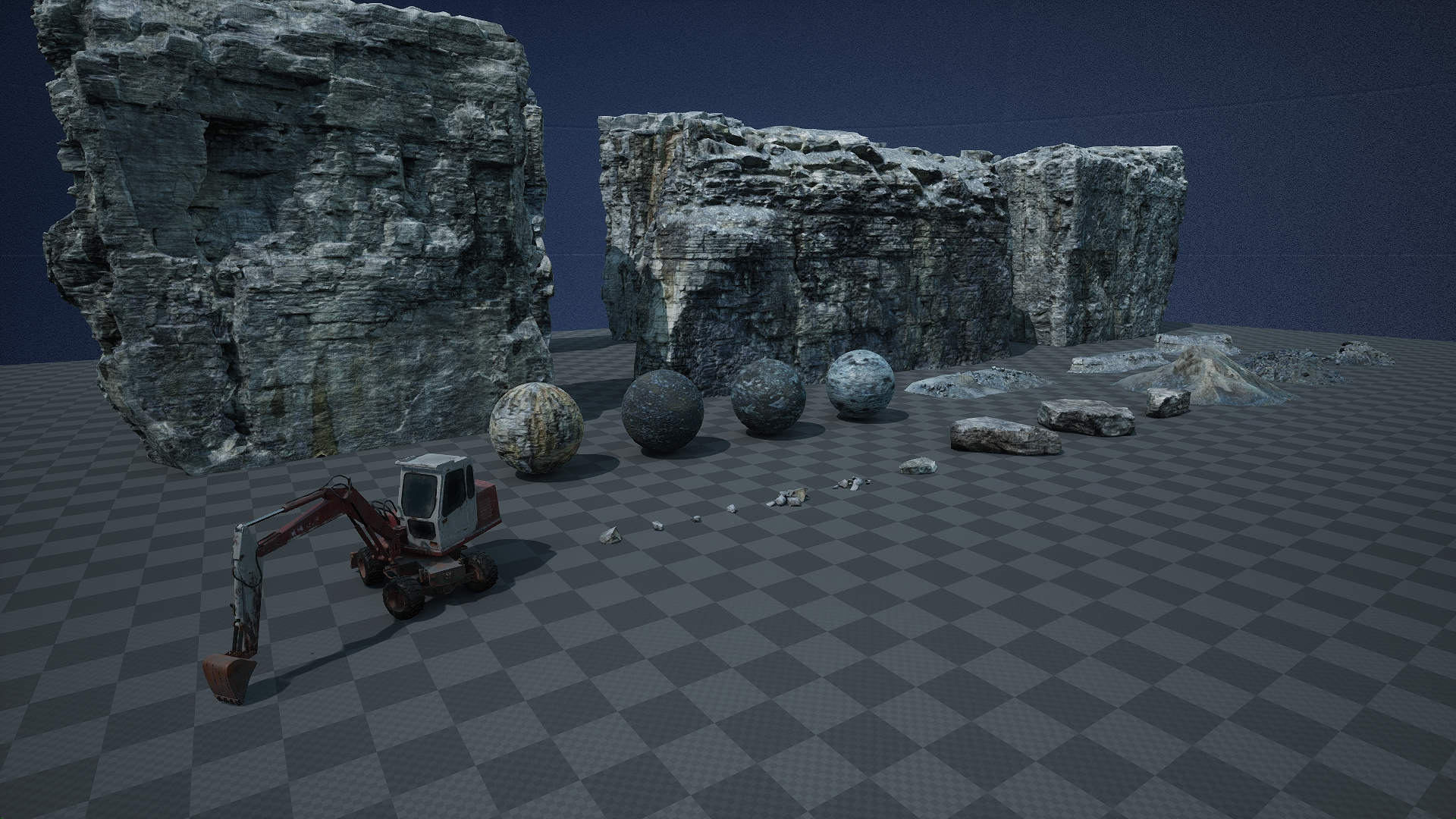
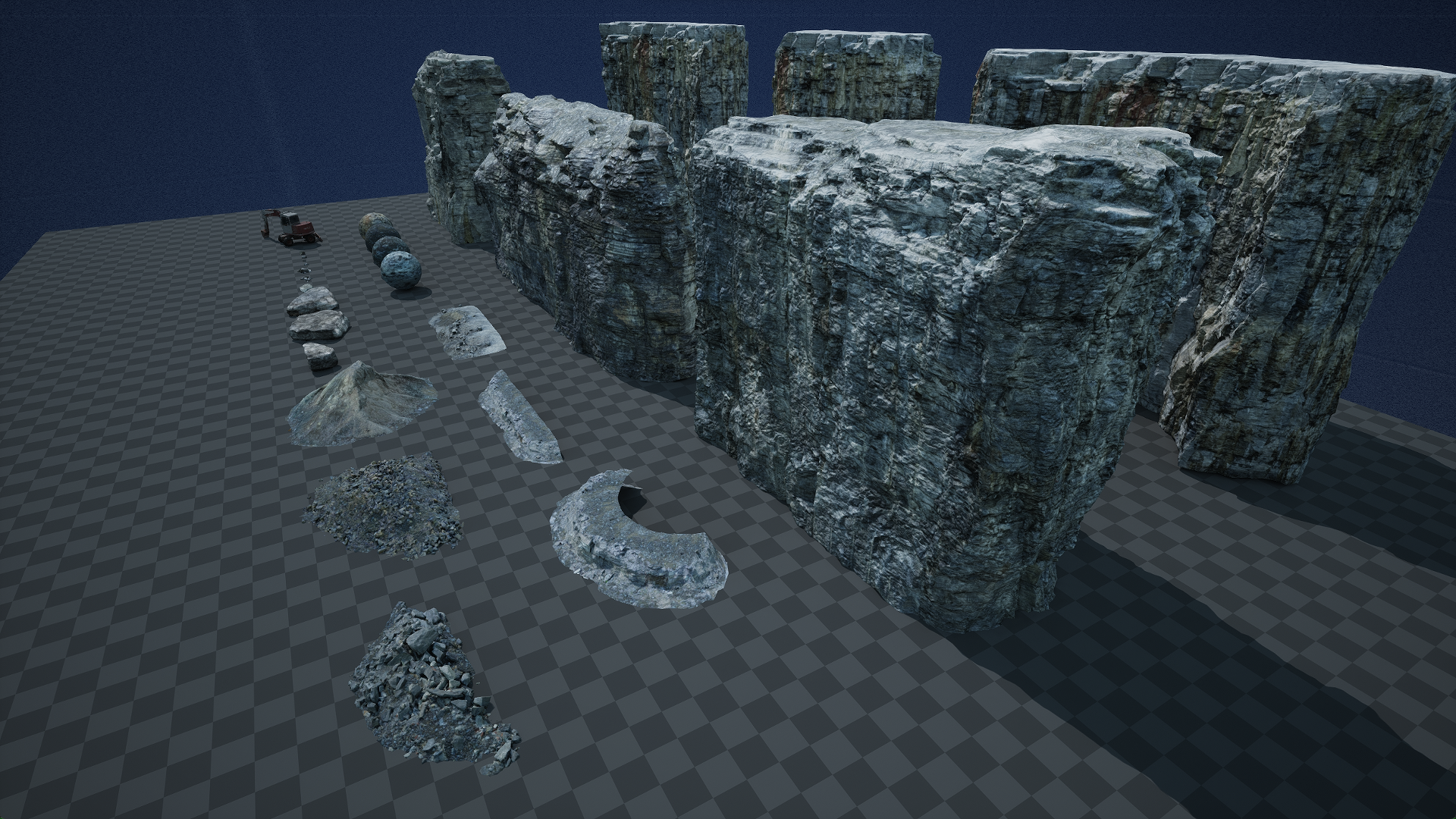
Judging from the file path ("Purchase") and the out-of-place excavator, this might have been a set of models purchased online.
NewMap#
Bravely_Default_II/Content/Effects/Battle/Ability/J01/J01_Abl18_Blur
A simple area featuring Seth (with no face) repeatedly performing a spinning dropkick animation towards a motionless enemy.
Test_BT_ot#
Bravely_Default_II/Content/Maps/Battle/Common/Test_Battle
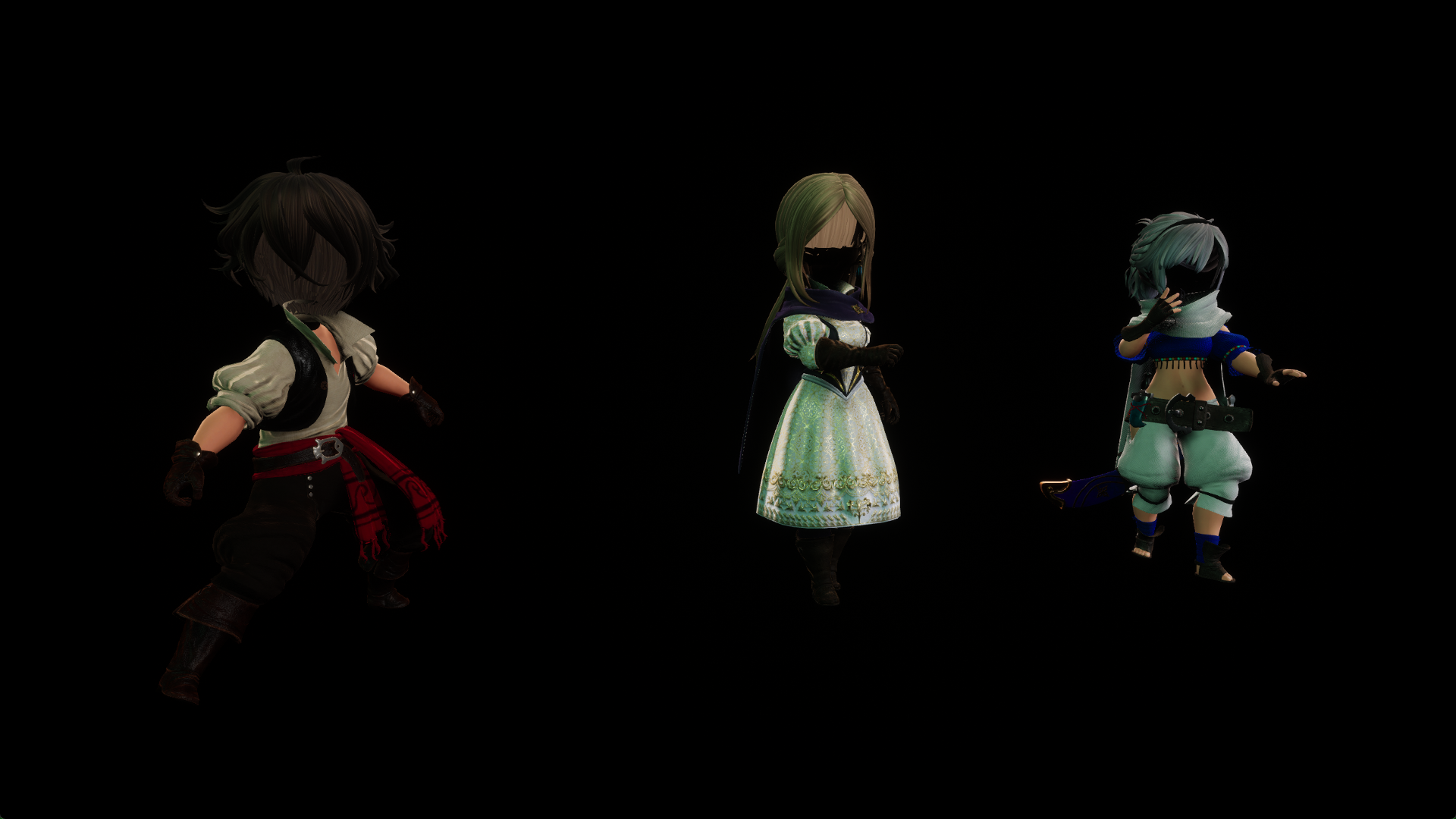
Three main characters in their battle idle animations in a black void with no faces. A little creepy.
Character_View_Level#
Bravely_Default_II/Content/Maps/Debug
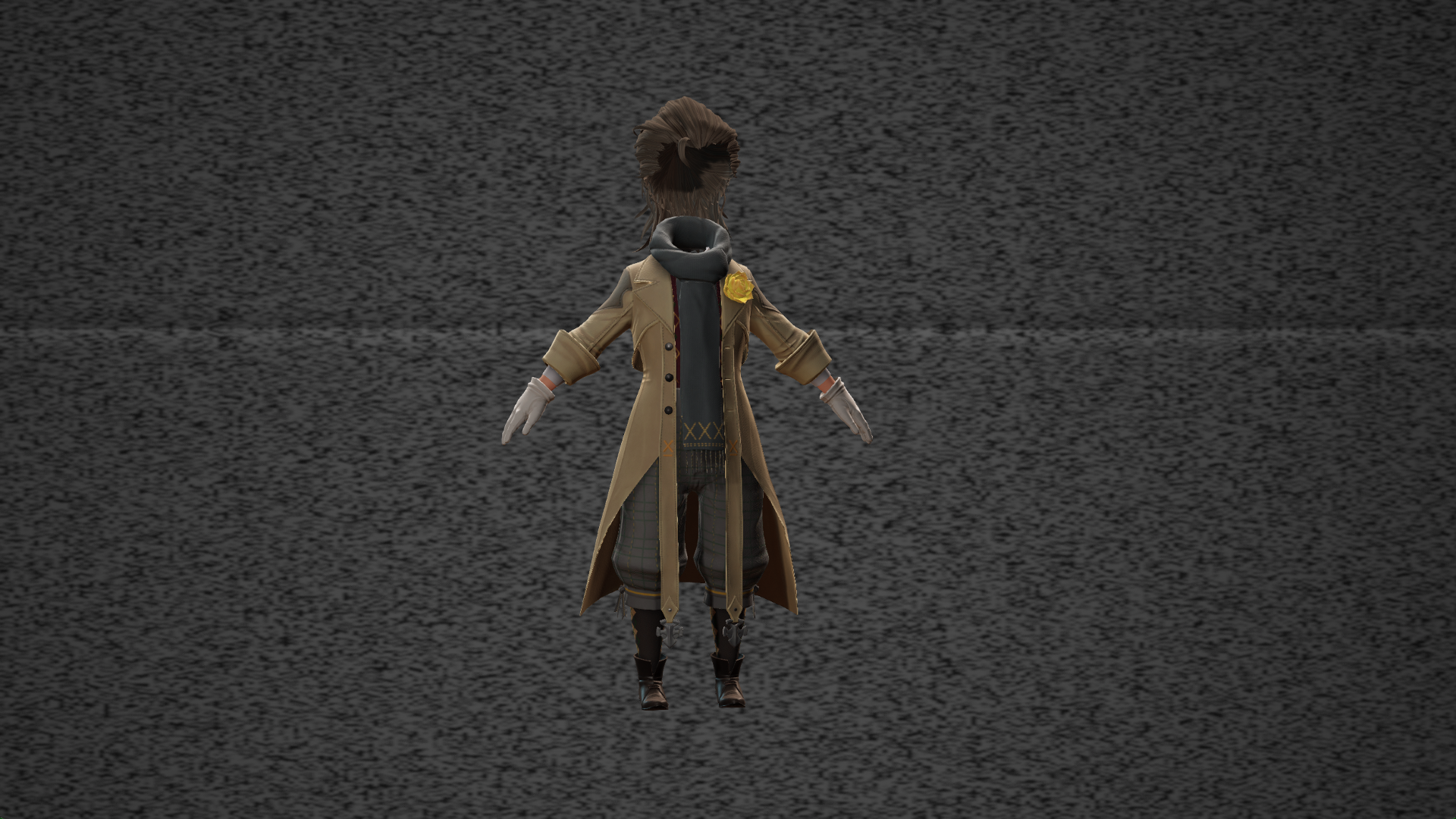
This map name is referenced in the DebugLevelSelectionMap. Elvis has no face and in an A-pose.
Character_View_Level_NewHairTest#
Bravely_Default_II/Content/Maps/Debug
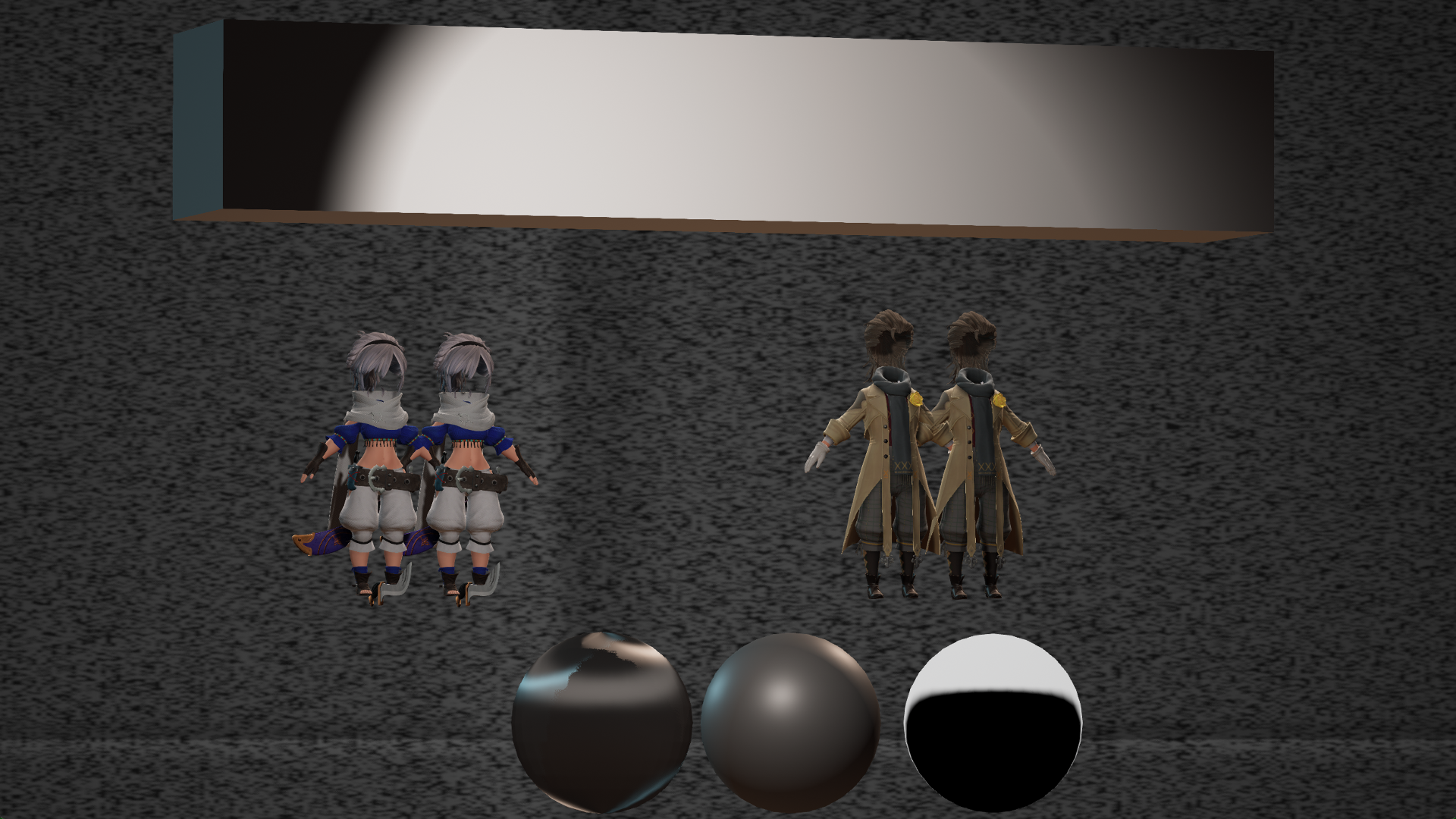
Like the previous area, but with some spheres plus a rectangular box above. Daggers are next to Adelle's feet.
DebugLevelSelectionMap#
Bravely_Default_II/Content/Maps/Debug
Controls don't seem to work. The Jump button can be clicked but nothing happens. Using the open console command on these listed names works for only a couple.

MAP_BT_9900#
Bravely_Default_II/Content/Maps/Battle/MAP_BT_9900
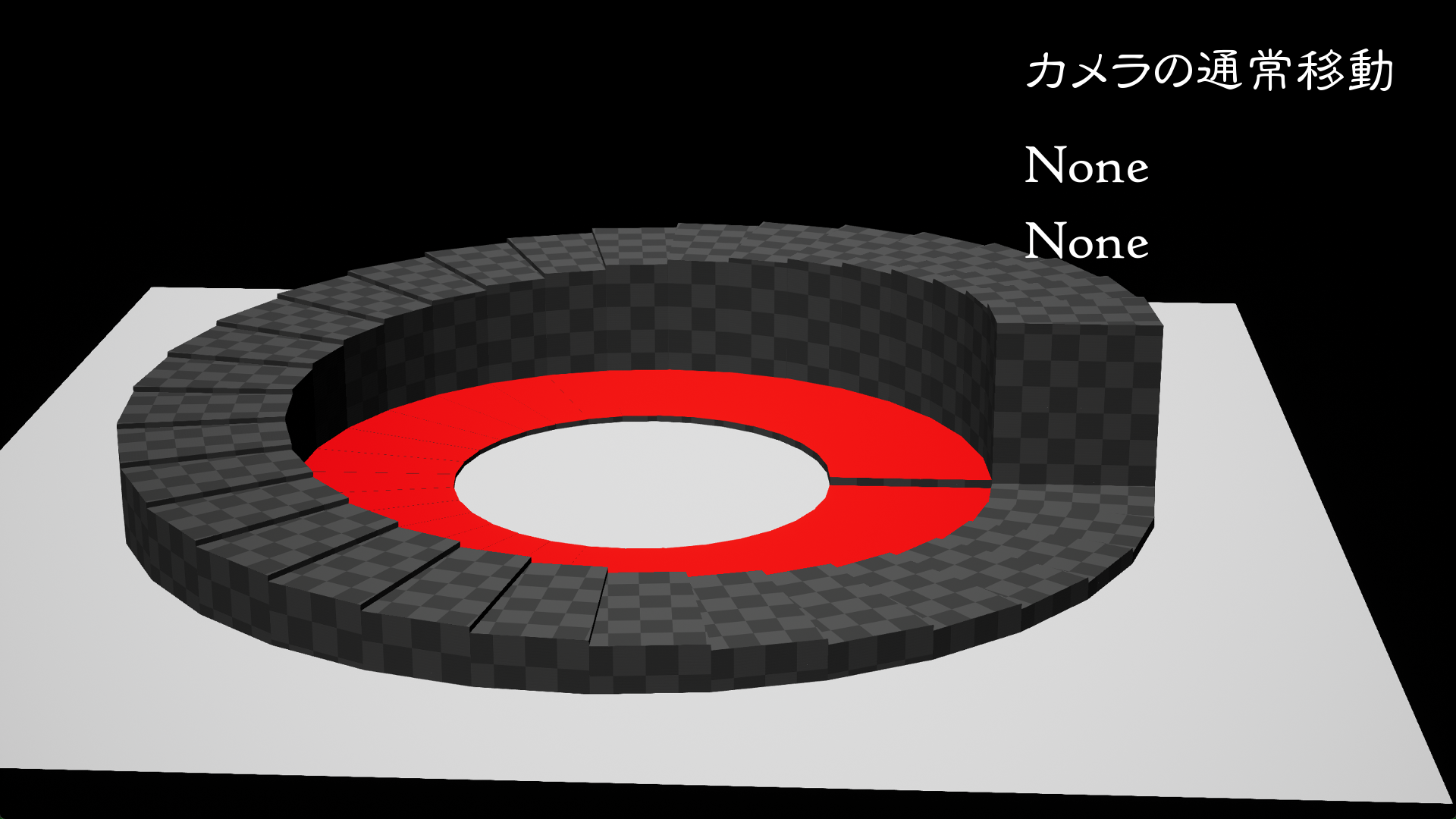
This battle map has a circular staircase with placeholder textures on top of a flat white square plane.
Field_ProcedualMeshTest / Field_ProcedualMeshTest_Parent#
Bravely_Default_II/Content/Materials/Maps
Player spawns on a large flat unremarkable white square.
IceCheck#
Bravely_Default_II/Content/Materials/Maps
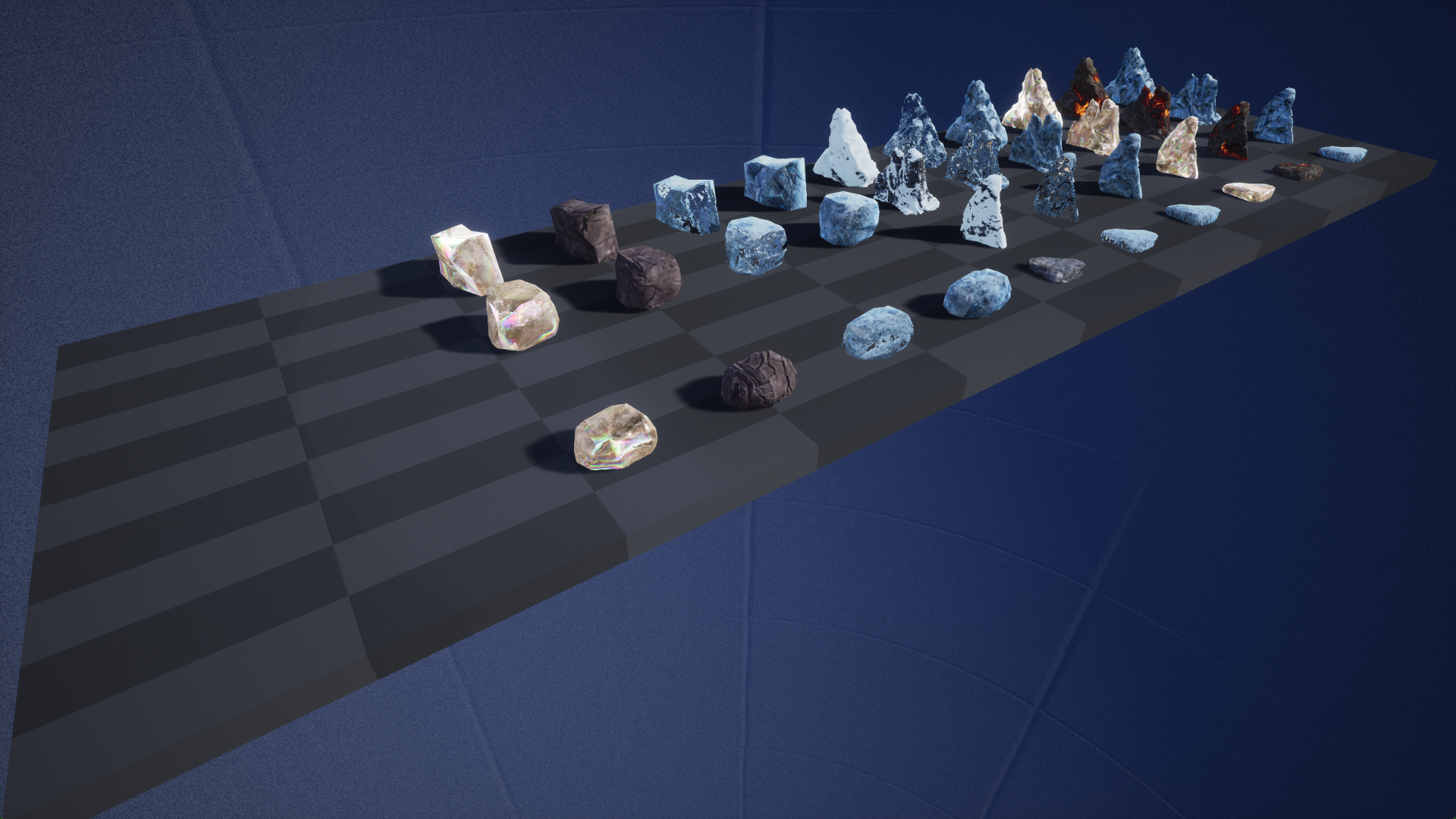
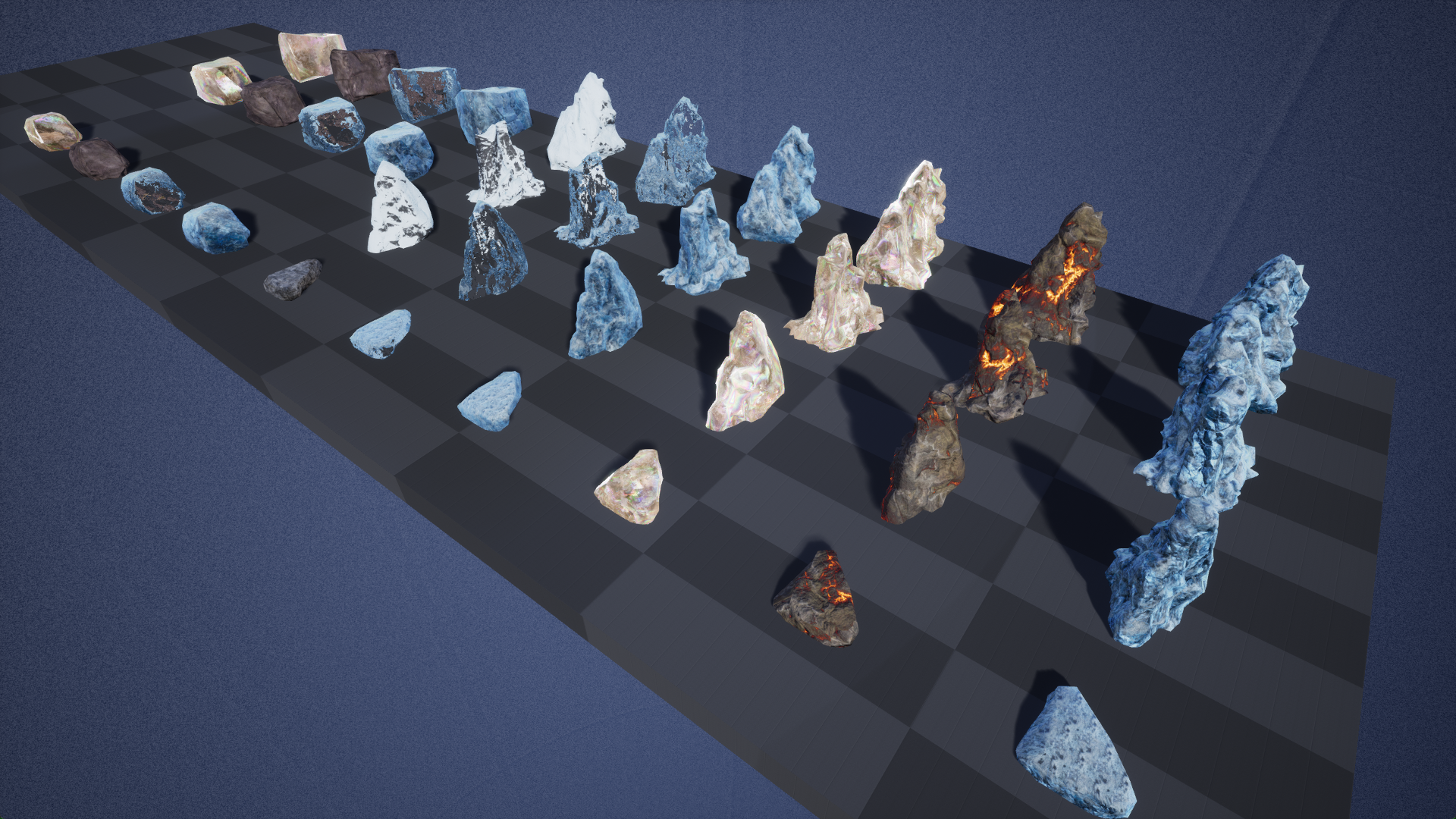
Various chunks of ice in rows.
LookCheck_ENM076_Mud#
Bravely_Default_II/Content/Materials/Maps
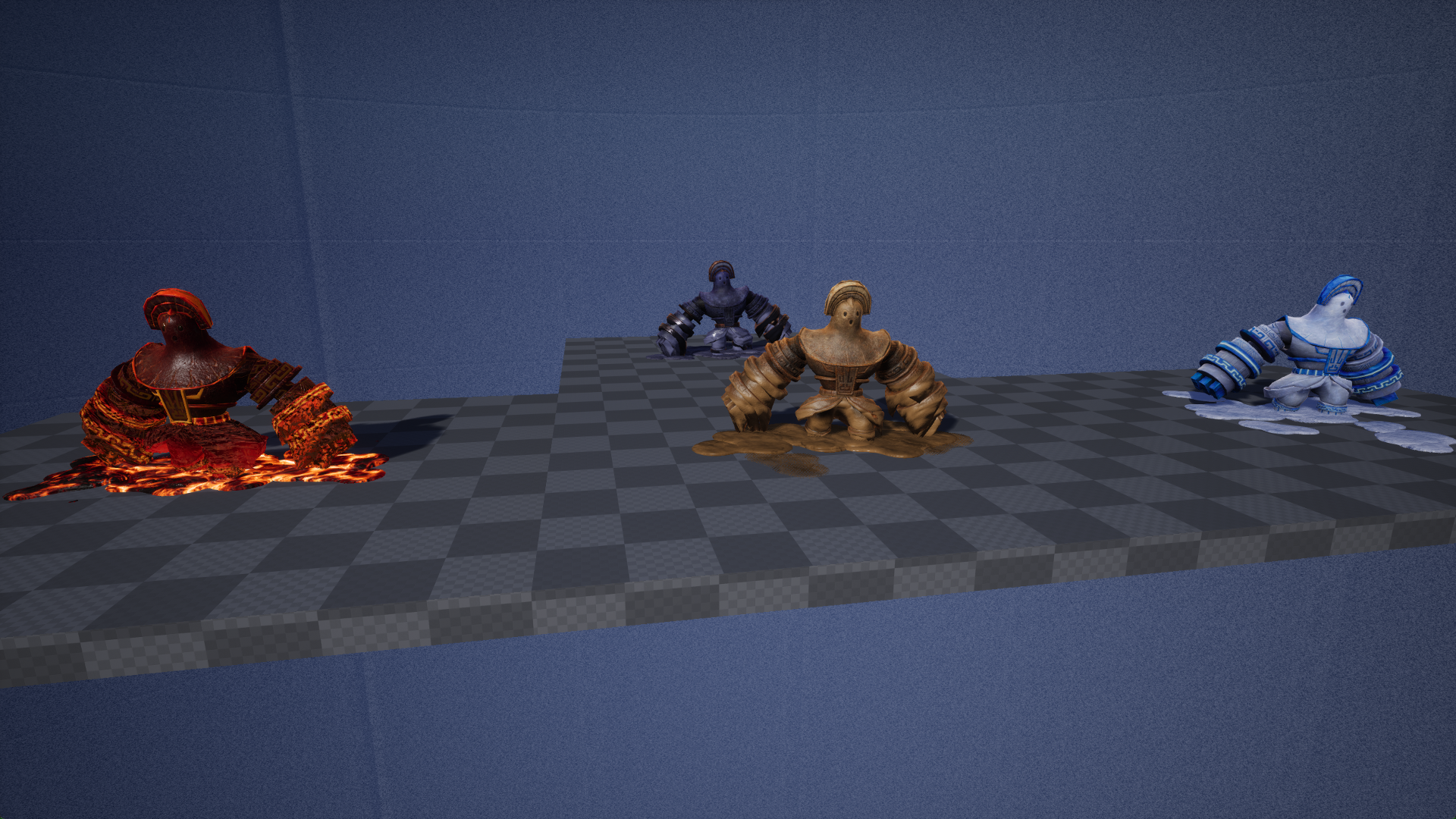
Four different golem-type enemies perform various movement and attack animations.
Map_CloudTest / Map_CloudTest_Parent#
Bravely_Default_II/Content/Materials/Maps
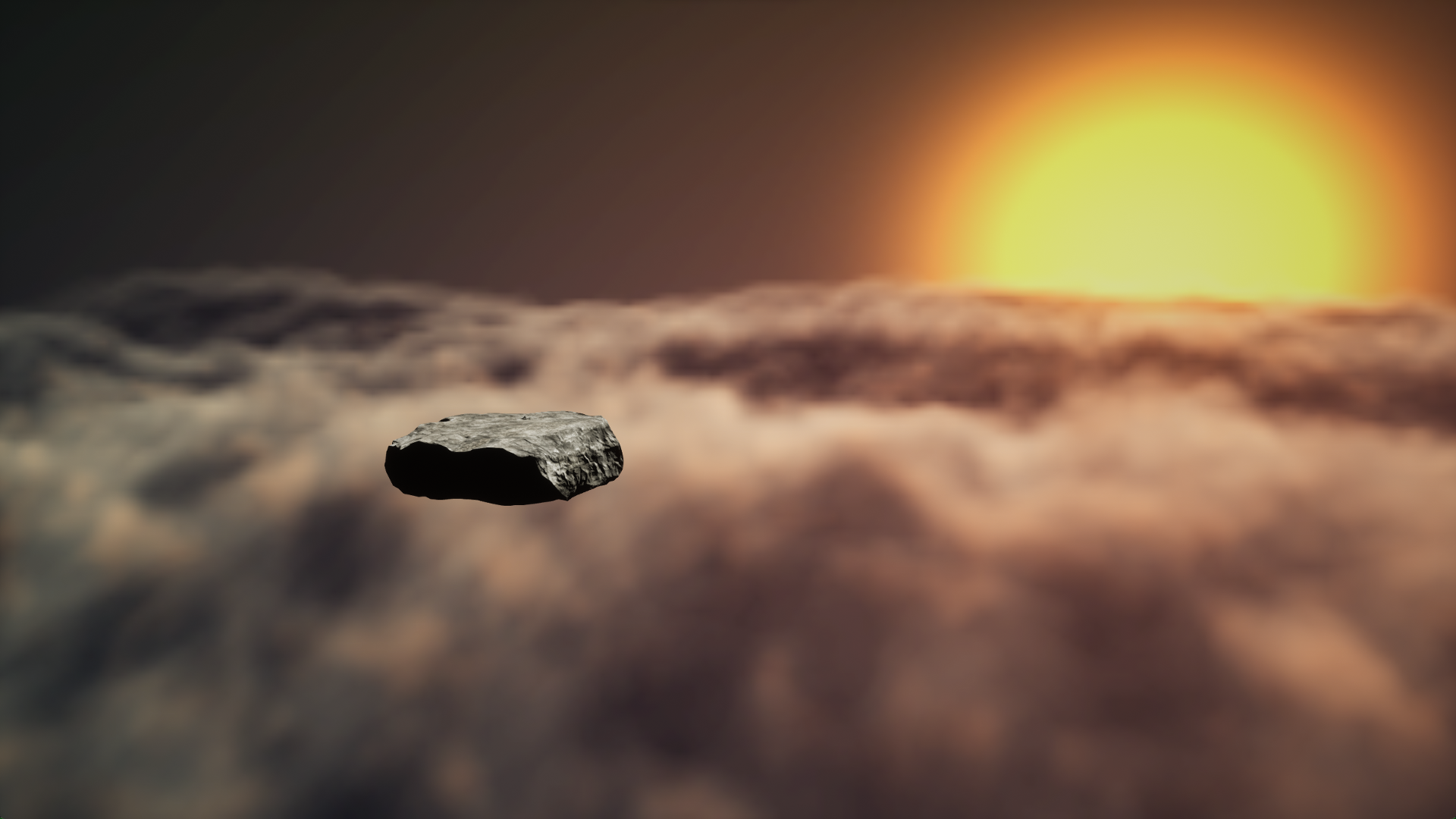
A rock sits motionless in an area with a sunset. Map_CloudTest_Parent spawns the player on top of this rock. The clouds in the background below have very large waves and are in motion, like a cloud ocean.
Metaball_Test#
Bravely_Default_II/Content/Materials/Maps
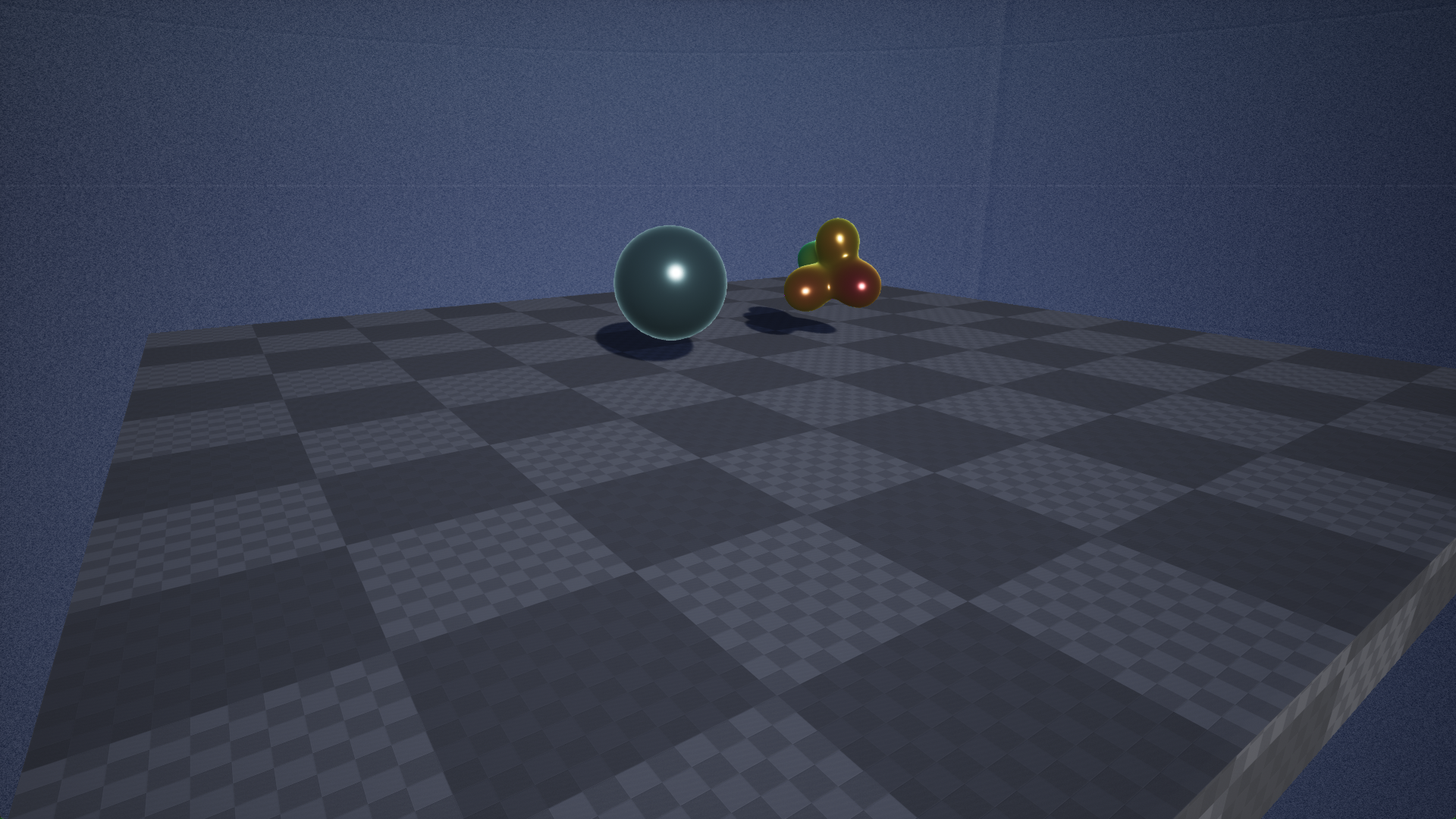
A large blue sphere sits to the left of a sphere which morphs shape into up to 4 other spheres and shifts colors.
NBS004Glow_test#
Bravely_Default_II/Content/Materials/Maps
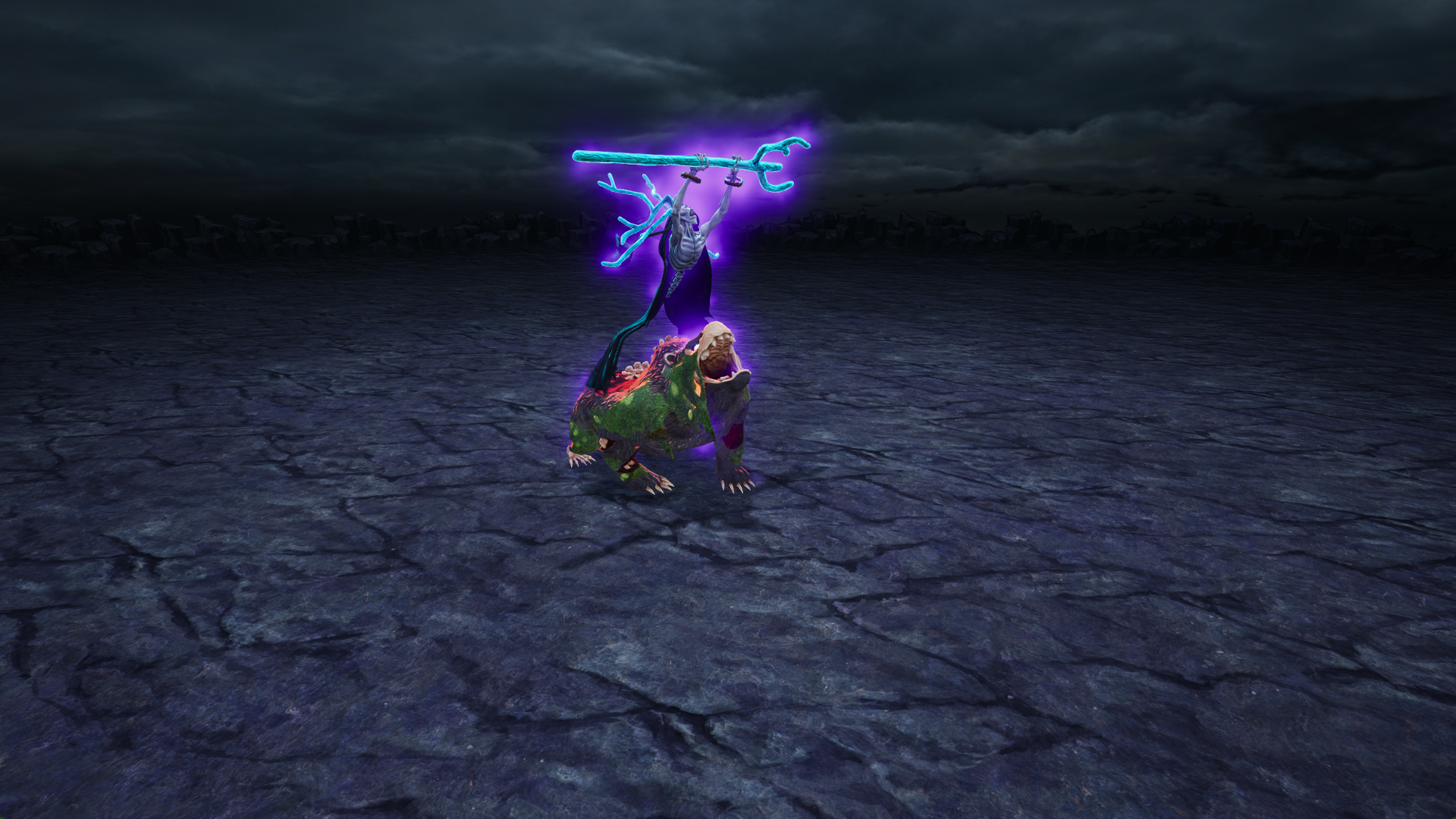
A monster in an open flat area repeats an animation. The clouds in the background rotate around the area.
RenderWaveNormal#
Bravely_Default_II/Content/Materials/Maps