This article has a talk page!
This is a sub-page of Proto:The Sims 2 (GameCube, PlayStation 2, Xbox)/M4 20 (PlayStation 2).
Debug Tools#
This build has 2 kinds of debug modes. The 1st kind is enabled in the main menu by pressing the Circle button. It allows you to load an .NGH file, which holds the default Sims neighborhood data, and enter any lot straight from the menu. Unfortunately, none of the other mentioned .NGH files are present on this build, so selecting any of the other ones will simply load from DEFAULT.NGH instead.
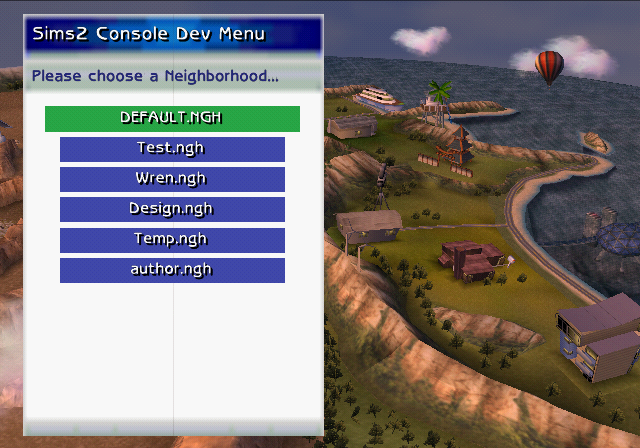
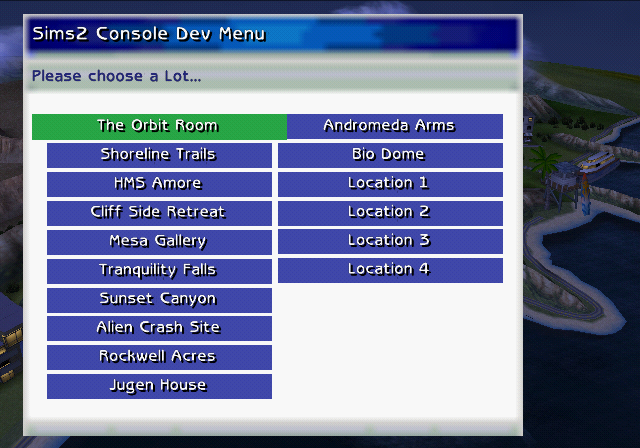
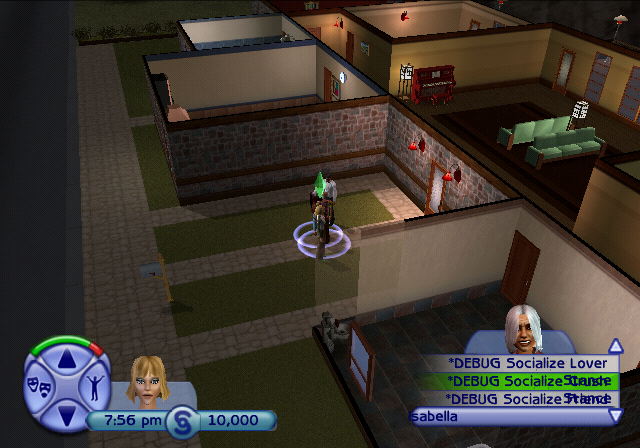
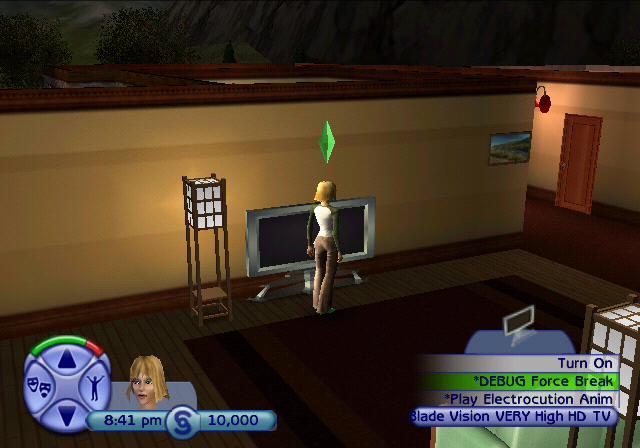
And the other kind of debugging left in this build is found in-game. Most of it is found in the Cheat Gnome, but you can find various debugging options under other Sims and various objects too.
Debug Gnome Options#
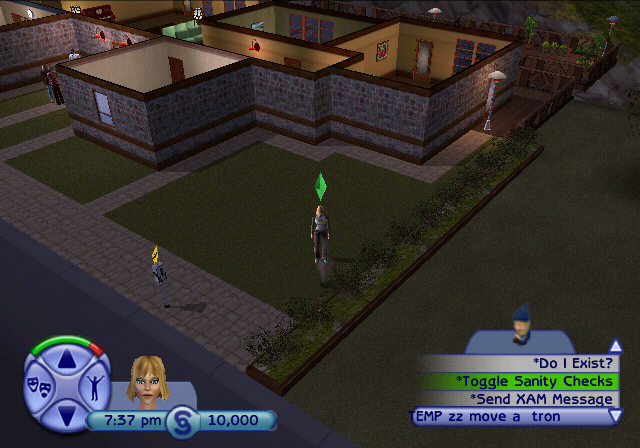
The full list of the debug options found in the Cheat Gnome, along with explanations if needed. Some options have none or unknown effects.
- *UI Tests...
-
-
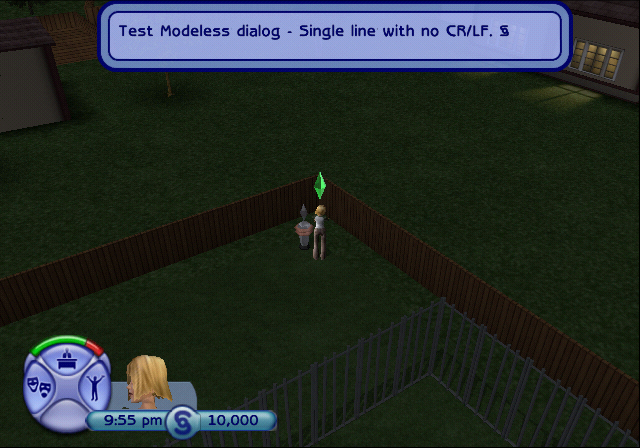
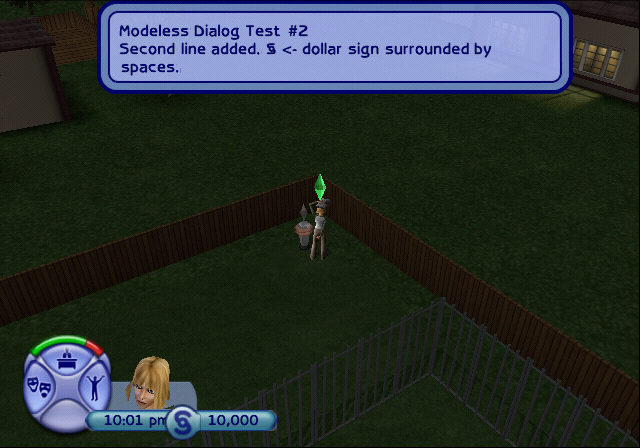
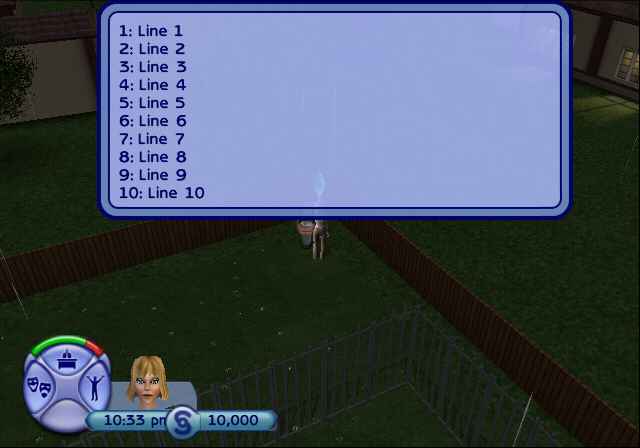
Modeless Dialog Test - Shows 7 test messages.
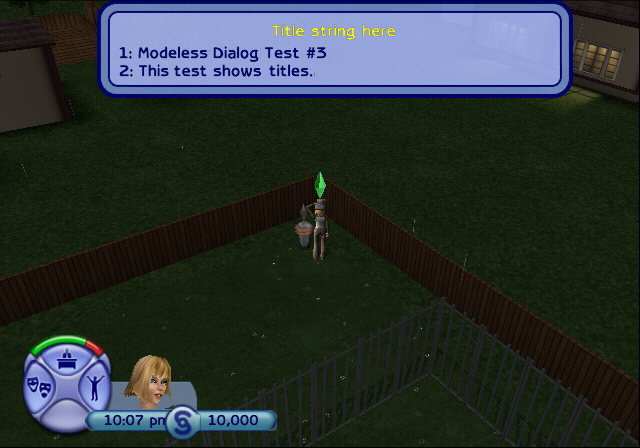
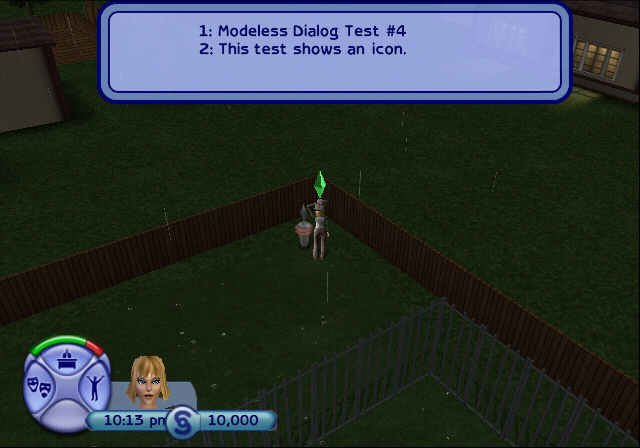
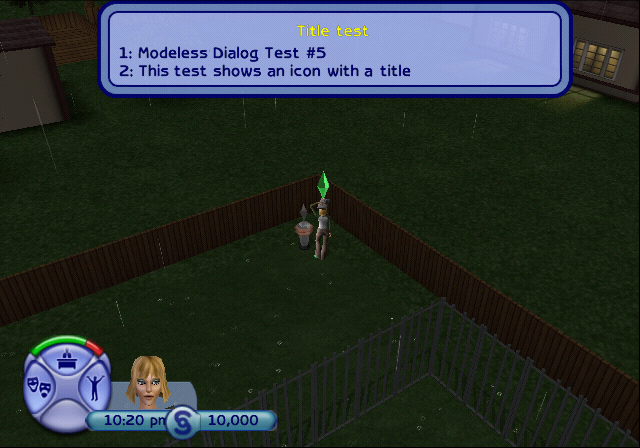
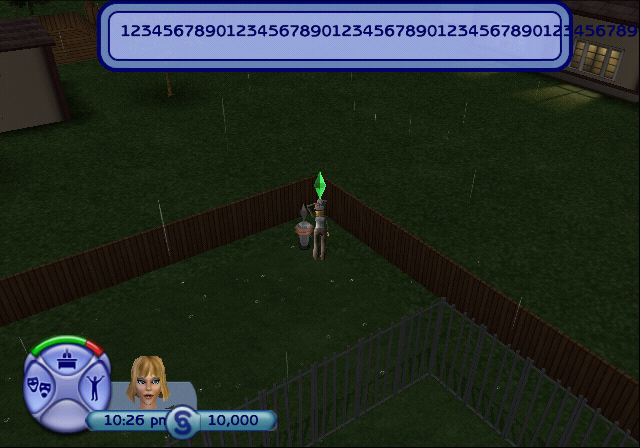
-
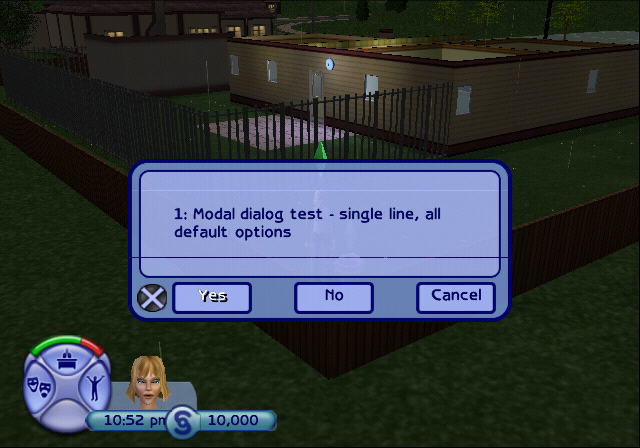
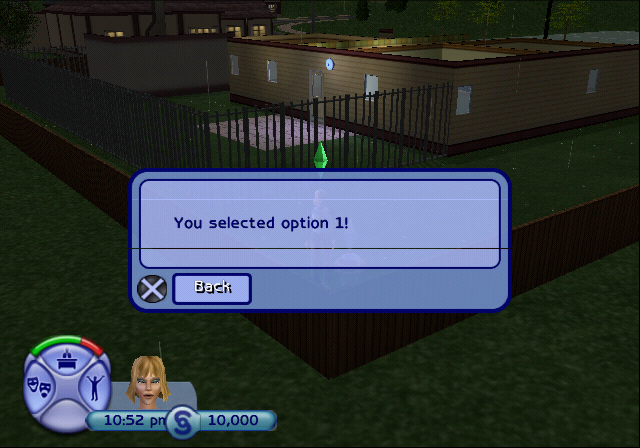
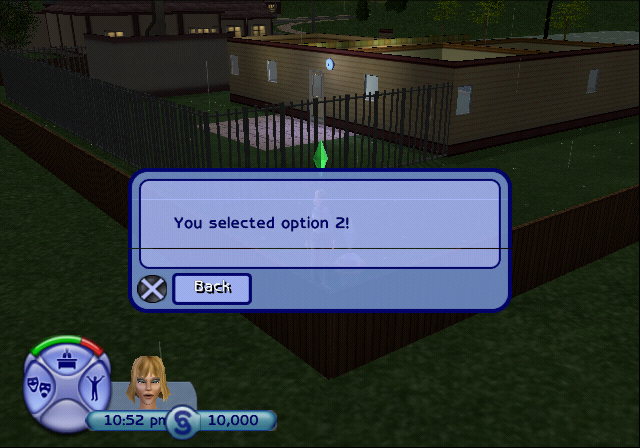
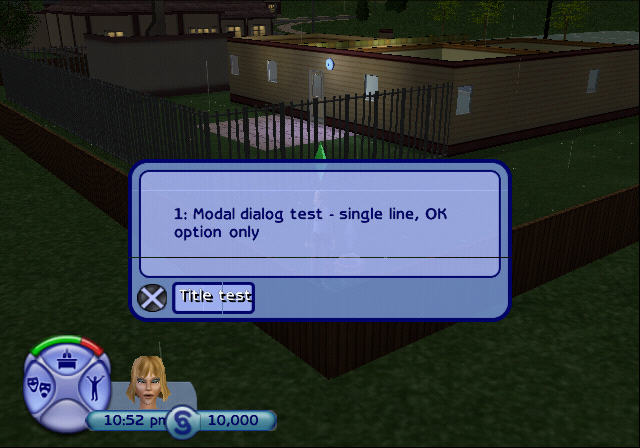
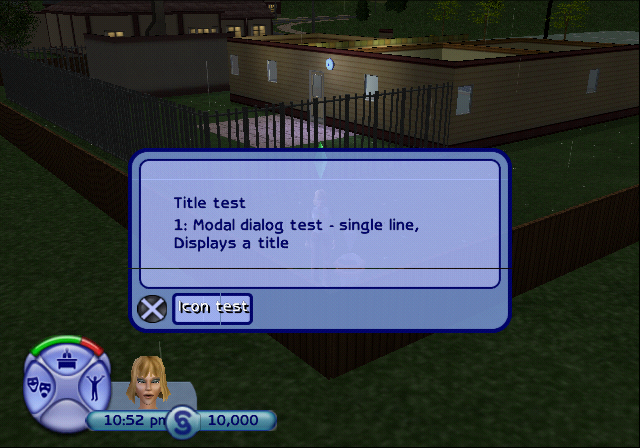
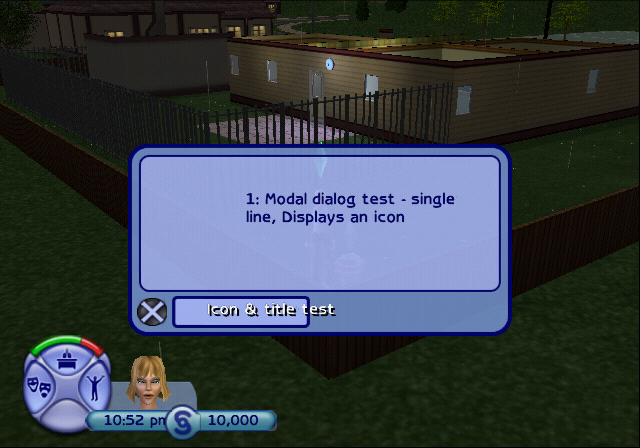
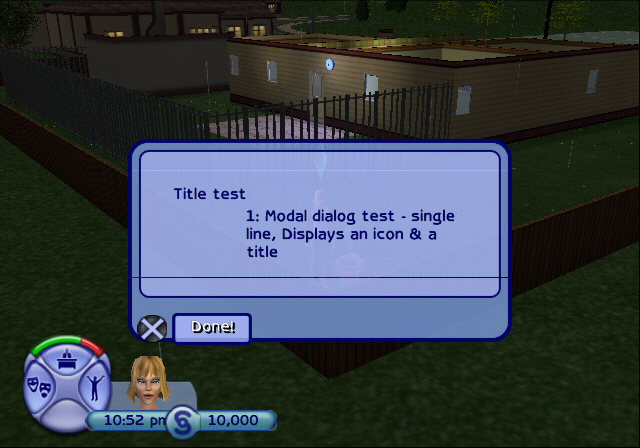
Modal Dialogs Test - Shows 5 test messages, and the 1st one can also display a different message if the 2nd or 3rd button was selected.
-
Modeless Dialog Test - Shows 7 test messages.
- *Sim...
-
- Kill Sim - Kills the currently selected Sim.
- Lower All Motives
- Make Sim Visitor - ???
- Kill em all - Kills every other Sim excluding yours.
- Fill Everything - Fills all your motives and sets all your skills (except Cleaning) to 10.
- Make Me Hate Everyone and Be Miserable - Similar to Kill em all, except this one also kills you and sets all your relationships to -100.
- Force Attack - ???
- Make everyone selectable - Seems to be pre-enabled by default in this build. All the Sims, including ones you normally can't control, can be switched to.
- Complete All Goals - No longer gives your Sim any more Gold Wants after finishing the currently available one.
- Fill All Motives
- Give Sim Money - Gives $9999
- Max Artistic Skill - Sets your Creativity level to 9.
- Max Mental Skill - Sets your Logic level to 9.
- Unlock All Districts - Unlocks all lots in the taxi phone booth, including 3 freeplay lots. Not the 4th one for some reason. Though it is available under the DEBUG... option in the taxi booth.
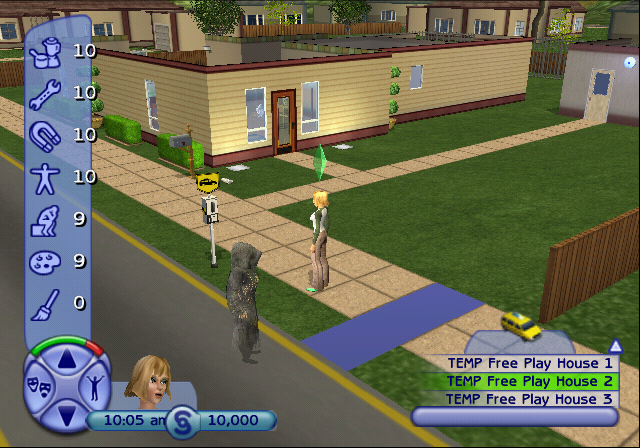
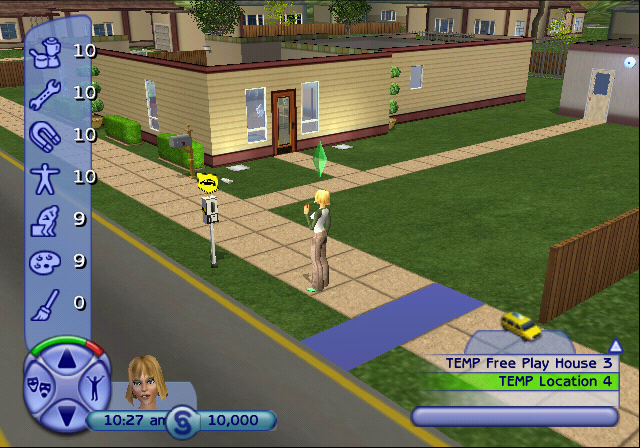
- *Do I Exist? - ???
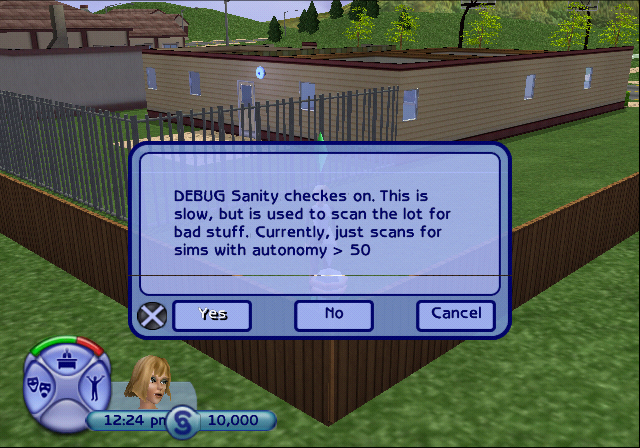
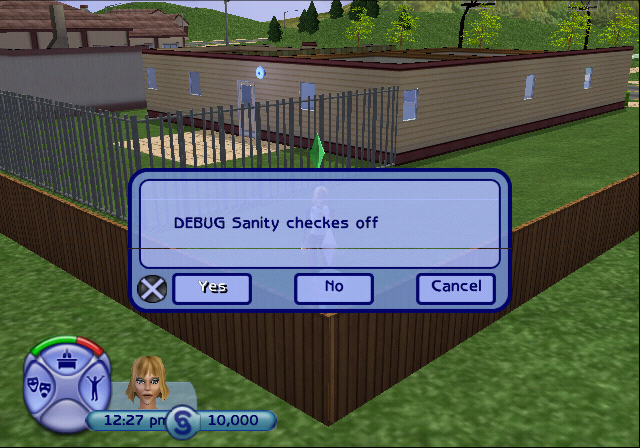
- Toggle Sanity Checks - Urbz leftover? Shows a toggle message whenever it's enabled and disabled.
- *Send XAM Message - Urbz leftover. Has no effect in-game.
- Unlock All Socials - Urbz leftover. Has no effect in-game.
- Jump Ahead 6 Hours
- Give All Powersocial Items - Urbz leftover. Has no effect other than giving a new debug menu option called Re-Lock All Socials.
- Re-Lock All Socials - See above.
- *Enable Social Outcome Determination - Gives a debug option whenever interacting with another Sim, allowing you to choose whether they react positively or negatively to you.
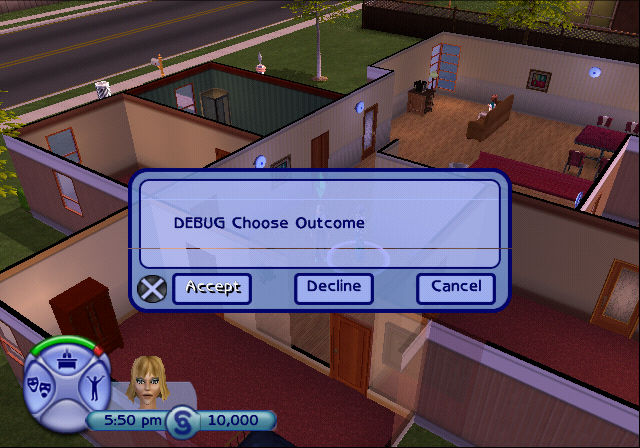
- '**DEBUG* Place tombstone''
- Unlock Next Clothing - Gives one piece of fashion item each time it's activated.
- *Trigger End Movie - See the Cutscenes section.
- Test Work Outfits - Cycles through all the possible job positions and job levels. Takes around 17 minutes to complete.
- *Time
-
- Advance One Hour
- Time - 6am
- Time - Noon
- Time - 4:20pm
- Time - 6pm
- Time - Midnight - The only other Time option that affects the minute value, setting it exactly to 12:00am. All the other options (excluding 4:20pm) only change the hour, and leaves the minutes where ever they last were.
- Change Skill - Physical...
-
- Change to 0
- Change to 1
- Change to 2
- Change to 3
- Change to 4
- Change to 5
- Change to 6
- Change to 7
- Change to 8
- Change to 9
- Change to 10
- *Degub Actions... - (no, it's not misspelled, that's how it's written in-game)
-
- Enable Social Choice Dialog - Same effect as *Enable Social Outcome Determination, see above.
-
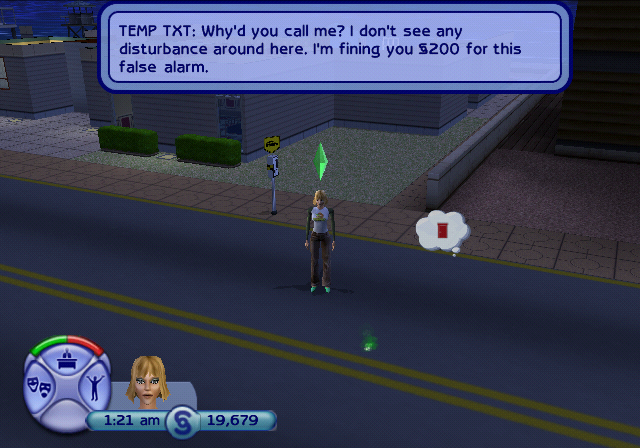
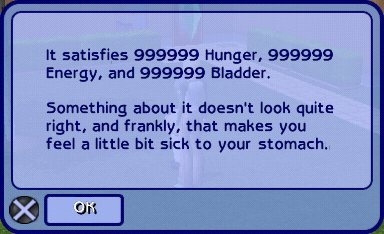
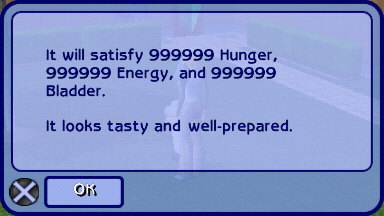
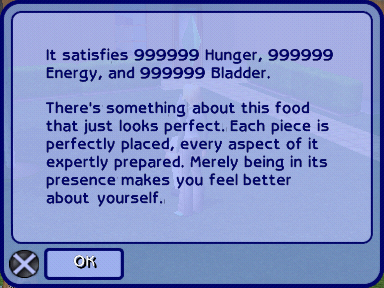
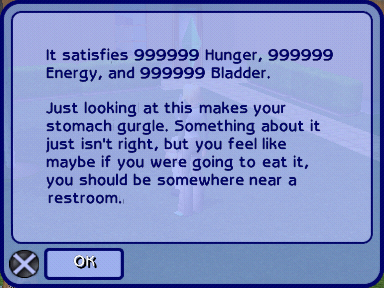
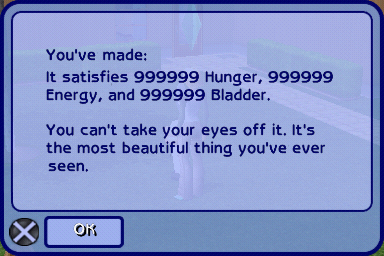
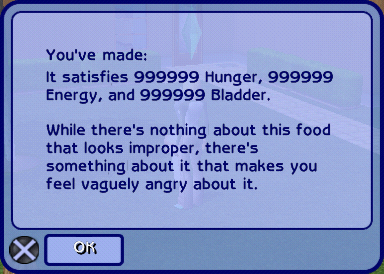
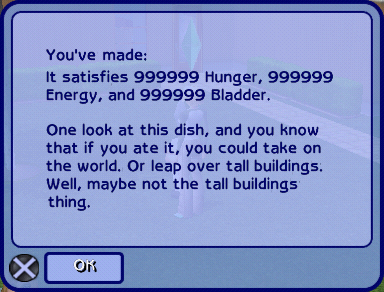
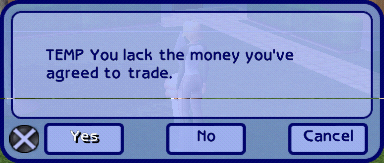
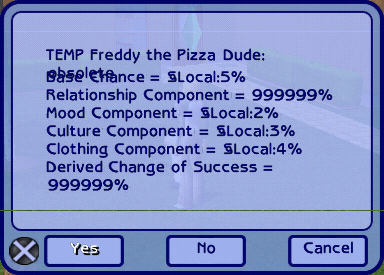
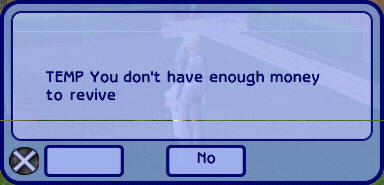
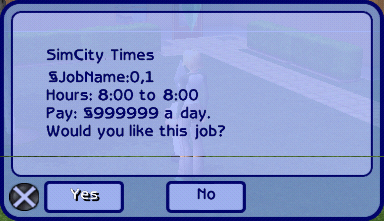
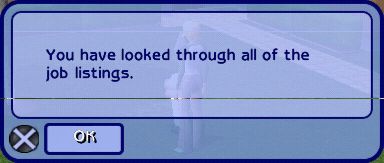
Show All Dialogs - Shows a ton of Modal and Modeless messages. Most of them are blank placeholders. The images below show the ones that did have unique text (excluding previously seen ones) with many Urbz leftovers.
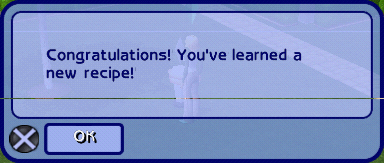
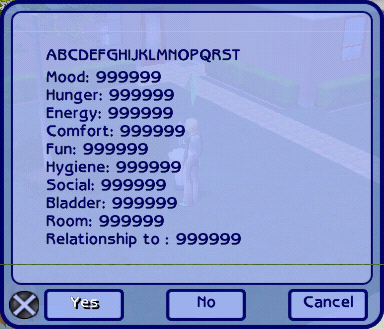
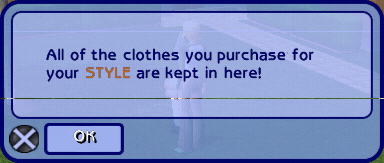

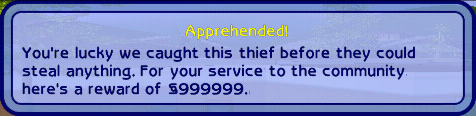

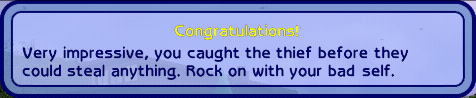


















- Turn On All Lights
- Disable Social % Dialog - Urbz leftover?
- Test Job HUD - Shows the fashion unlock notification, since all other unlock notifications aren't functional in this build.
- Goto CAS (New UI only)
- Enable Social % Dialog - Urbz leftover?
- *Debug Actions
-
- Disable Social Choice Dialog - Disables the effect if either Enable Social Choice Dialog or *Enable Social Outcome Determination has been toggled.
- *Create... - The game sometimes may become incredibly laggy if any of these are spawned.
-
-
Bulldog - Missing model and/or textures. Crashes if loaded on real hardware, doesn't crash on PCSX2.
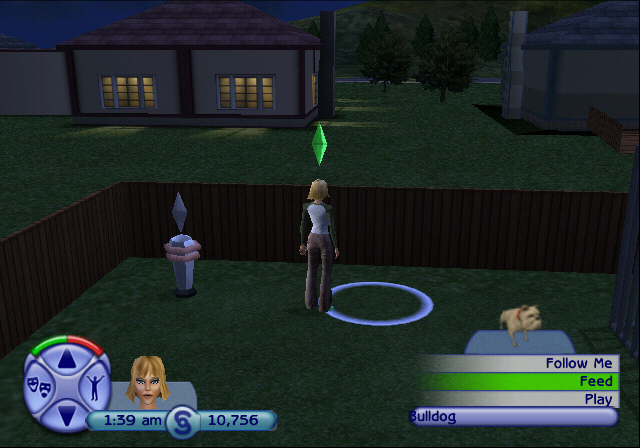
-
HouseCat - Missing model and/or textures. Crashes if loaded on real hardware, doesn't crash on PCSX2.
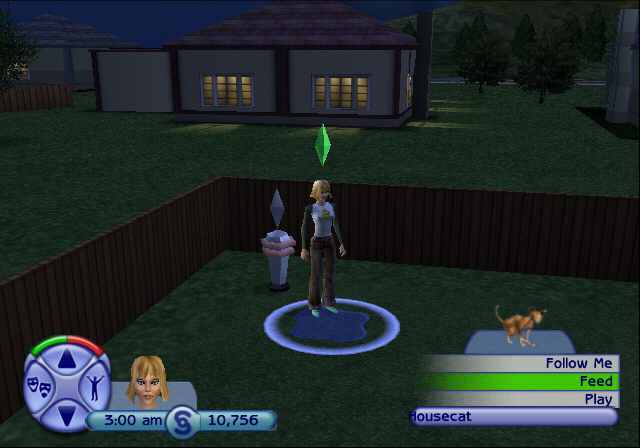
-
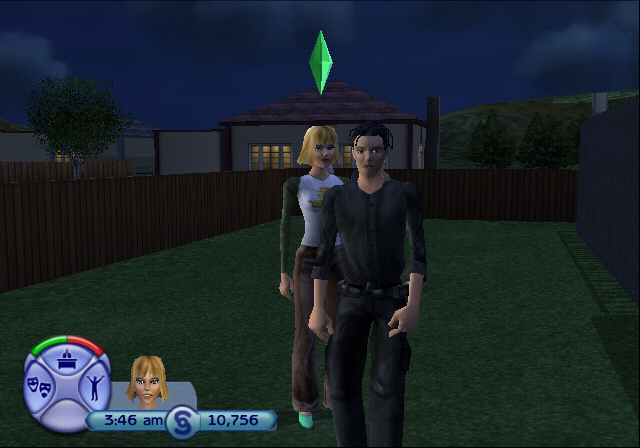
Repoman - The only option that doesn't crash on real PS2 hardware. Plays a jingle when spawned, then walks out of the current lot.
-
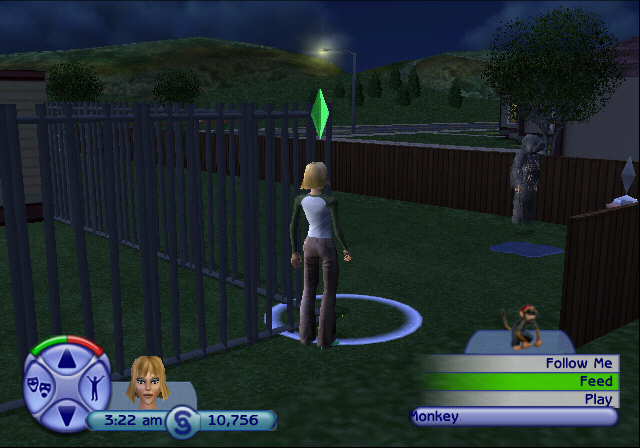
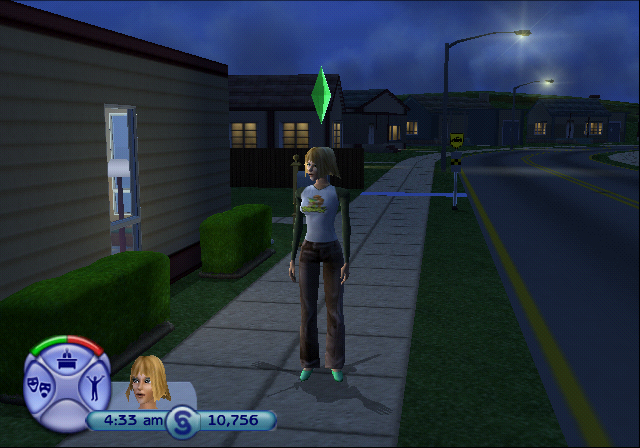
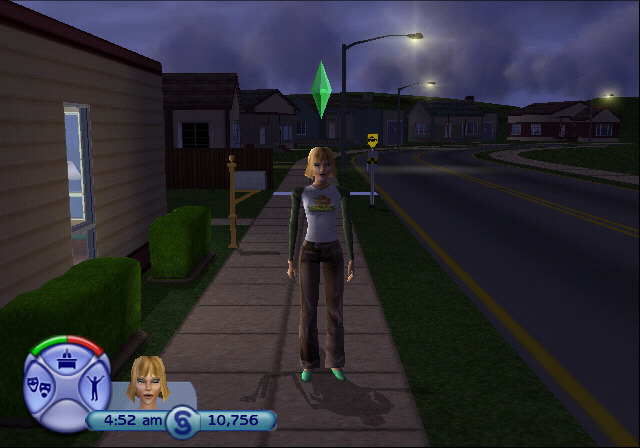
Monkey - Missing model and/or textures. Crashes if loaded on real hardware, doesn't crash on PCSX2. Sometimes a T-posing shadow may be seen on your Sims back after this is spawned. The shadow's arm tends to occasionally distort, probably due to missing or broken animations.
-
Bulldog - Missing model and/or textures. Crashes if loaded on real hardware, doesn't crash on PCSX2.
- *TEMP Sim...
-
- Test Reward Dialog - As before, shows the fashion unlock notification, but this one also unlocks 2 or 3 lots when first enabled.
- Reputation... - Urbz leftovers.
-
- Add -250 Reputation
- Add -200 Reputation
- Add -150 Reputation
- Add -100 Reputation
- Add -50 Reputation
- Add 50 Reputation
- Add 100 Reputation
- Add 150 Reputation
- Add 200 Reputation
- Add 250 Reputation
- Skill Objects... - Urbz leftovers.
-
- Get Mental Skill Object and Upgrades
- Get Creative Skill Object and Upgrades
- Get Physical Skill Object and Upgrades
- *Relationship Particles - Urbz leftovers, except the Urbz' stars textures are written over with The Sims 2's friendship texture. Unused in the final game, but shows 5 effect animations with either the friendship level increase or decrease icon.
-
- Neg 1
- Neg 2
- Neg 3
- Neg 4
- Neg 5
- Pos 1
- Pos 2
- Pos 3
- Pos 4
-
Pos 5
- Change Subculture... - Urbz leftovers.
-
- Change to Techno
- Change to Musician
- Change to Celebrity
- Change to Wiseguy
- Change to Biker
- Change to Punk
- Change to Skater
- Change to Hipster
- *PopBalloon...
-
-
Job 0
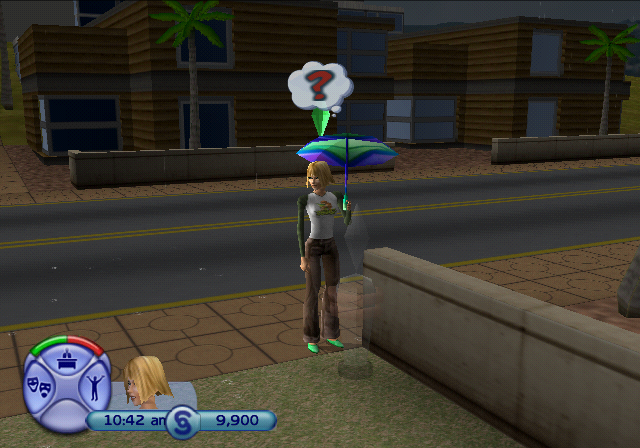
-
Information 1
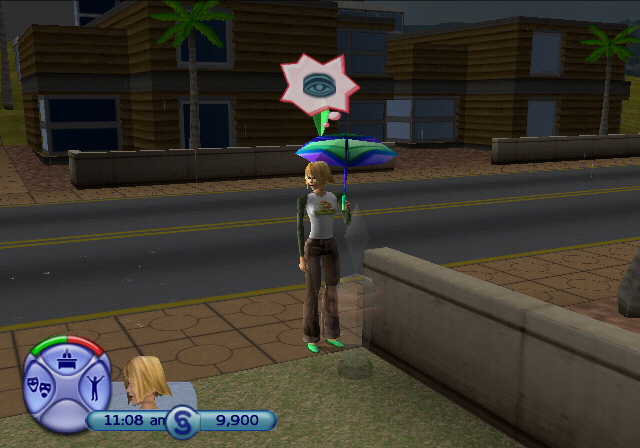
-
Reward 2
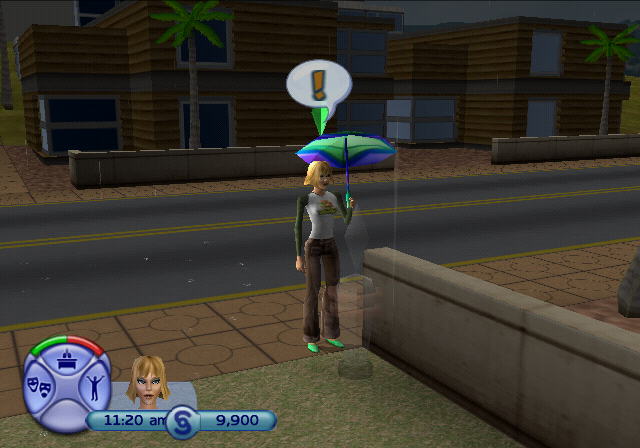
-
Job 0
- *Passive Influence...
-
-
Turn on Hunger Influence - Also affects other Sims if they walk nearby.
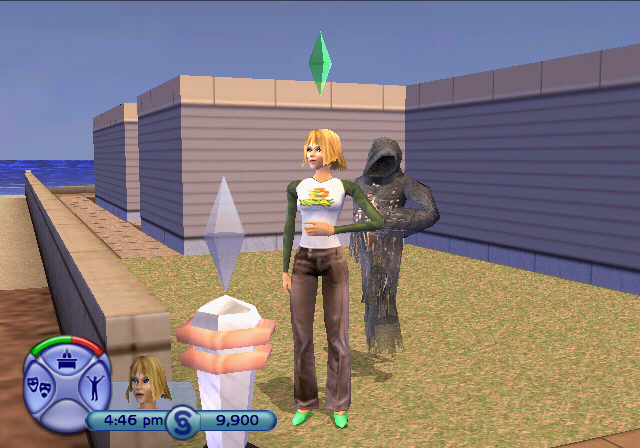
-
Turn on Boogie Influence - Also affects other Sims if they walk nearby.
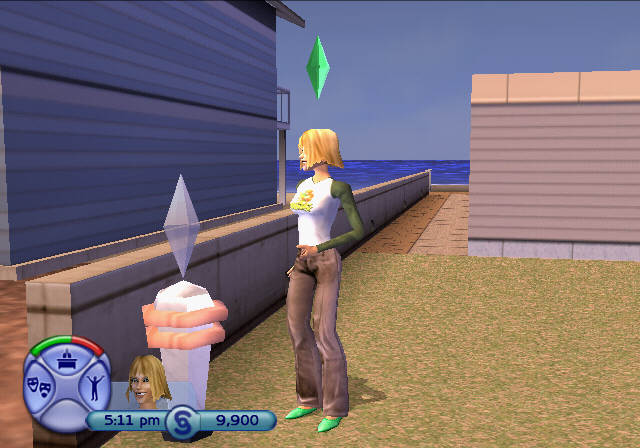
- Stop Influence
-
Turn on Hunger Influence - Also affects other Sims if they walk nearby.
- *Wants and Fears... - None of these seem to have any effect in-game.
-
- Notify Kiss
- Notify Marriage
- Notify Throw Up
- Spawn NPC... - Technically all of these work, but most of the NPCs get stuck out of bounds and some may still give you fines. Some NPCs like the firefighter enter from above.
-
- Firefighter
- Gardener
- Grim Reaper
- Maid
- Mailman
- Repair Woman
- Police Woman
- Paperboy
- Repo Man
-
Thief