 This article has a talk page!
This page details one or more prototype versions of Red Dead Revolver.

|
To do:
|

|
This prototype is documented on Hidden Palace. |
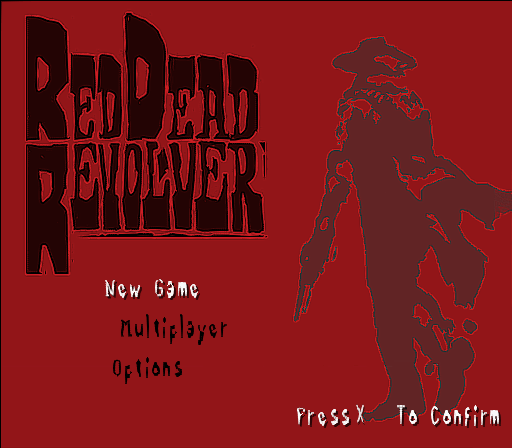
This prototype of Red Dead Revolver is a PlayStation 2 build dated January 15, 2002, about two months before the game's official announcement. The prototype was developed by Angel Studios under the supervision of Capcom.
The prototype contains a level select with 11 unfinished levels from the single-player campaign, as well as a functional multiplayer mode that supports up to 4 players.
Unused Graphics#
Unused Title Images#
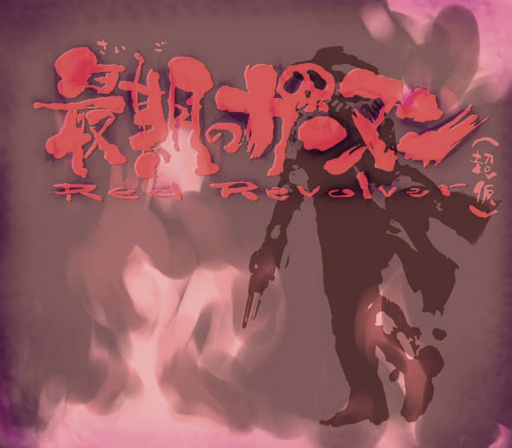
An unused "Red Revolver" title graphic. The Japanese title reads 最期のガンマン(超仮) ("The Last Gunman" ("super provisional")). There are two variants of this graphic, one being more vibrant in color than the other.
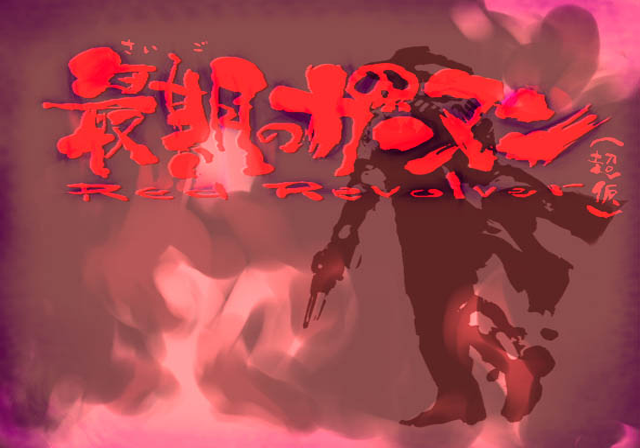
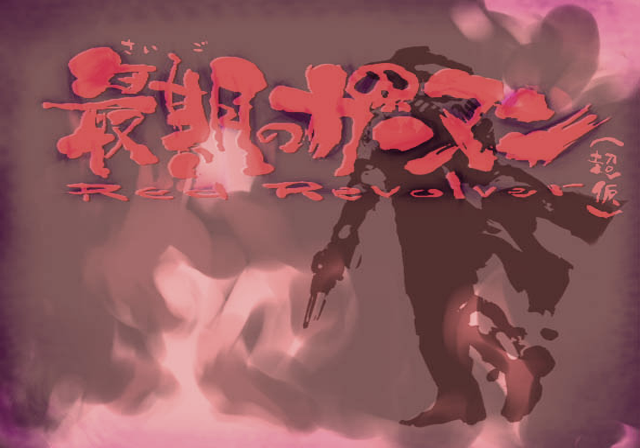
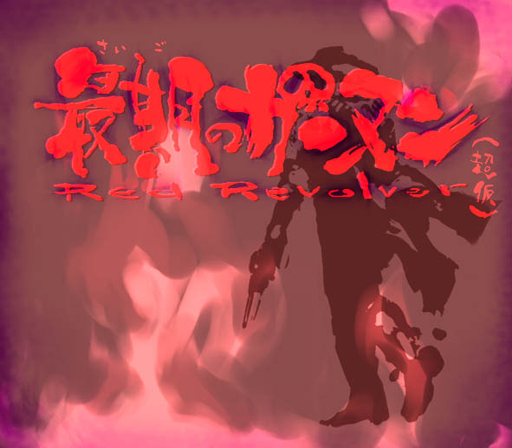
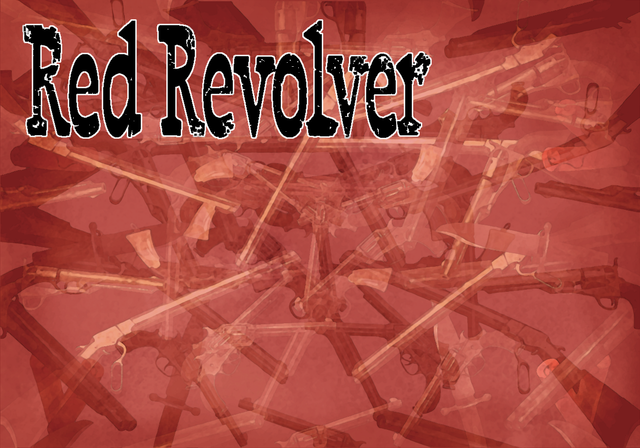
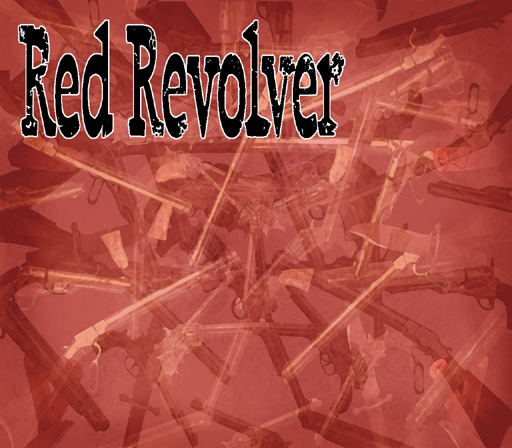
And another unused title graphic that just says "Red Revolver". Not to be confused with the Multiplayer Showdown game mode, which uses the same background with buttons overlaid on top.
Debug Images#
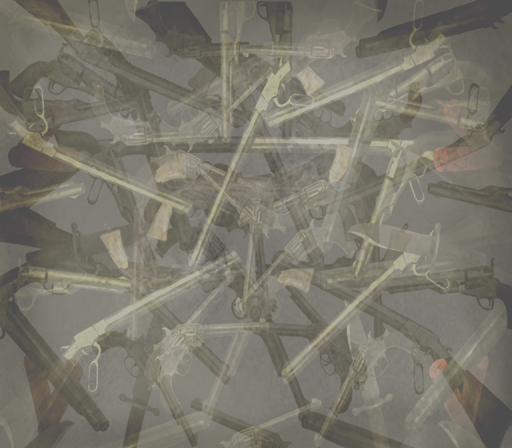
Textures most likely used for debugging various states or flags in-game.


Test Images#
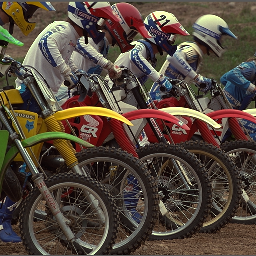
Various images for testing color, alpha, and compression.




Unused Levels#
lvl_ai#
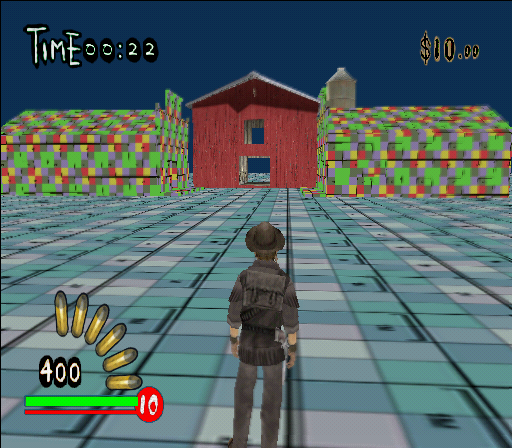
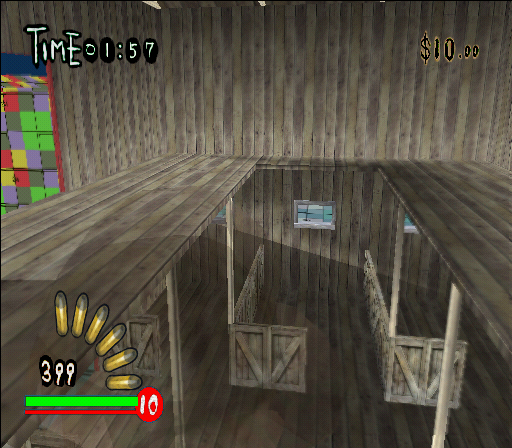
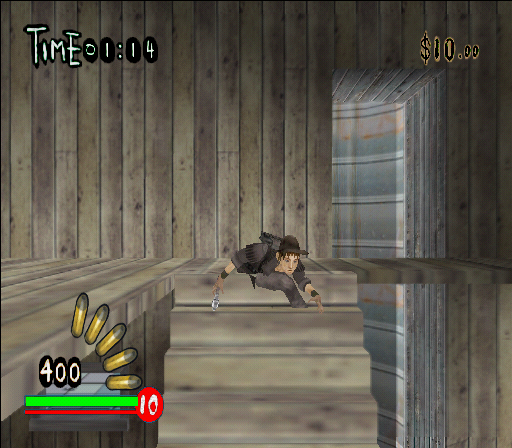
A scene that just has one textured barn, and two untextured buildings next to it.
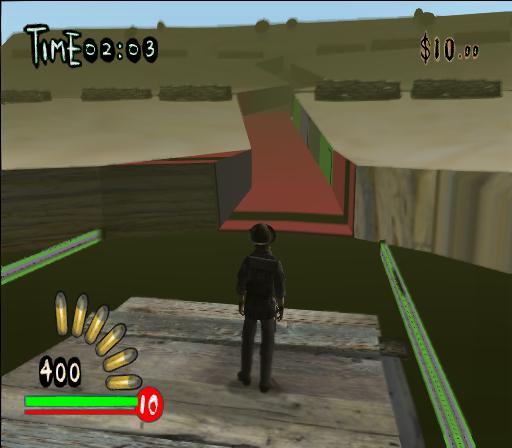
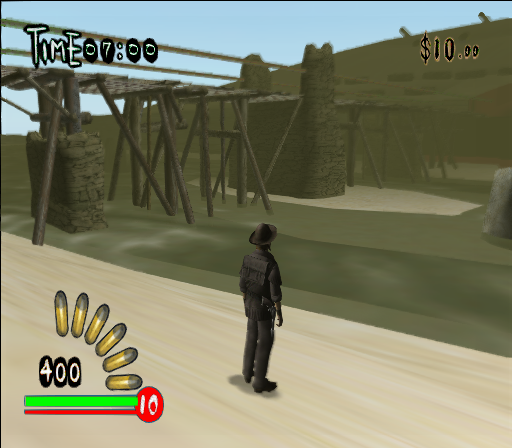
lvl_bridge#
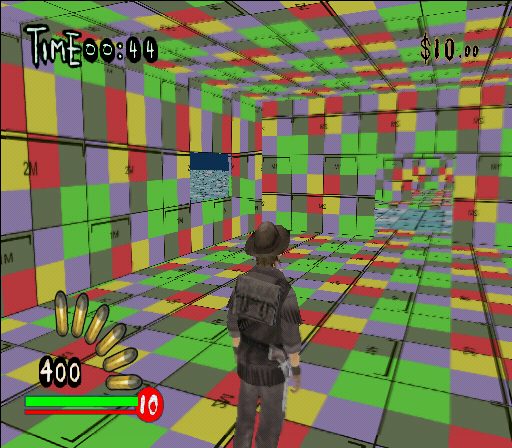
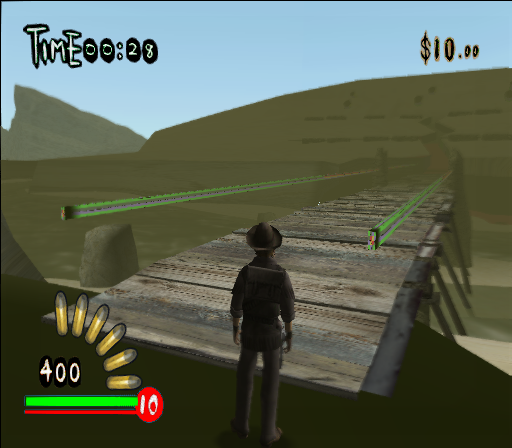
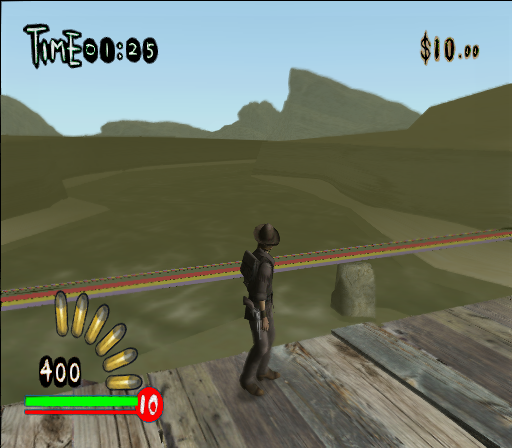
A scene featuring a bridge that crosses a canyon over a river. Most of the geometry in the surrounding area appears unfinished.
lvl_core#
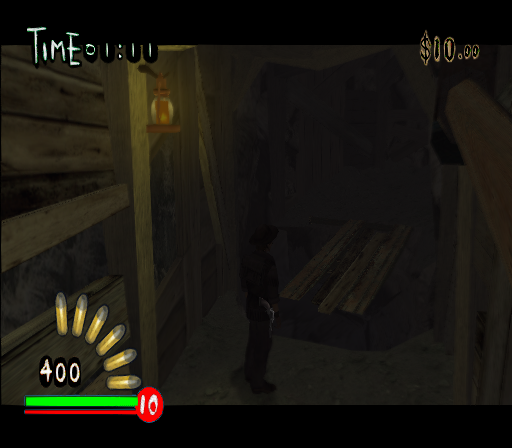
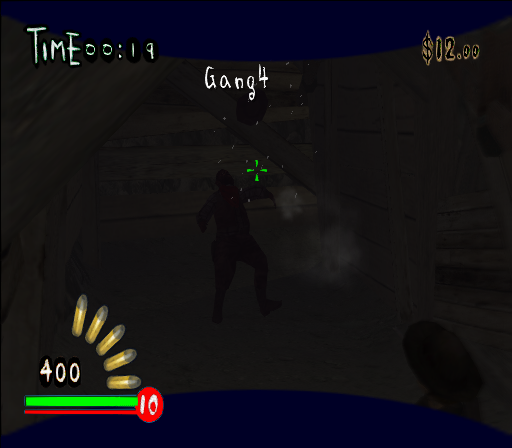
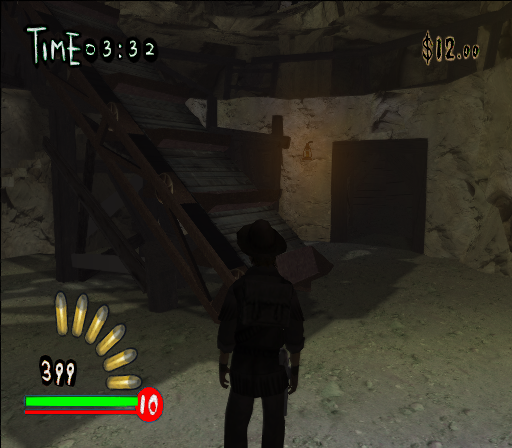
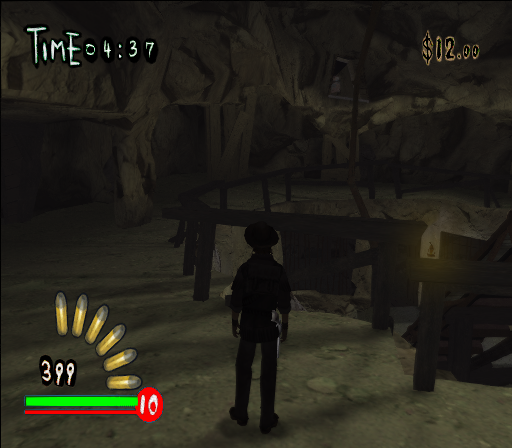
A dark mine shaft. The player spawns at the start of the mine next to an idle NPC named Gang4. The main passage leads to a central area with a conveyor belt and a second floor.
lvl_cover#
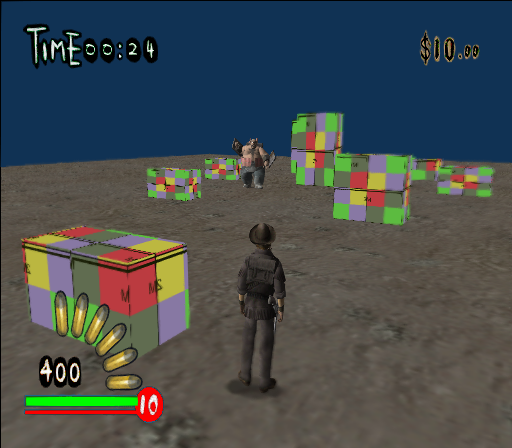
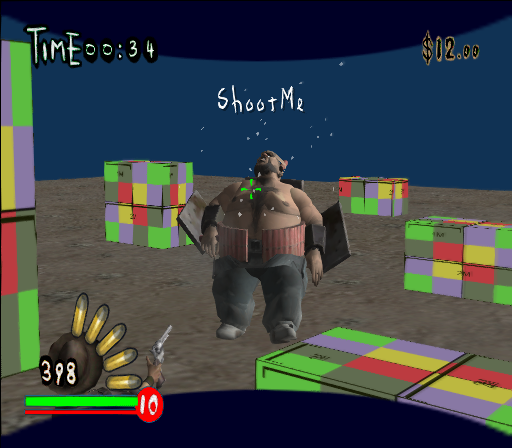
A test level containing a single enemy named ShootMe. The level contains boxes of various sizes for testing cover.
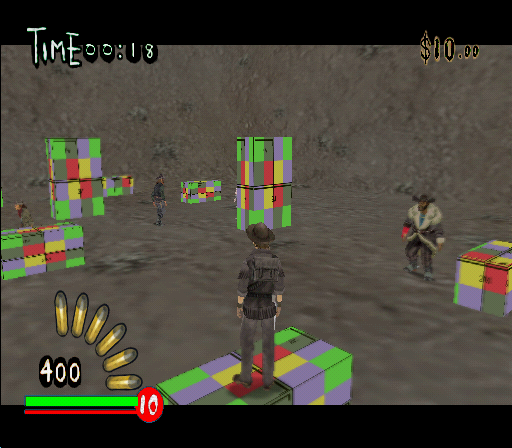
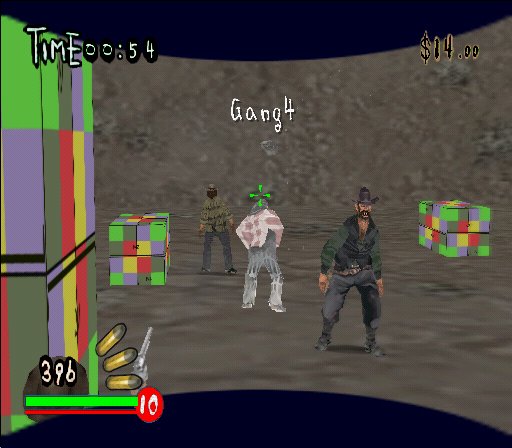
lvl_cover2#
Another cover test level, this time in a dirt cube and four enemies that stand still. Their names are Gang1, Gang2, Gang4, and AntiSneaker.
lvl_cover3#
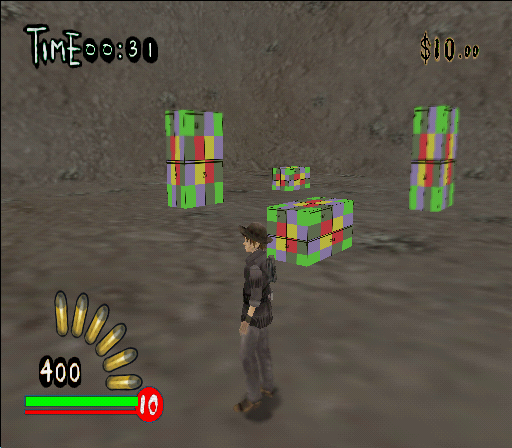
Yet another cover test. Similar to the 2nd one but way less populated.
lvl_msn#
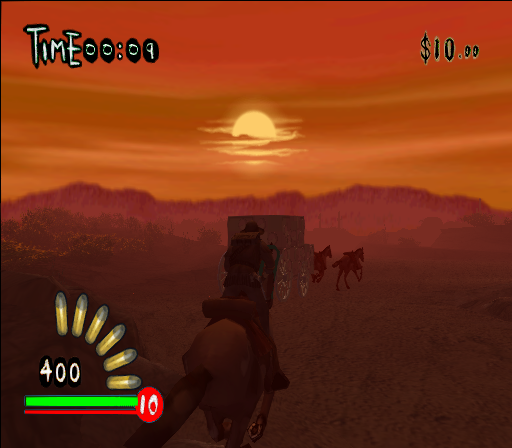
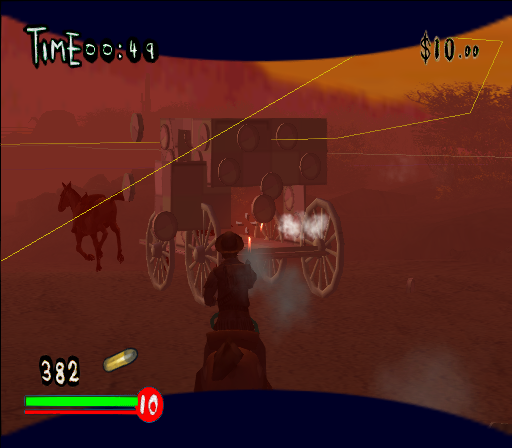
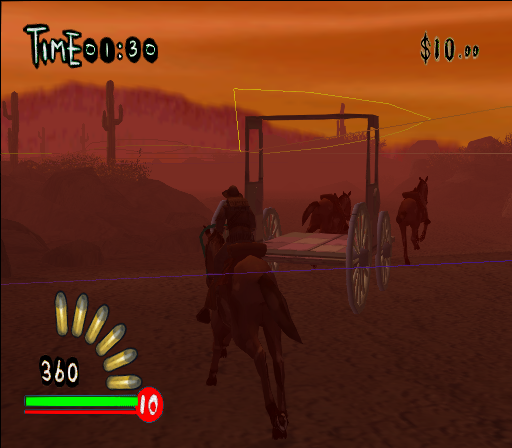
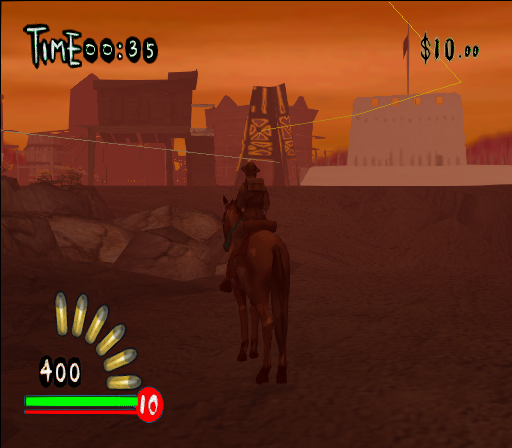
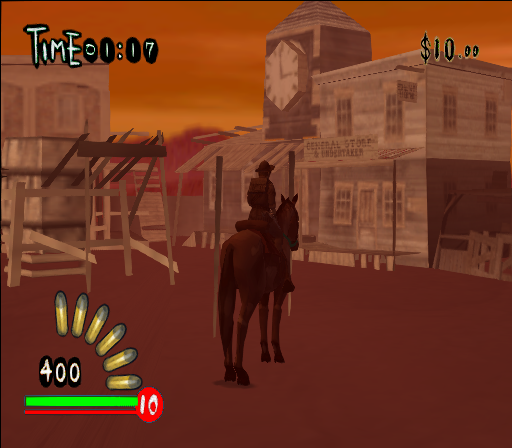
This level is titled "Mission" in the level select UI file (1000.swui), but is commented out.
The player starts mounted on a horse and is able to chase a wagon through a section of the desert. The wagon moves along the path marked by a yellow debug line. Parts of the wagon are destructible and fall off when damaged. Shooting one of the horses causes the game to crash.
Near the spawn point behind the player is a small town rendered at a low level of detail.
Debug Displays#
|
|
To do:
|
There are a couple of debug displays, showing information about hardware usage, performance and such. The names below use the labels that would be seen in the debug menu, where applicable.
Show Date#
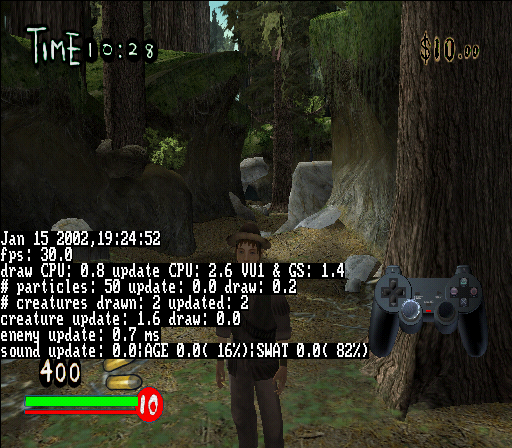
Shows the exact build date, which is Jan 15 2002, 19:24:52.
0042138C 00000001Show Fps#
00421380 00000001General / Physics Stats#
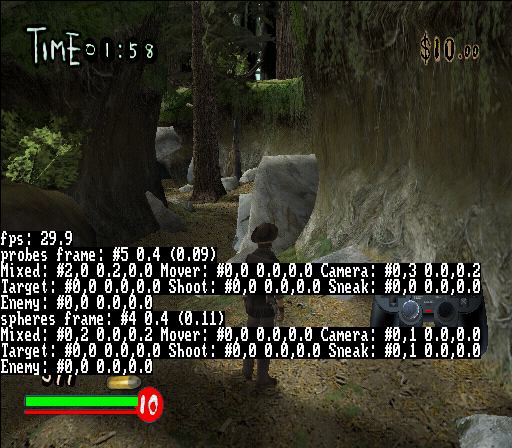
Two displays that can be seen by changing the value of one address. The 1st one displays statistics about CPU usage and the like, and the 2nd page displays information about physics. This option also enables the FPS display, regardless if the code above is set to On or Off.
(Replace the "?" in the code below with either 1 or 2.)
00421384 0000000?Alternatively, a code such as the one below can also be used to switch between the two pages by pressing R3 + Left or R3 + Right.
D0488102 0000FF7B
00421384 00000001
D0488102 0000FFDB
00421384 00000002
Performance Monitor#
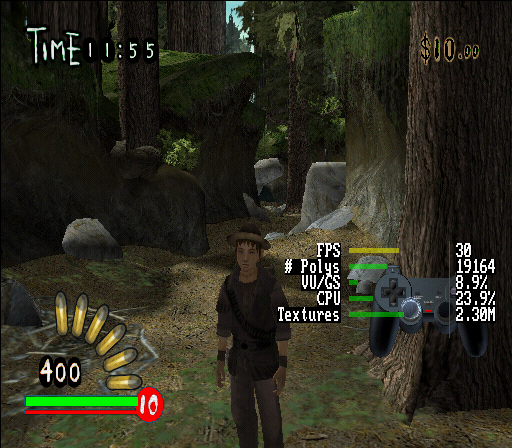
Lists the performance and usage graphs for the frame rate, amount of used polygons, GPU and CPU usage, and how much memory textures take up.
00421388 00000001SPU Display#
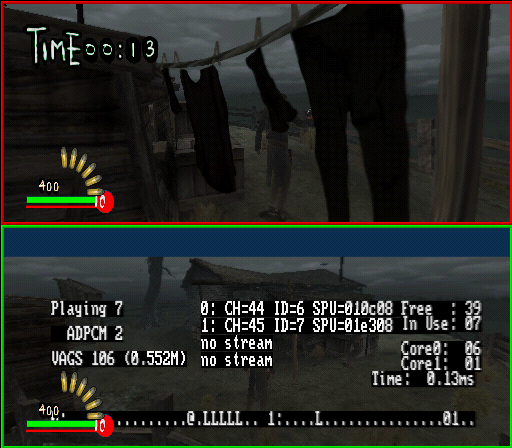
Shows information about the usage for the sound processing unit. For some reason its draw priority is incorrect, thus it has HUD elements drawn over it.
00618BE4 00000001Show Position#
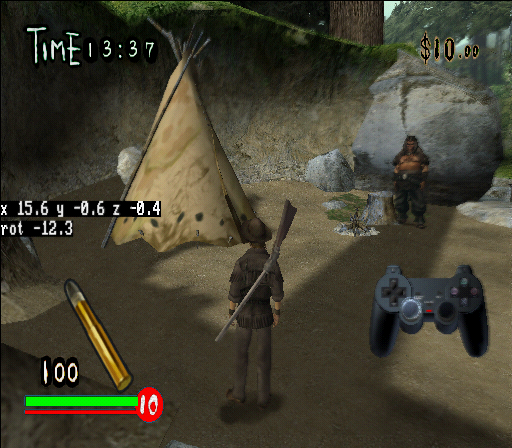
Shows the players current position and rotation. The first code shows the rotation, and the second code shows the position.
0091D758 00000001
0091D759 00000001
An alternate single-line code such as this can also be used, to display both at once:
1091D758 00000101Visual Debugging#
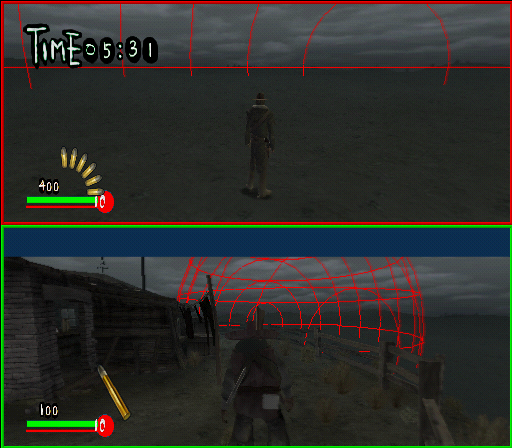
There are multiple options under Visual Debugging, currently only one can be enabled.
Option |
Description |
|---|---|
Show Spheres |
Show collision spheres for debris. Must be on to see ANY spheres at all. |
Show Moving Only |
Turn this off to see spheres regardless of whether they are moving. |
Show Animating Only |
Turn this off to see spheres regardless of whether they are animating (e.g. animating but with zero velocity). |
Show Tiny (GREEN) |
Turn this on to see spheres that are too small to cause damage. |
Show Medium (PURPLE) |
Turn off to not see medium spheres. |
Show Large (RED) |
Turn off to not see large spheres. |
Show Large (RED)#
Draws a large red sphere around the player. It can be best seen in split-screen mode, as it only draws it around the 1st player.
00618BD8 00000001Player Statistics#

Lists statistics about the player (or players, if split-screen mode is active) about how many shots have been taken, enemies gunned down, and so on. This display seems to be drawn under other HUD elements, such as the timer. This option doesn't seem to be a part of the debug menu.
2019B660 00000000(Source: Edness)
|
The Red Dead series | |
|---|---|
|
PlayStation 2, Xbox |
|
|
PlayStation 3, PlayStation 4, Xbox 360, Nintendo Switch |
|
|
PlayStation 4, Xbox One, Windows |
|