 This article has a talk page!
|
This prototype is documented on Hidden Palace. |
This is a sub-page of Proto:Prey (2006).
 On December 25th, 2022, Hogsy of gaming preservation site TalonBrave.info would release a very early prototype of Prey from November 9th, 1995.1 It was made during Tom Hall's lead on the project and was a pitch demo shown to GT Interactive, the publisher of Prey until 1999.2
This version of the game would continue to be worked on until August 1996, when much of the team including Hall would leave 3D Realms. Paul Schuytema would then be brought in were by November that year, everything would be scrapped in favor of a new vision and engine.
The build is more of a tech demo then a game, with the only thing to do is just wandering around. Outside of the sci-fi setting and name, nothing from this version of the game would appear in the final. To extract content from the prototype, it is recommended to use glPrey.
General#
Engine#
The prototype runs on a proprietary game engine from 3D Realms called "Prey Engine", (the developers also gave the engine various inside joke names such as "Tears" which according to them is "what our competitors will be shedding when they see how cool it is")3 primarily developed by the late William Scarboro. No commercial product ever made use of this engine.
The engine itself appears to be real-time 3D, processing basic collision and physics. The build is generally quite unstable and will crash often, especially with its default settings. Disabling some variables in console, like mipmapping, can improve performance.
Paul Schuytema's 1996-1998 "Talon Brave" iteration of the game also used an engine called "Prey Engine" (later known by its final name of "PreyTech") but it was separate from this one.
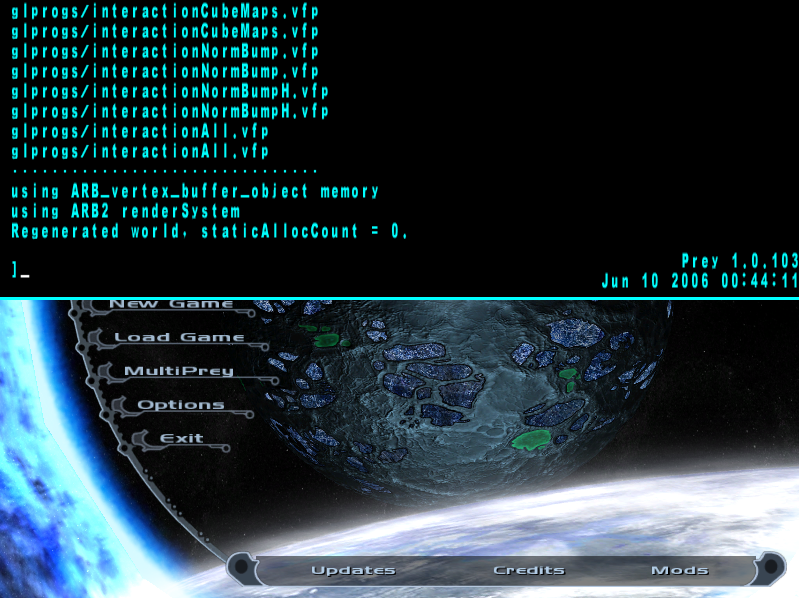
The final game runs on a modified version of id Tech 4.
Boot Screen#
Loading into the prototype without specifying a map will have you appear at a black screen. The console and certain keys can be used here.
Error Message#

Text saying " goddamnit!" (note the space) can appear in game when loading into a map with the console open or when the game crashes. The message will rapidly appear and disappear, causing the screen to glitch out.
Absent Features#
Seeing that this is an early build, a fair few features of the final are absent:
- The game is dead silent and has no sounds.
- The game possesses no HUD, weapons, enemies or portals.
- Portals seemingly were never considered for this iteration of the game.
- No entities appear to be present but the presence of a source code string in the executable does show that work on the feature had existed at this point.
Platform#
This build runs on DOS, whereas the final game was released for Windows, Xbox 360, Mac OS X, and Linux.
WAD#
The game uses a .WAD file to store its data, not so dissimilar to games like Doom, Quake and Rise of the Triad. The file is called MACT.WAD. The engine appears to use some code for loading WADs from Doom, which isn't too surprising, seeing that Rise of the Traid swiped code from there as well. The prototype requires the .WAD file in order to run, renaming or removing the .WAD causes the game to fail to start.
Controls#
- Movement is handled with arrow keys: up or Mouse 2 will move you forward and down or Mouse 3 will move you backward, left and right will turn the camera.
- A will move you up, Z will move you down.
- X will strafe left, C will strafe right.
- , and . will spin the player counterclockwise and clockwise respectively.
- Holding ⇧ Shift will make the player move faster.
Rendering Modes#
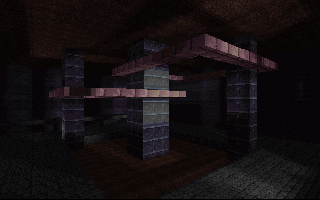
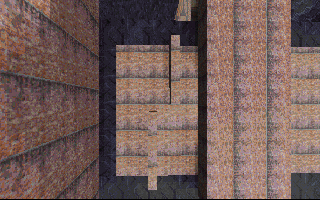
W will cycle between three different rendering options: wireframe, flat shading and full rendering. By default, the build starts with wireframe rendering. If the player loads into the map again, the colors of the flat shading mode will change. The wireframe mode has a red boarder around the screen whereas the other two modes have a black line on the bottom of the screen.
Wireframe |
Flat Shading |
Full Rendering |
|---|---|---|
 |
 |
 |
Auto Leveling#
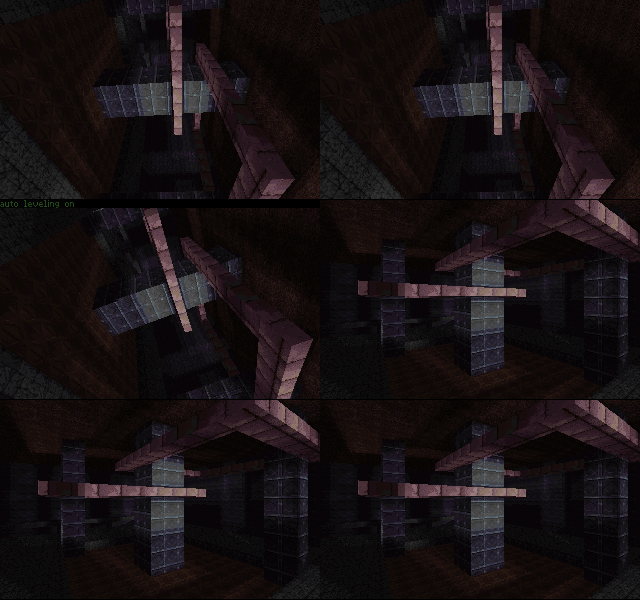
The prototype has an "auto leveling" feature where the camera will adjust/snap itself into a neutral position when it is uneven or is moved in a direction. It can be used in two ways:
- Mouse 1 will adjust the camera when held down.
- L will enable or disable a mode where the camera will automatically adjust itself. Notably Mouse 1 is more resistant against camera movement then the auto-leveling mode.
Gravity#
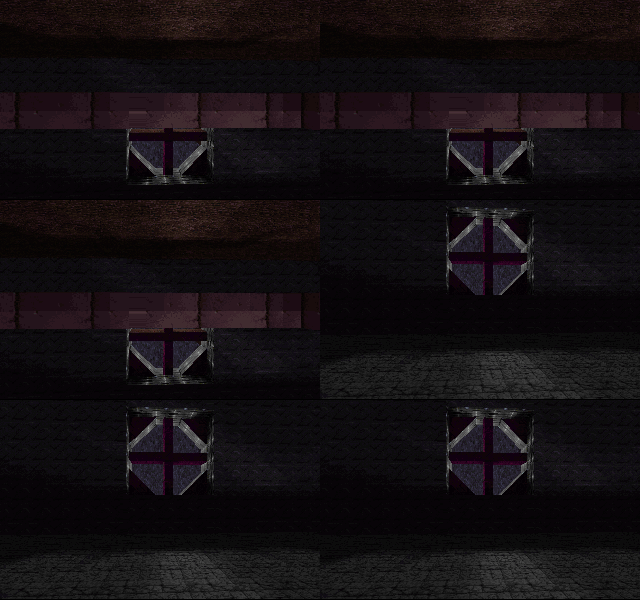
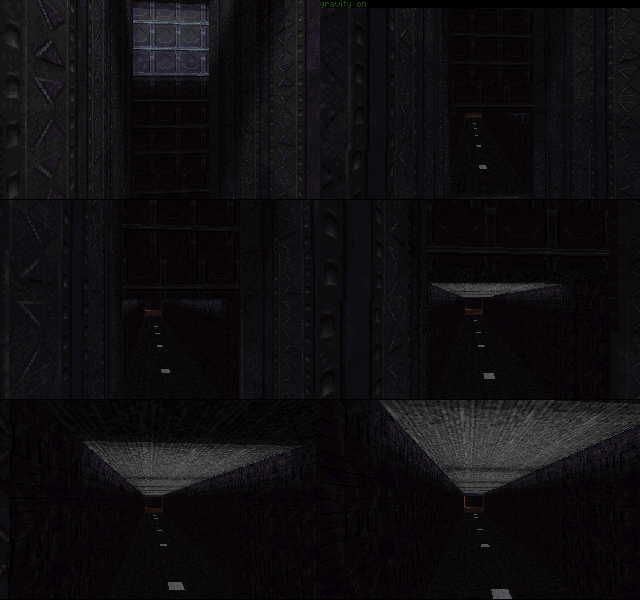
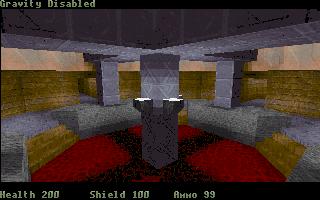
The prototype features basic gravity, which can be turn on or off with G.
A prerelease screenshot from March 1996 shows the messages were changed to more informal terms ("off" to "Disabled").
Time Measurement#
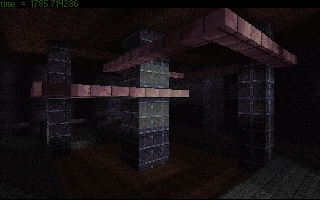
F will bring up some numbers displaying a measurement of time, but the purpose of them is unclear. The numbers appear to be randomly chosen from a pre-set list. Pressing F at the boot screen will show the player having "inf" time. The numbers displayed are as follows:
- 1515.151515
- 1785.714286
- 1851.851852
- 2272.727273
- 2941.176471
- 3125.000000
- 4545.454545
- 8333.333333
- 10000.000000

Jumping#
Space will perform a jump, but it only moves very slightly up in the build. Pressing repeatably or holding space will make you move up regardless of if gravity is turned off or on.
Screenshots#
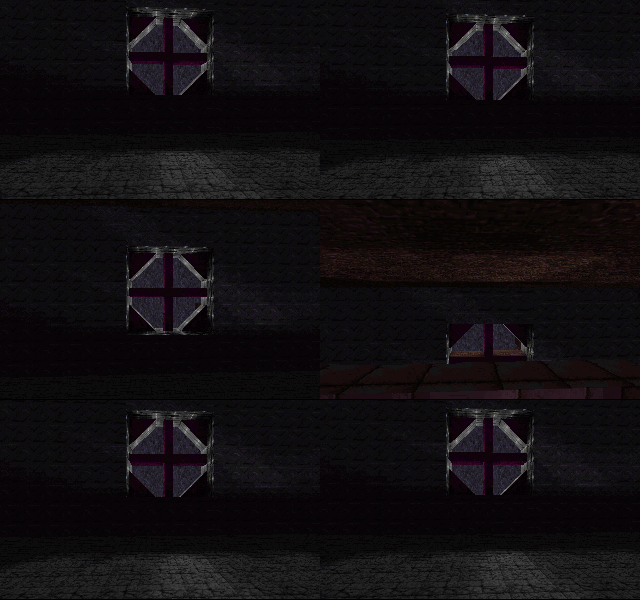
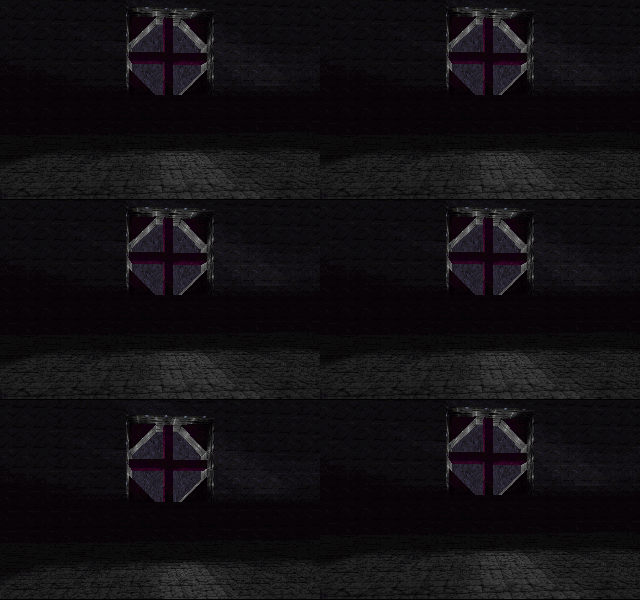
← Backspace will generate a screenshot, labelled as PREY(X).LBM. The feature appears to be broken in the prototype as the images are only just black. This feature would eventually be functional by the time the game's first screenshots would be published in November 1995.
Mouse Check#

The game will check for a mouse open loading into the map.
Console#
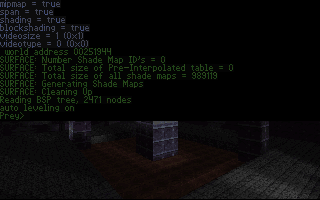
Tab ↹ will open the console; the console in the final game is opened with Crtl+Alt+~. Commands present in the prototype are the following:
- set - Enable/disable a variable.
- print - Stats a specified variable in the console. print all will display all variables.
- help - List all the available commands.
- load - Load into a map.
- record - Begins recording of a demo.
- play - Plays a demo.
- save - Stops recording of a demo.
Variables that can be used with print and set include:
- precision - Unknown. Disabled by default.
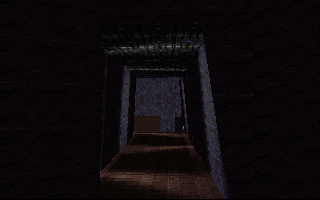
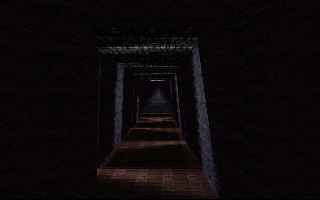
- cellvis - Enables/disables complete rendering of the map. Enabled by default.
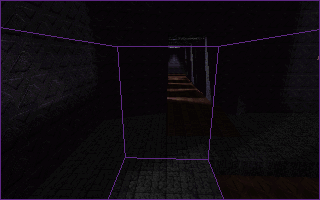
- volumerender - Enables/disables some sort of coordinate marker. Disabled by default. Disabling it again while in Full Rendering mode will cause a purple line to appear on the bottom of the screen. This can be removed by simply restarting the game or switching rendering modes.
- mipmap - Enables/disables mipmapping. Enabled by default.
- span - Enables/disables textures. Enabled by default.
- shading - Enables/disables shading. Enabled by default.
- blockshading - Enables/disables "block shading". Enabled by default.
- videosize - Unknown. Set to 1 by default.
- videotype - Unknown. Set to 0 by default.
Launching the prototype without PREY.CFG will have every variable set to false by default.

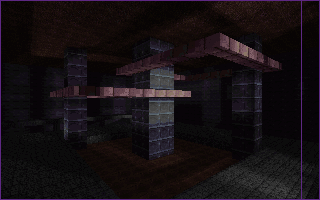
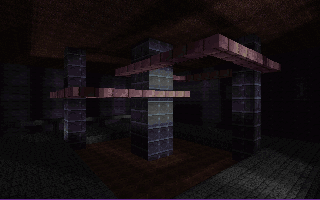
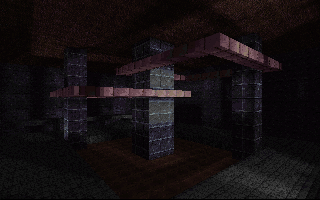


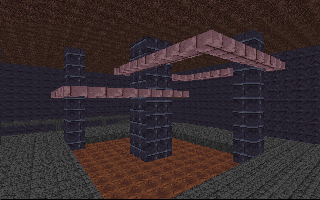
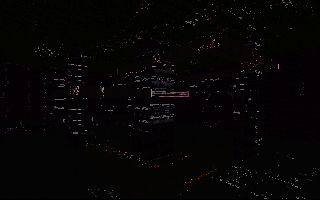
Mipmapping True (Full Rendering) |
Mipmapping False (Full Rendering) |
Mipmapping True (Wireframe) |
Mipmapping False (Wireframe) |
|---|---|---|---|
|
|
|
|
Cellvis True |
Cellvis False |
||
 |
 |
|
 |
|
Prototype |
Final |
|---|---|
|
|
|
Demos#
The prototype has a few demo recordings. The demos themselves are very fast and only feature wondering around the map. The speed of the demos appears to be how they were recorded, rather than any hardware or emulation issues. The demos included are as follows:
MARK.DMO- The player starts at the large area and ends in the light room. Dated a day later then TEST.MARK2.DMO- The longest and most recent of the demos. Recorded only 12 minutes after MARK.TEST.DMO- The shortest and earliest of the demos.
The demos named "Mark" presumably refer to Mark Dochtermann, a developer who was involved with this version of Prey.
Crashing#
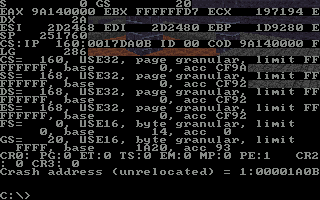
When the prototype crashes, often the screen will become filled with garbage and the DOS command line will be made available. Otherwise, it will just crash to a black DOS screen with a message stating the cause of the crash.
Map#
There is only a single map present, known as DEMO4.BSP. To load into the map, open the console at the bootup menu and type "load demo4" or start the build with "prey demo4" at DOS. The map requires a similarly named .BIN file. The prototype is capable of loading the map from a sub-directory is you were to move it to one (e.g. Maps/DEMO4.BSP).
It is rather easy to get stuck in the collision of the map and you will have to turn gravity off to get out.
The map, with some differences from the prototype, was featured in the game's first screenshots from November 1995.
Starting Area#
The area that the player starts at when the map loads in. It features a structure in the middle of the room and two hallways that lead to other areas of the map. The hallway to the player's right leads a hallway to a room with light. To the back of the room is a ramp that leads to various rooms.

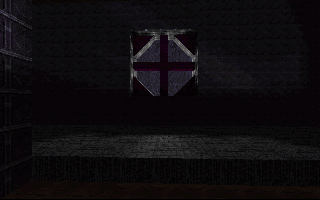
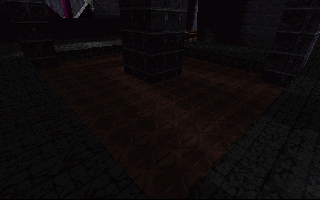
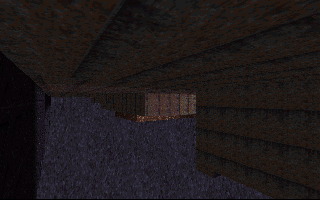
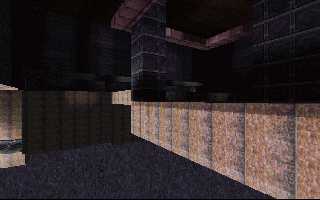
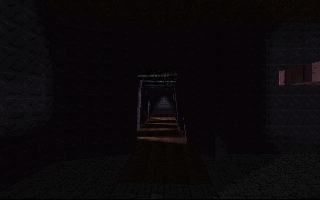
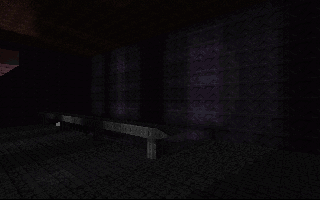
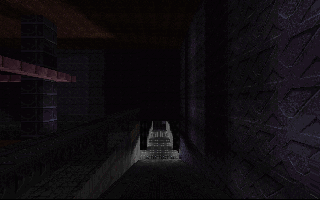
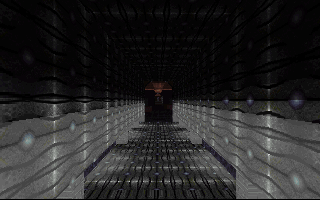
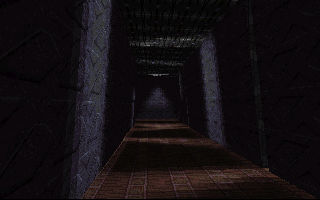
As seen in a prerelease screenshot, this room once showed an area that is absent from the build.
|
Prototype |
Prerelease Screenshot |
|---|---|
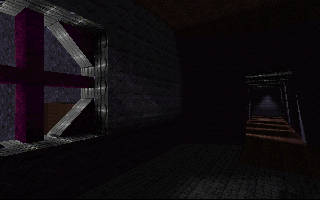
|
|
Room with Light#
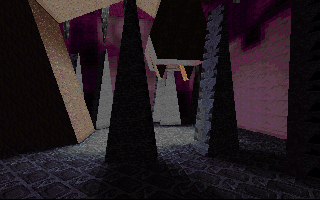
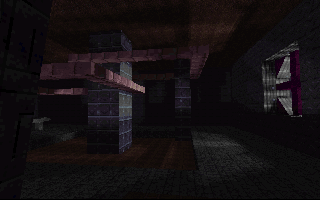
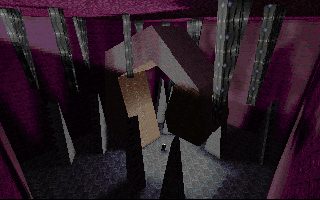
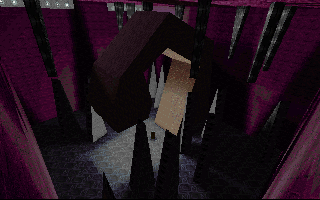
The room with light features a large talon-like structure, various stalagmites and light. The room is a dead end.
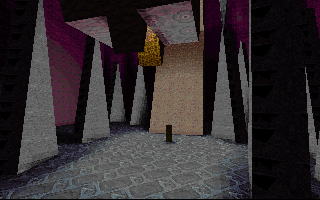
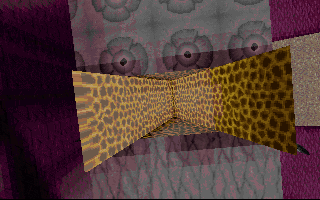
Room with Bridge#
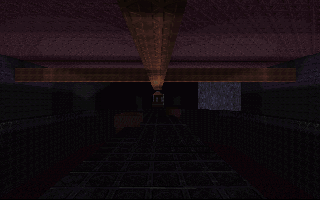
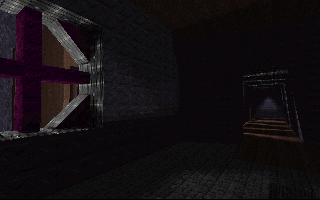
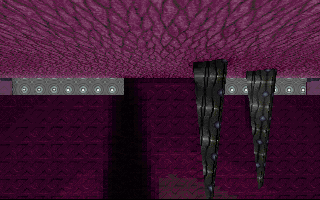
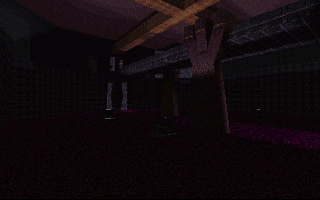
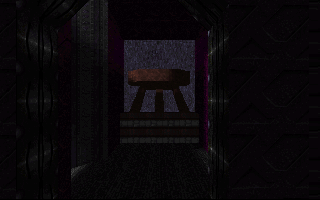
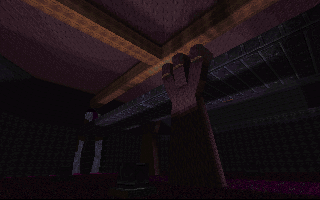
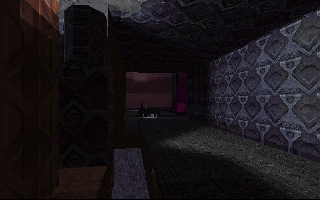
A room with a bridge. The ceiling features a large cross. A window can be seen to the side of the room.
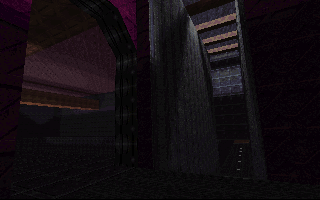
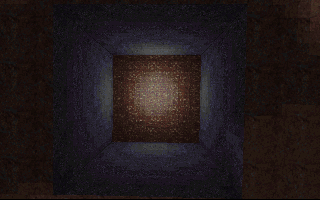
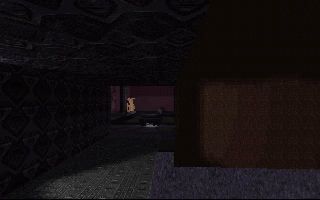
Room with Square Holes#
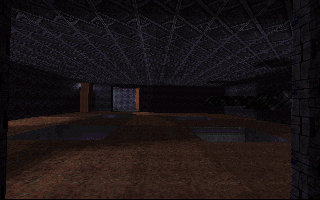
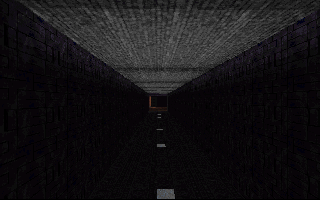
A room with four square holes on the floor and has two protruding spikes on the right wall. The left wall has two pillars in each corner with lights.
The walls of the hallway after this room don't have any collision.
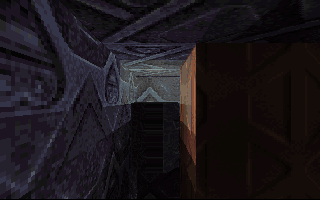
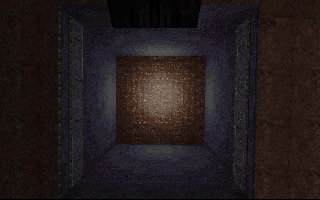
Large Room#
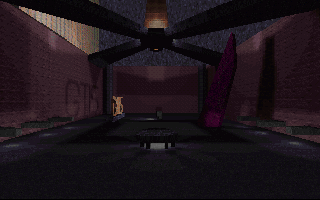
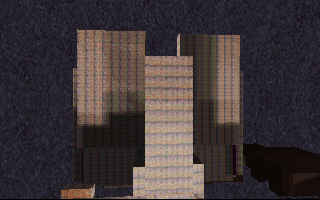
A large room at the end of the downward rooms, it features a large cross above, a large purple pillar, some lights and a sign with the letters "GTIS", referring to GT Interactive Software. The spikes protruding out the walls appear to lack collision.
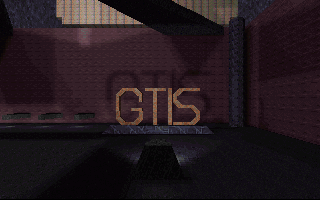
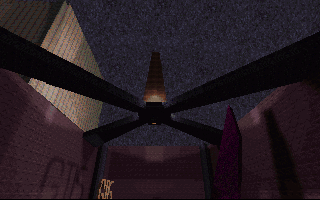
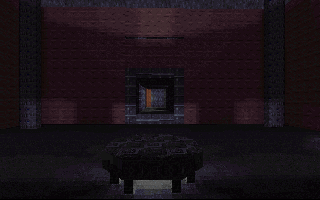

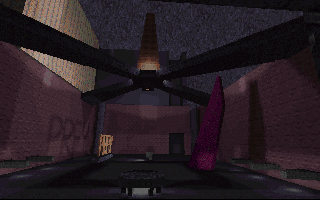
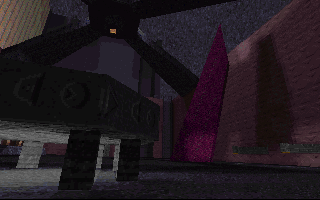
As seen in some prerelease screenshots, this room once had some details that are absent from the build such as the sign saying "PREY" instead of "GTIS" and a large gray area can be seen to the distance, with a doorway leading to it.
Prototype |
Prerelease Screenshot |
|---|---|
|
|
Textures#

|
To do:
|
The build has various textures found in the WAD. None of the textures present made their way into the final game.
Some prerelease screenshots from February 1996 shows a map with these textures, showing that these had survived for a while but many of them appear to have been replaced with newer art as development continued.
Names that are in bold denote unused textures.
Original Textures#
Texture |
Name |
Description |
|---|---|---|
 |
COOL1 |
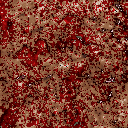
A bloody, meaty looking texture. Unclear purpose. It is double the size of every other texture in the prototype. |
 |
PREY1 |
|
 |
PREY2 |
|
 |
PREY3 |
Prerelease screenshots show that this texture had survived throughout the development of this version. |
 |
PREY4 |
Marble-like texture. Prerelease screenshots show that this texture was used as a skybox texture around March 1996. |
 |
PREY5 |
|
 |
PREY6 |
|
 |
PREY7 |
|
 |
PREY8 |
|
 |
PREY9 |
|
PREY10 |
Uses the same design as the previous texture. |
|
 |
PREY11 |
|
 |
PREY12 |
|
PREY13 |
Uses the same design as the previous texture. |
|
PREY14 |
||
PREY15 |
||
PREY16 |
||
PREY17 |
||
PREY18 |
Uses the same design as textures |
|
PREY19 |
||
PREY20 |
Four-petaled brown flower design. |
|
PREY21 |
||
 |
PREY22 |
Used as the skybox texture in the prototype. |
 |
PREY23 |
|
 |
PREY24 |
|
 |
PREY25 |
Uses the same design as texture |
PREY26 |
||
PREY27 |
Uses the same four-petaled flower design as texture |
|
PREY28 |
||
PREY29 |
||
PREY30 |
||
PREY31 |
Uses a design similar to texture |
|
PREY32 |
||
 |
SKY1 |
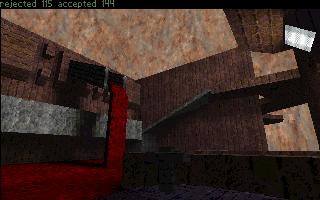
Depicts some clouds against a blue sky. Likely meant to be used as |
(Source: Hogsy)
Rise of the Triad Textures#
There are also a variety of textures from Rise of the Triad present, which again isn't too surprising, seeing that the team behind that game was working on this version of the game as well. These textures were likely used during the early stages of the project before more original art was made. Some of the textures are used in the prototype.


The textures themselves appear to have been modified slightly from Rise of the Triad, mainly by them having more duller colors.
Prototype |
Rise of the Triad |
|---|---|
|
|
|
|


Other Graphics#
Stuff that doesn't fit under the other categories.

The colormap used by the prototype.

The palette used by the prototype. These colors can be seen with the "flat shading" render mode.
(Palette rip: erysdren)
Text#
Text found in the executable.
|
|
To do:
|
Used#
goddamnit!The error message.
auto leveling on
auto leveling off
Text that appears when the auto leveling feature is toggled.
gravity on
gravity off
Similar situation as before, this time for gravity.
HELP: Available commands Message that appears when the help command is entered in the console.
time = %f
The time message when pressing F.
Unused#
iew.bspvenguv.dat?m.binAtemact.waddlprey.exemar.dmoaiERROR.TXTVarious files mentioned that don't exist in the prototype. Its possible that these are just early versions of files present in the build.
?cam.dmp
camera saved
ttcamera loaded at %f %f %f
CAMERA
Some kind of camera function?
screen saved The prototype doesn't notify if a screenshot is saved, so this text similarly goes unused.
D:\SOURCE\PREY\engine.c
D:\SOURCE\PREY\clip.c
D:\SOURCE\PREY\input.c
D:\SOURCE\PREY\loader.c
D:\SOURCE\PREY\surface.c
D:\SOURCE\PREY\texture.c
D:\SOURCE\PREY\preymain.c
D:\SOURCE\PREY\span.c
D:\SOURCE\PREY\vector3.c
D:\SOURCE\PREY\cli.c
D:\SOURCE\PREY\cli_util.c
D:\SOURCE\PREY\actor.c
raster.asm
P:\LIBMACT\clrmap.c
fopen
fclose
set386
P:\LIBMACT\util_lib.c
P:\LIBMACT\vidmsdos.c
precise.asm
P:\LIBMACT\wad.cP:\LIBMACT\keyboard.c
P:\LIBMACT\file_lib.c
P:\LIBMACT\control.c
sprintf
P:\LIBMACT\lbmlib.c
P:\LIBMACT\tokenlib.c
strtod
cmp386
fprintf
P:\LIBMACT\zone.c
P:\LIBMACT\timelib.c
P:\LIBMACT\time_dos.c
cstrt386
argcv386
errno
P:\LIBMACT\scriplib.cP:\LIBMACT\crc.cjoystick.asmP:\LIBMACT\task_man.cStrings of the source tree of the engine at the time of the build's creation.
(Source: Emotion Engine 1999 (TCRF Discord))
dist = %f!
poly %ld
u %f v %f
Various debugging text. Unclear if it is possible to make these appear in-game.
References#
- Post by @Hogsy - Mastodon, December 25th 2022↩︎
- Scott Miller: This 1995 build of Prey was coded by William Scarboro (RIP -- 2002) and was Apogee's earliest attempt at creating a true 3D engine. This was before we had portals in the engine. The GTIS sign was meant to impress our publisher and help convince them to fund development. - Twitter, December 25th 2022↩︎
- A Titania Interview with 3D Realms (Archived) - Lon Matero, April 1996↩︎