 This article has a talk page!
This is a sub-page of Proto:Pokémon Legends: Arceus.

|
To do: |
How To Run with Ryujinx#
- Find the correct build, as only one of the many leaked builds have patches to prevent it from crashing on boot.
- Extract the rom with the Switch's Developer keys and repack it with retail key.
- Install a fresh version of Ryujinx. Completely remove your current installation if you have one, and delete the data folder (but don't forget to backup your shader cache and save data!).
- Apply these patches as exefs mods and attempt to open the build.
Main Differences#
Controls#
- In this build, you can jump by pressing the B button, when in the final version, it's mapped to the Y button, and only when riding Wyrdeer.
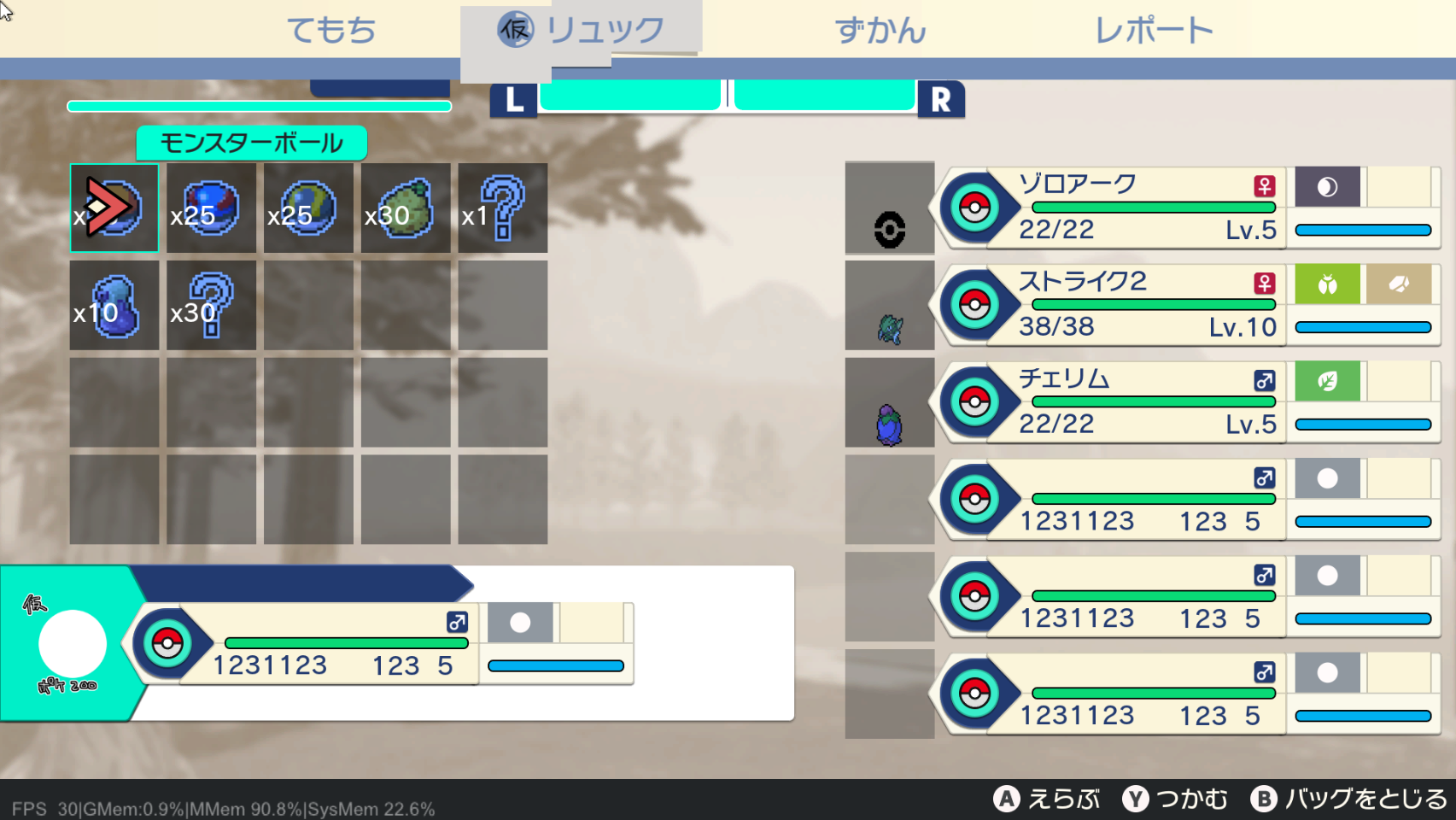
- To throw a Pokéball, hold the ZL button and press ZR to throw it. You can cycle between balls and various other items via the L and R buttons.
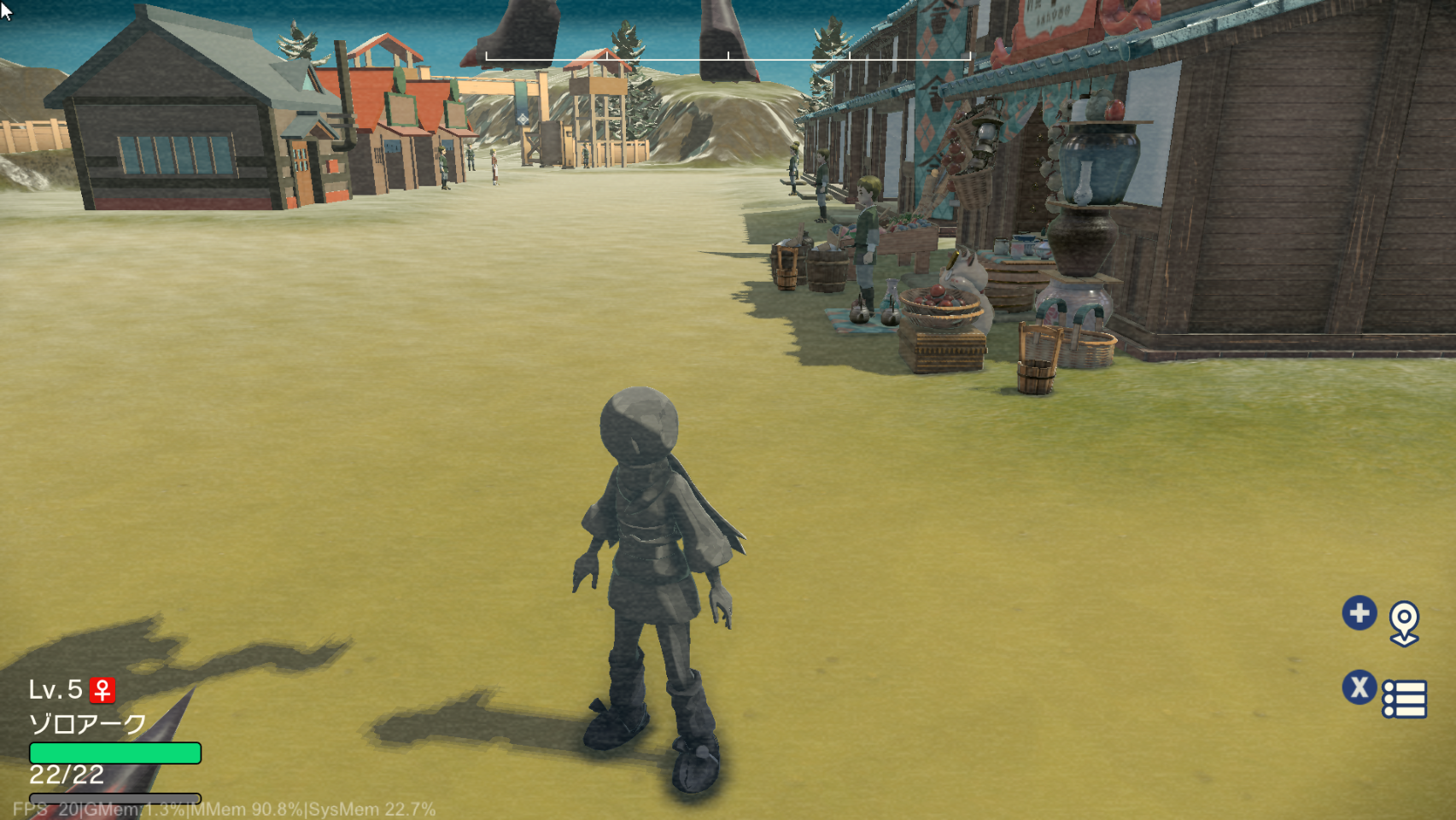
- Pressing the + button opens the map, and to fill it you must explore the area, as if you're actually "documenting" it.
- To open the game's Pokémon/item screen, press X, while in the final game, you access this menu by pressing up on the D-Pad.
- Pressing the - button displays an XYZ axis and a wireframe sphere that you can move with the right analog stick.
- Dodging is performed with the R button as opposed to the final game's Y.
- To open the game's debug menu, use the touch screen and tap the top of the screen; selecting options is done much like on a traditional computer/touch device.
General Differences#
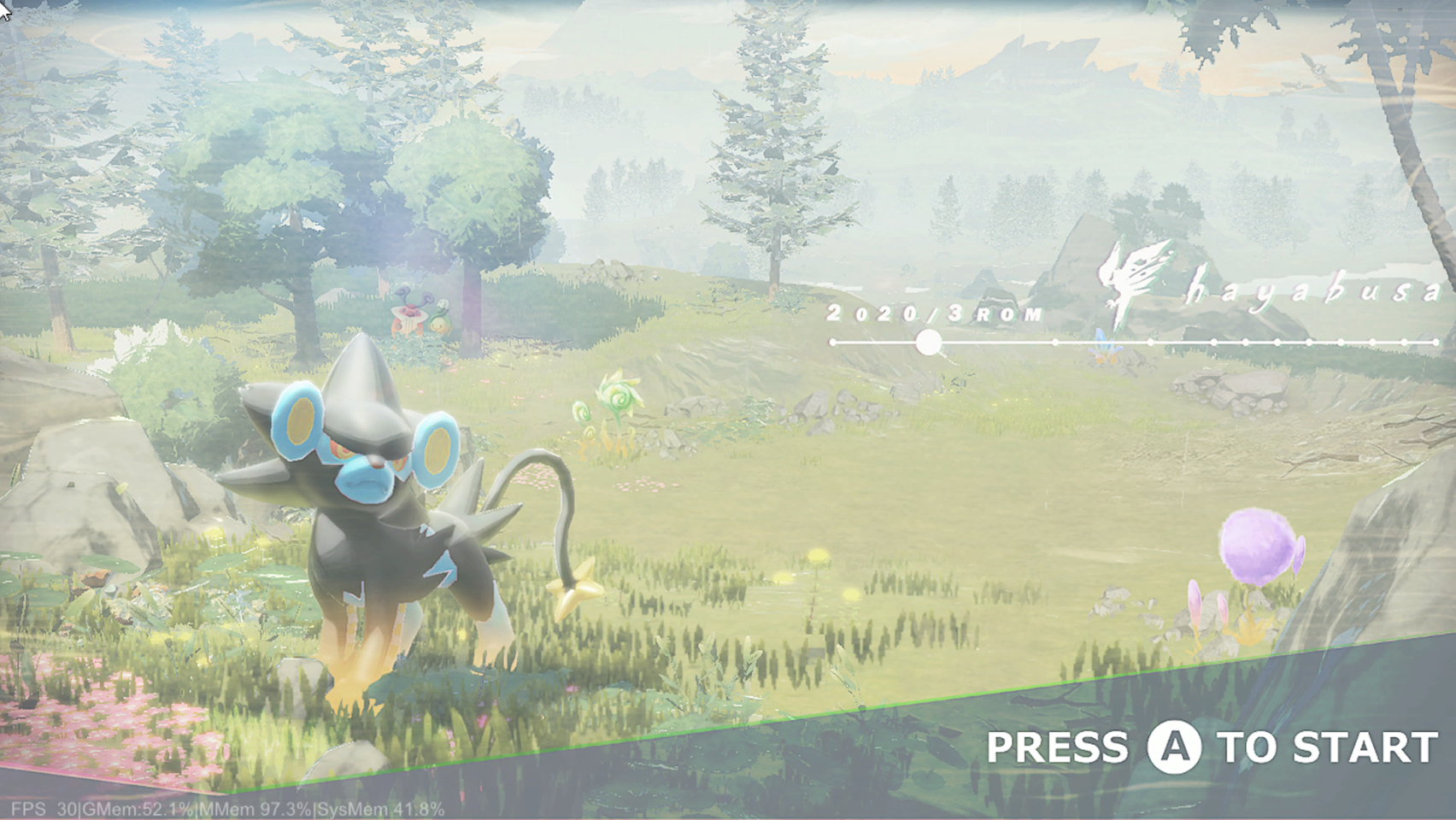
- The main character is completely textureless and only has a round ball for a head. Most unique NPCs from the final game also use these round balls as heads.
Screenshots#

|
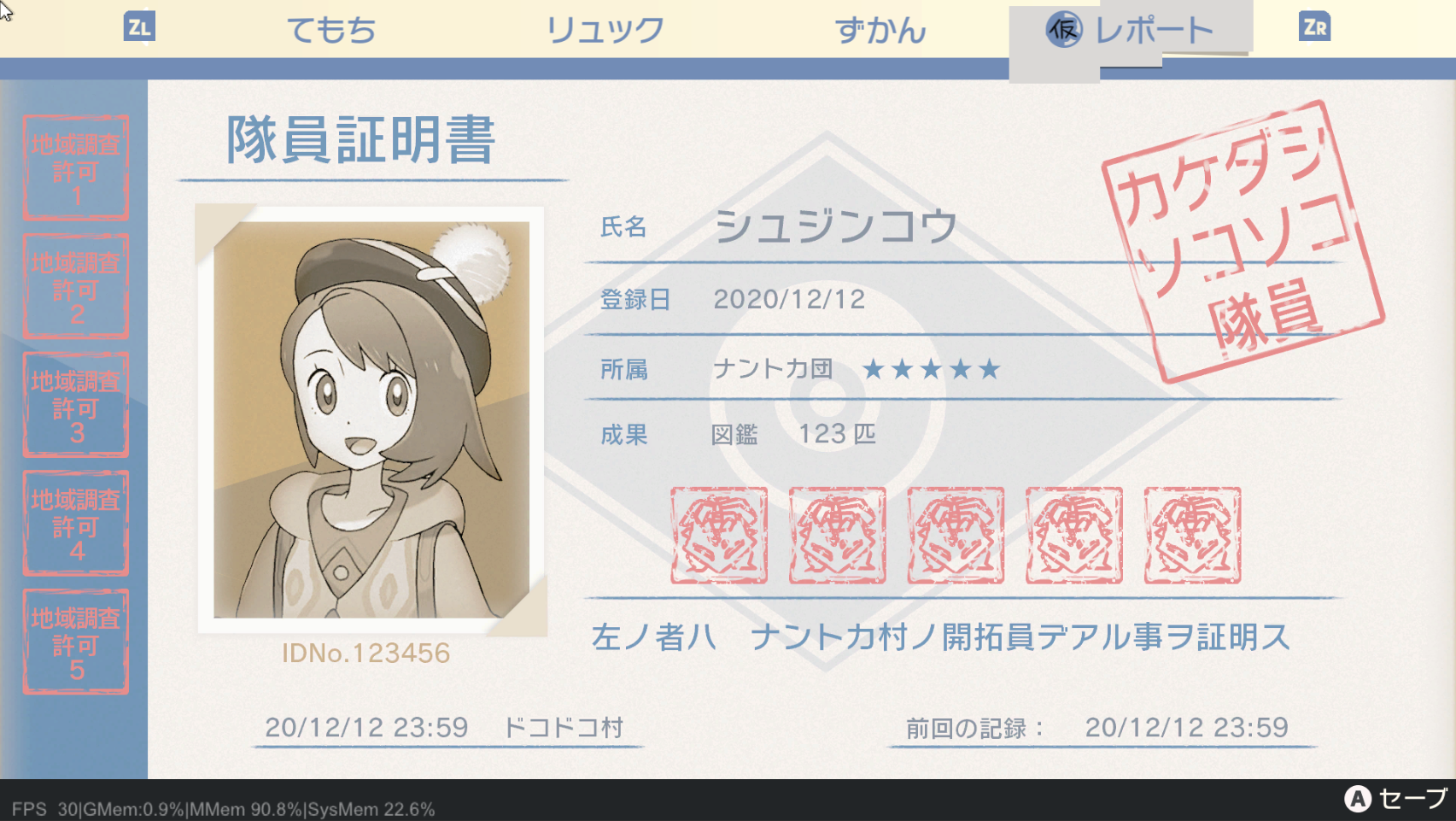
This page or section needs more images. |
Prototype |
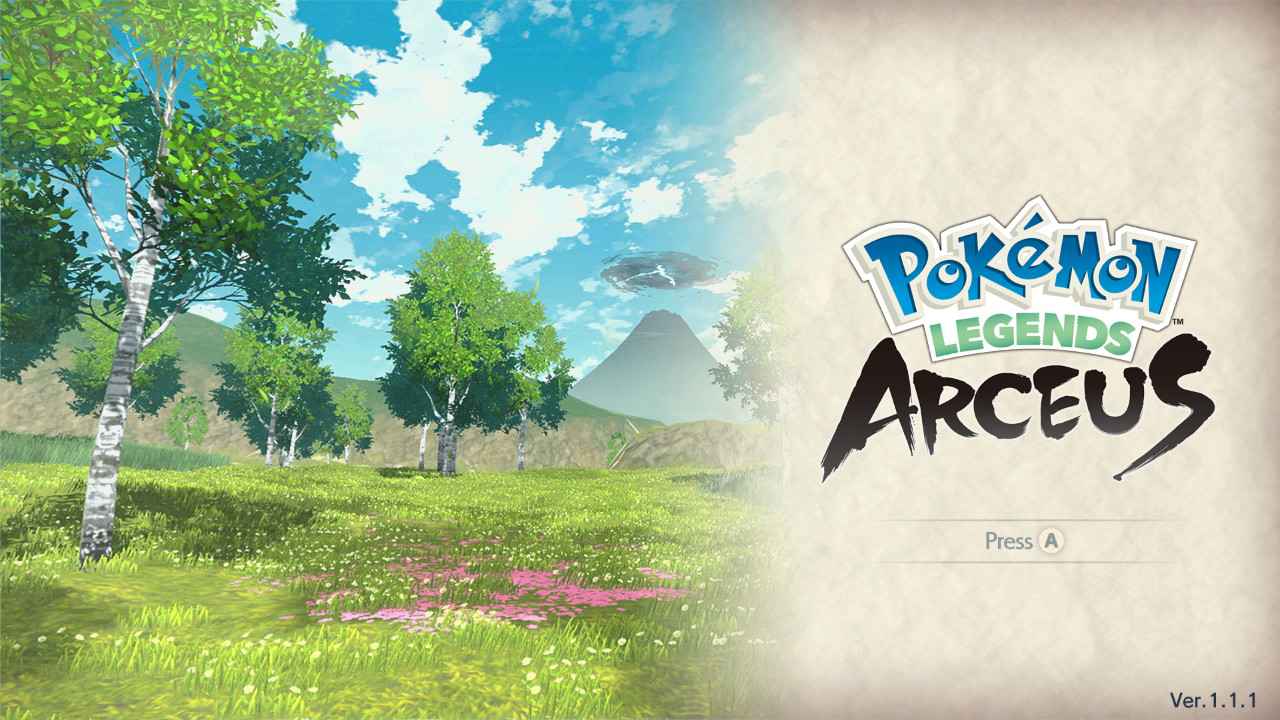
Final |
|---|---|
 |
 |
 |
 |
 |
 |
 |
 |