 This article has a talk page!
This is a sub-page of Proto:Minecraft Dungeons.
Dungeons Narration Test Was a mid-development editor build of Minecraft Dungeons (Lovika) compiled on 16th February, 2017. This demo was most likely a narration test for one of the Narrator's that the team hired at the time. This Narrators voice would be seen in the 2017 November 24th build before being scrapped. It is unknown who the two narrators in this version are.
It leaked on 23 April 2025 by someone who had access to multiple Dungeons prototypes, and being publicized again in February 2026. It features three maps. Two maps being very early versions of the Mooncore Caverns/Redstone Mines, and an extremely old Creeper Woods object group also existing within the files.
Differences#
The build itself plays similarly to the final game in terms of raw gameplay, with the exceptions of:
- Players having a limit of 4 slots, with no armor, inventory, or any customization.
- Cave Spiders are caked in a vomit-like substance in this build.
- Alex's texture has more shading, particularly on her arms. This was likely due to rendering differences between MCBE and UE4.
- The only items in this version are the Weapon (Sword/Bow) and the two potions.
Title Screen#
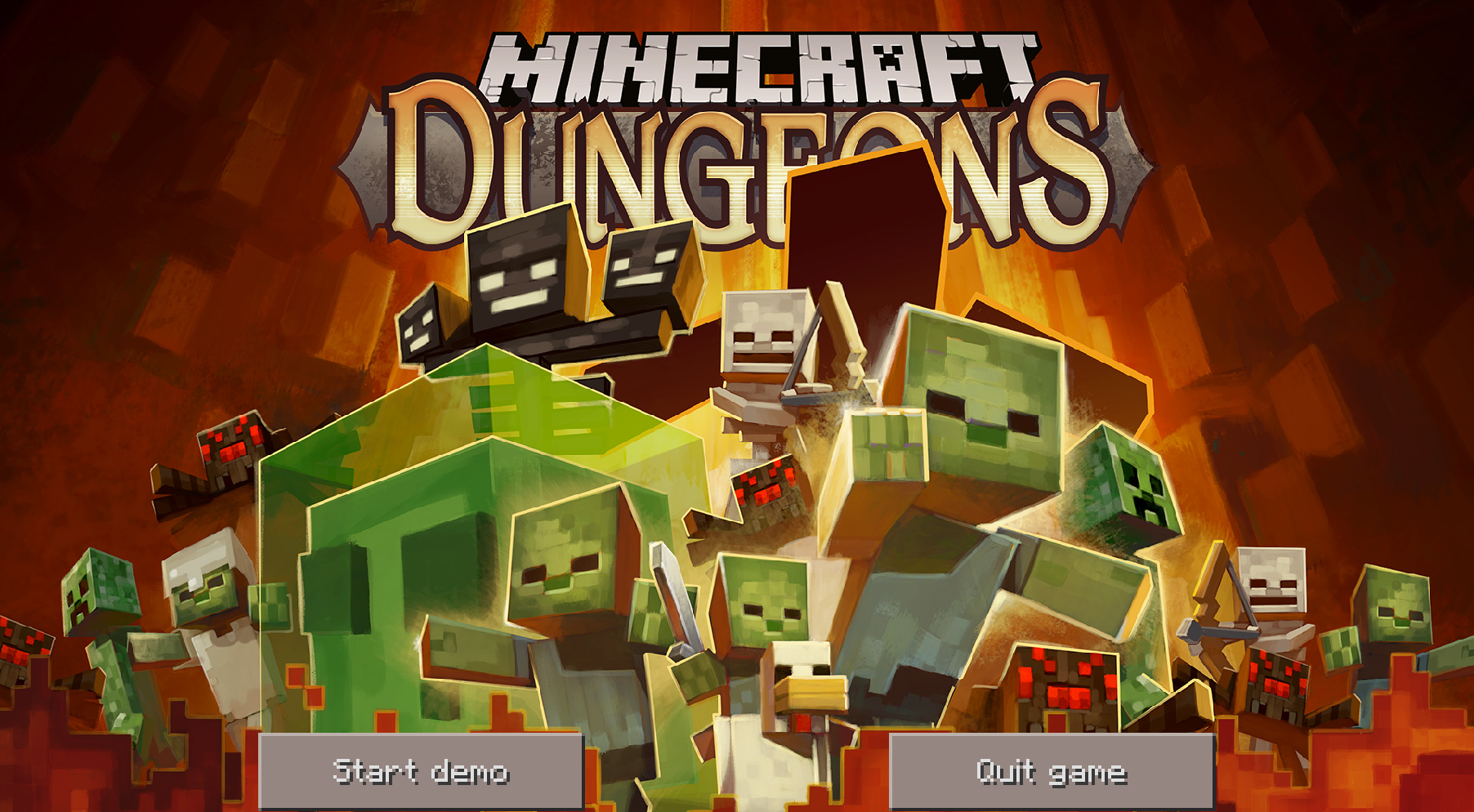
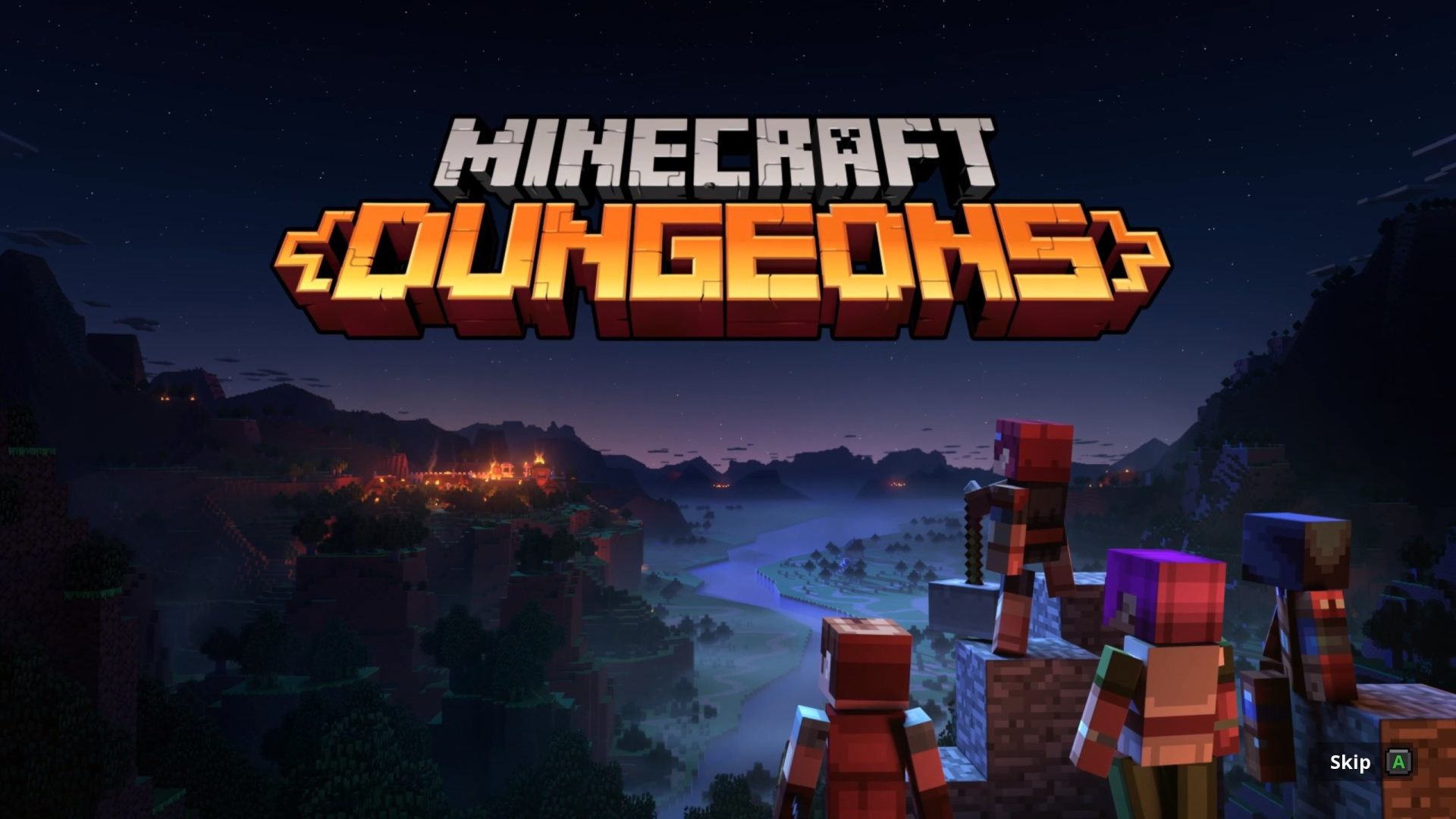
While this title screen is completely different between this prototype and the final release, the title screen doesn't scale correctly on 16:9 monitors, causing black bars to appear on both sides when the game is 'maximized' using Windows and while this 'demo' does not have a full-screen mode, although it can be enabled via editing the settings.json.
The title screen has metadata that says it was created on 14 November 2016, using a 2015 version of Adobe Photoshop. The Image would continue to be used in development builds up to 2019.
|
Prototype |
Final |
|---|---|
|
|
Debug (Creative) Mode#
Ctrl + E can be used at any point in the game to switch between Dungeons mode and Creative mode. Multiple keybinds exist for Creative mode that act as a very barebones version of World Edit which was used to create maps, and for the most part, the debug keybinds are the same Minecraft, due to this being built off of Pocket Edition.
Although this has some fun quirks compared to other build, these being:
- Flying too high or too low causes the game to crash.
- Falling any distance in the air when switching back to "Dungeons" mode will instantly kill the player.
Oddities#
Menu#
Holding CTRL while clicking on the "Start demo" button sends you to the normal Pocket Edition title screen, which has a unique title and background specifically for this game. 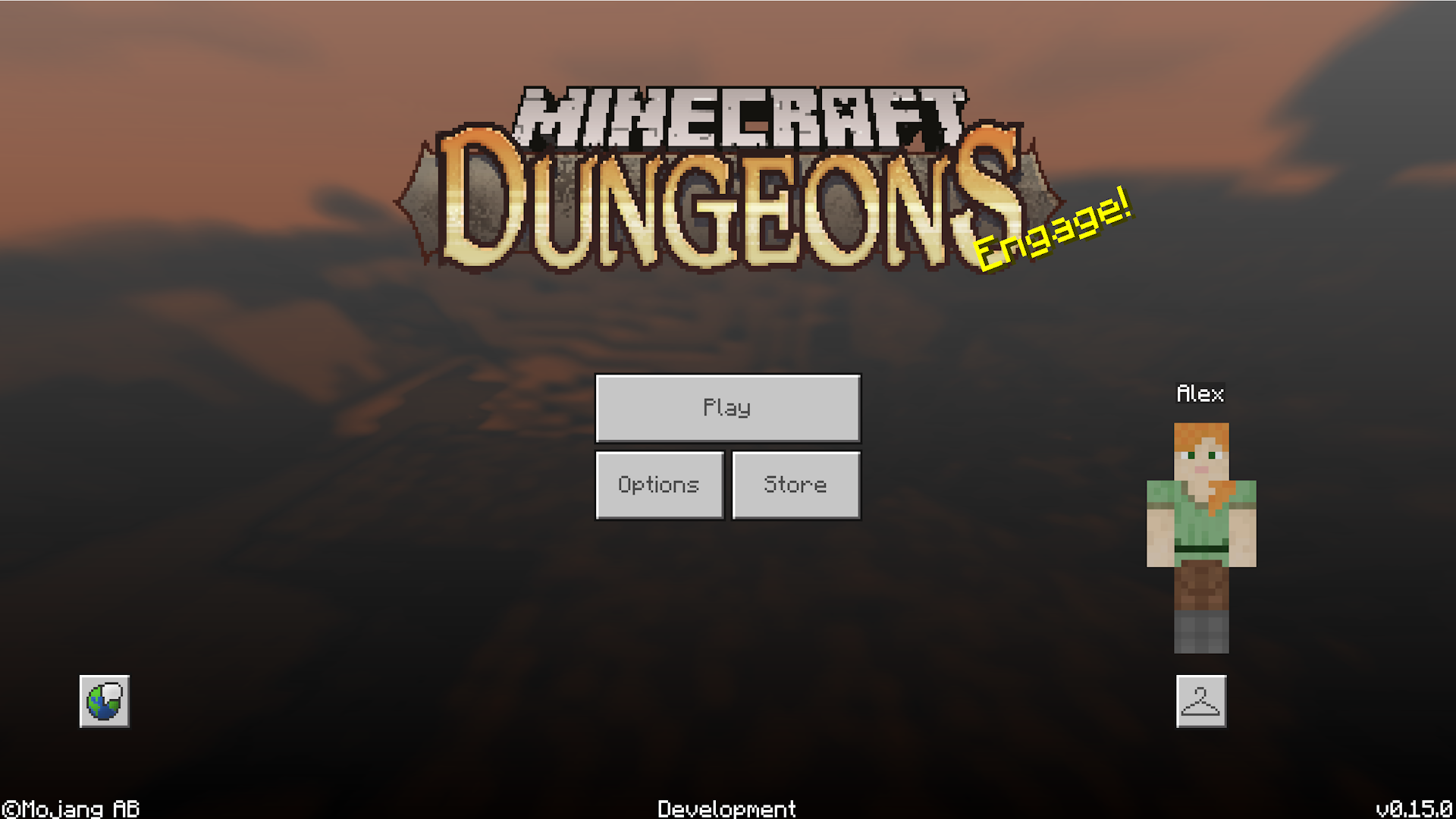 Pressing ESC while on this menu closes the game.
Player Models#
Due to the Player being remade for this game, skin code has been broken, which results in something that seems straight out of a creepypasta. 
List of Keybinds and commands#
F2 - Noclip
F3 - F3 Screen
F6 - GPU/CPU Load
F9 - Update Chunks
F11 - PE Controls
I - Drop All Items from Inventory
H - Lock Player Position
X - Break Block
0 (numpad) - Biome Map
1 (numpad) - Scroll Frames
7 (numpad) - Reset Time
9 (numpad) - Slow Down Time
3 (numpad) - Speed Up Time
Ctrl+RMB - Select Block for Debugging
Ctrl + S - Save
Ctrl + L - Load
Ctrl + R - Replace Block ID
Ctrl + T - Teleport Mode
Ctrl + F - Fill
Ctrl + G - Show Regions
Ctrl + X - Cut
Ctrl + C or V - Copy/Paste
Ctrl + B - Brush
Ctrl + M - Wall
Ctrl + 3 and Ctrl + 9 - Change window resolution
Ctrl + Fn - Show debug interface.
Dungeons Mode Hotkeys:
1 - 1st Hotbar Action
2 - 2nd Hotbar Action
4 - Spawn Web at Player Position
5 - Particle Check (?)
6 - "Level UP" Effect
7 - Next Voiceover
8 - Repeat Current Voiceover
Ctrl + L - Spawn Unkillable Mob
Ctrl + N - Restart Level
Commands (Editor mode only)
/tp
/summon (Not working)
/give
/gamemode
/tick - Displays the current tick
/timeset - Change time
/timeadd - Add time
/timelock - Stop time
/timestop - Stop daylight
(Not all time commands work)
/player - Unknown. Console displays "Flag name not found, puny human"
/health - Change player health
/jmp - Jump
/effect - Potion effect
/xp - Change experience
/enchant - Enchant
/disenchant - Dispel enchantment
/clearinventory - Clear inventory
/kit [kit name] - Gives the player a set of items. The following kits are available by default: "redstone", "minecart", "wool", "blockui".
/spawning - Toggles entity spawning in the world