 This article has a talk page!

|
This page contains no introduction. |
Debug Menu#


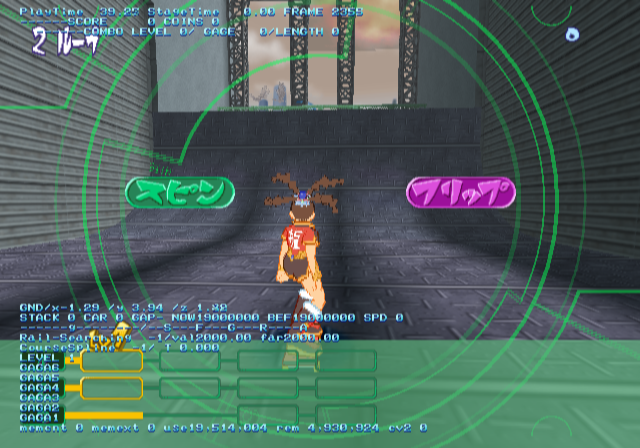
A debug menu can be activated with secret button combinations while the game is first starting up. First, plug in a second controller and hold the following buttons on controller #2 while the game is starting up: Hold All Shoulder Buttons + L3 + R3 + Select + Start. If done correctly, you will be at a blank blue screen. While this is on-screen, press the following on controller #2 quickly:
Hold R1 and press the following:
Triangle,X,Circle,Square
Let go of R1 and now hold L1 and press the following on the D-Pad:
Up,Down,Left,Right
Finally, release L1 and press Select button. If done correctly, you will see PRESS START BUTTON at the bottom left corner. Press Start button on either controller to enter the debug menu.
The options here allow you to quickly select any character in the game, toggle debug statistics, select any level and choose from various game modes. You can also edit ambient lighting as well.
(Source: Original TCRF research)