 This article has a talk page!
Reveal Fantasia: Mariel to Yousei Monogatari is an odd RPG that features no battles or fighting and is considered an innovator in the "Heartwarming RPG" genre.
Debug Modes#
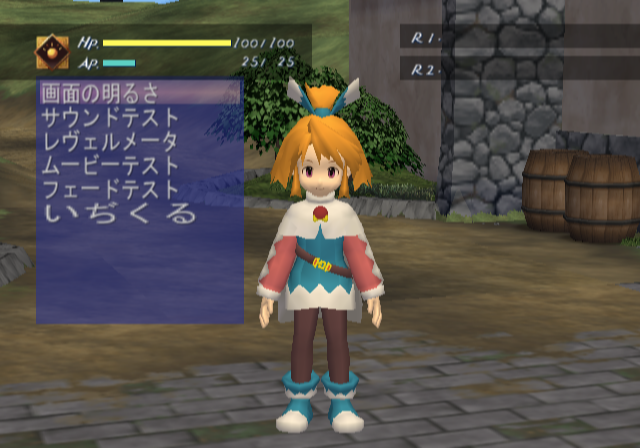
Enabling the below code will grant you access to a debug menu and a few debug modes.
SLPS-25094 codes:

Master Code (Only needed for cheat devices)
90193BB8 0C064E96

Enable Debug Menu
D01E8CC2 00007FBF
1037EF0E 00000101

Enable Debug Modes
0037CE17 000000FF- With the Enable Debug Menu code on, press D-Pad Down + Square to enable it.
- With the Enable Debug Modes code on, press R3 to enter freeze frame mode, L3 to reset the game, or R1+R2+L1+L2 to enter free camera mode. This might take a few tries to get right. If done right, you should be in first person mode.
Text |
Translation |
|---|---|
画面の明るさ |
Picture Brightness |
サウンドテスト |
Sound Test |
レヴェルメータ |
Level Meter |
ムービーテスト |
Movie Test |
フェードテスト |
Fade Test |
いぢくる |
Tampering |
(Source: Original TCRF research)
Picture Brightness#
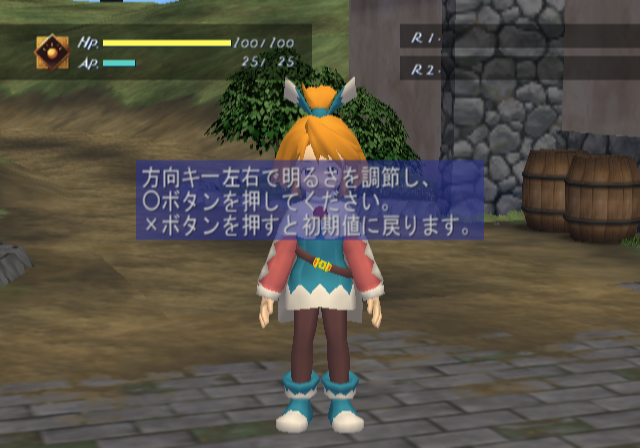
This option allows you to change the brightness of the screen.
Sound Test#
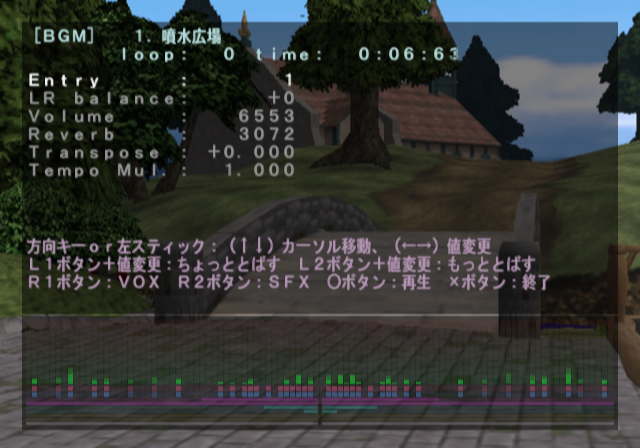
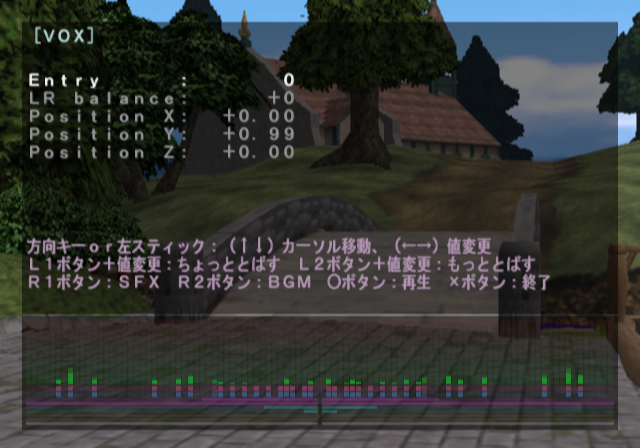
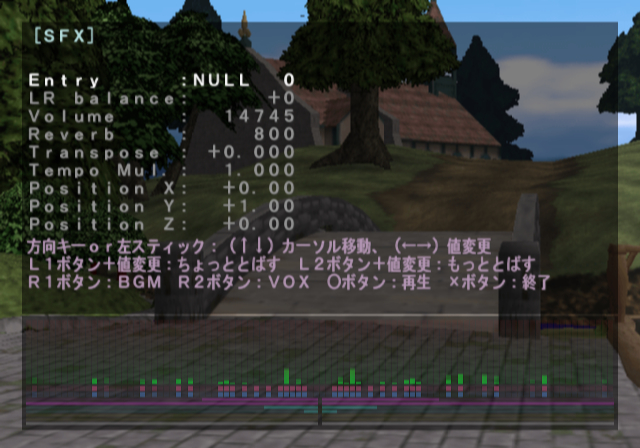
This menu allows you to listen to all of the BGM, SFX, and voices. The BGM also has proper song names attached to them as well.
Level Meter#
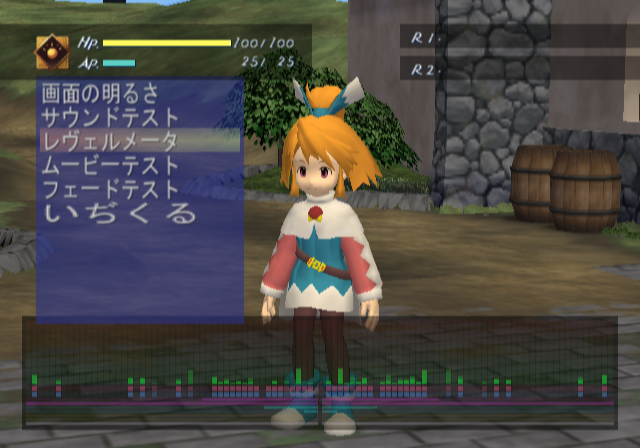
This will toggle the sound meter on-screen from the Sound Test option.
Movie Test#

This allows you to play any of the pre-rendered cutscenes in the game.
Fade Test#
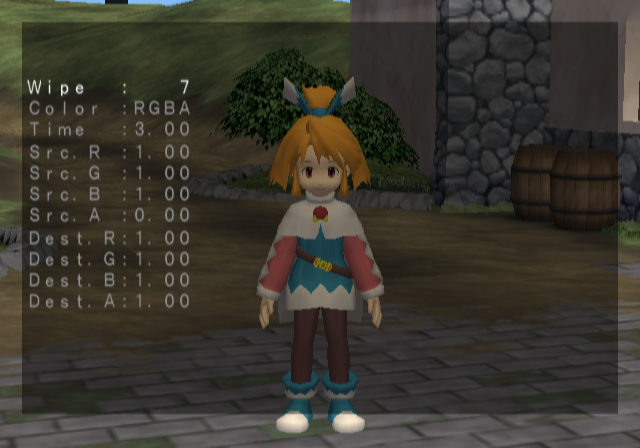
This allows you to test various screen effects.
Tampering#
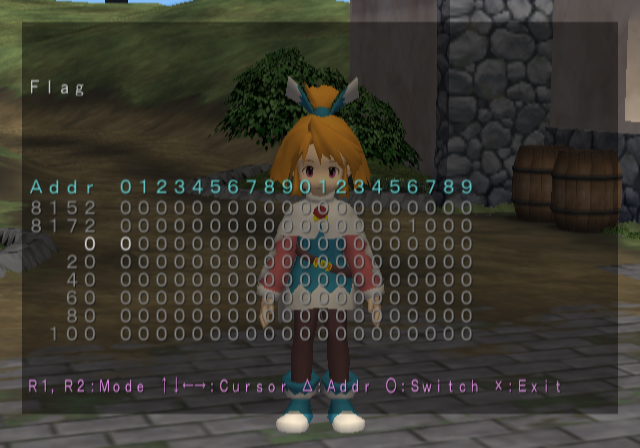
This allows you to set various game progression related flags.
Event Check#
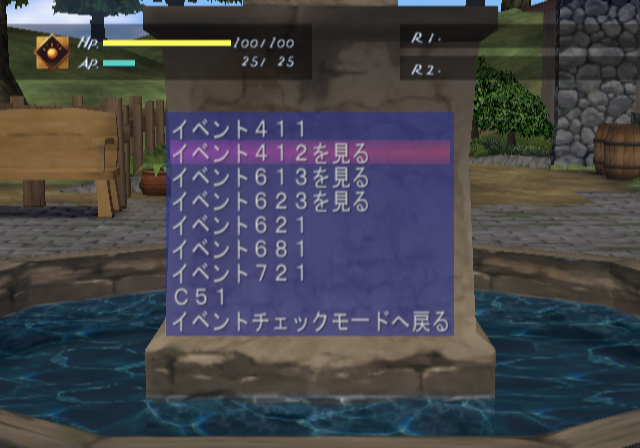
This menu allows you to view a few event scenes. In order for this to show up, apply the below code, start a new game, then when you have control of Mariel, press L1 + D-Pad Down to appear in this map with the event menu on-screen.
Enter Event Check (Press L1 + D-Pad Down)
E002FBBF 001E8CC2
2019CEC8 00000004
2019CE00 00000001
(Source: Original TCRF research)
Free Camera#
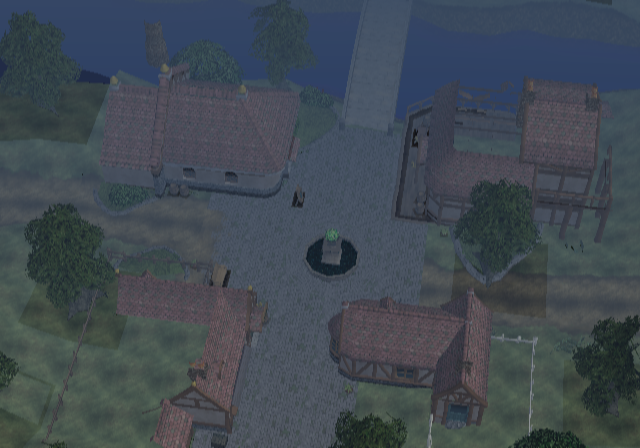
With the Enable Debug Modes code on, you can toggle a free camera mode by pressing R1+R2+L1+L2. This might take a few tries to get right.
- X button lowers the camera.
- Triangle button rises the camera.
- D-Pad moves the camera in directions.
- Left Analog Stick moves the camera's view.
(Source: Original TCRF research)