A stylish superflat 2D shooter with a killer soundtrack, Radirgy Noa Massive is an update to the original Radirgy Noa for arcade and Wii, featuring a new arranged game mode and Xbox Live-exclusive online leaderboards. The Windows version was exclusively released as a pack-in with a soundtrack CD set.
Debug Options#
The Windows version includes a debugging configuration file, RadConf.ini, which provides a bunch of useful debugging options. Helpfully, the manual mentions the file and it has comments documenting everything it does. The options are:
- beginning_stage - The stage to start from. Accepts any value from STAGE_01 to STAGE_09.
- no_death - Invincibility. 0 is disabled, 1 is enabled.
- disp_hit - Hitbox display. 0 is disabled, 1 is enabled.
- shot_type - Controls the starting shot type. 0 is front shot (the default), 1 is cross, 2 is X.
- shot_level - Controls the weapon level. Accepts any value from 0 to 6.
- sc_beginning - Controls what the game boots to. Three options are documented in the INI file: SC_BOOT, the default, starts from the attract sequence; SC_ENDING starts from the ending sequence; and SC_GAME starts straight from the game in arcade mode.
An additional set of sc_beginning options are not documented, but still (mostly) work:
- SC_EXIT - Does nothing. Doesn't even exit the game!
- SC_TESTMODE - Boots to the arcade version's operator test menu. Doesn't appear to be operable since it's controlled via the test and service buttons, which aren't mapped to anything on the keyboard.
- SC_ASSERT - Trips an internal assertion reporting a memory leak.
- SC_ERROR - Displays the error handler. It reads "OTHER UNKOWN ERROR" since there isn't actually an error.
- SC_SOUNDTEST - A black screen.
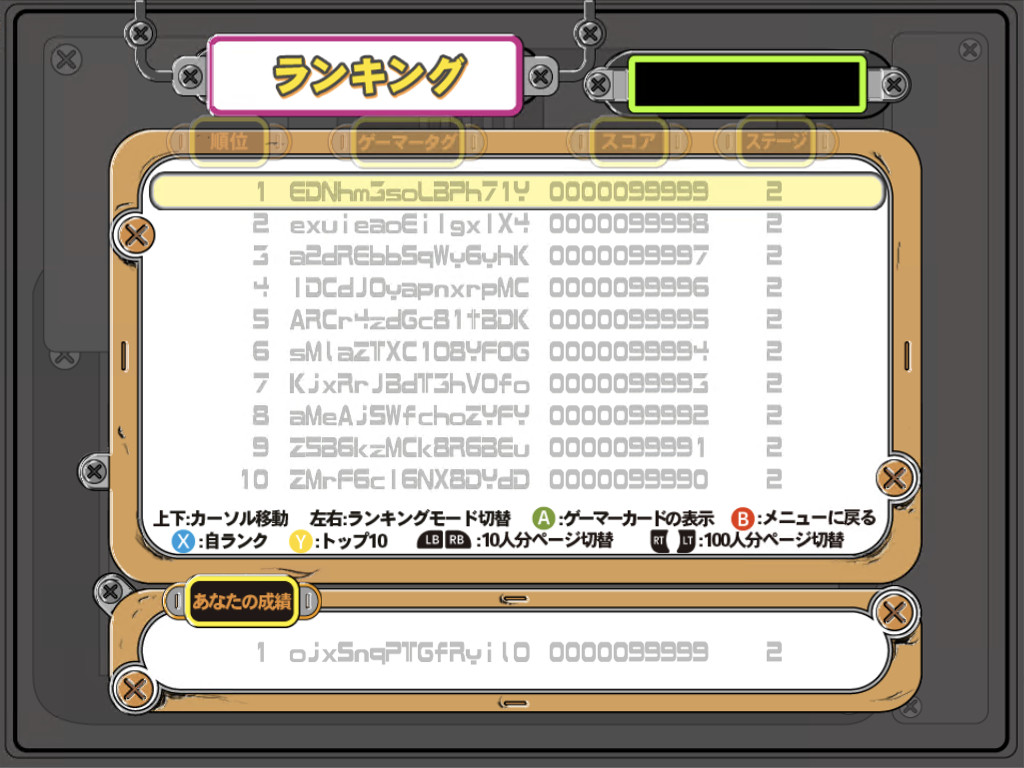
- SC_SAVE - A slightly glitchy copy of the ranking screen.
- SC_STAFF - A black screen.
- SC_RANK_OFF - The ranking screen as it fades out, followed by the regular title screen.
- SC_RANK_ON - A brief view of the 360 version's Xbox Live leaderboard, followed by the regular title screen.
- SC_RANKING - The ranking screen.
- SC_TUTORIAL - The title screen (not the tutorial).
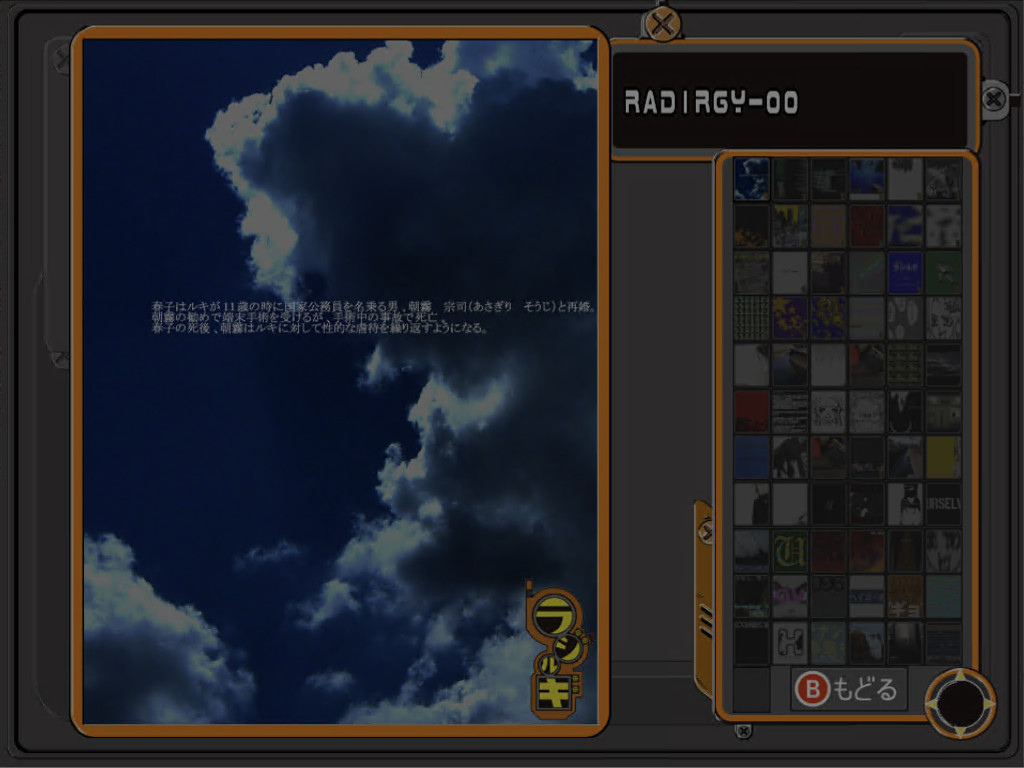
- SC_EYECATCH - A very brief view of the 360 version's gallery mode as it fades out, followed by the title screen.
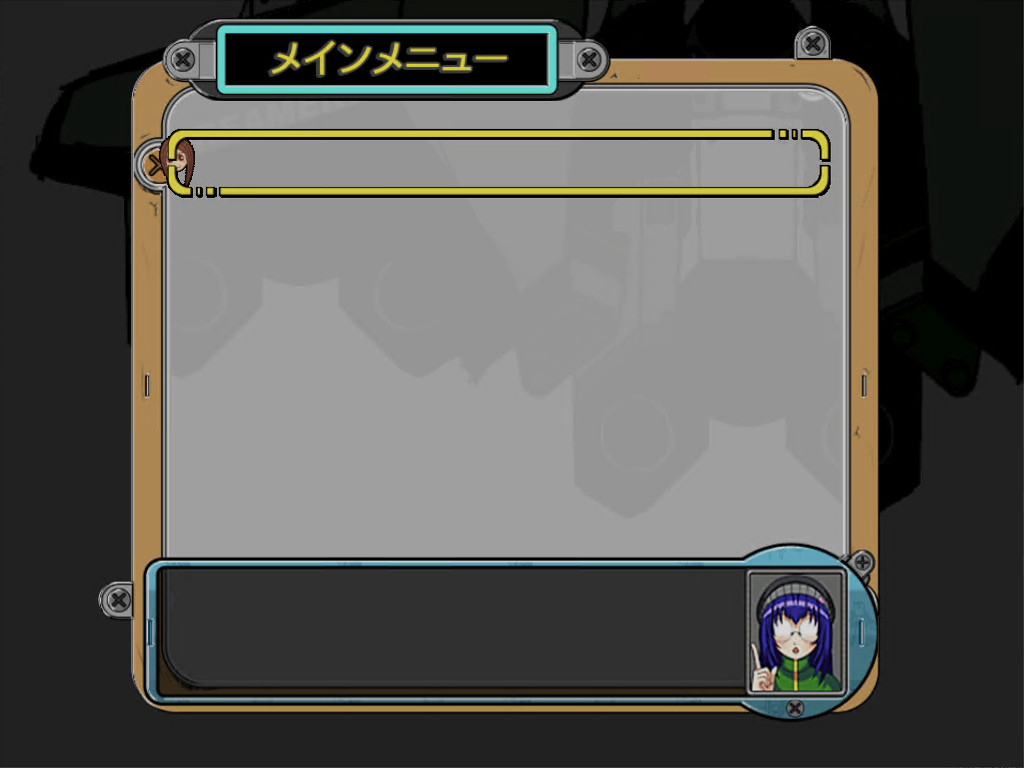
- SC_GAMEMENU - The main menu, with no options at all, which then fades out to the title screen.
- SC_TITLE - The title screen.
- SC_DEMO - The gameplay demo that plays if the title screen sits idle.
- SC_OPENING - The opening cutscene.
- SC_LOGO - The Milestone logo, followed by the intro. Seems to be the same as SC_BOOT, e.g. the default.
- SC_NOTICE - The "this game is to be used only in Japan" screen that displays in the arcade version. Normally not displayed at all in the home version. After a bit, it proceeds to the normal startup.
- SC_NONE - A black screen. How exciting!



A few other undocumented options are mentioned in the executable, but it's not clear how they can be used:
- stage_level - Not the starting stage, since that's beginning_stage.
- game_timer - Unclear - there isn't a player-visible timer.
- select_player - Possibly player 1 or player 2 side selection? Doesn't seem to accept a number.
Version Differences#
The Windows version is a bit simpler than the Xbox 360 one.
- The Windows version is missing several of the 360 version's modes, featuring just the Arcade mode, the Massive mode (under the new title "Expand"), and the tutorial.
- The 360 version runs in 16:9, featuring some padding on the left and right sides to fill out the screen. The Windows version runs in 4:3.
- The Windows version does feature a two-player mode, but since there's only one set of controls it controls both ships simultaneously. There's no true two-player option.
The Windows version is also missing a few of the niceties that a PC port would usually have: its controls are keyboard-only with no remapping options, it has no fullscreen option, and there's no way to quit other than by using Alt-F4.