
|
This page contains no introduction. |
Texture Viewer#

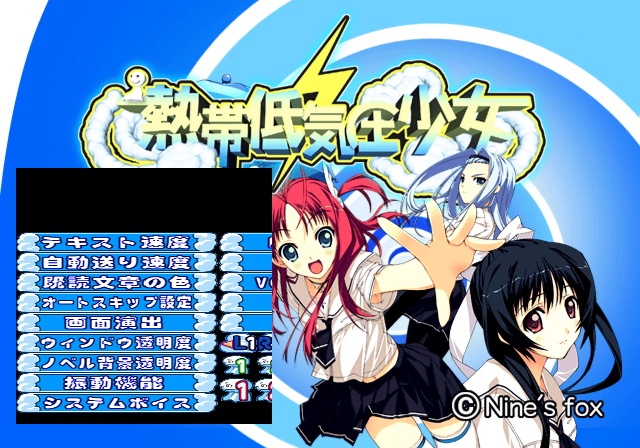
Apply the below code and press L3 button to enable a texture viewer. Press R3 to disable it. Make sure this is disabled before the game loads anything. This is also present in School Rumble Ni-Gakki.
Enable Texture Viewer
2015DBF4 0C055C0C
10157070 0000C138
D056C522 0000FFFD
0023E0F8 00000001
D056C522 0000FFFB
0023E0F8 00000000
(Source: Original TCRF research)
Debug Logging#
Within the game is a stubbed printf function. This would have logged various background information to a debug unit. This logs information such as files loaded and memory information. It would also report errors if any occurred. To re-enable this mode, apply the below code:
Re-enable printf Messages
2015DAC0 080652E4
2015DAC4 00000000
If you are playing the game on a regular PlayStation 2, you will need to use a TOOL, RDB, or a debug version of OPL to view the logs. If you are playing on an emulator, you can see this information by enabling the option "Show Console".
(Source: Original TCRF research)
References#
- Shares code from past Zero System games (audio, graphics, texture viewer code). - punk7890↩︎