
Prism3D Console#
There is a console that almost every SCS Software games have. You can enable this console by going into Documents/Hunting Unlimited 2010/config.cfg and changing uset g_console from "0" to "1".
Important Console Commands#
- map - Allows you to access maps from the console.
- main - Goes to the main menu if not on it.
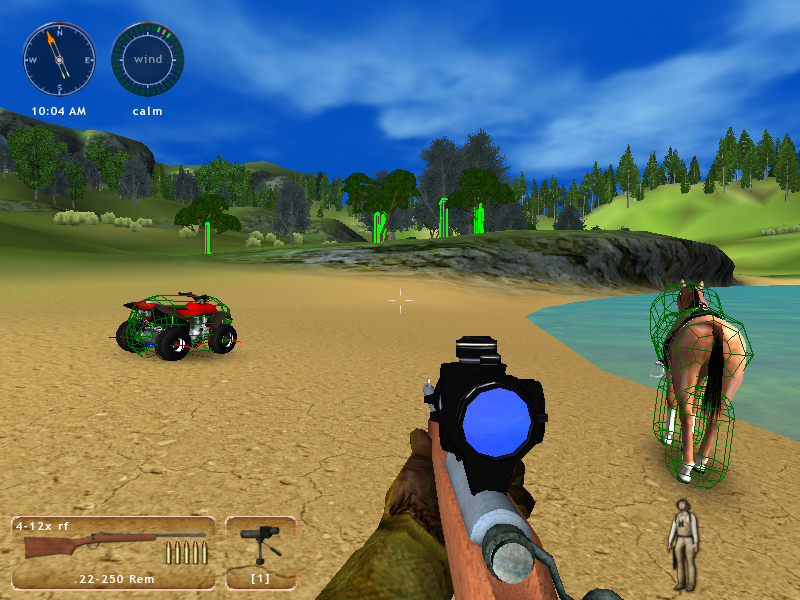
- g_colbox - Can be set as 0 or 1. Shows the collision boxes for everything in the game.
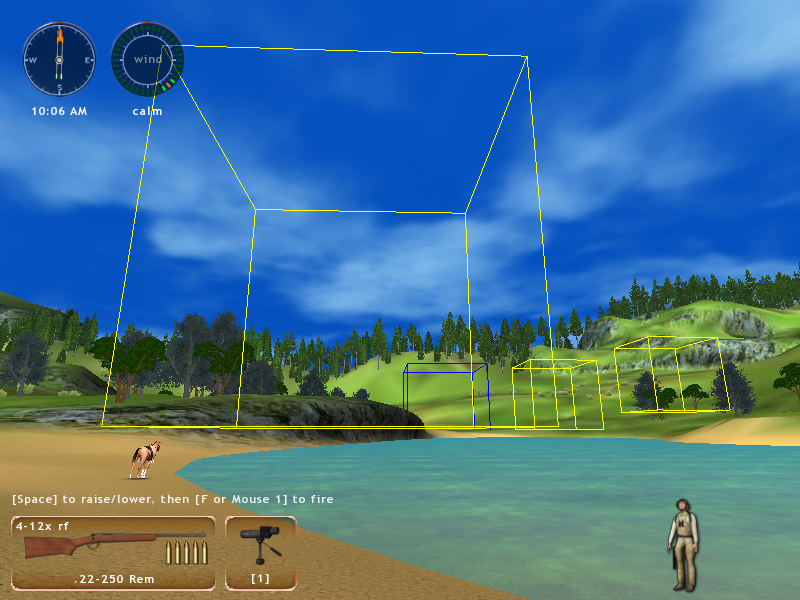
- g_ai_debug - Can be set as 0 or 1. Boxes appear on the map. Walking into them does nothing.
- cheat {name} - Also used in HU2009. There are only two cheats existing in the game binary:
cheat tiers - completes all the challenges with 3rd tier award.
cheat animals - shows all animals (inside the render distance?) on your in-game map. 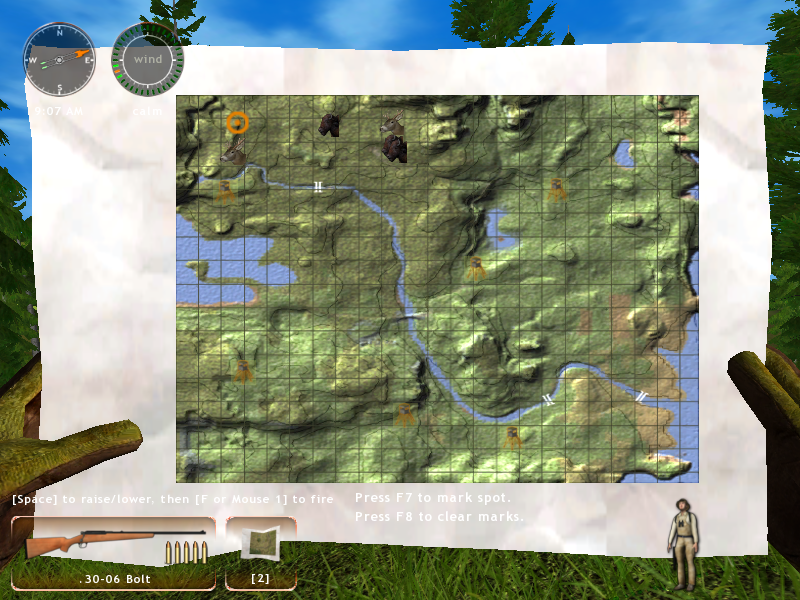
- goto {x} {y} {z} - Teleports you to the specified coordinates.
base.scs#
Also used in SCS Software games, by extracting this file with WinRAR or 7-zip, you can see all of the game's files.
Unused Graphics#
The game has several unused graphics, with most currently located in the same destination like in older games.


Unused Areas#
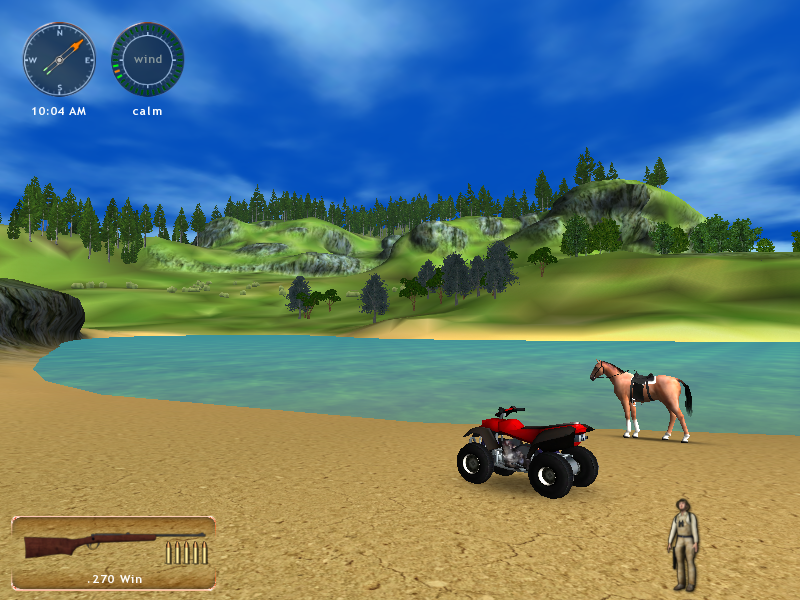
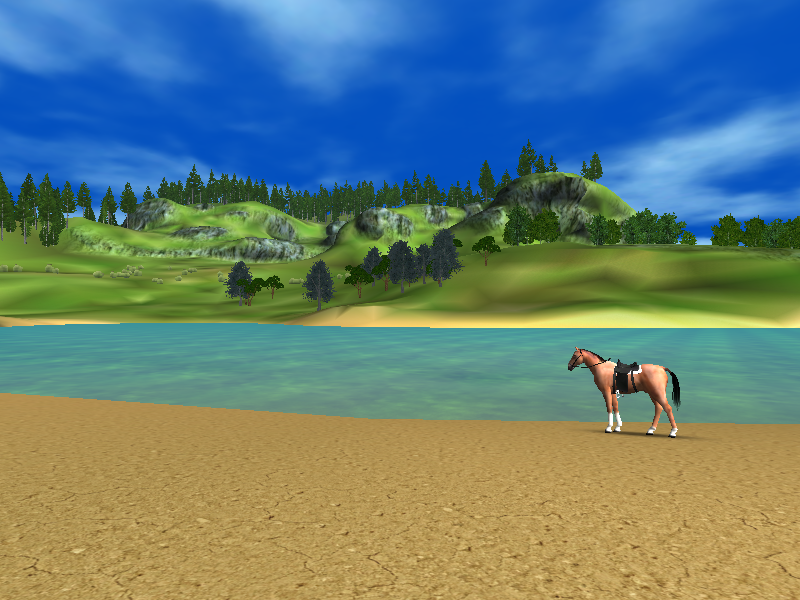
By extracting the base.scs file and going to the maps folder, you can see some interesting maps there. To access these maps, simply press the tilde (~) key once you edited the config file and type map and then followed by the maps name. Some interesting things happen on every map and that are:
- If you access any map from the main menu, your hud, sounds and even the esc button don't work meaning that you have to use the main command to go back to the menu. However, if you go to the challenges menu and then open the map, everything will return to normal.
|
Accessed from the challenges. |
Accessed from the main menu. |
|---|---|
|
|
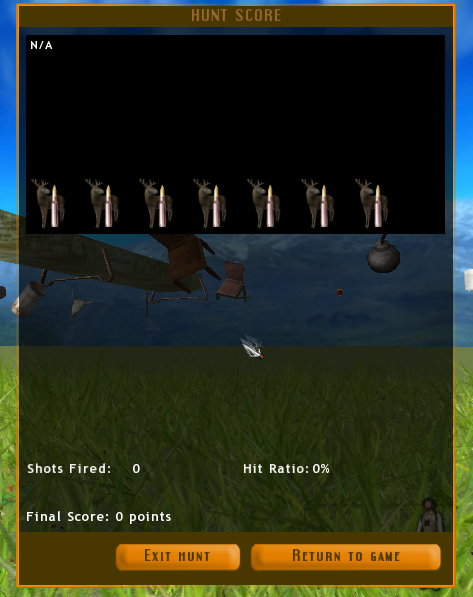
- Every map has a mission goal, if you somehow make a mission without a goal (in this case these and any maps accessed through the console), this happens.
ad#
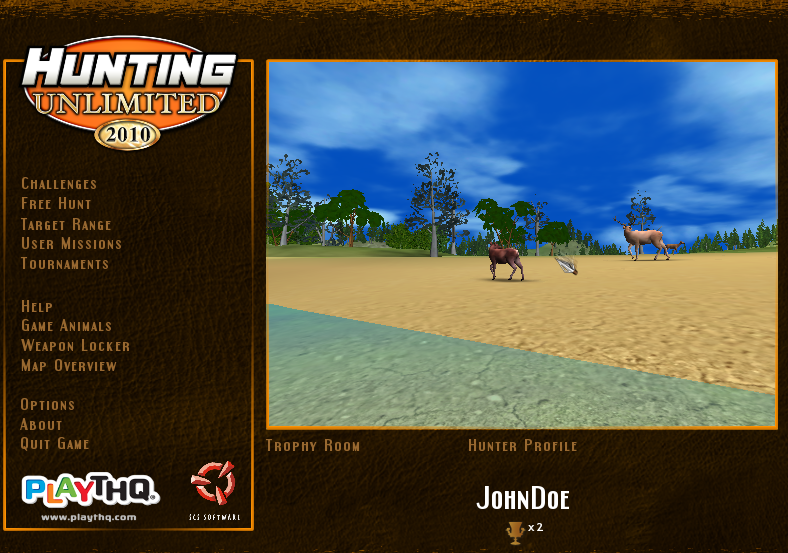
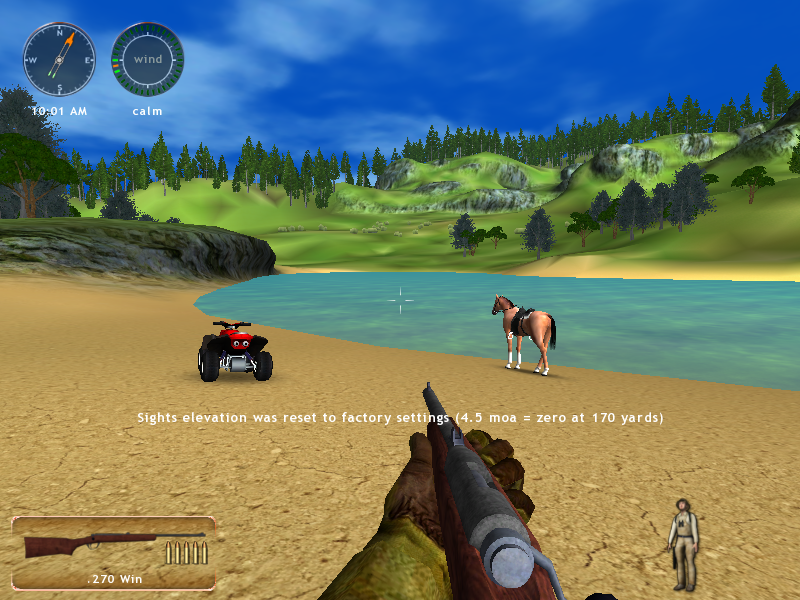
Map ad is used in the title screen as a video with animals in it. There are two versions of it. The first is this one called ad. There is some terrain, trees, a lake and that's it.
|
Main menu screen. |
How it looks like when accessed. |
|---|---|
|
|
ad_africa#

|
This page or section needs more images. |
Same as ad but in an African style.
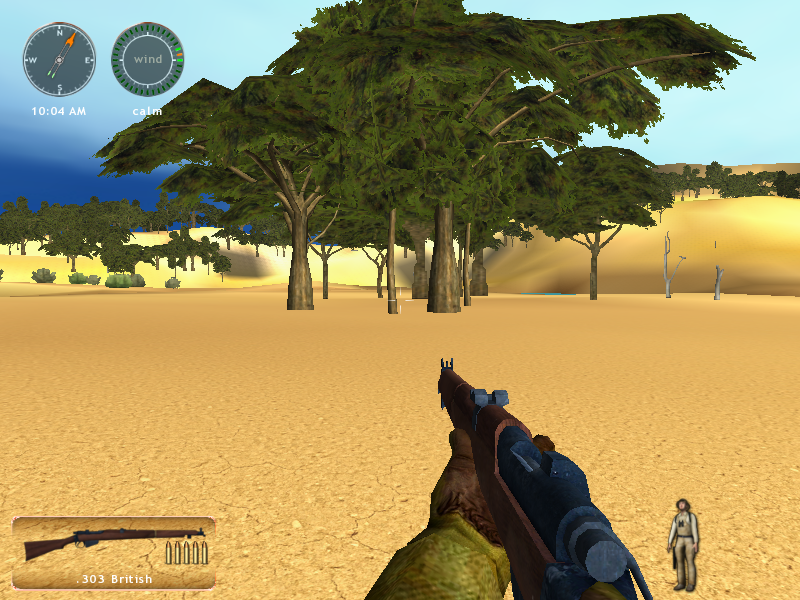
trophy_room#
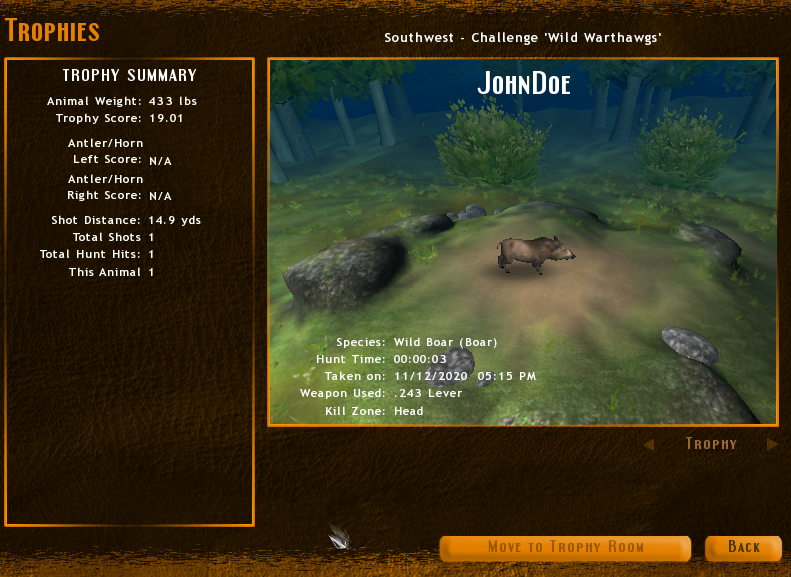
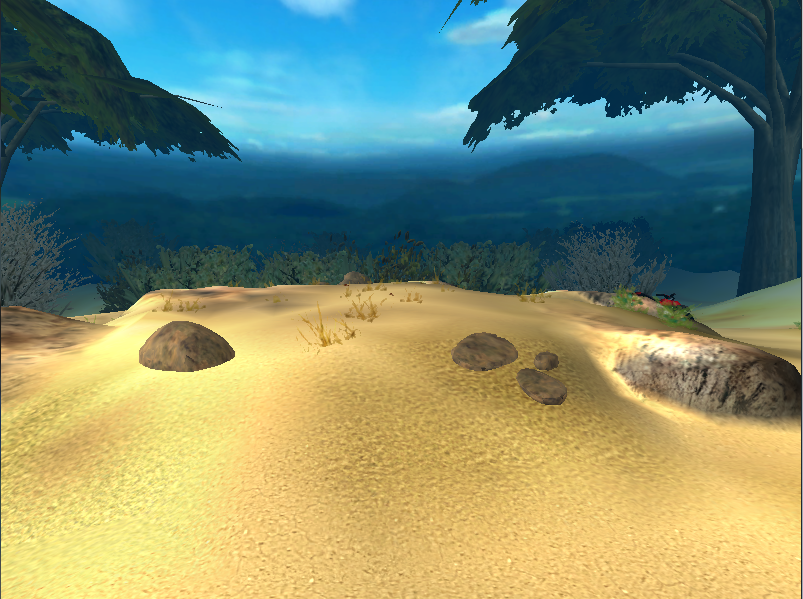
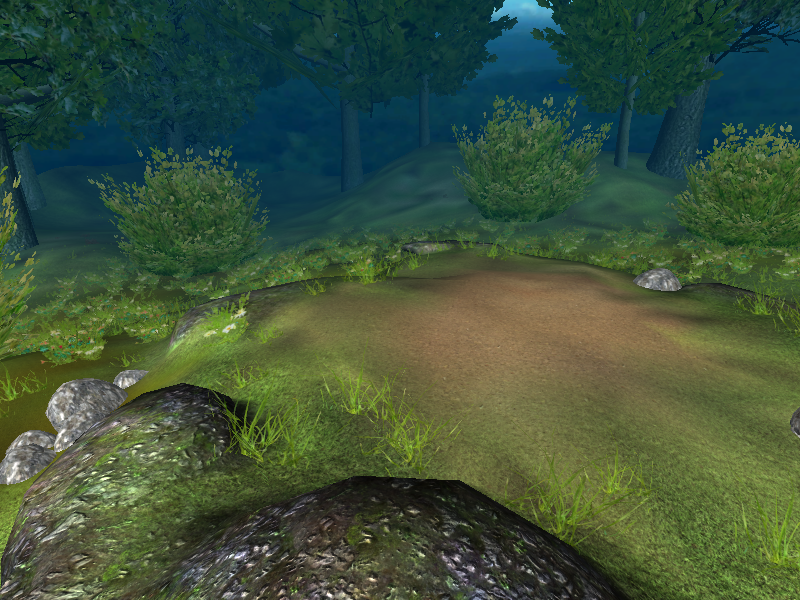
This place appears every time you finish a mission. It basically show you where you shot the animal, how big, tall it is and so on. The map doesn't have a border so you can actually fall from the map and keep falling, forever. This map has two room planes, you can access another "green" one by teleporting to these coordinates: goto -330 4 -245
How it looks like when you finish the mission. |
How it looks like when accessed. |
Second variant on [-330 4 -245] |
Both variants locations in game |
|---|---|---|---|
 |
 |
 |
 |
ai_test#
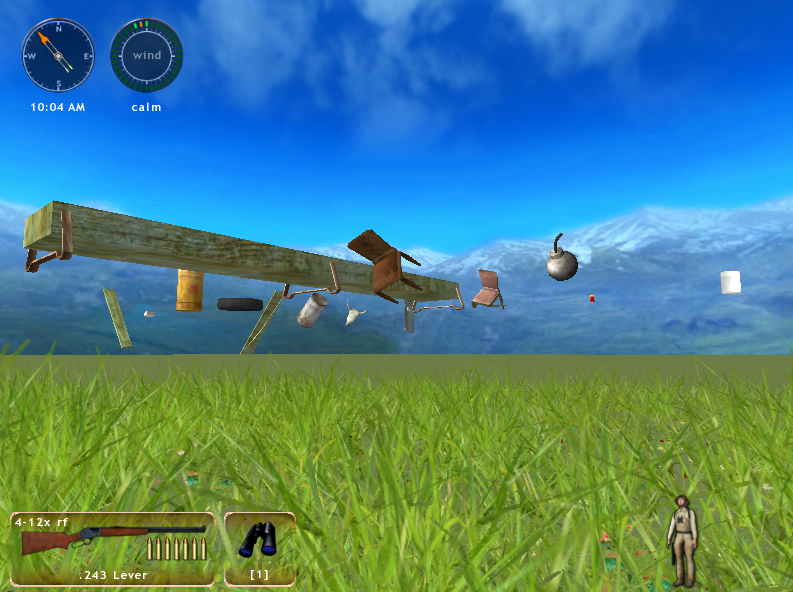
This is a place developers experimented with the AI. There are some items (like a bomb that is present in older games) that float and when you shoot them they fall. It's a really stretched out terrain with really nothing in it. This map also doesn't have a border.
Unused Code#
The developers left out code from older games, which don't work. However, it's interesting that some files from the older games are present in here!
3rd Person#
3rd person camera settings, which aren't present in the game, left out from Hunting Unlimited 3. Can be found in script\en\local.def.
mm_catmovement:"Movement"
mm_cathunt:"Hunt"
mm_catother:"Game Binds"
mm_cat3rdcam:"3rd Person"

mt_oc_catmovement:"Configure movement controls"
mt_oc_cathunt:"Configure hunt controls"
mt_oc_catother:"Configure other controls"
mt_oc_cat3rdcam:"Configure 3rd person camera controls"Minigames#
Same as the 3rd person camera settings, minigames are also left out from HU3. Also found in the local.def file.
# mminigames

mm_madhunt:"MAD HUNT"
mm_archeryrange:"ARCHERY RANGE"
mm_squirrelbash:"SQUIRREL BASH"
mm_eagleflak:"BUZZARD BLAST"
mm_deerdrive:"DEER DRIVE"

mm_highscores:"HIGH SCORES"
mm_play:"PLAY"
mm_clearscore:"CLEAR SCORE"

mt_mg_madhunt:"Click to select Mad Hunt game"
mt_mg_archeryrange:"Click to select Archery Range game"
mt_mg_squirrelbash:"Click to select Squirrel Bash game"
mt_mg_eagleflak:"Click to select Buzzard Blast game"
mt_mg_deerdrive:"Click to select Deer Drive game"
mt_mg_back:"Return back to Main Menu"
mt_mg_play:"Play selected mini game"
mt_mg_clearscore:"Clear high scores for the selected mini game"
mt_mg_weapons:"Click to select minigame weapon"Luger#
A code for a Luger can be found in HU2009 from models/weapons/airgun/air.sii. The same directory exists in HU2010, but there isn't an air.sii file there.
#9mm Luger
{

projectile : _nameless
{
 bc: 1.0
 muzzle: 5010
 weight: 11
 model: .model
}

model_object : .model
{
 model_desc: "/models/weapons/projectiles/pellet/projectile.pmd"
 look: default
 variant: default
}

}