the cutting room mirror

Blockids

Blockids is a 3D breakout game.

Debug Menu#

Use the following code to display a debug menu.

Press Up or Down while holding Start to change debug menus. Note that only Controller 2 can control the menus.

JP

US

EU

8017EE78 01
801795D4 01
80179450 01

(Source: Original TCRF research)

0-99#

Function

Screenshot

Description

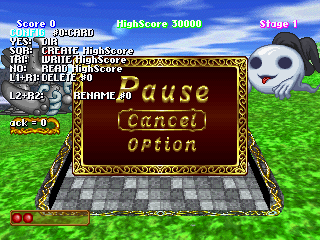
#0 CARD

Contains functions related to the game's memory card.

  • Up/Down: Change ID.
  • Square: Create highscore.
  • Triangle: Write highscore.
  • Circle: Read highscore.
  • L1+R1: Delete highscore.
  • L2+R2: Rename highscore.

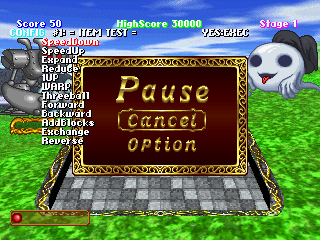
#1 ITEM TEST

Summons an item to the playfield.

  • Select: Choose item.
  • Circle (JP)/X (US/EU): Summon item.

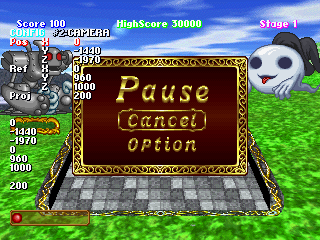
#2 CAMERA

Changes the camera view.

  • Select: Choose item.
  • Up/Down: Change value.

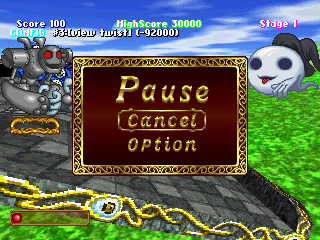
#3 view twist

Changes the camera skewing.

  • Up/Down: Change skewing.

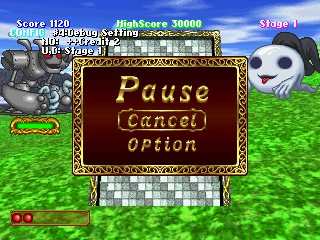
#4 Debug Setting

Changes the credit and stage parameters.

  • X (JP)/Triangle (US/EU): Increase credits.
  • Up/'Down: Change stage.

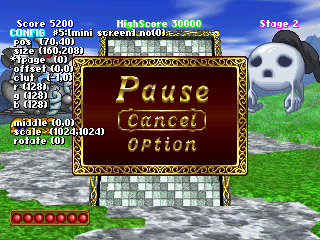
#5 mini screen

Changes mini screen setting.

  • Select: Change item.
  • Up/Down: Change value.
  • Left/Right: Change value 2.

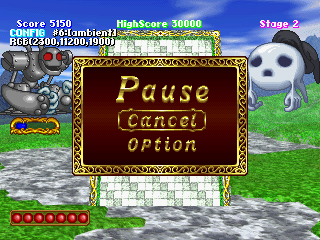
#6 ambient

Changes the color of the playfield.

  • Up/Down: Increase/decrease red.
  • Left/Right: Increase/decrease green.
  • L1/L2: Increase/decrease blue.

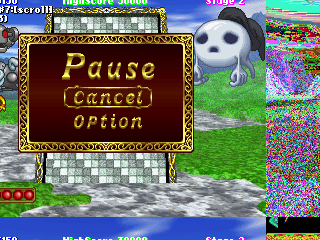
#7 scroll

Changes the rendering area.

  • Up/Down: Move up/down.
  • Left/Right: Move left/right.

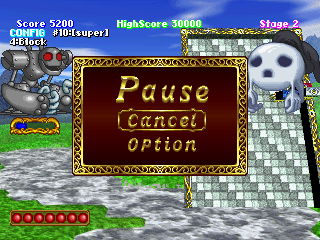
#10 super

Changes the focus zone of the camera.

  • Circle (JP)/X (US/EU): Change mode.

#11 [bg](sprite)

Changes the settings of the background sprites.

  • Select: Change item.
  • Up/Down: Change value.
  • Left/Right: Change value 2.

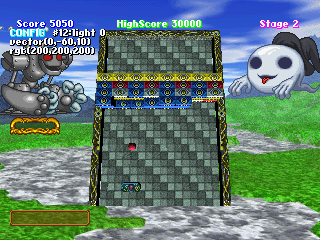
#12 light 0

  1. 13 light 1
  2. 14 light 2

Changes lighting parameters.

  • Left/Right: Increase vector value 1.
  • Up/Down: Increase vector value 2.
  • L1/L2: Increase vector value 3.
  • Triangle/Circle (US/EU): Change R value.
  • Square/X (US/EU): Change G value.
  • R1/R2: Change B value.

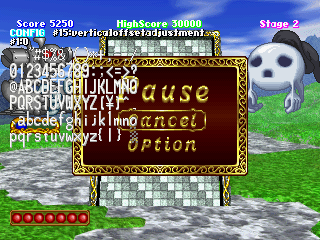
#15 vertical offset adjustment

Adjusts the font character position.

  • Up/Down: Change character.
  • Triangle/Circle (US/EU): Change offsetting.

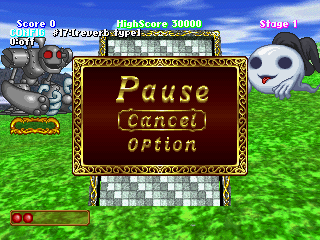
#17 reverb type

Changes the reverb type.

  • Up/Down: Change type.

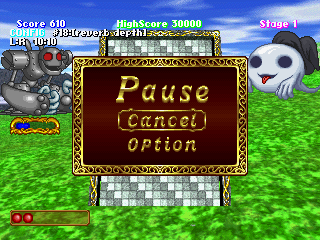
#18 reverb depth

Changes the reverb depth.

  • Up/Down: Change depth on left side.
  • Triangle/Circle (US/EU): Change depth on right side.

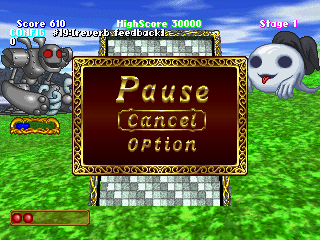
#19 reverb feedback

Changes the reverb feedback.

  • Up/Down: Increase/decrease feedback.

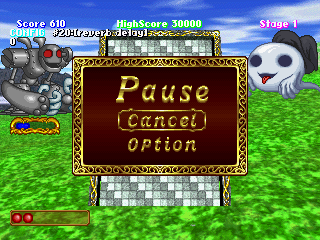
#20 reverb delay

Changes the reverb delay.

  • Up/Down: Increase/decrease delay.

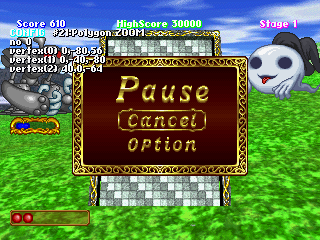
#21 Polygon ZOOM

Polygon-related functions.

  • Up/Down: Change ID.
  • X: Double vertex values.
  • Triangle: Halve vertex values.

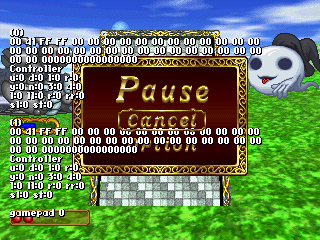
#22 controller

An input check menu.

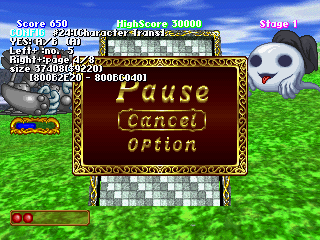
#24 Character Trans

An animation viewer for the characters on-screen.

  • Up/Down: Change character ID.
  • X: Change character.
  • Triangle/Circle (US/EU): Change animation.

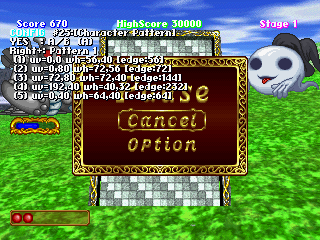
#25 Character Pattern

An animation frame viewer.

  • X: Change character.
  • Triangle/Circle (US/EU): Next/previous frame.

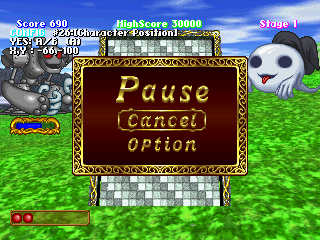
#26 Character Position

Changes the position of the characters on-screen.

  • X: Change character.
  • Left/Right: Move X position.
  • Up/Down: Move Y position.

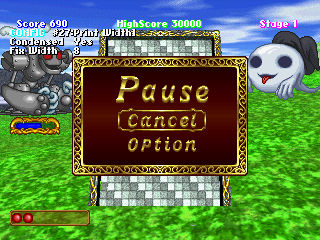
#27 Print Width

Changes the text spacing.

  • X: Enable/disable fixed text.
  • Up/Down: Change spacing.

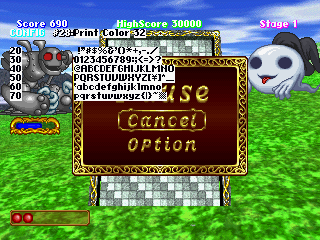
#28 Print Color

Displays text fonts/colors.

  • Up/Down: Change ID.

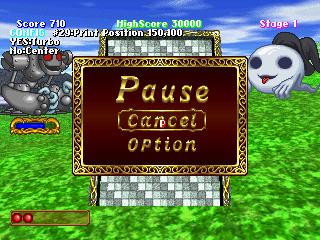
#29 Print Position

Displays a graphic in a certain point.

  • Left/Right: Change X value.
  • Up/Down: Change Y value.
  • Hold Circle (JP)/X (US/EU): Increase interval to 10.
  • X (JP)/Triangle (US/EU): Center graphic.

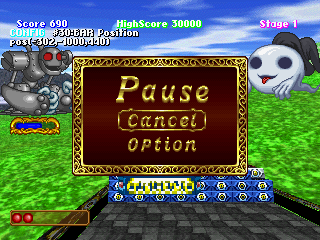
#30 BAR Position

Changes the bar parameters.

  • Left/Right: Change X value.
  • Up/Down: Change Y value.
  • L1/L2: Change Z value.

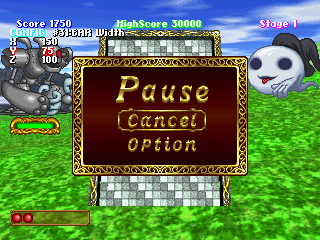
#31 BAR Width

Would seemingly change values relating to the bar's dimensions, but it doesn't seem to work anymore.

  • Select: Change parameter.
  • Up/Down: Change value.

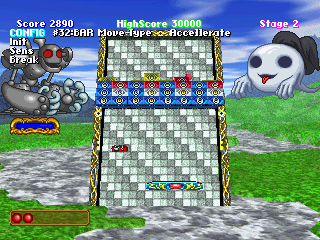
#32 BAR Move Type

Changes the bar's movement type.

  • Circle (JP)/X (US/EU): Change type.

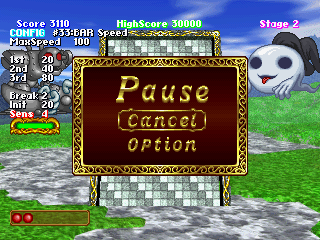
#33 BAR Speed

Changes the bar's speed parameters.

  • Select: Change parameter.
  • Up/Down: Change value.

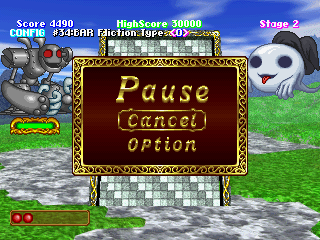
#34 BAR Fliction Type

Changes the bar's friction.

  • Circle (JP)/X (US/EU): Change type.

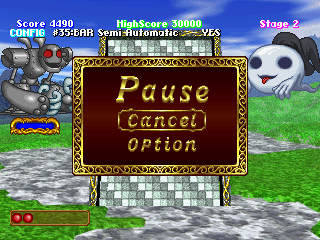
#35 BAR Semi Automatic

Changes the bar's semi automatic movement.

  • Circle (JP)/X (US/EU): Enable/disable.

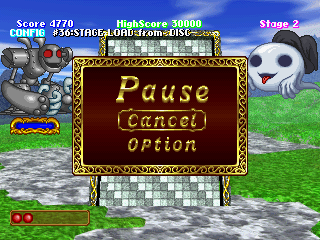
#36 STAGE LOAD from

Changes the game's loading source.

  • Circle (JP)/X (US/EU): Change from Disc/Card.

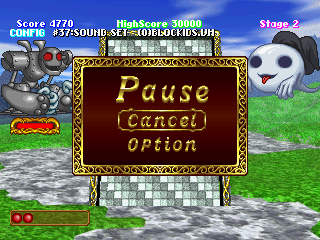
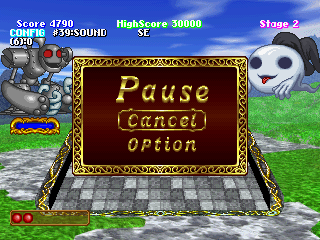
#37 SOUND SET

Changes the game's sound effects.

  • Up/Down: Change ID.
  • Circle (JP)/X (US/EU): Load.

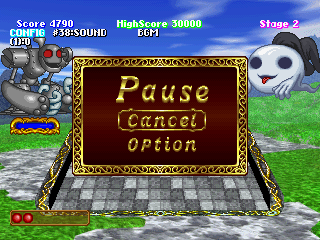
#38 SOUND BGM

A SFX text menu. Strangely, the samples loop after finishing.

  • Up/Down: Change ID.
  • Circle (JP)/X (US/EU): Play.
  • X (JP)/Triangle (US/EU): Stop.

#39 SOUND SE

Another SFX text menu. Samples no longer loop.

  • Up/Down: Change ID.
  • Circle (JP)/X (US/EU): Play.

100-255#

Function

Screenshot

Description

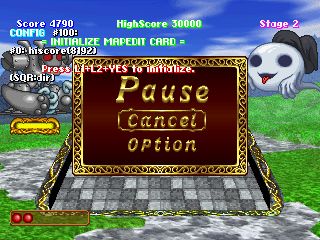
#100

Unknown.

  • Square: Load values.
  • L1+L2+O (JP)/X (US/EU): Activate.

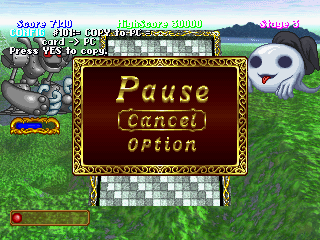
#101 COPY to PC

Copies values from the card.

  • Circle (JP)/X (US/EU): Activate.

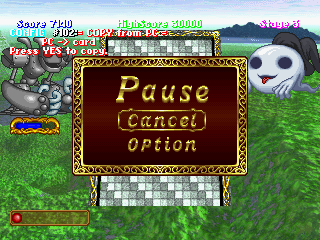
#102 COPY from PC

Copies values to the card.

  • Circle (JP)/X (US/EU): Activate.

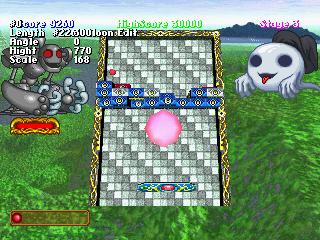
#226 Baloon Edit

Places a sphere object in the playfield, whose properties can be edited.

  • Circle (JP)/X (US/EU): Open Menu/Render.
  • X (JP)/Triangle (US/EU): Close Menu.
  • Up/Down: Increase/decrease length value.
  • Left/Right: Increase/decrease angle value.
  • L1/L2: Increase/decrease height value.
  • R1/R2: Increase/decrease scale value.

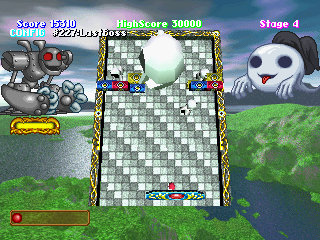
#227 LastBoss

Summons a face boss. Defeating it automatically clears the stage.

  • Circle (JP)/X (US/EU): Summon.

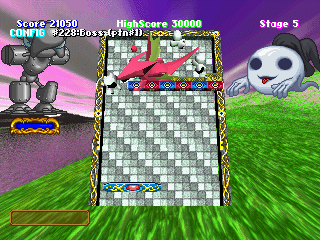
#228 Boss (ptn#0)

Summons a dragon boss. Defeating it automatically clears the stage.

  • Circle (JP)/X (US/EU): Summon.

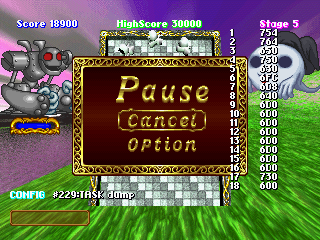
#229 TASK dump

Unknown.

  • Circle (JP)/X (US/EU): Dump.

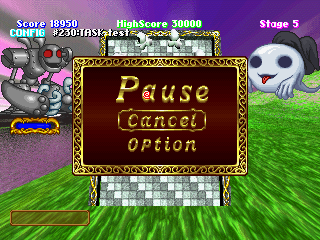
#230 TASK test

A simple animation test.

  • X: Move right.
  • Triangle: Stop moving right.
  • O: Move down.
  • Square: Stop moving down.

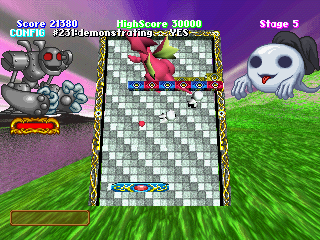
#231 demonstrating

An autoplay function.

  • Circle (JP)/X (US/EU): Enable/disable autoplay.

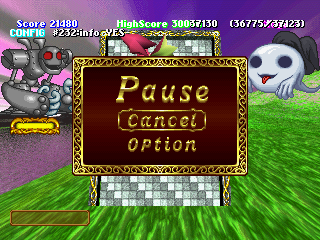
#232 info

Displays some parameters on the top right of the screen.

  • Circle (JP)/X (US/EU): Enable/disable.

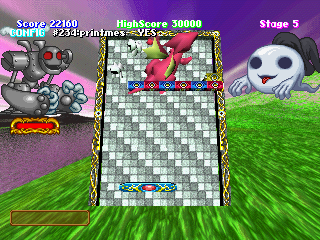
#234 printmes

Presumably prints messages to the tty debug console.

  • Circle (JP)/X (US/EU): Enable/disable printing.

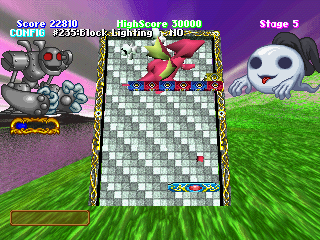
#235 Block Lighting

A block lighting function.

  • Circle (JP)/X (US/EU): Enable/disable lighting.

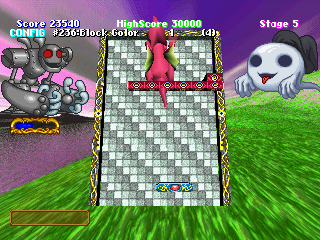
#236 Block Color

Makes all blocks the same color.

  • Up/Down: Change color.
  • Circle (JP)/X (US/EU): Apply.

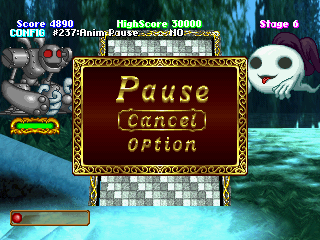
#237 Anim Pause

Freezes the characters' animations.

  • Circle (JP)/X (US/EU): Enable/disable animations.

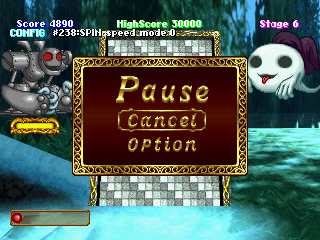
#238 SPIN speed mode

Unknown.

  • Circle (JP)/X (US/EU): Change mode.

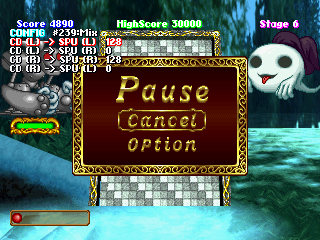
#239 Mix

A mixer for the audio channels.

  • Select: Change parameter.
  • Up/Down: Change value.

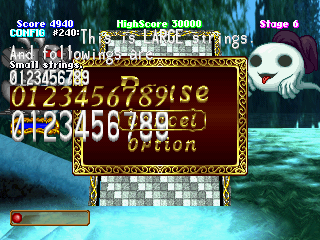
#240

A font test.

#241 BG

Changes the background image.

  • Up/Down: Change value.

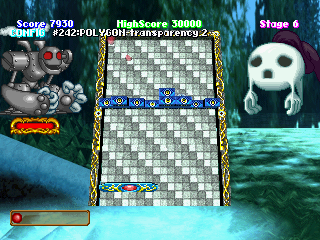
#242 POLYGON transparency

Changes the transparency of the ball.

  • Circle (JP)/X (US/EU): Change/apply.
  • X (JP)/Triangle (US/EU): Disable.

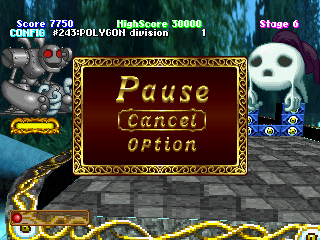
#243 POLYGON division

Something related to the textures in the blocks.

  • Circle (JP)/X (US/EU): Change/apply.
  • X (JP)/Triangle (US/EU): Disable.

#244 screen

Changes the brightness of the backgrounds.

  • Up/Down: Increase/decrease brightness.
  • Circle (JP)/X (US/EU): Max brightness.
  • X (JP)/Triangle (US/EU): Min brightness.

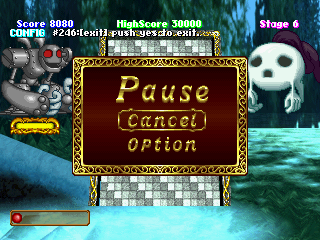
#246 [exit] push yes to exits.==

Doesn't work.

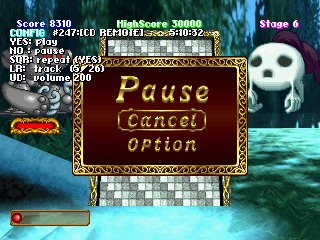
#247 [CD REMOTE]

A test for the game's audio tracks.

  • Circle (JP)/X (US/EU): Play.
  • X (JP)/Triangle (US/EU): Pause.
  • Square: Toggle looping.
  • Left/Right: Switch track.
  • Up/Down: Change volume.

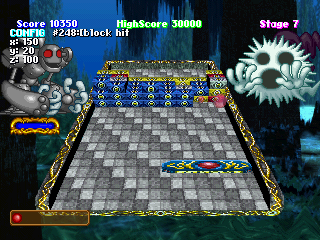
#248 blockhit

Changes the position of the ball hitbox.

  • Left/Right: Move X position.
  • Up/Down: Move Y position.
  • L1/L2: Move Z position.

#249 BLOCK DUMP

Replaces the ball.

  • Up/Down: Change parameters.
  • X (JP)/Triangle (US/EU): Apply.

#250 End Line

Unknown.

  • Circle (JP)/X (US/EU): Enable/disable.

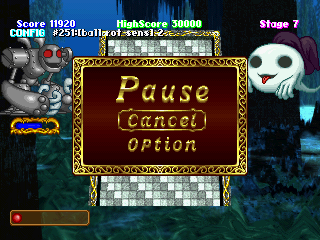
#251 ball rot sens

Possibly "ball rotation sensitivity"?

  • Up/Down: Change sensitivity.

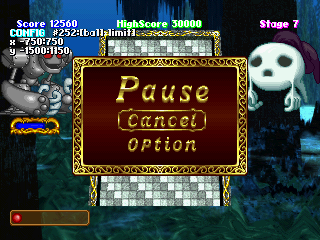
#252 ball limit

Changes the playfield size.

  • Up/Down: Change limit 1 of X position.
  • Left/Right: Change limit 2 of X position.
  • Triangle/Circle: Change limit 1 of Y position.
  • Square/X: Change limit 2 of Y position.

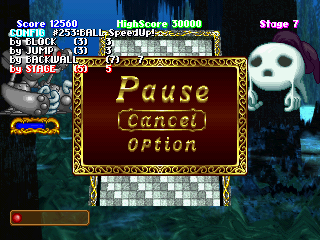
#253 BALL SpeedUp!

Changes the ball speedup parameters.

  • Select: Change parameter.
  • Up/Down: Change value.

#254 Corner Width

Unknown.

  • Up/Down: Change value.

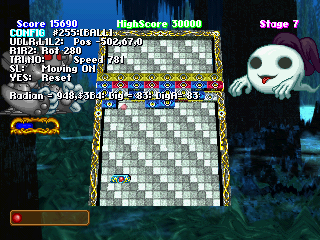
#255 [BALL]

Changes the ball coordinates.

  • Left/Right: Change X position.
  • Up/Down: Change Y position.
  • L1/L2: Change Z position.
  • Triangle/X (JP)/Circle (US/EU): Change speed.
  • R1/R2: Change rotation.
  • Select: Toggle movement.
  • Circle (JP)/X (US/EU): Reset.