Not to be confused with Albion Online, Albion is an RPG that was released somewhat late into DOS's lifespan.
Producer Mode#

Go to the options screen from the main menu and type in schnosm. The screen will flash white briefly. Now, when going into the game, the mode can be toggled on/off at any point during the game by pressing Alt and F12. Note that this does not work in DOSBox by default unless the Speedlock event is remapped (Ctrl + F1).
Toggling it on will enable the following:
- A disgruntled photograph of Albion's producer, Thomas Hertzler, will appear on the bottom right corner at all times.
- See an entire map of the level, complete with all the characters and enemies in that level.
- All spells will be available, with their max powers and only costing 1 SP.
- The "user" cursor can get anything.
- The player can walk through any walls.
- Enemies can't attack the player. The player can also end a battle and still gain XP as if they won it.
The following actions will also be available:
Keys |
Action |
|---|---|
Alt + F1 |
Show memory allocation info. |
Alt + F2 |
Teleport to another level. Make sure you get the map ID first, |
Alt + F3 |
Quit the game. |
Alt + F4 |
Save a screenshot in the ILBM format. |
Alt + F5 |
Data concerning the memory workspaces. |
Alt + F6 |
Map and coordinate data, as well as a couple bits |
Alt + F7 |
Goes to the "Shortcut Map", with doors to several |
Alt + F8 |
Start a battle with a selection of monsters. |
Alt + F9 |
Speed up the in-game clock. |
Alt + F10 |
Map and coordinate data. |
Alt + F11 |
Tiles data. |
(Source: Hadesengel)
Unused Graphics#
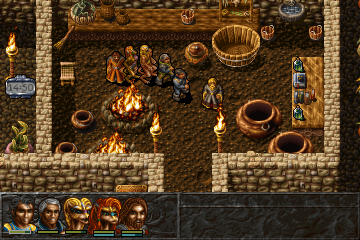
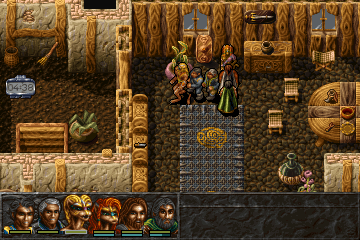
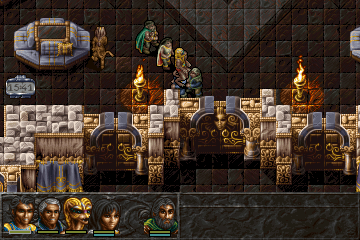
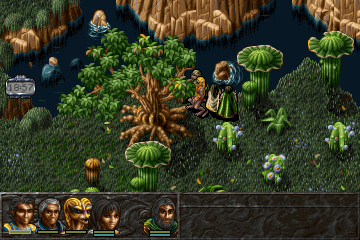
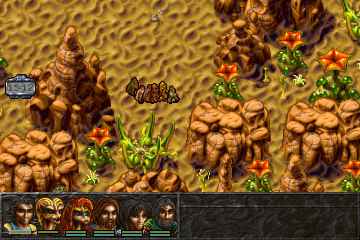
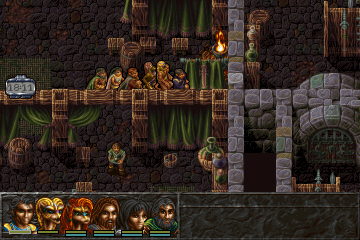
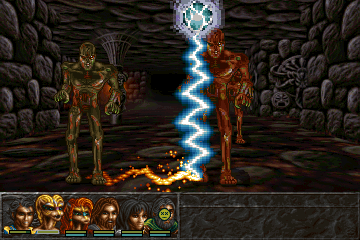
Several unused pieces of graphics can be found within the game files.
PICTURE0.XLD#







(Source: Albion Wiki)