 This article has a talk page!
This page details one or more prototype versions of War of the Monsters.

An early work in progress build on this game found on the Official U.S. PlayStation Magazine Demo Disc 64. The main elf build date is from August 20 2002, while the final version's main elf is built on October 9 2002. There is quite a bit of differences to cover for a demo disc that only has one level and two monsters to choose from. There is also a massive debug menu hidden in this build which is not found in the final release.
Differences#
Visual#
- The opening CG movie is not present.
- The font used for the level names and the title screen is different.
|
Demo |
Final |
|---|---|
|
|
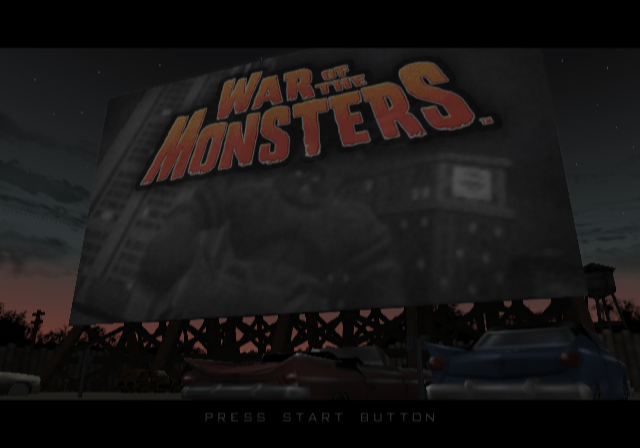
|
- The title screen demo that plays in the background is very different and features a lot of work in progress animations. It represents a much earlier build than this.
- Midtown Park's loading screen is different.
|
Demo |
Final |
|---|---|
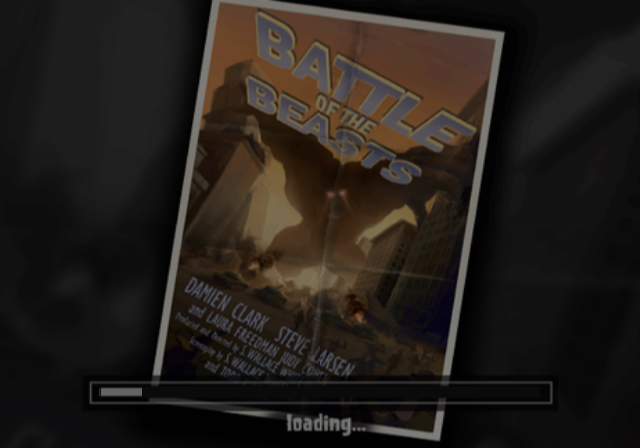
|
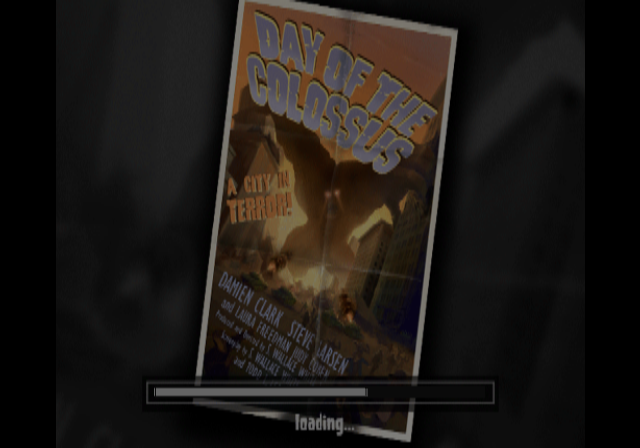
|
- Tsunopolis's loading screen is different.
|
Demo |
Final |
|---|---|
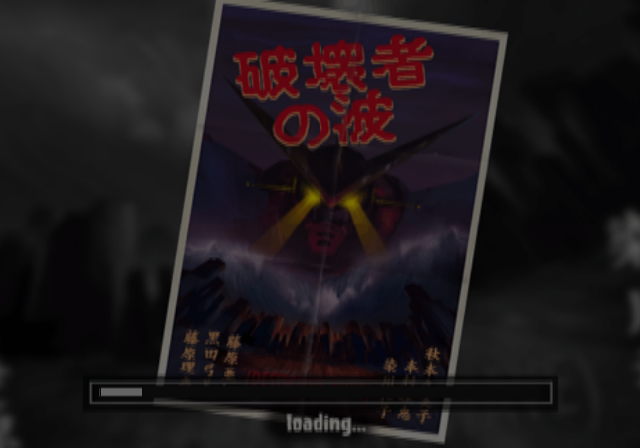
|

|
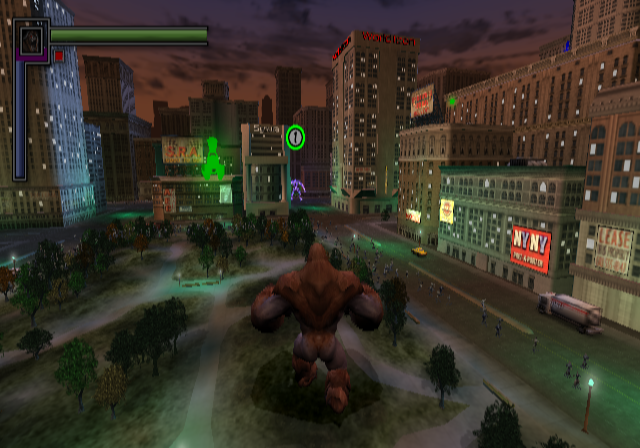
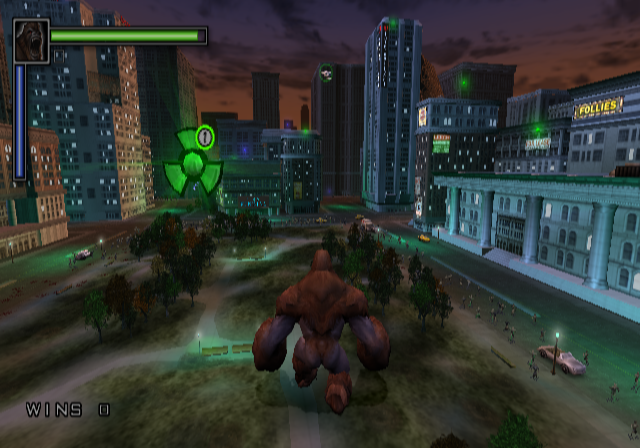
- The in game HUD is very different. It features a different health bar, different energy meter and different (smaller) monster icons.
|
Demo |
Final |
|---|---|
|
|
- The health, energy, specials and cloaking pickups all have different icons.
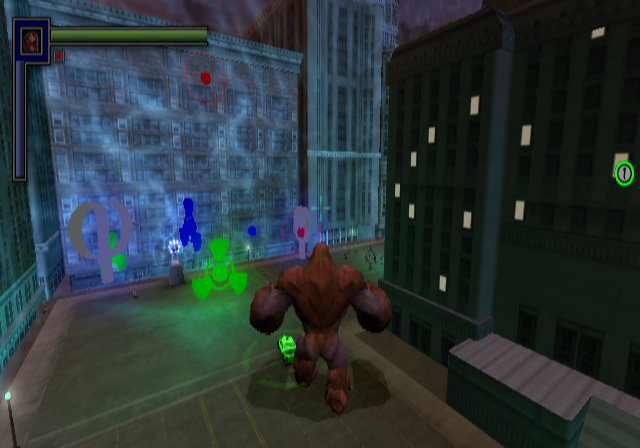
Note: The picture above has manually placed pickups. This is not where they appear in the demo.
- When hitting an enemy with a object such as a car or pipe, miniature explosions will be created each time the object comes into contact with an enemy. This is not present in the final version.
In Game#
- The intro when starting the stage, Midtown Park is different.
- You do not get rewarded a special attack when you kill an AI.
- You do not get a special attack when your energy meter hits max.
- Your energy gauge does not reset when at max after using a special attack.
- Kineticlops's special attack is much faster in the demo.
Miscellaneous#
- The cheat function is removed in the demo.
- The cheat text is different and missing a few cheats such as, RAPID FIRE and CODES ENABLED.
|
Demo |
Final |
|---|---|
|
|
- The Special Attack pickup text in the final version is named, Special Weapon in this demo.
- Inside of the unlocks menu (normally inaccessible) there is a debug feature that allows you to increment the number of tokens you have by pressing R1. You can also unlock everything by pressing R2 in this menu. Pressing L2 locks everything.
- The gamemode, Elimination has the unused level Training linked to it in the demo which is before the level Midtown Park and also first in the list.
- The unused feature, Time of Day is also still unused in this demo.
- A few error messages not present in the final version can be seen inside the executable.
Pause menu background missing from database
In a game mode that shell doesn't like, so we initPlayers()'d\n
Attempted to deallocate to full ResourcePool
Index falls outside ResourcePool
Tring to access invalid ring
EnemyInfo: source and target cannot be the same
MemoryStack:: exceeded memory limit
MemoryStack:: popped an empty stack
Debug Menu#
A very content rich debug menu remains within game code. This cannot be found in the final version. It has a total of 125 sub menus to choose from. You can enable it with the code below.
Enable Debug Menu In Game (Press R3+L3 to enable, START to disable)
D07C5FC2 0000FFF9
20247B54 24020001
D07C5FC2 0000FFF7
20247B54 0000102D
Once the menu is on screen, press Circle or R2 to enter a option. While inside a sub menu use L1 or R1 to change pages.
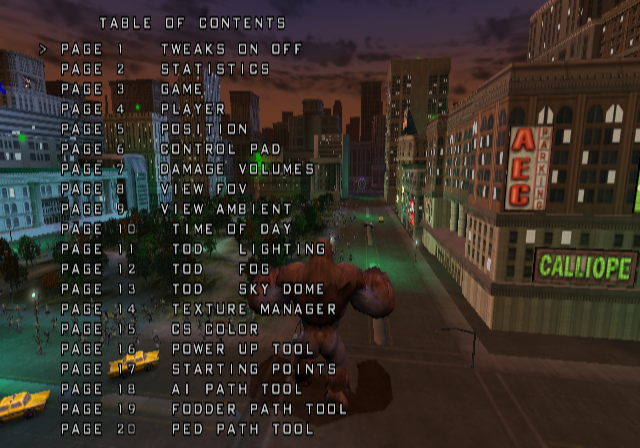
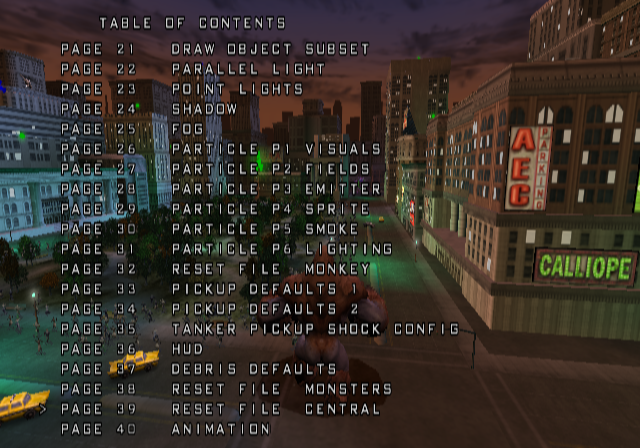
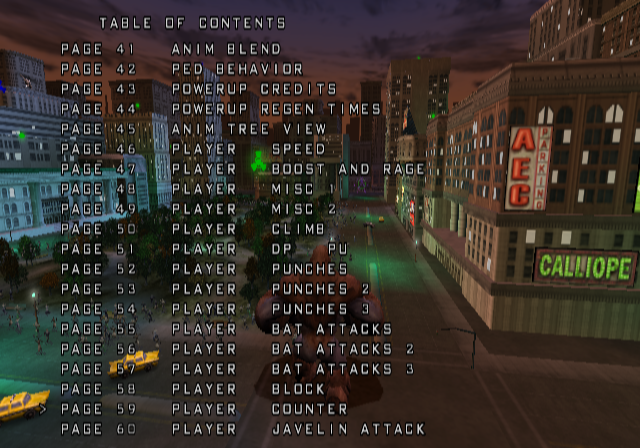
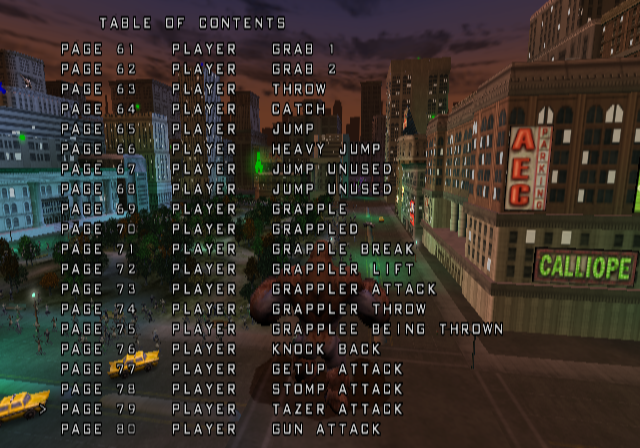
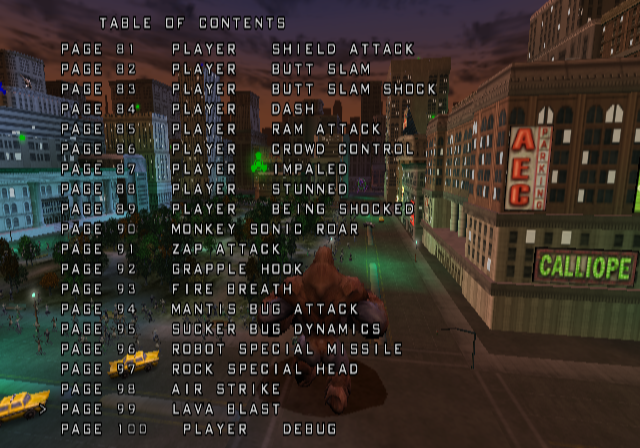
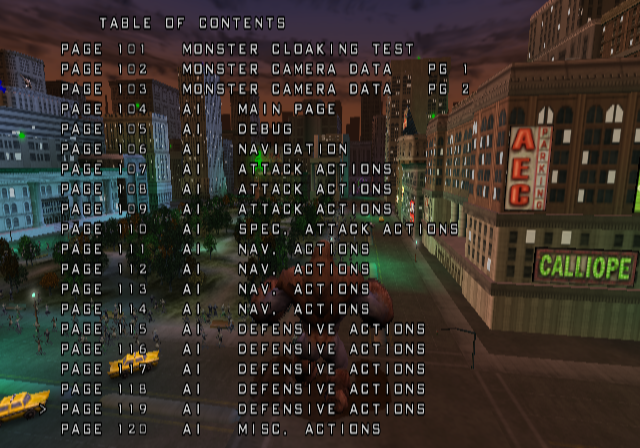
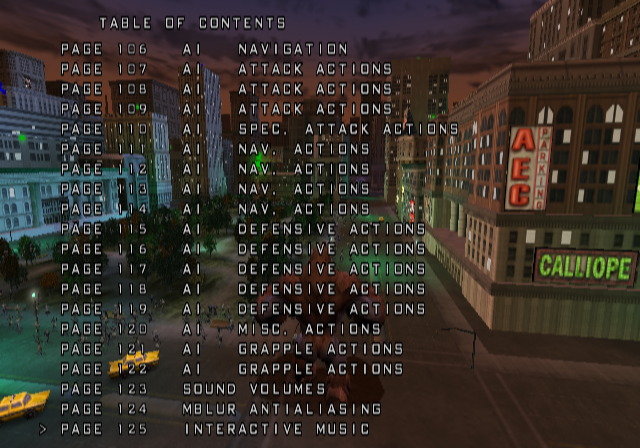
(Source: Original TCRF research)
Page 1 TWEAKS ON OFF#
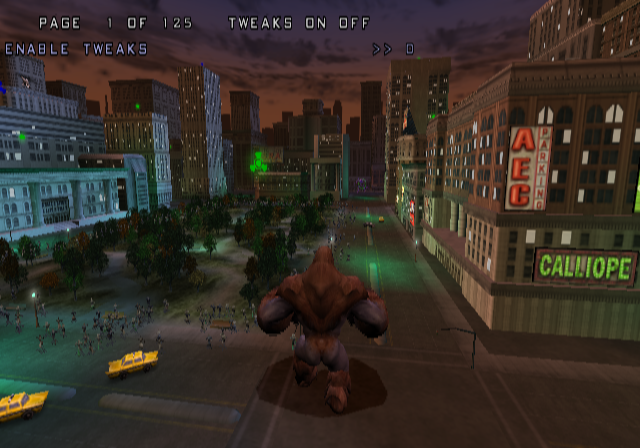
This probably would enable or disable the menu. The debug menu cannot be accessed normally so its unclear.
Page 2 STATISTICS#
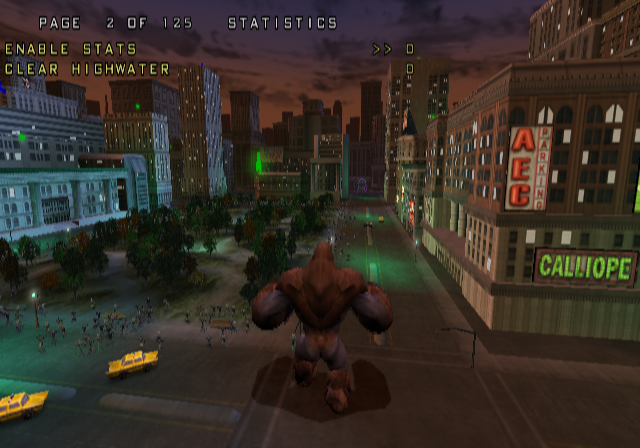
- Selecting ENABLE STATS enables various on screen debug info while the menu is turned off. This will display animation data relating to the player, coordinates, game status and states and so forth.
It's unclear what CLEAR HIGHWATER does.
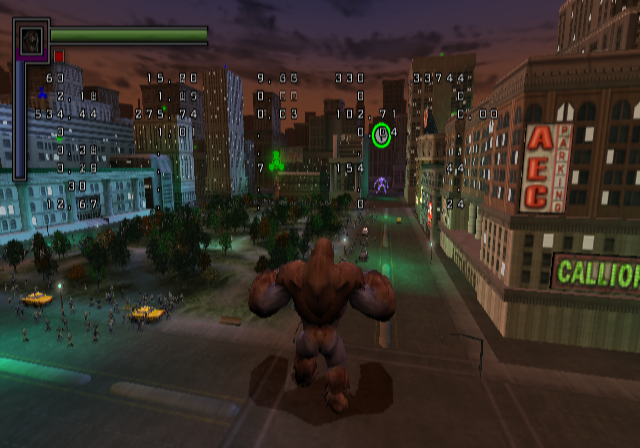
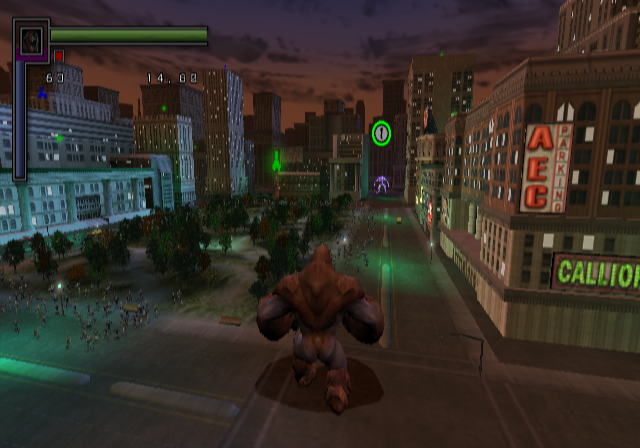
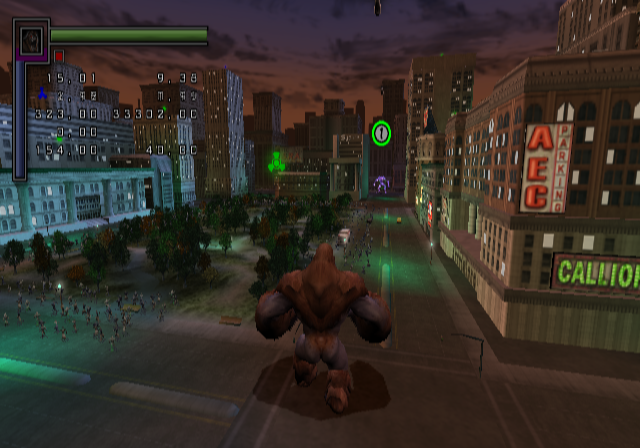
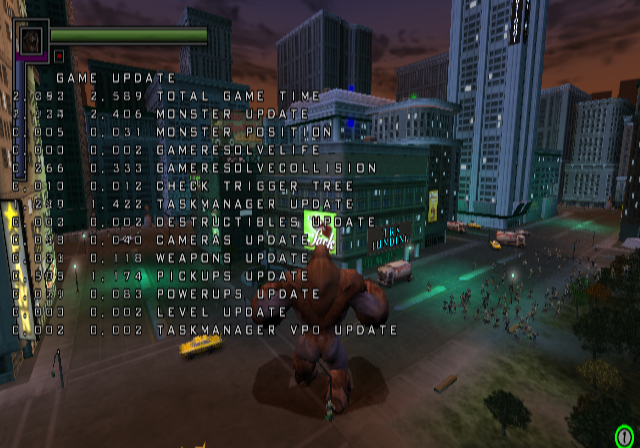
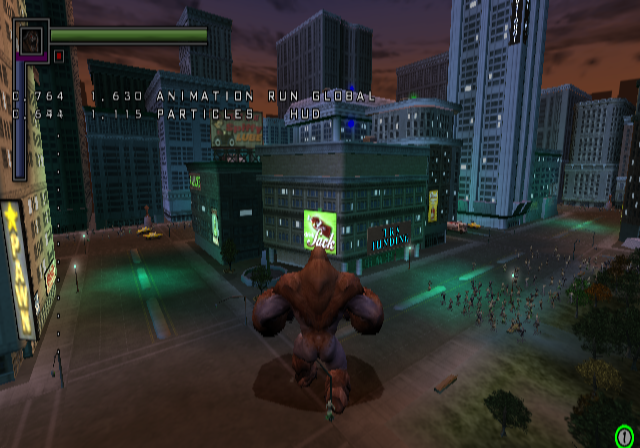
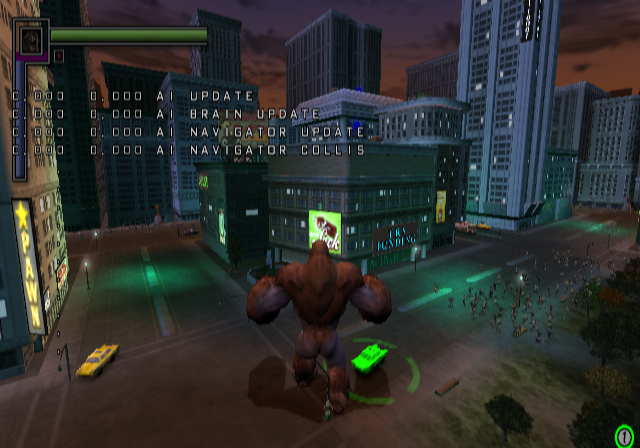
Page 3 GAME#
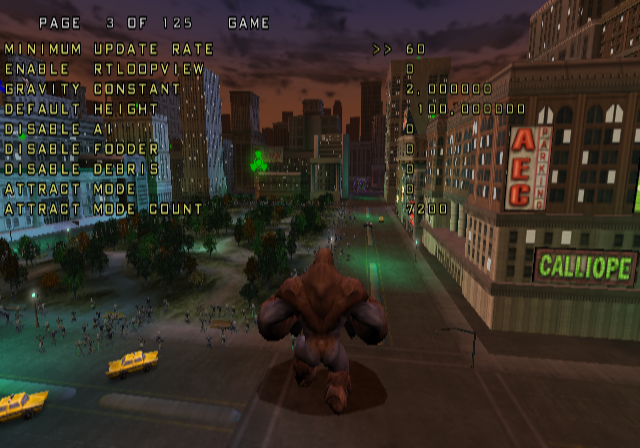
This menu allows you to change game related states.
- MINIMUM UPDATE RATE changes the game's refresh rate to either 60, or 30.
- GRAVITY CONSTANT changes the global gravity.
- DISABLE AI. This shouldn't need an explanation.
- DISABLE FODDER disables the cars and helicopters.
- DISABLE DEBRIS disables the debris from buildings falling.
- ATTRACT MODE. It gives you full energy and makes you do random actions. Most likely meant for a demo.
Page 4 PLAYER#
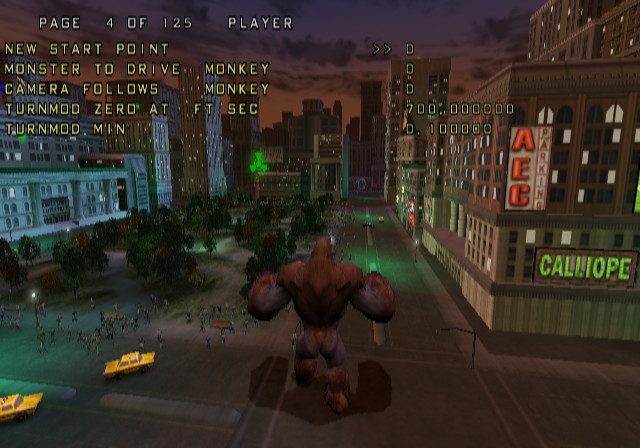
- NEW START POINT allows you to respawn at a new starting point.
- MONSTER TO DRIVE allows you to set the currently controlled player.
- CAMERA FOLLOWS allows you to change who the camera will follow.
Page 5 POSITION#
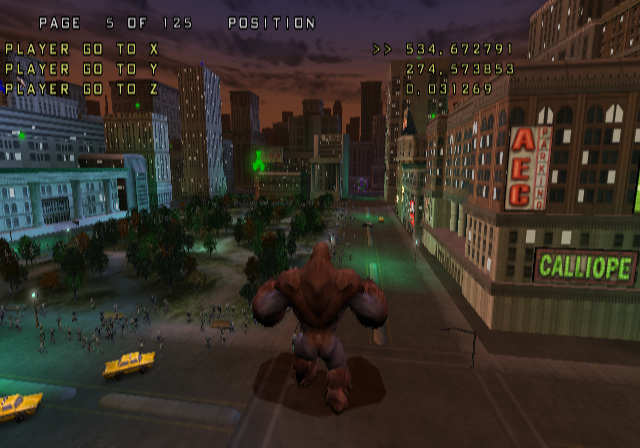
These options allow you to move your controlled monster to any currently set coordinates in this menu.