 This article has a talk page!
This page details one or more prototype versions of Pizza Frenzy.

|
To do: |
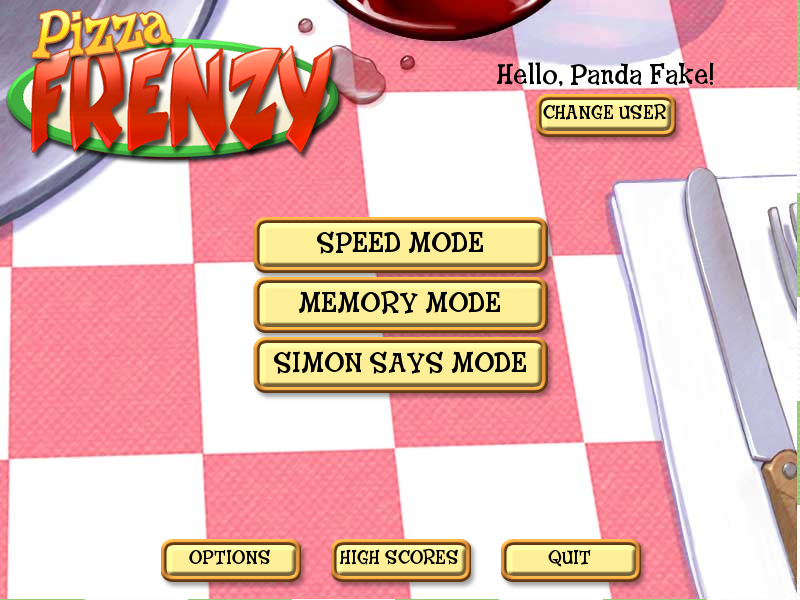
At one point, Real Arcade used to provide beta builds for their games, and Pizza Frenzy was one of them. This build, uploaded by Nyehmeh in the TCRF Discord on November 3, 2021, includes many differences.
Differences#
Main Menu#
|
Beta |
Final |
|---|---|
|
|
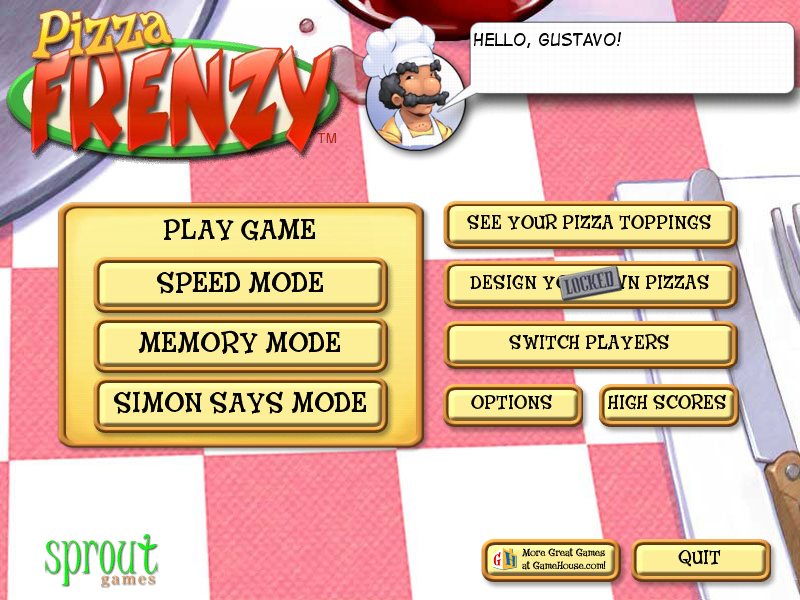
|
- The Sprout Games logo is missing.
- Most of the buttons changed their position.
- Lorenzo's dialogue box at the top is missing.
- The pizza design mode isn't present.
- You can't see the toppings you've unlocked so far.
Gameplay#
HUD#
|
Beta |
Final |
|---|---|
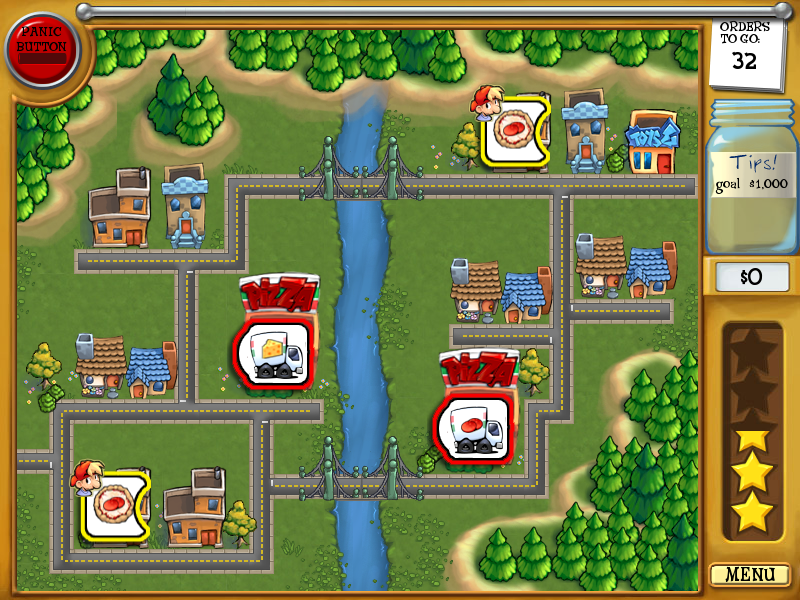
|
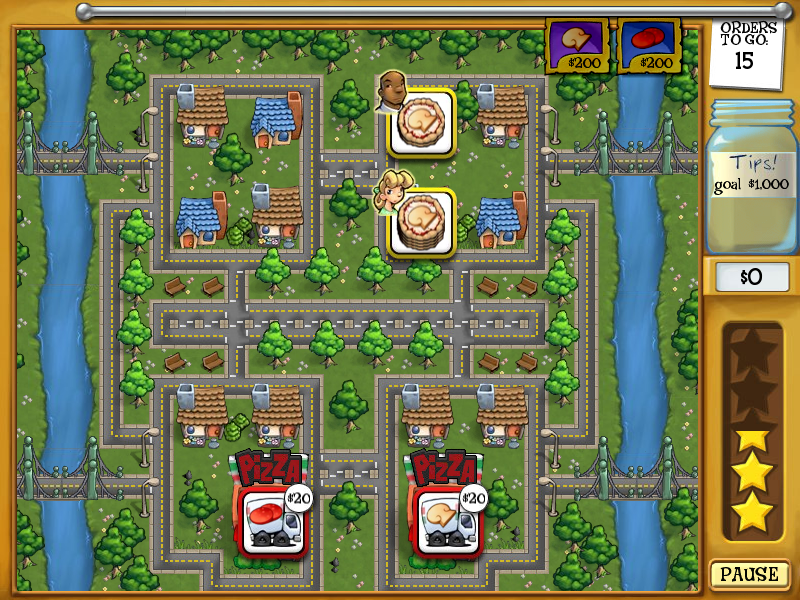
|
- The "Panic" button was removed from the final game.
- The "Menu" text was changed to "Pause".
- The "Orders To Go" text was slightly resized.
Graphics#
|
Beta |
Final |
|---|---|

|

|
The pizzeria building's text was slightly changed at the top, having less detail, a different font, and a black outline.
|
Beta |
Final |
|---|---|

|

|
The background of the money that customers pay in-game is more simple and lacks details and shadow.
Unused Graphics#
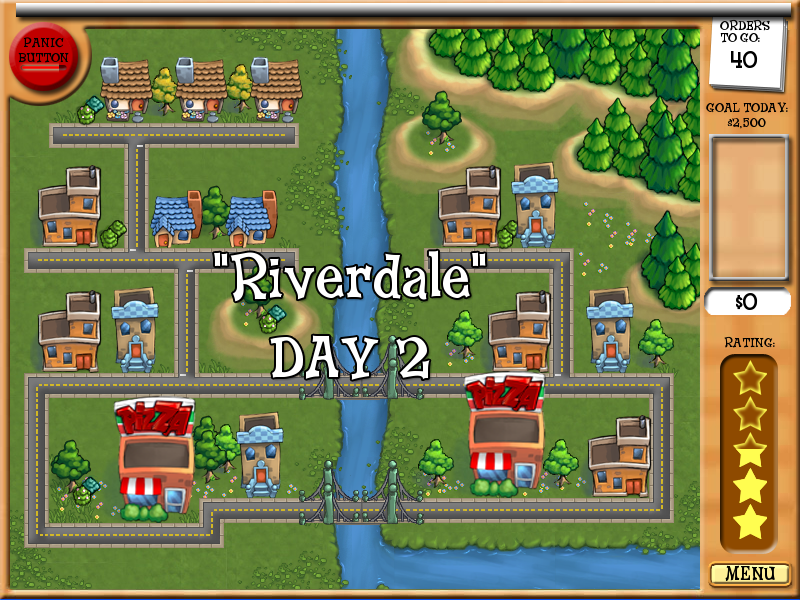
Inside res/hud is a leftover PSD file named pieces.psd, which includes a screenshot with an early version of the HUD.


Unused versions of the stars seen in the rating bar.
Level Editor#
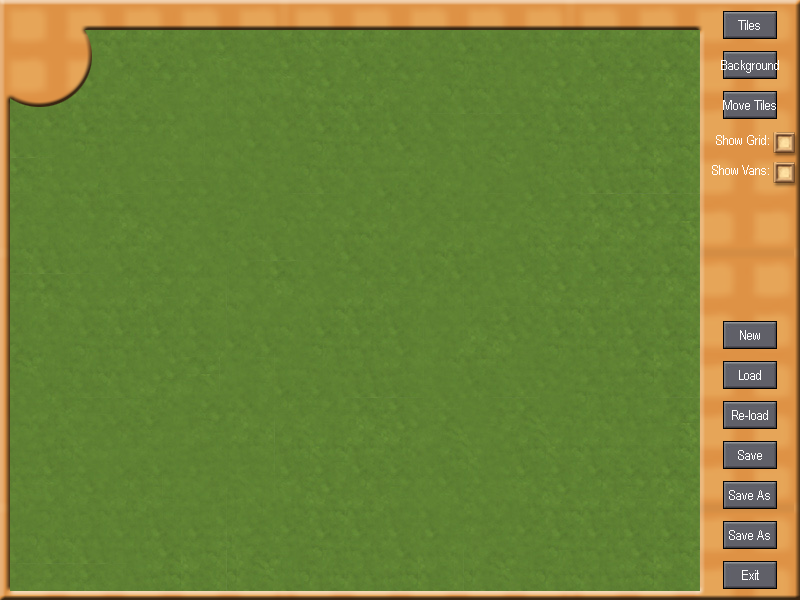
Apparently, in PizzaFrenzy.saf and the game's executable, there's mentions for a level editor, which isn't present in the final game.
To access it, in PizzaFrenzy.saf, change action="quit" to action="edit" in 004EEA90 (note: the quit button will not work with this method).
Controls#
- Tile selector: Allows you to select which object/decoration you will place in the level.
- Background selector: Opens a window to load a background from a selected location.
- New: Creates a new level.
- Load: Opens a window to load a level XML from a selected location.
- Re-Load: Reloads the level you're editing.
- Save: Saves the level you're editing.
- Save As: Saves the level on a selected location.
Toggles#
- Show Vans: Presumably used to show the pizza trucks in the editor.
- Show Grid: Toggles the visibility of the grid in the editor.