 This article has a talk page!
This page details one or more prototype versions of Disney's Lilo & Stitch: Trouble in Paradise (PlayStation).

|
This prototype is documented on Hidden Palace. |
A prototype dated March 21, 2002 was released on November 2, 2023 and predates the final build by about three weeks. It still has a lot of differences such as available debug menus, changed level geometry, differently placed items, unfinished sounds and etc.
General Differences#
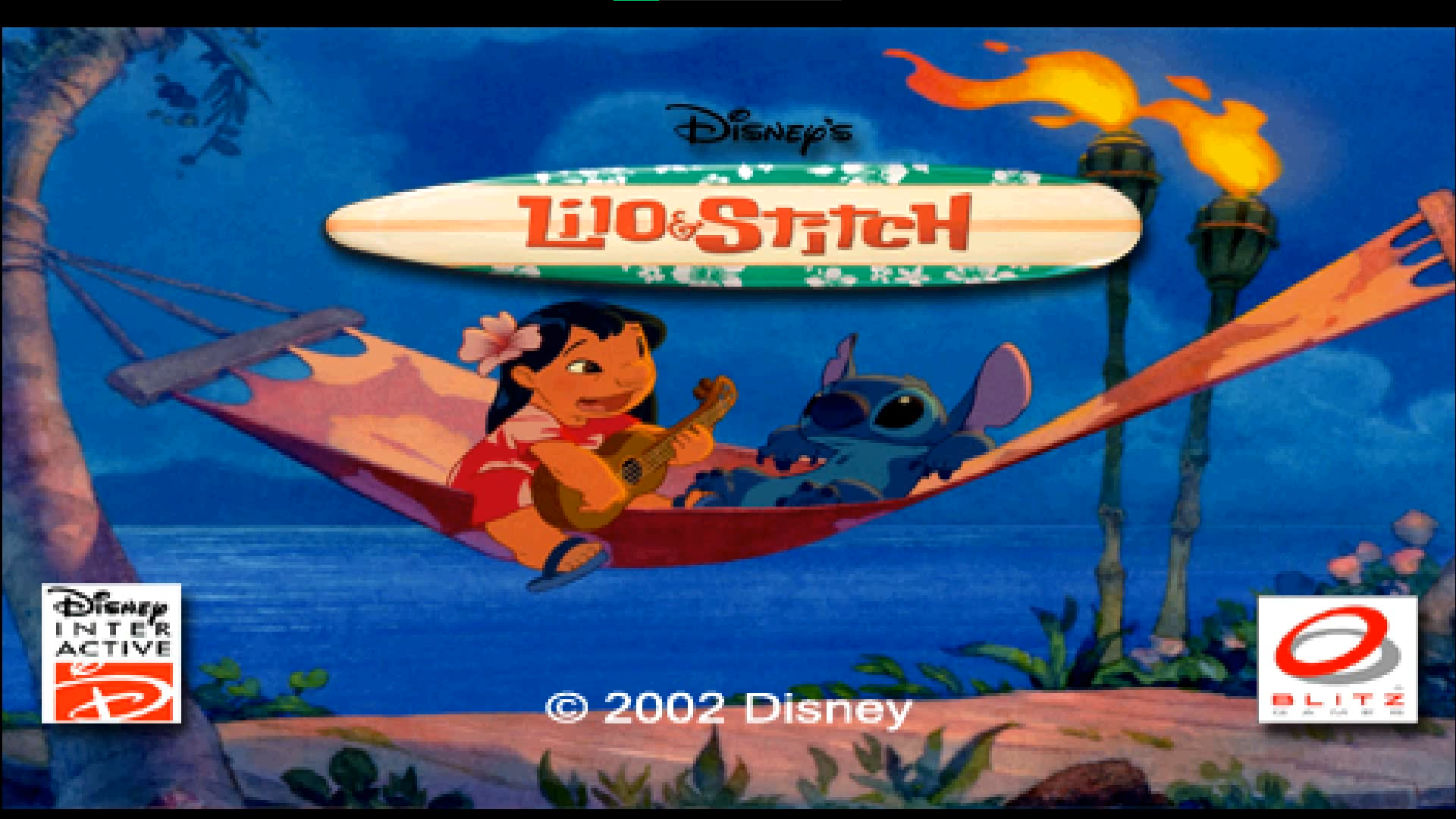
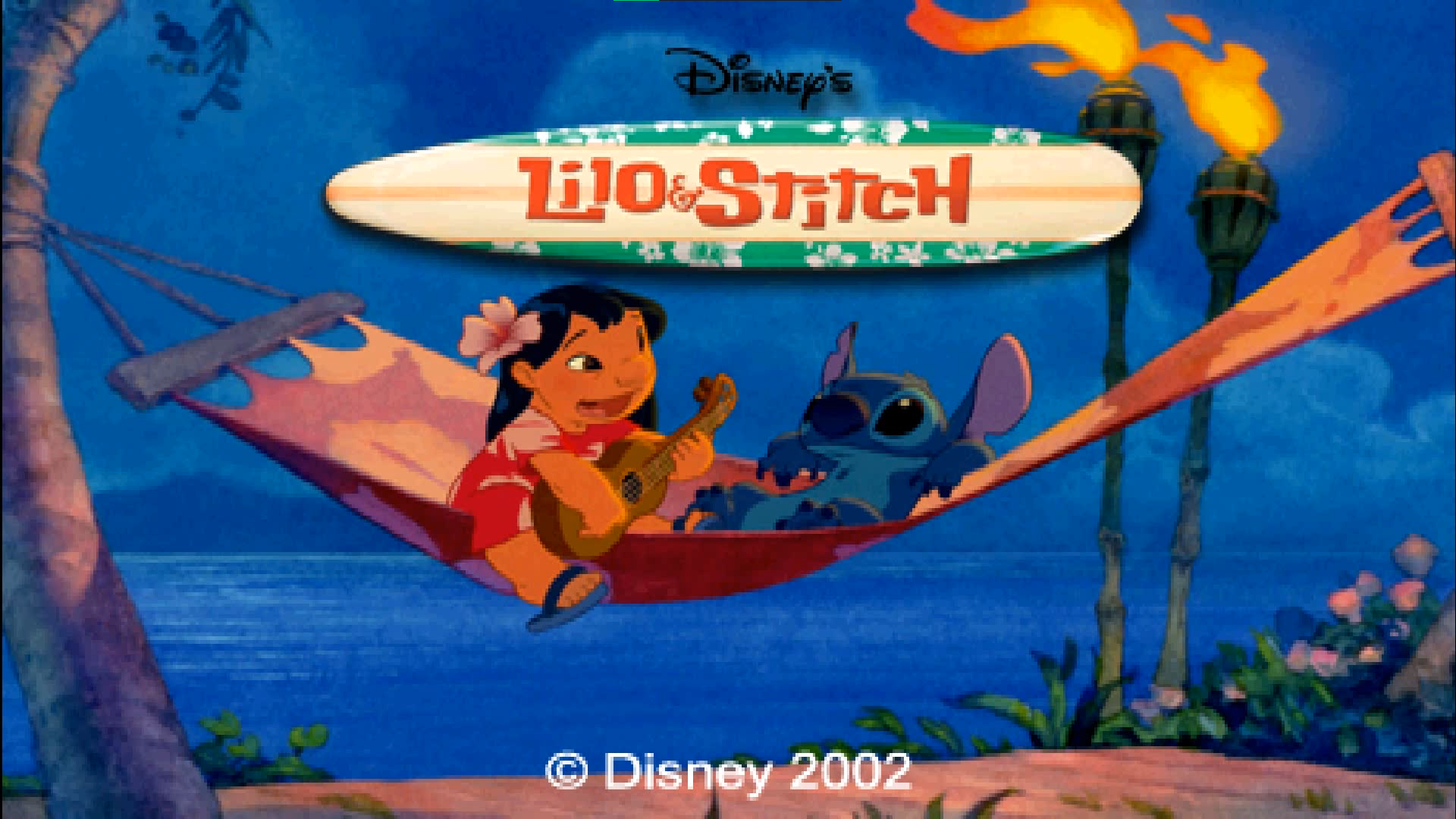
- No "Sony Computer Entertainment Presents" screen. The game starts with "(c) Disney 2002" and the font is notably different.
|
Mar 21 |
Apr 9 |
|---|---|

|

|
- The main loading screen has logos that were removed in the final build. Also looks like the screen is adjusted differently by default: small black bars can be noticed.
|
Mar 21 |
Apr 9 |
|---|---|
|
|
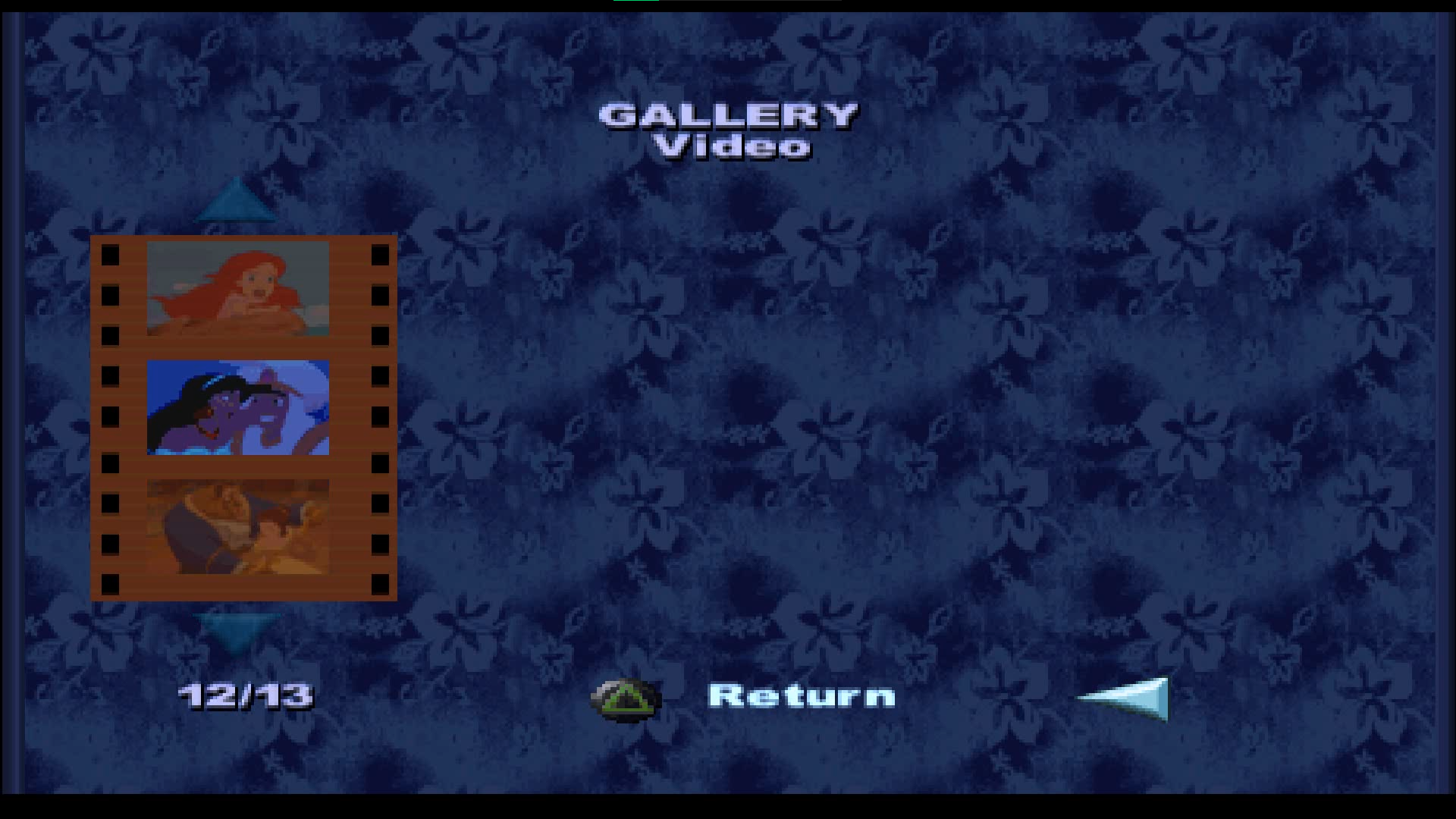
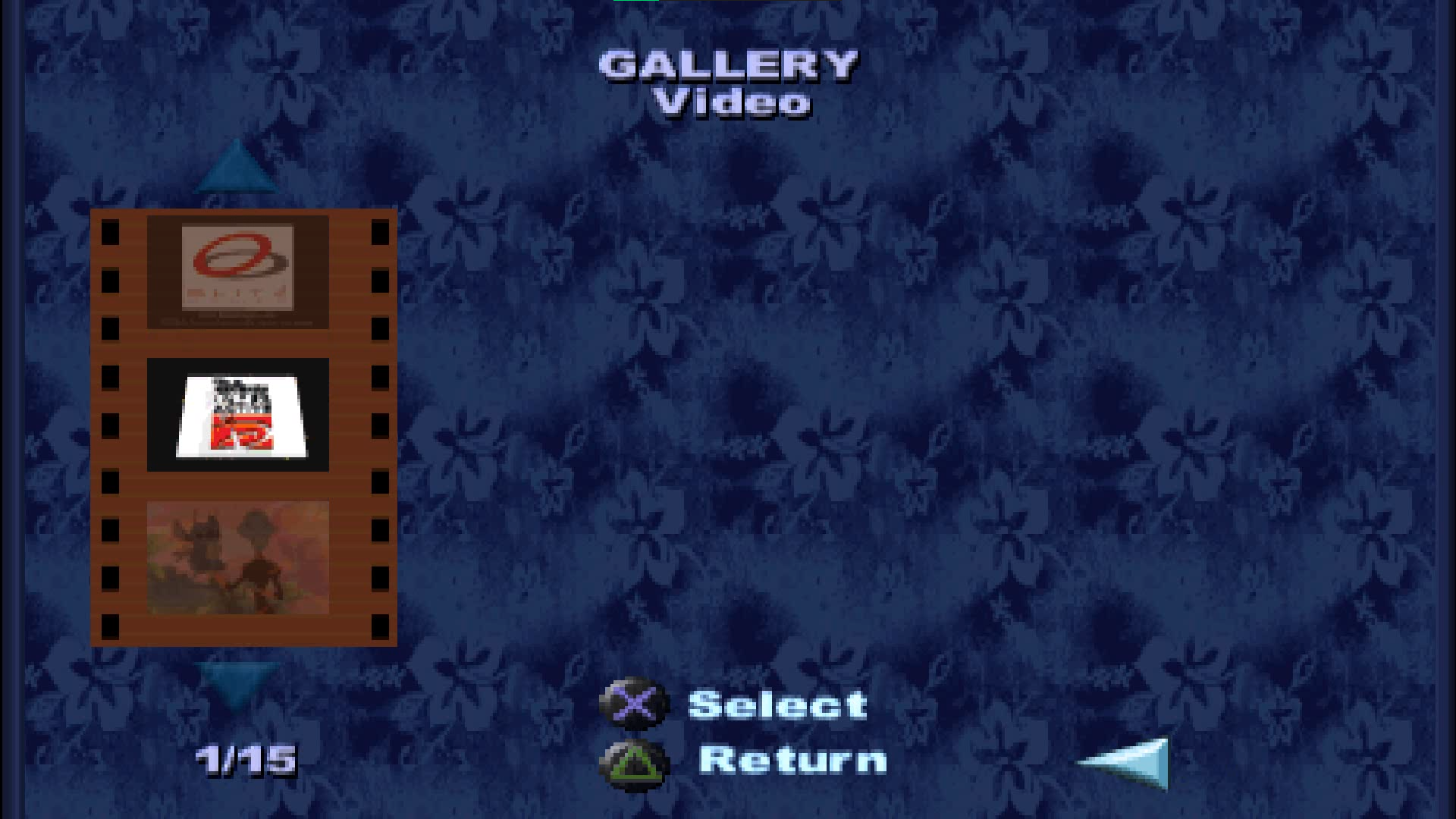
- The gallery misses two movies and for some reason when you play any of them - the game plays not the one you just selected. Also no "select" option tip is visible, but you can press cross to play a video.
|
Mar 21 |
Apr 9 |
|---|---|
|
|
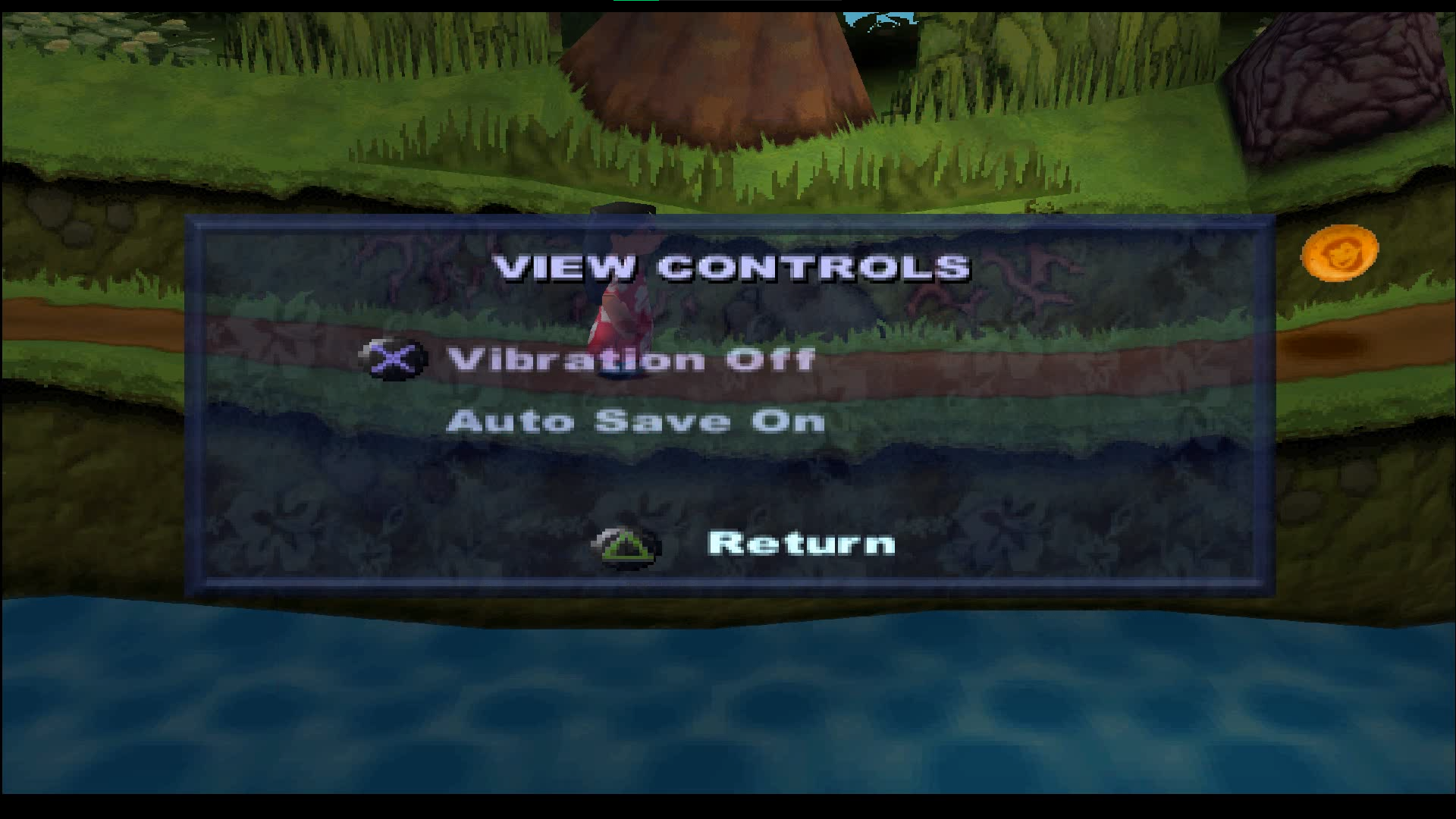
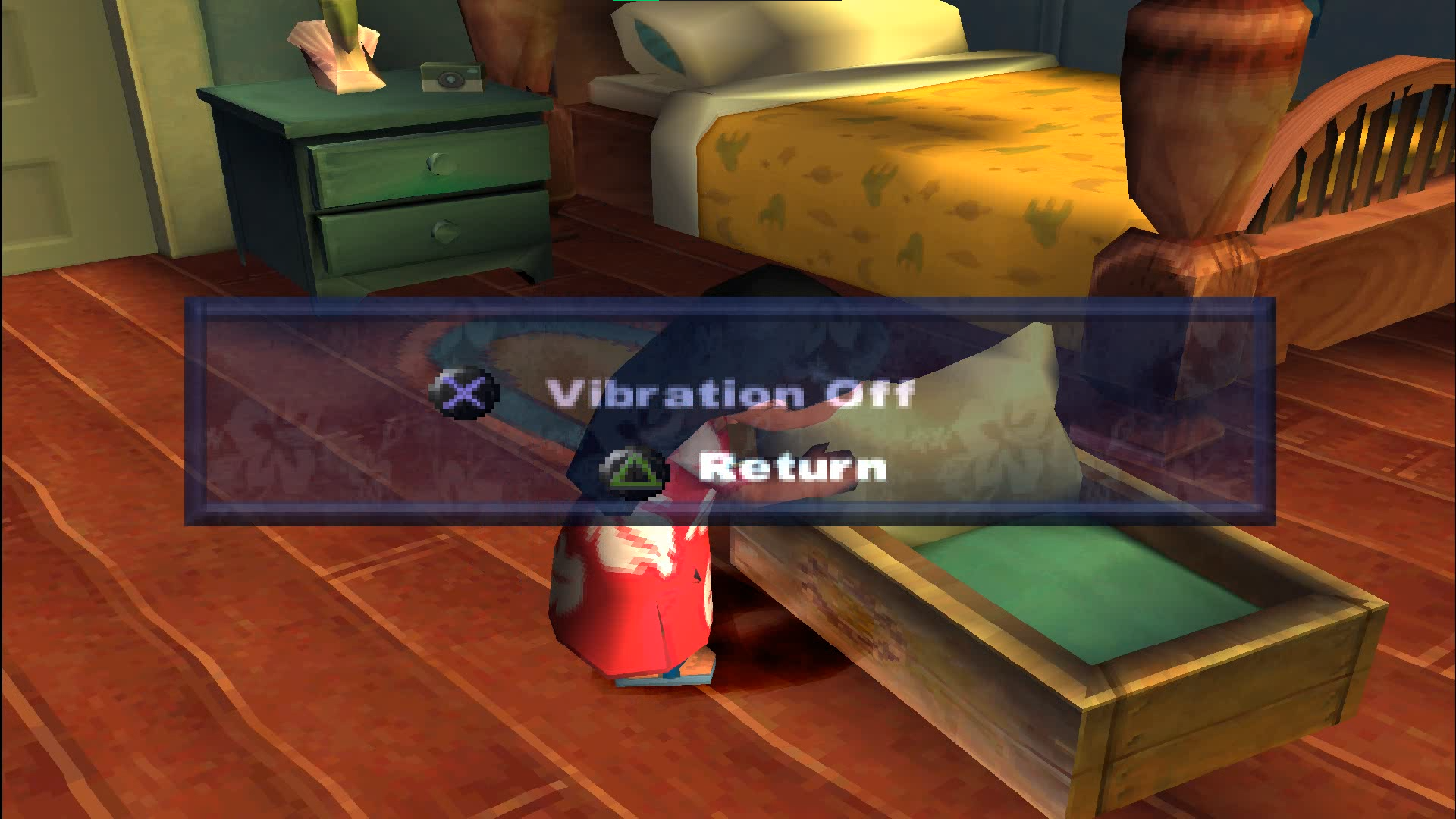
- In controls "VIEW CONTROLS" label is visible. There's also an auto save option, that was removed in the released version. It works pretty bad, the option disables on its own.
|
Mar 21 |
Apr 9 |
|---|---|
|
|
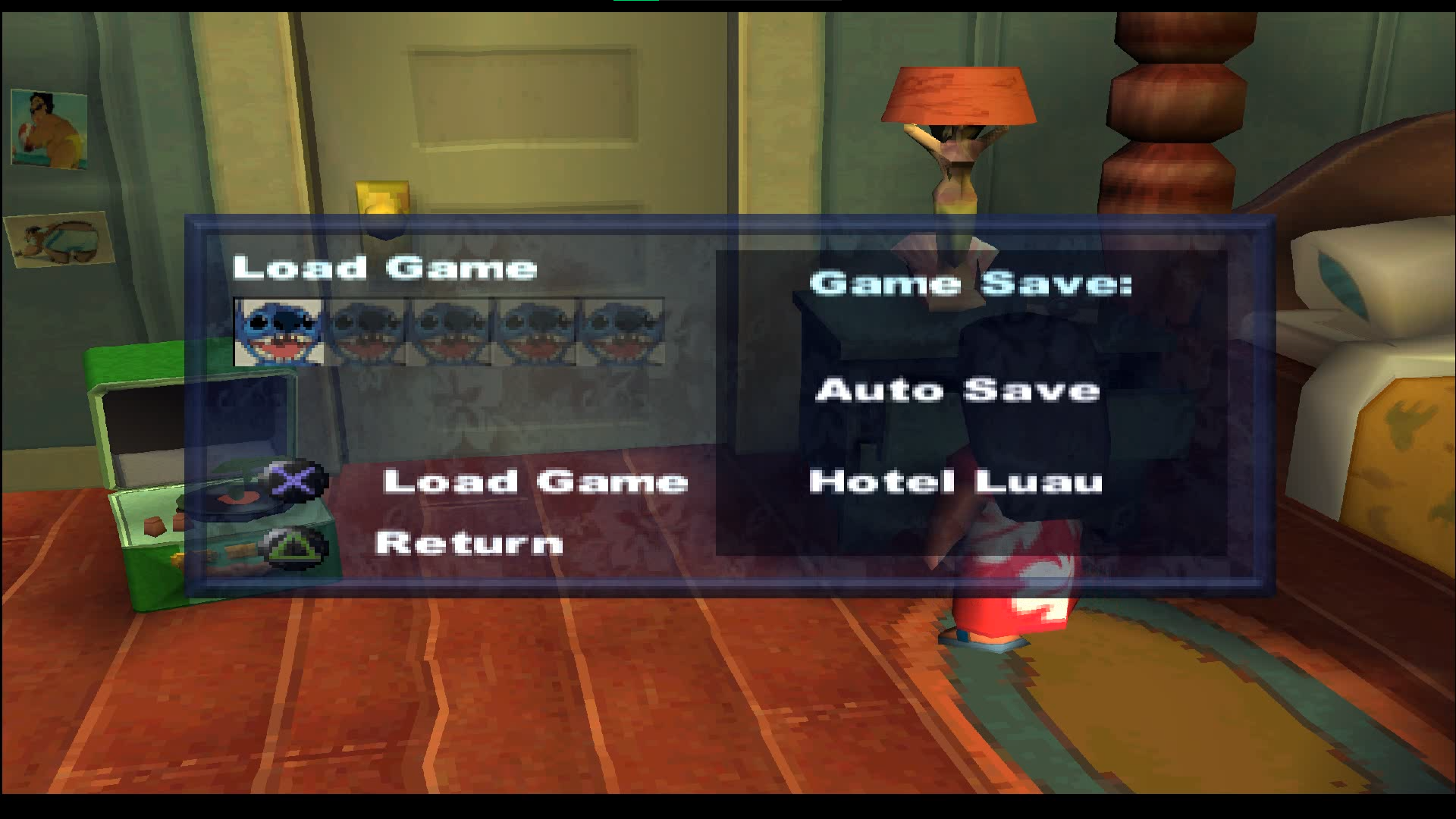
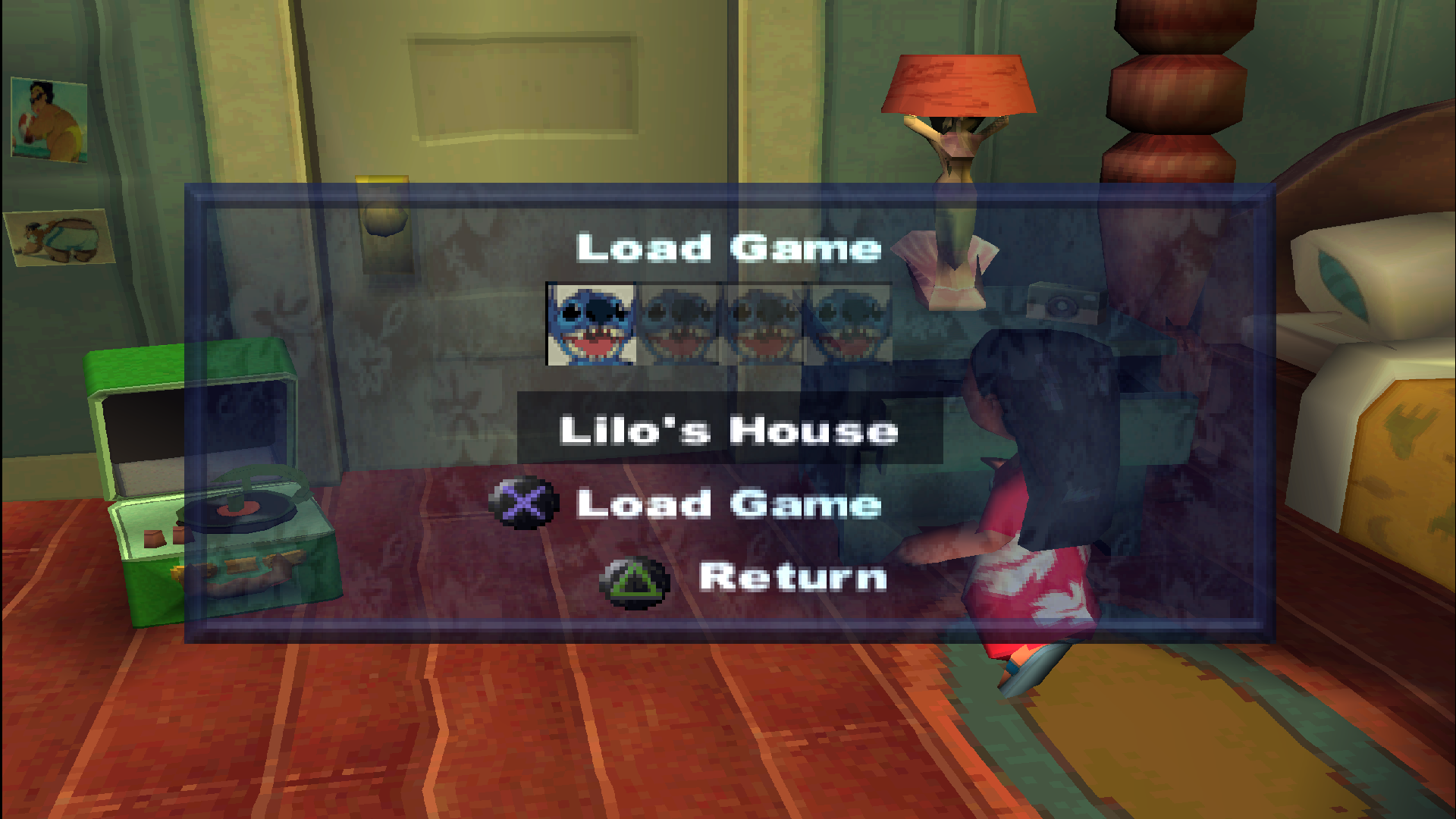
- Because of the auto save option, an additional 5th slot appears on the load game screen. The screen is also pretty different.
|
Mar 21 |
Apr 9 |
|---|---|
|
|
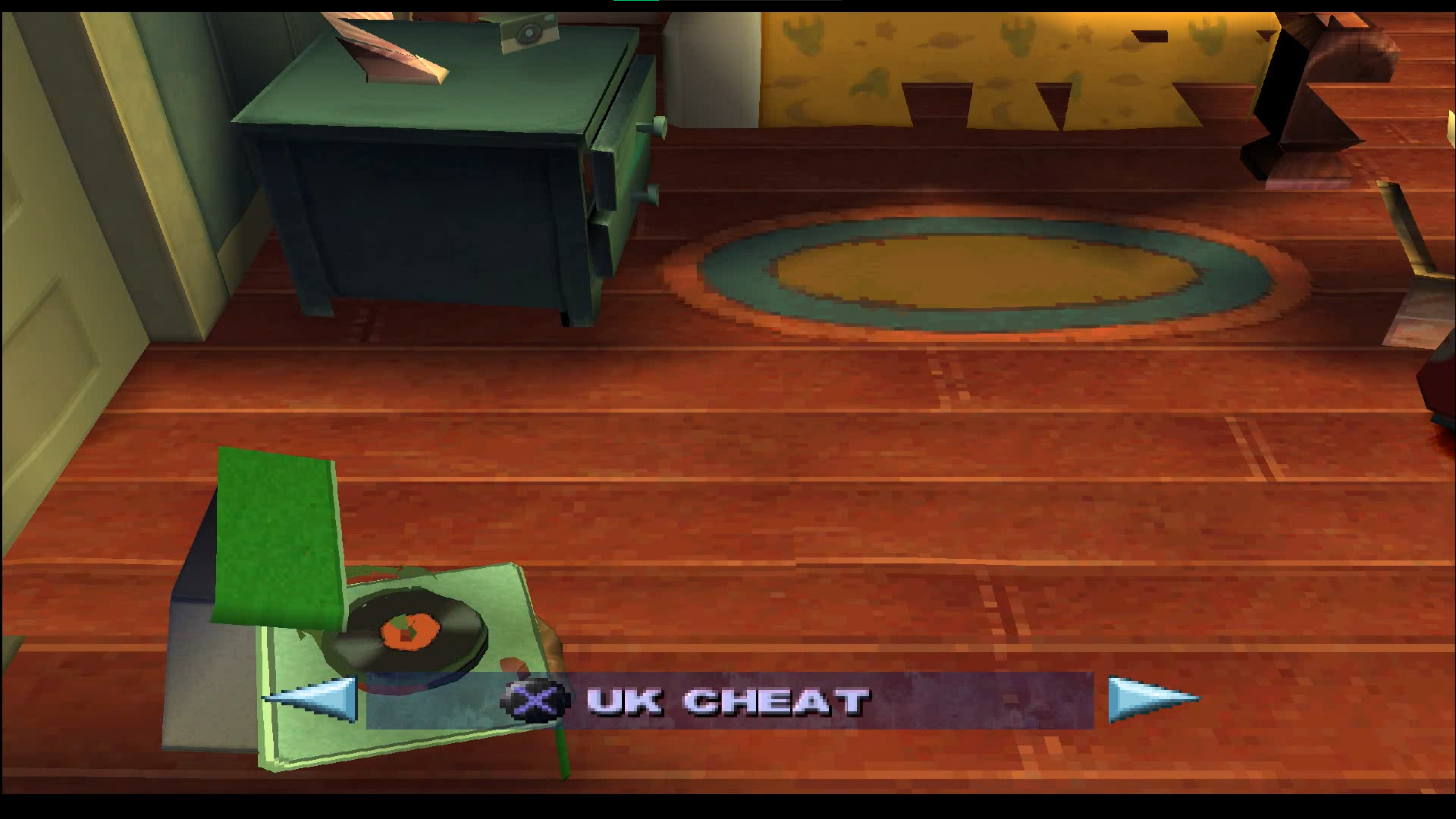
- Cheat menu with level select is available by default, it's the 6th option in the main menu. The menu itself is absolutely the same as in the final version.
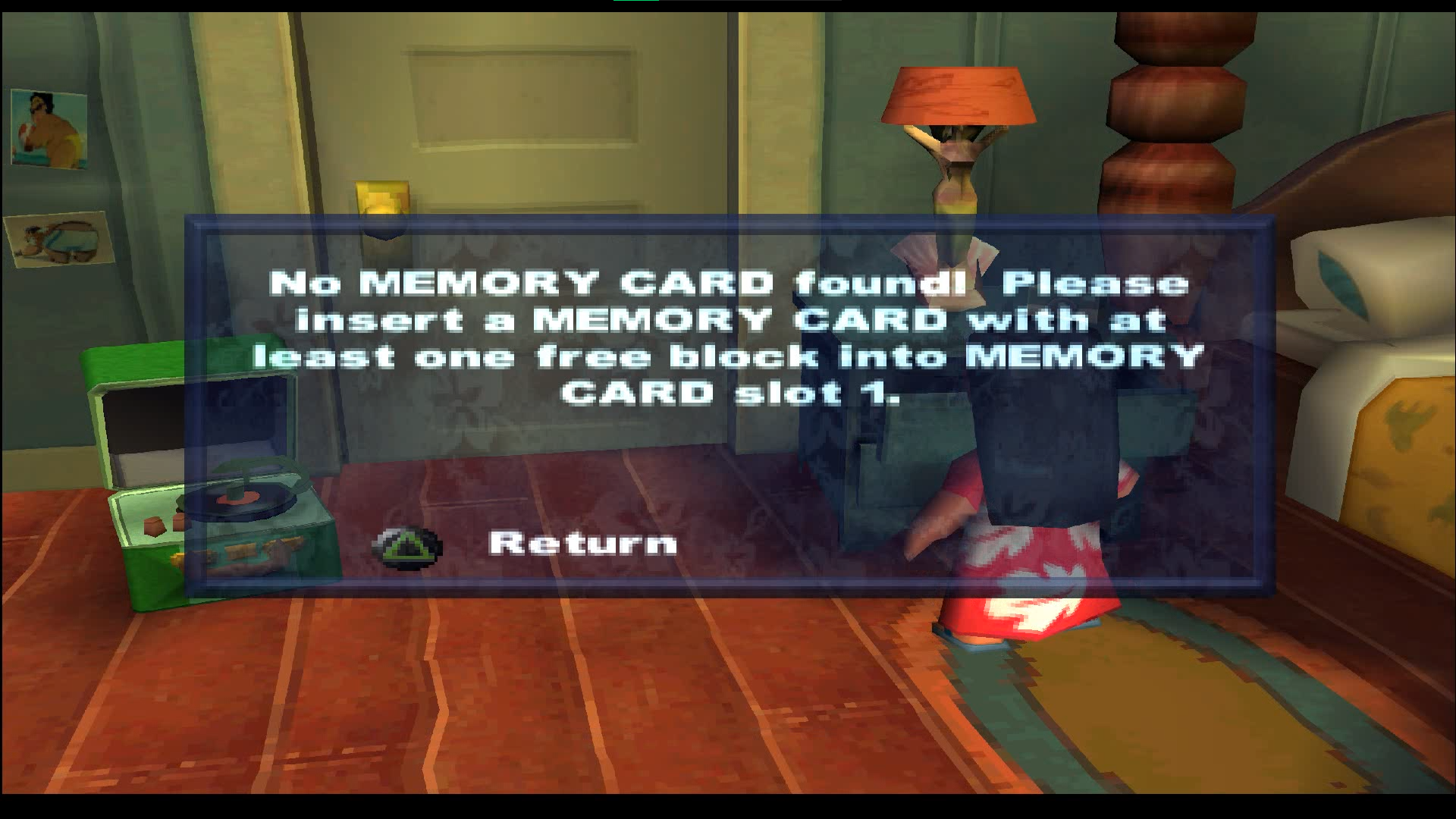
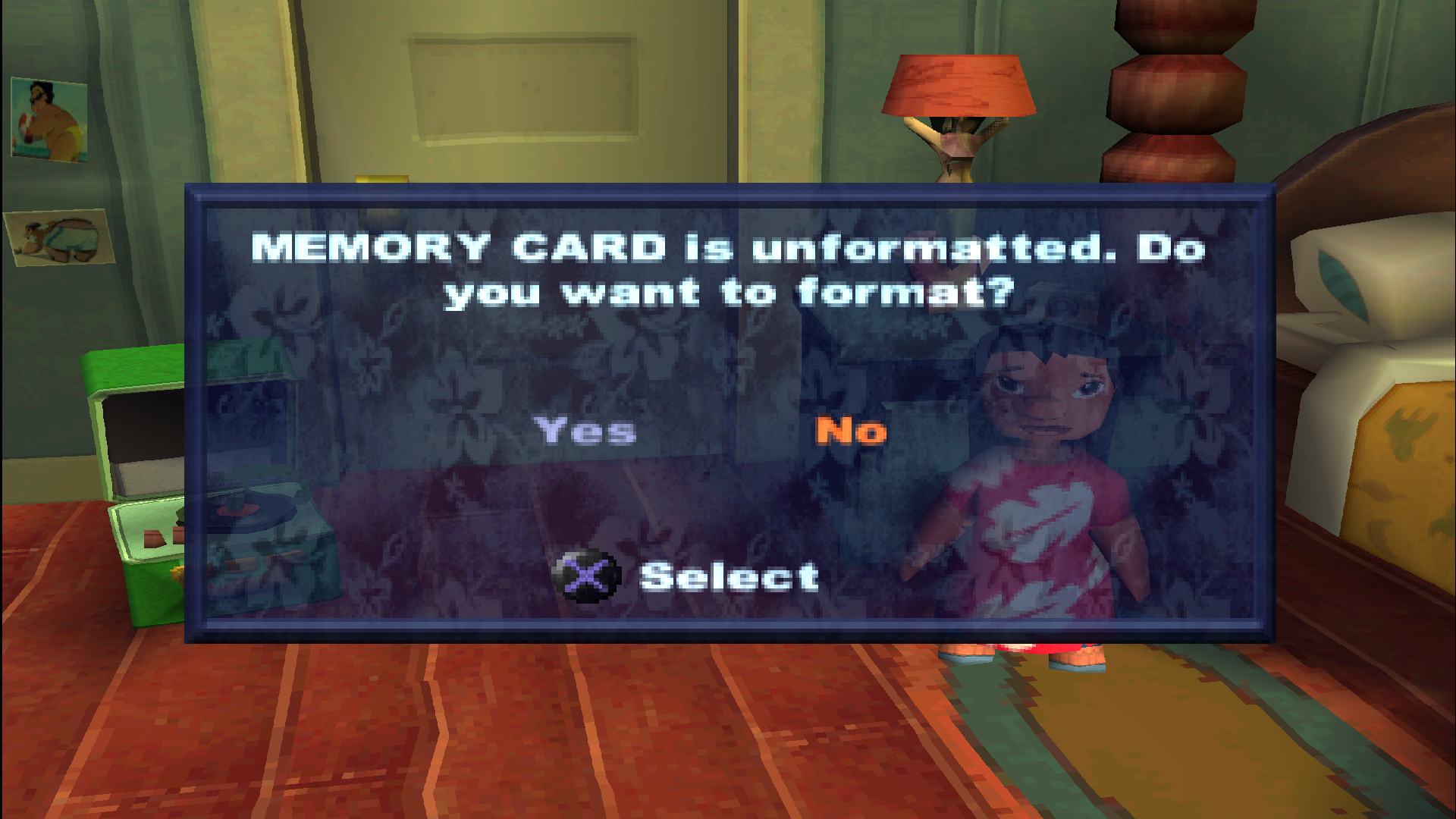
- If you unformat the memory card with the function from this cheat menu in the final game - on attempt to load the game an option to format the card appears. This isn't the case in the Mar 21 prototype.
|
Mar 21 |
Apr 9 |
|---|---|
|
|
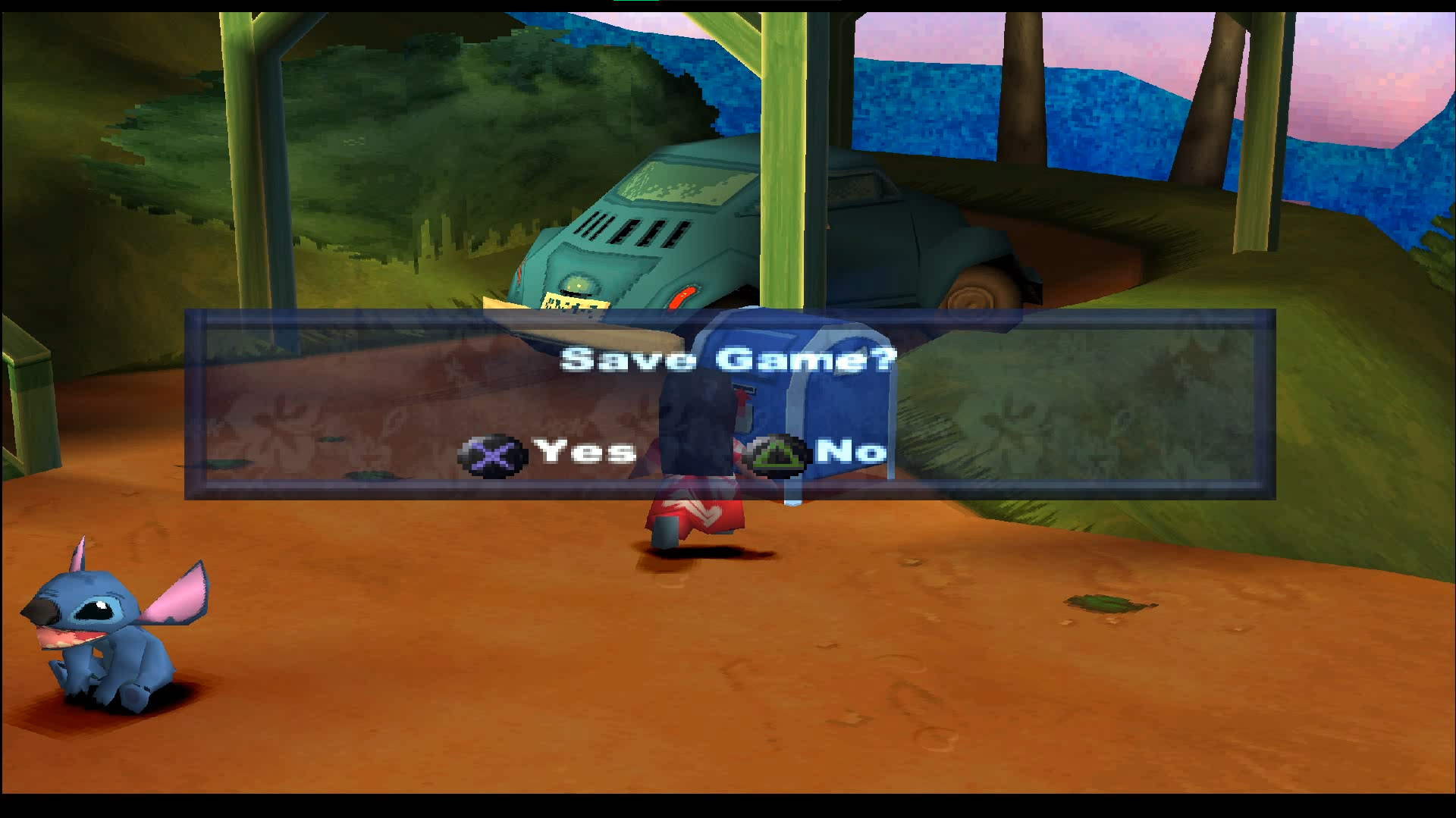
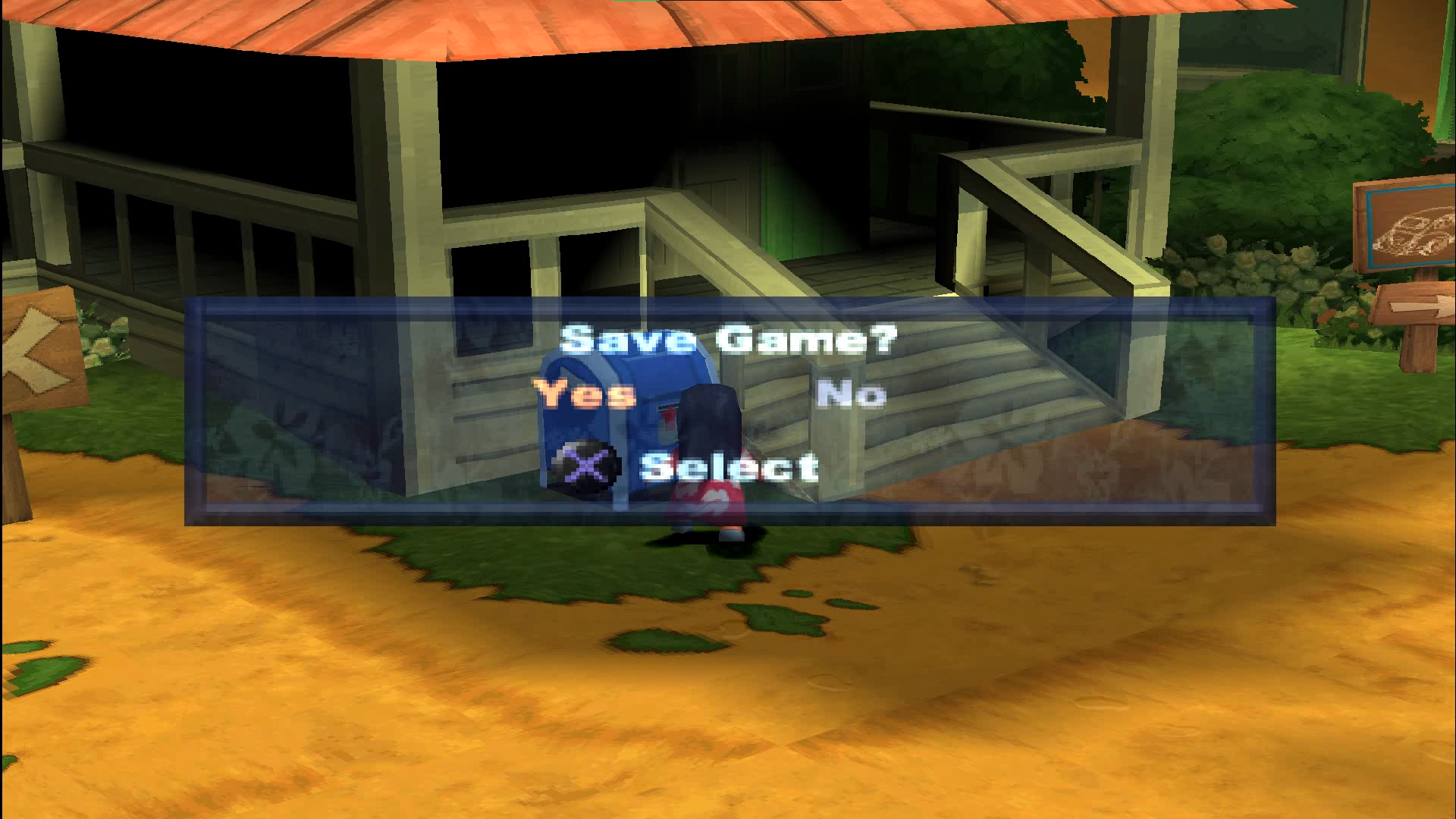
- All confirmation screens in the prototype require to chose options with cross and triangle buttons. In the final game you switch the options using arrows and choose with a cross instead.
|
Mar 21 |
Apr 9 |
|---|---|
|
|
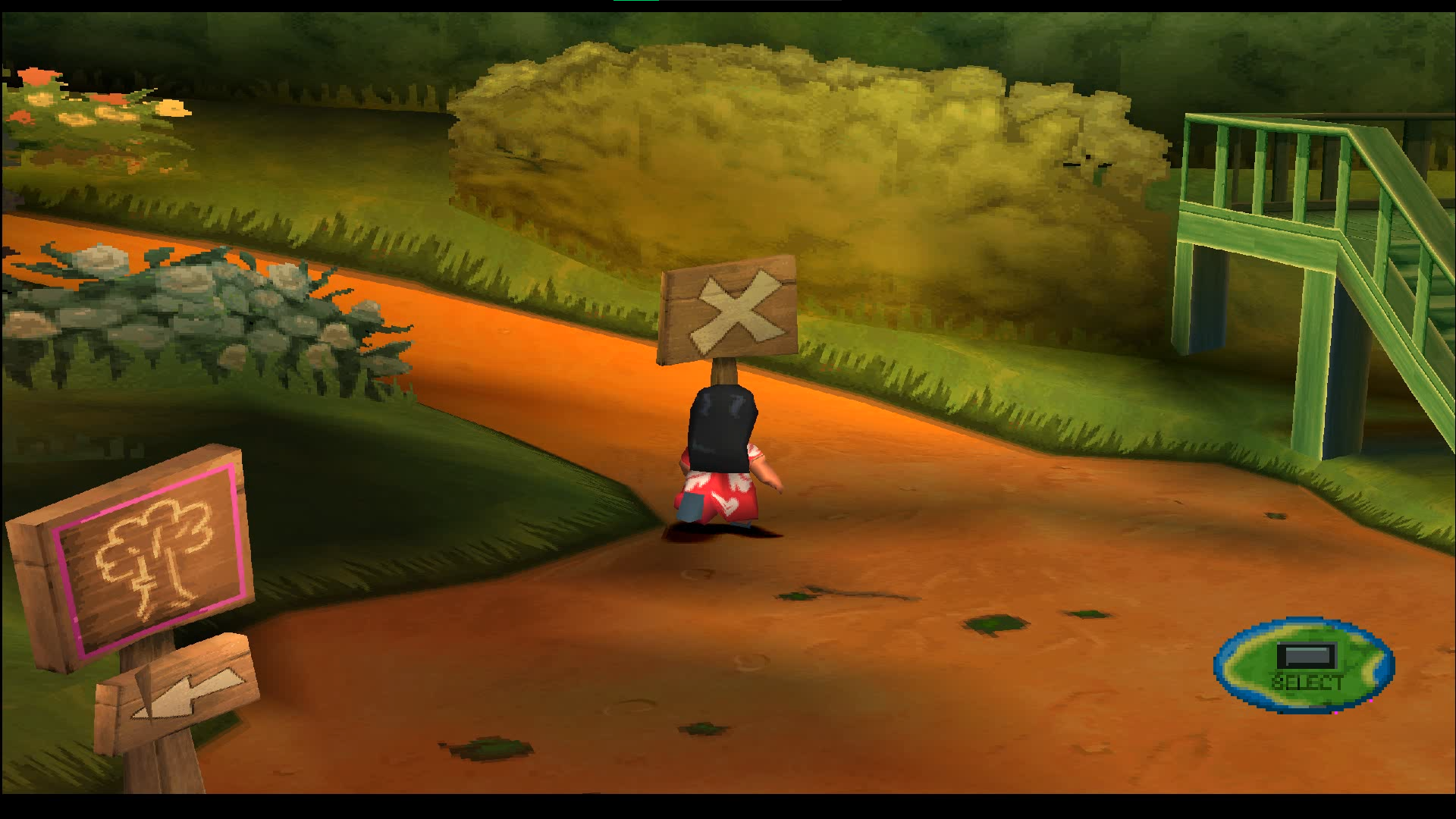
- A cool map stylized tip with a select button is always visible in clearings. There's no such thing in the final game at all. Instead there was just "Press select button for map screen" text, but this text was still used in the prototype. It doesn't appear that often, however.
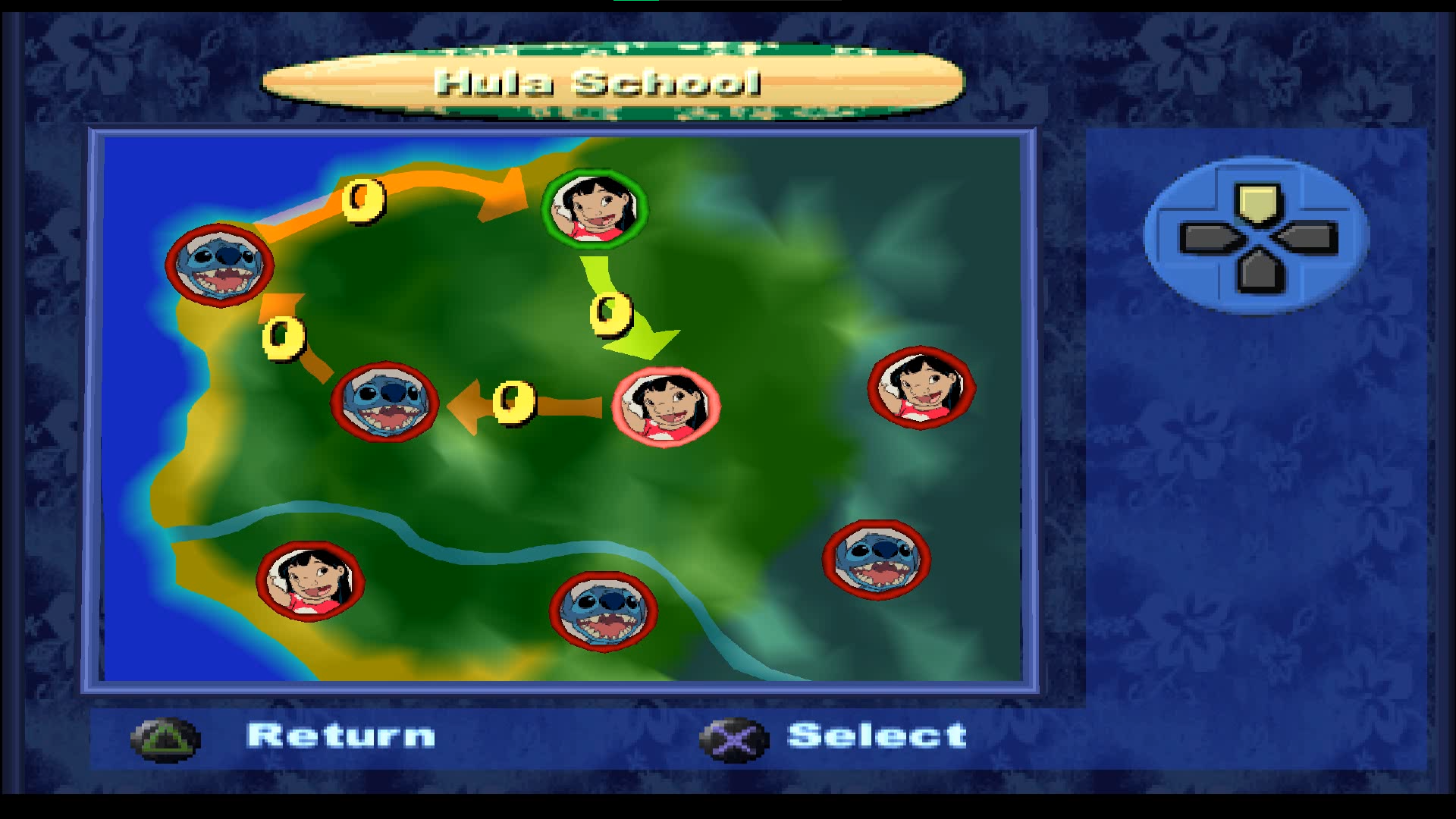
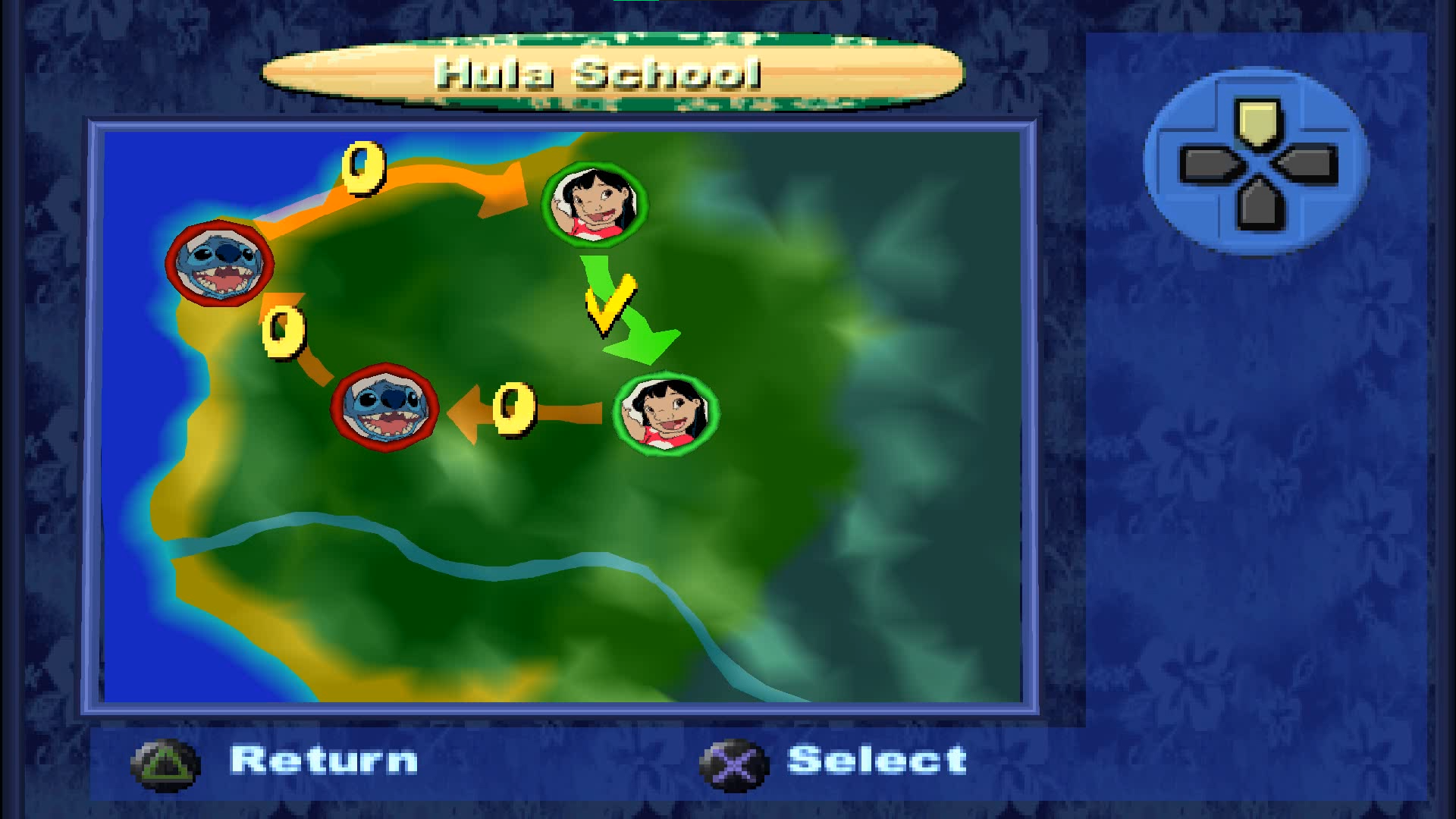
- All clearings from act 2 and 3 are visible on the map by default, while they are hidden in the final version. Also the sound of moving between the levels in very weird, most likely a template. It was replaced in the released version with a more authentic effect. The game as well doesn't ask a confirmation from you before loading a selected level. There is also one oddity about this map level select. After the game is completed, paths between the clearings of act 2 and 3 disappear, even though the levels still can be selected and played via map. However, when it comes to clearings, some of them launch boss levels (eg. Gantu), but others just softlock the game on an infinite loading.
|
Mar 21 |
Apr 9 |
|---|---|
|
|
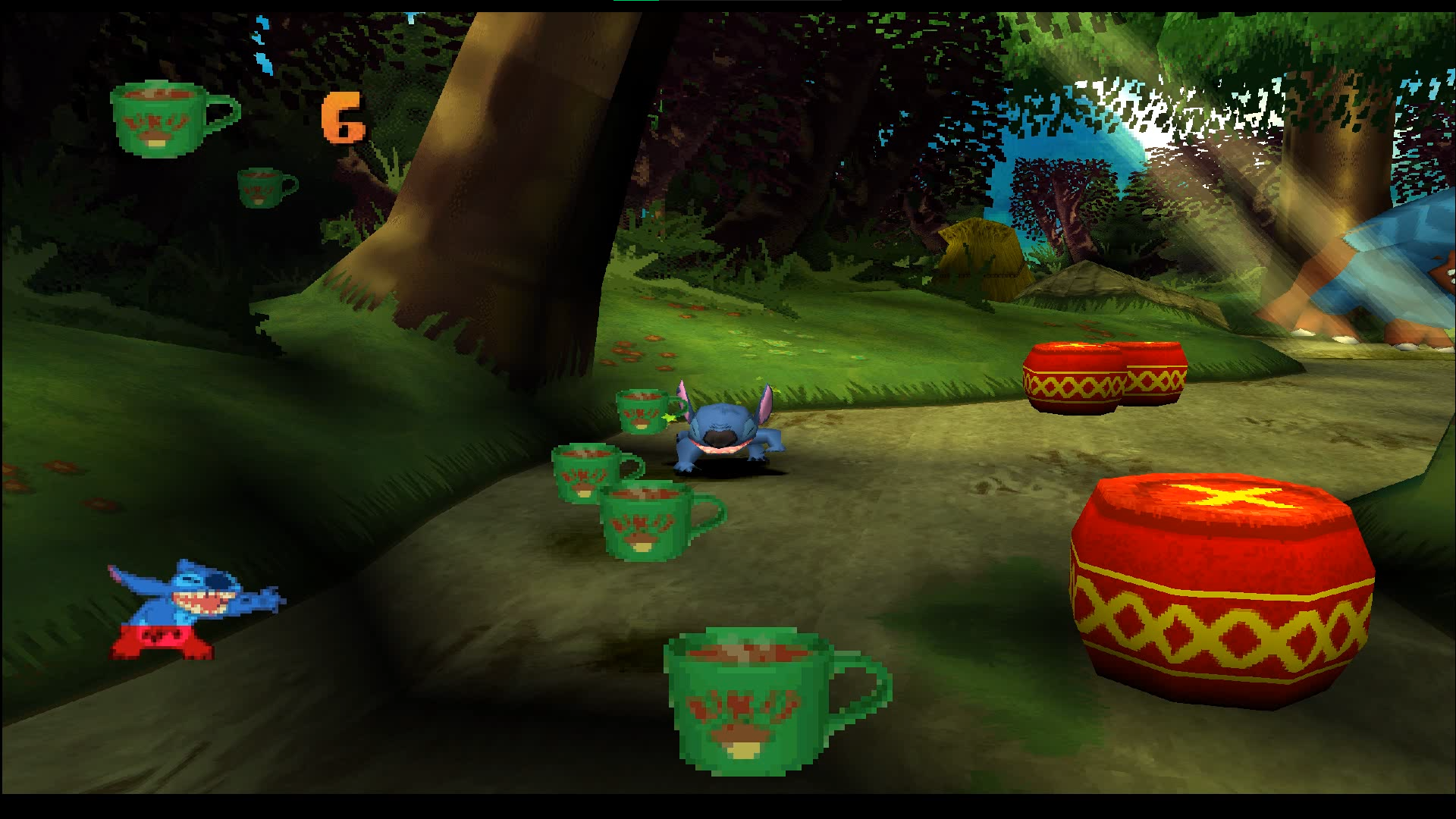
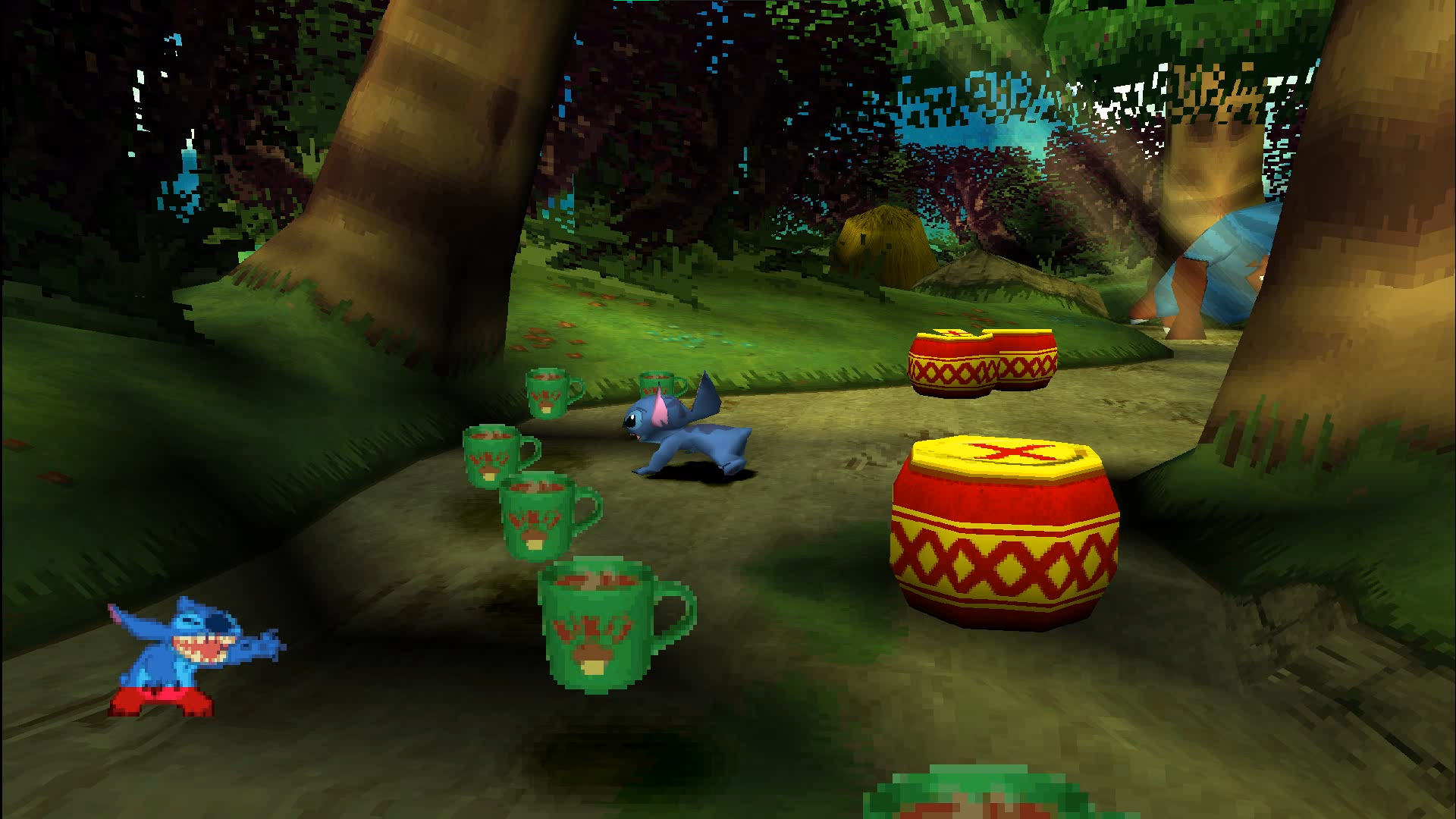
- The instantly exploding barrels have the same texture as the barrels with a countdown. Thus you can't identify which ones are which.
|
Mar 21 |
Apr 9 |
|---|---|
|
|
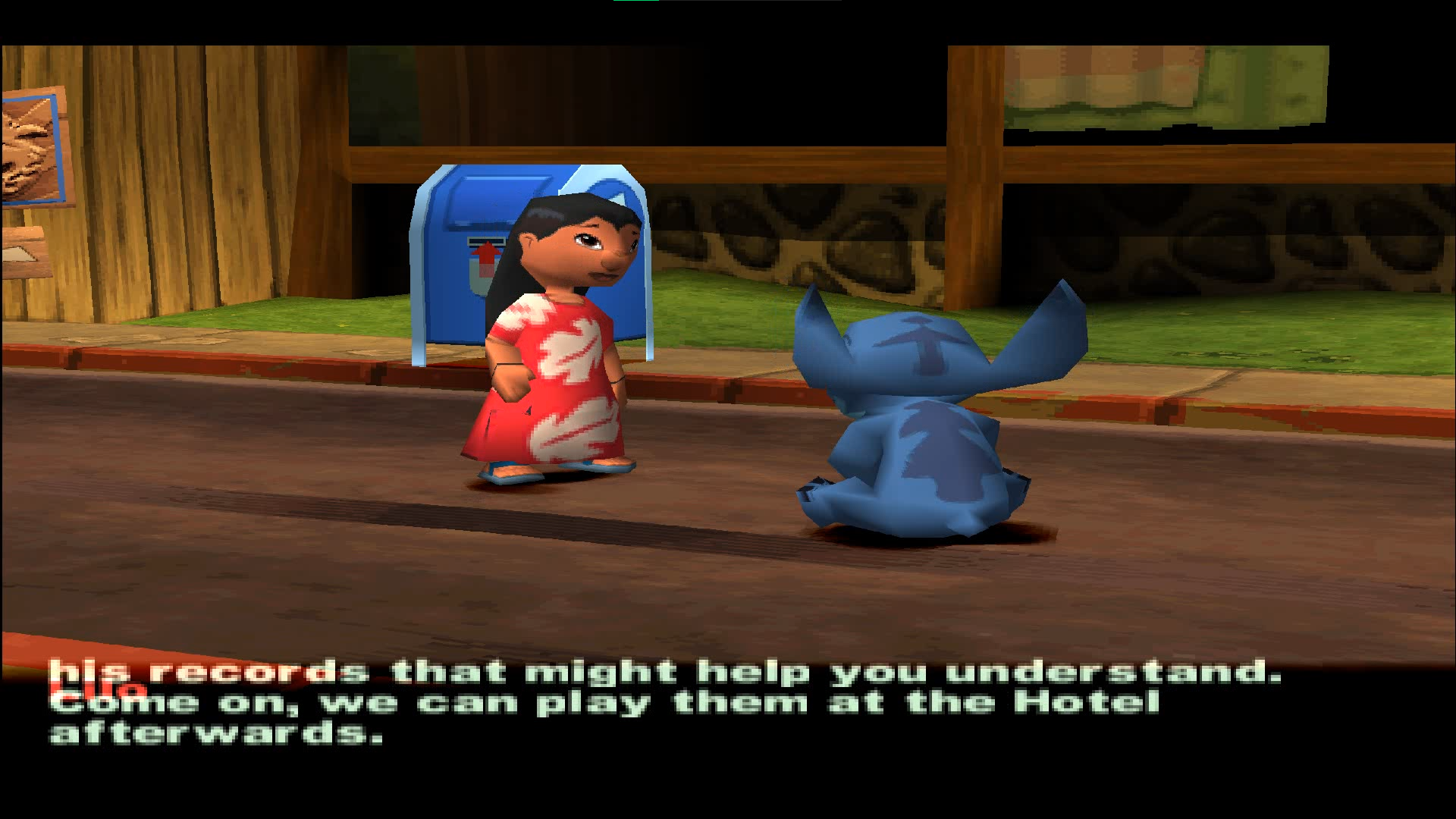
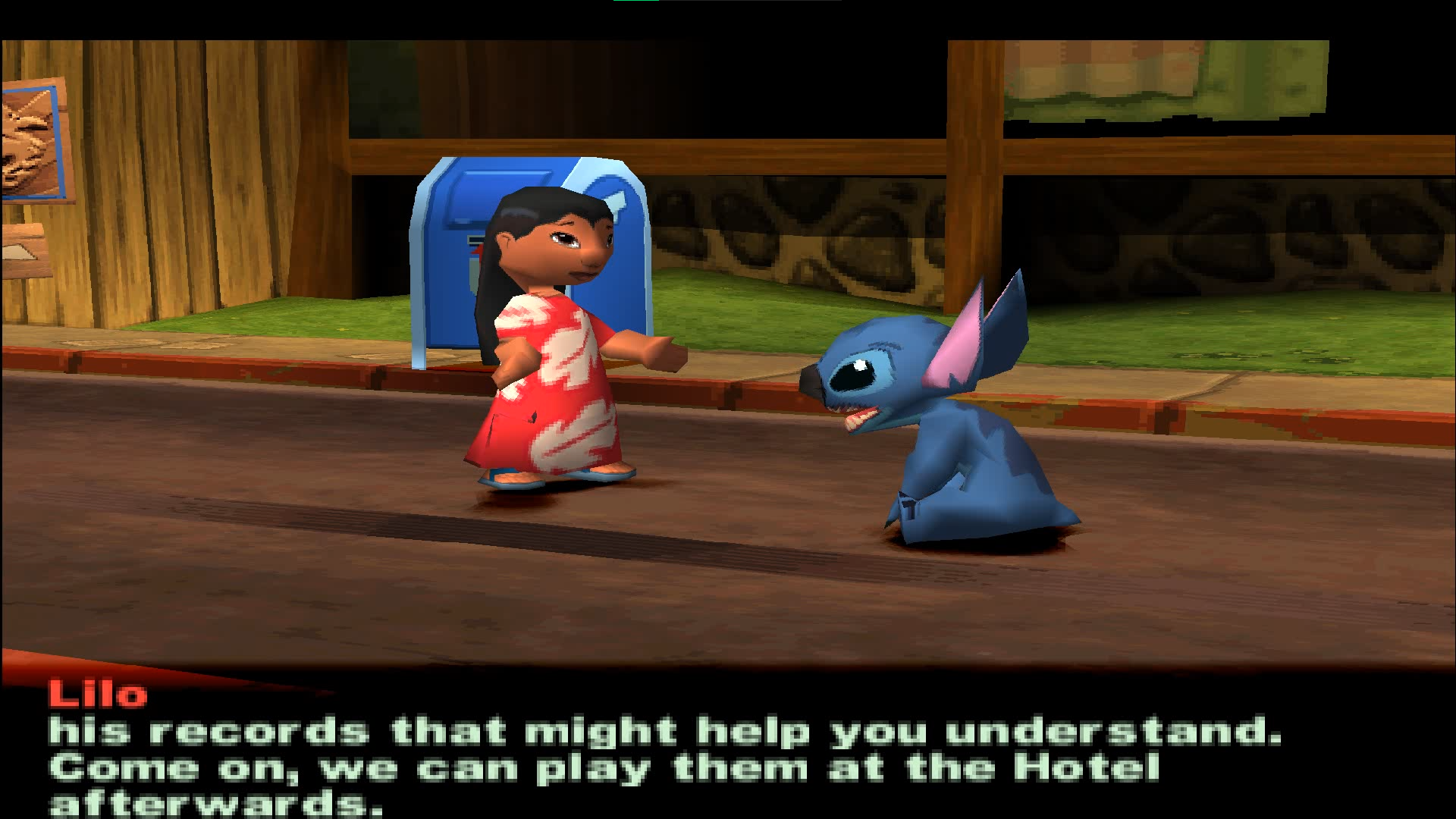
- If a dialogue is too long - it'll overlap the name of the character who says it. This issue is fixed in the final version.
|
Mar 21 |
Apr 9 |
|---|---|
|
|
- Various sounds are either absent or different. For example, the plants that were snakes in older versions of the game still use snake hiss while attacking.
- Sometimes falling destructible objects can fall underground. They're still visible and can be destroyed, though.
- In the final game every act begins with the appearance of a label telling you that you need to collect 16 items. This wasn't implemented in the proto yet.
- No music in credits. Lilo says some things sometimes instead. The credits are a bit different overall. For example, there's no "passionate about games" in the end of the credits.
Level Differences#
- Various destructible and collectible items are in a different places in the prototype almost on every level. They were either slightly moved, or in a completely different spots. Some destructible items are present in the proto, but abscent in the final game. For example, on Malie Beach level there's a spot with two ladders. The first one is blocked by two red "Stitch-stones", while this isn't the case in the final version. Overall, there's too many small differences like this to list them in the article. Another example: on Jumba level there are big Stitch-stones that weren't present on the level in the final game.
- Some car on Kaona Road level was removed in the final build.
|
Mar 21 |
Apr 9 |
|---|---|
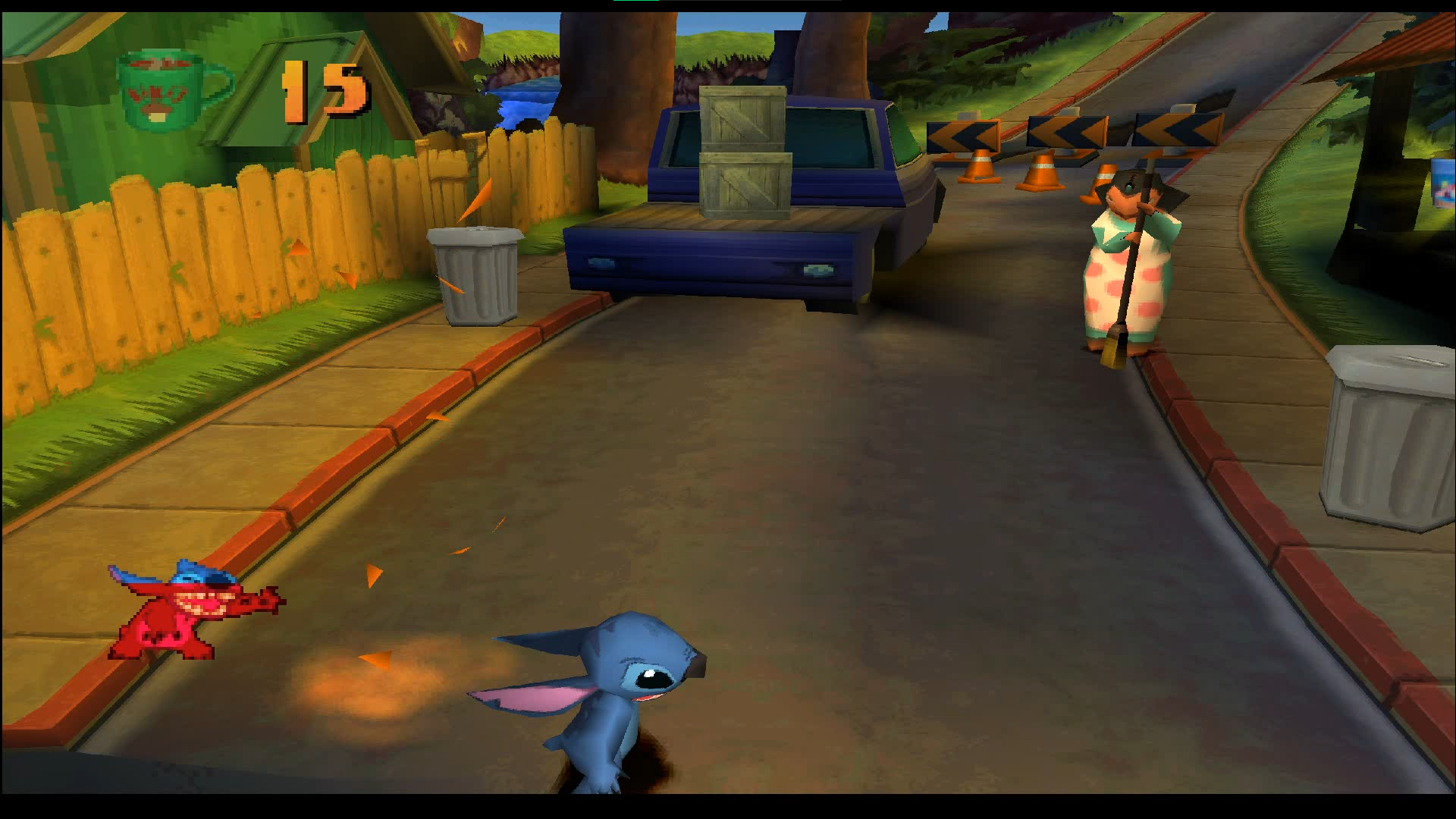
|
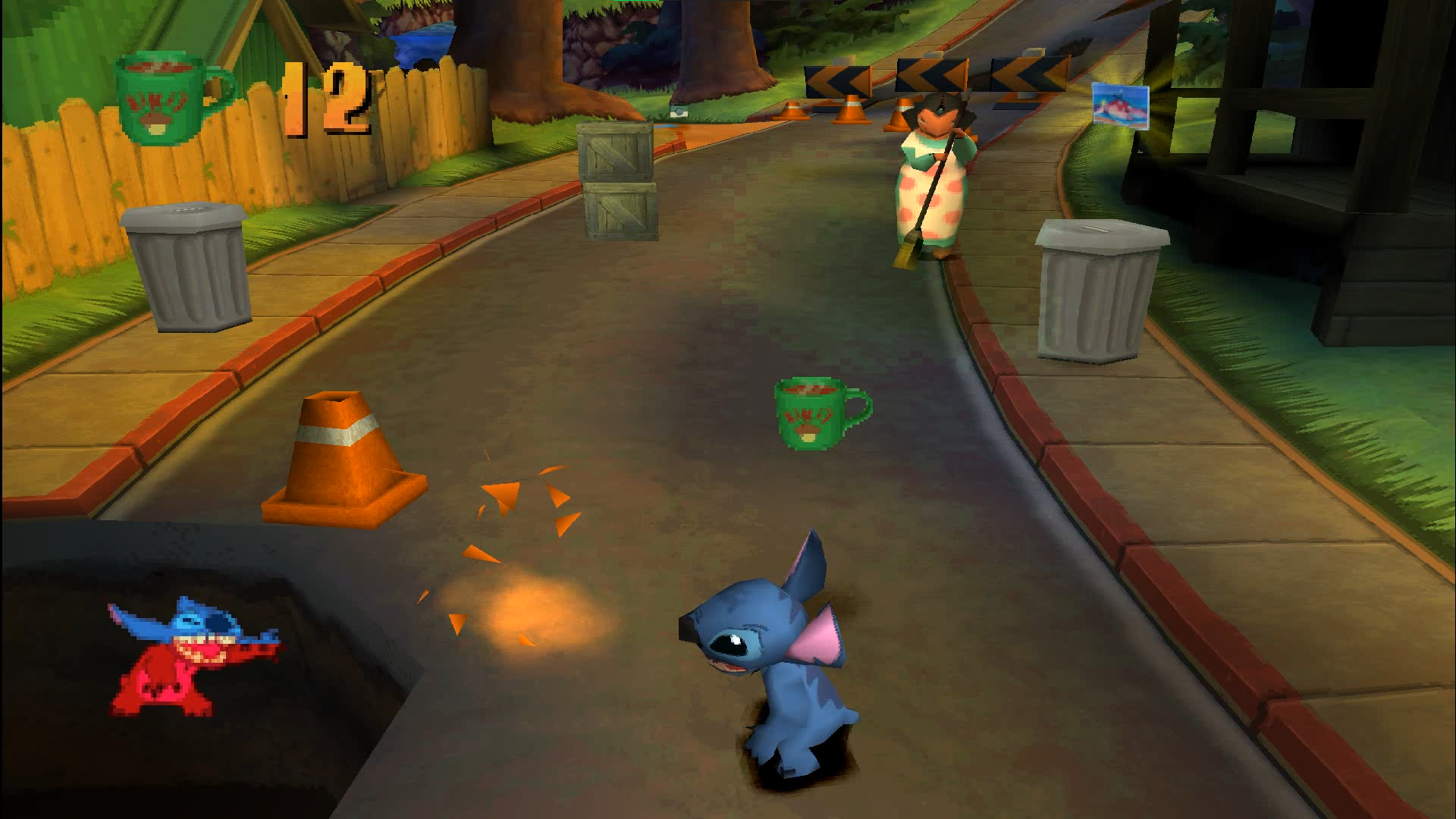
|
- The last ladder on Malie Beach level is broken. You can't climb on it, but you also can't just jump on the platform without using the ladder at all and it was possible in the released version. Looks like the only way to get further is to use the debug menu. There are functions to increase the jump height of your characters and also teleporters between different places of any level.
- The lifebuoys on Guava River level work a bit weird, sometimes they don't give Stitch enough height to get on a platform. It was never a problem in the final game.
- A visual glitch on Pali Trail level, that was fixed later.
|
Mar 21 |
Apr 9 |
|---|---|
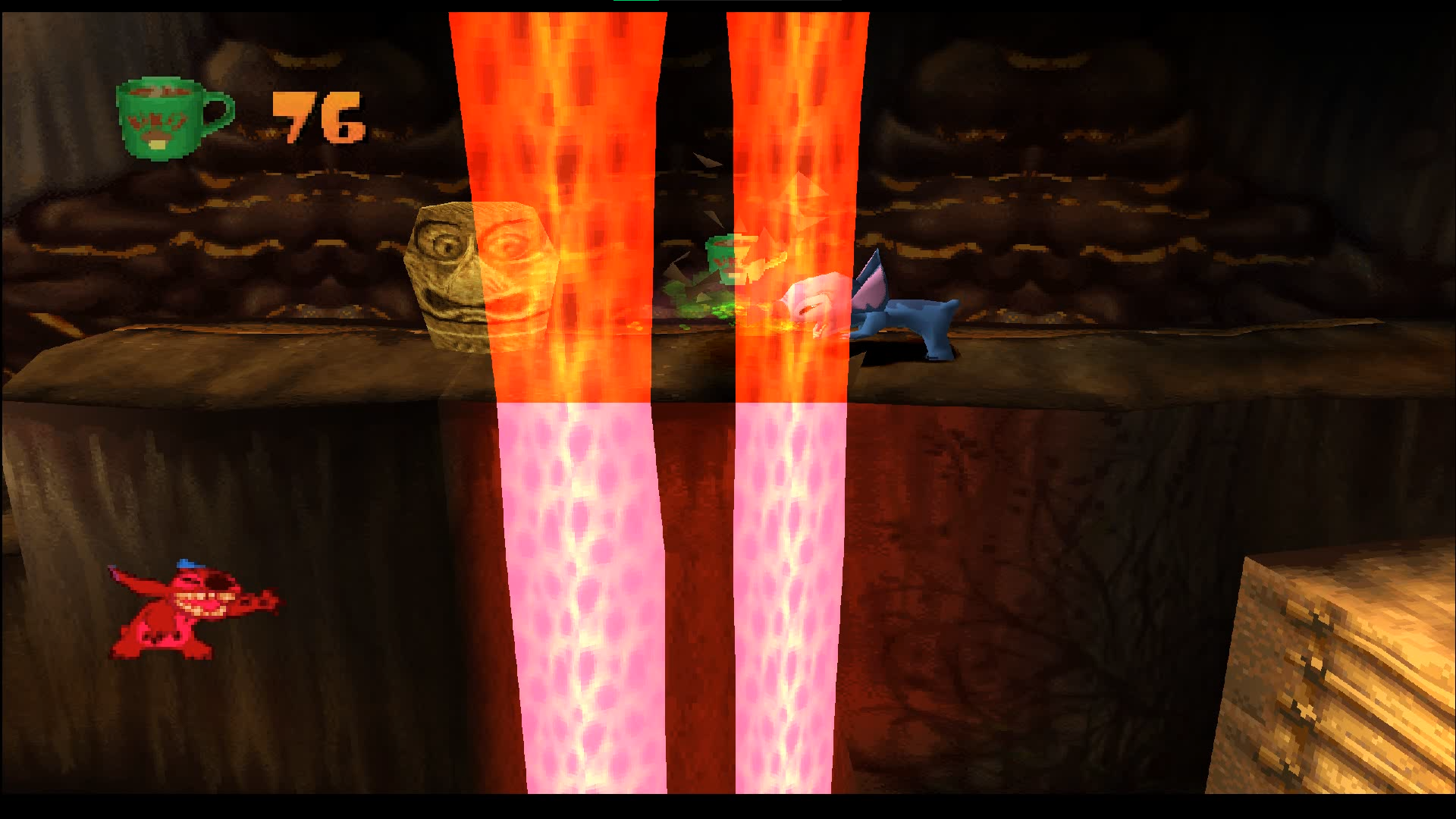
|
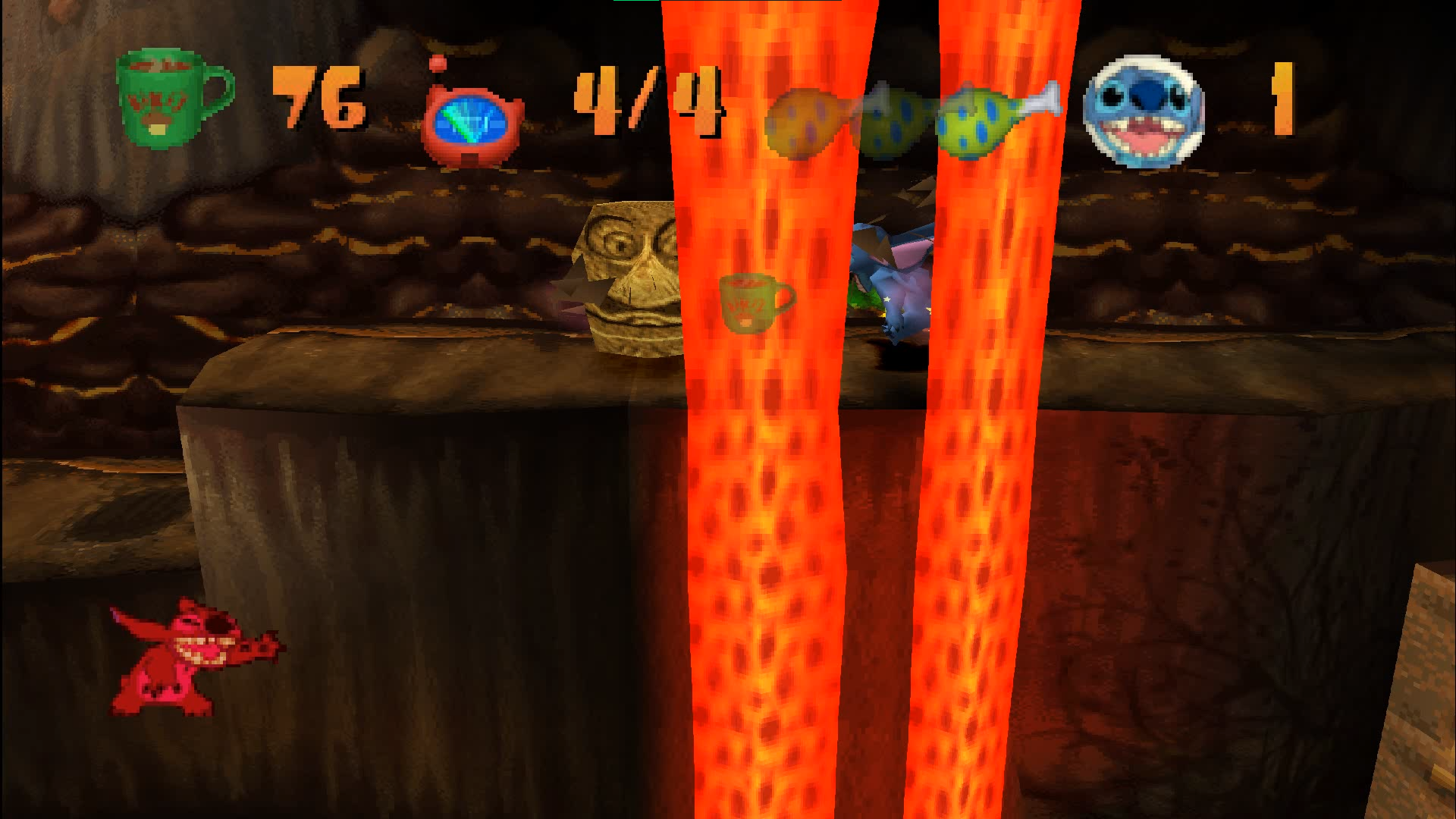
|
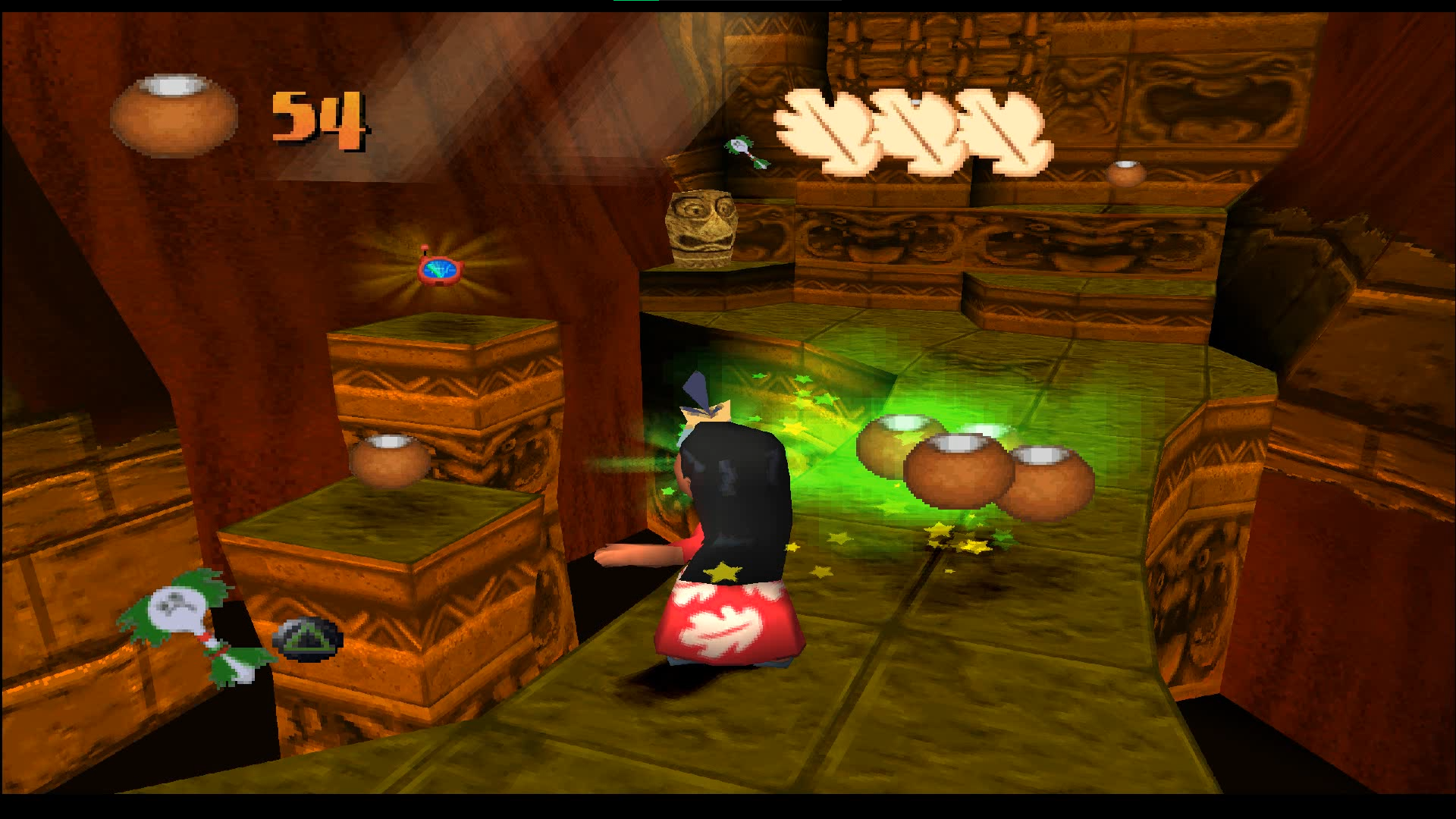
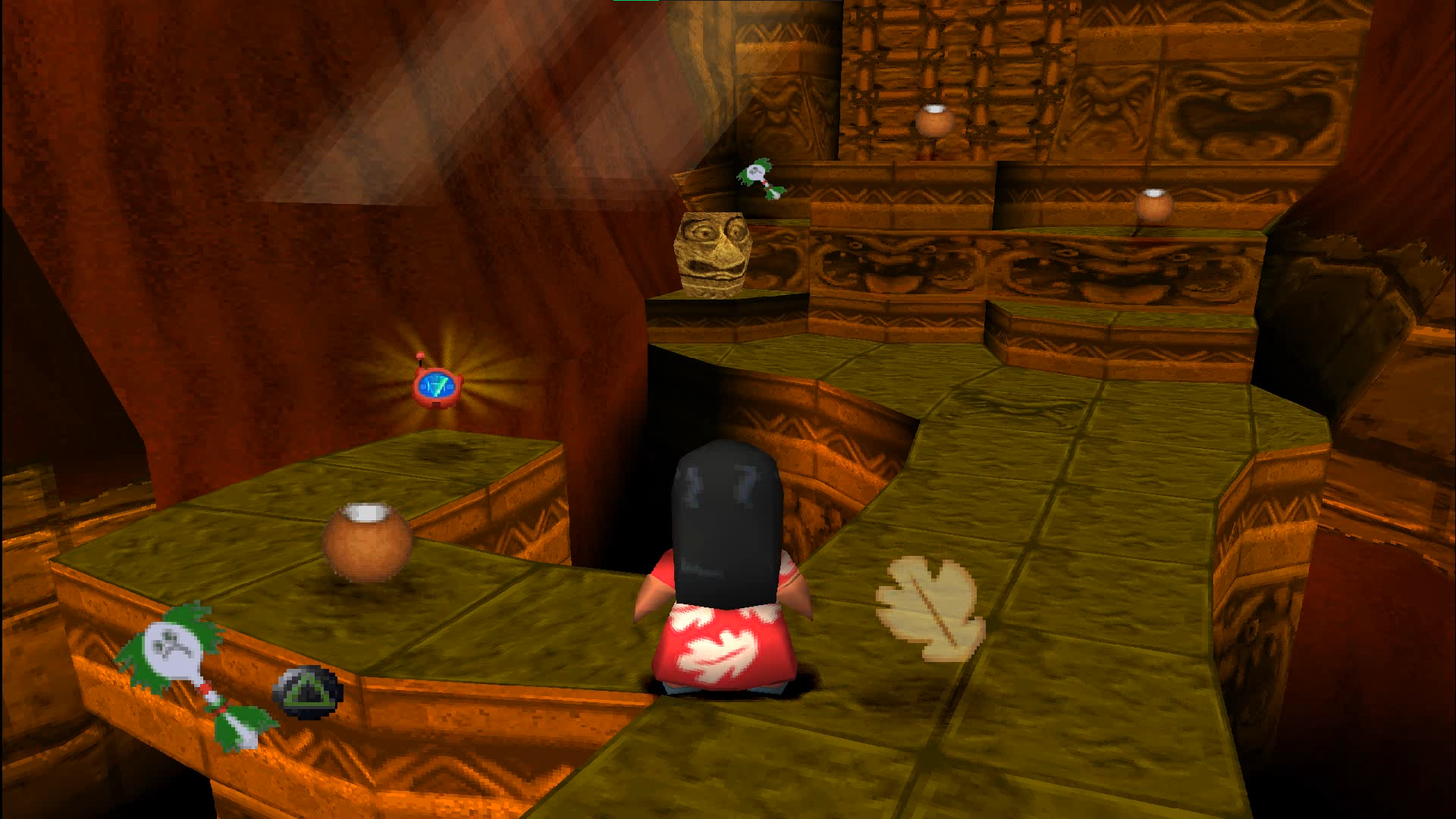
- These two platforms on Heiau Valley level were replaced with a simple branch.
|
Mar 21 |
Apr 9 |
|---|---|
|
|
Debug Menu#
This debug menu can be accessed during gameplay by pressing the L2 button. The menu items are chosen using arrows, but it'll also move your character, so be careful. The menu has 2 sections. To move between them, just move to the very beginning of the menu using arrow up and use left and right arrows then.
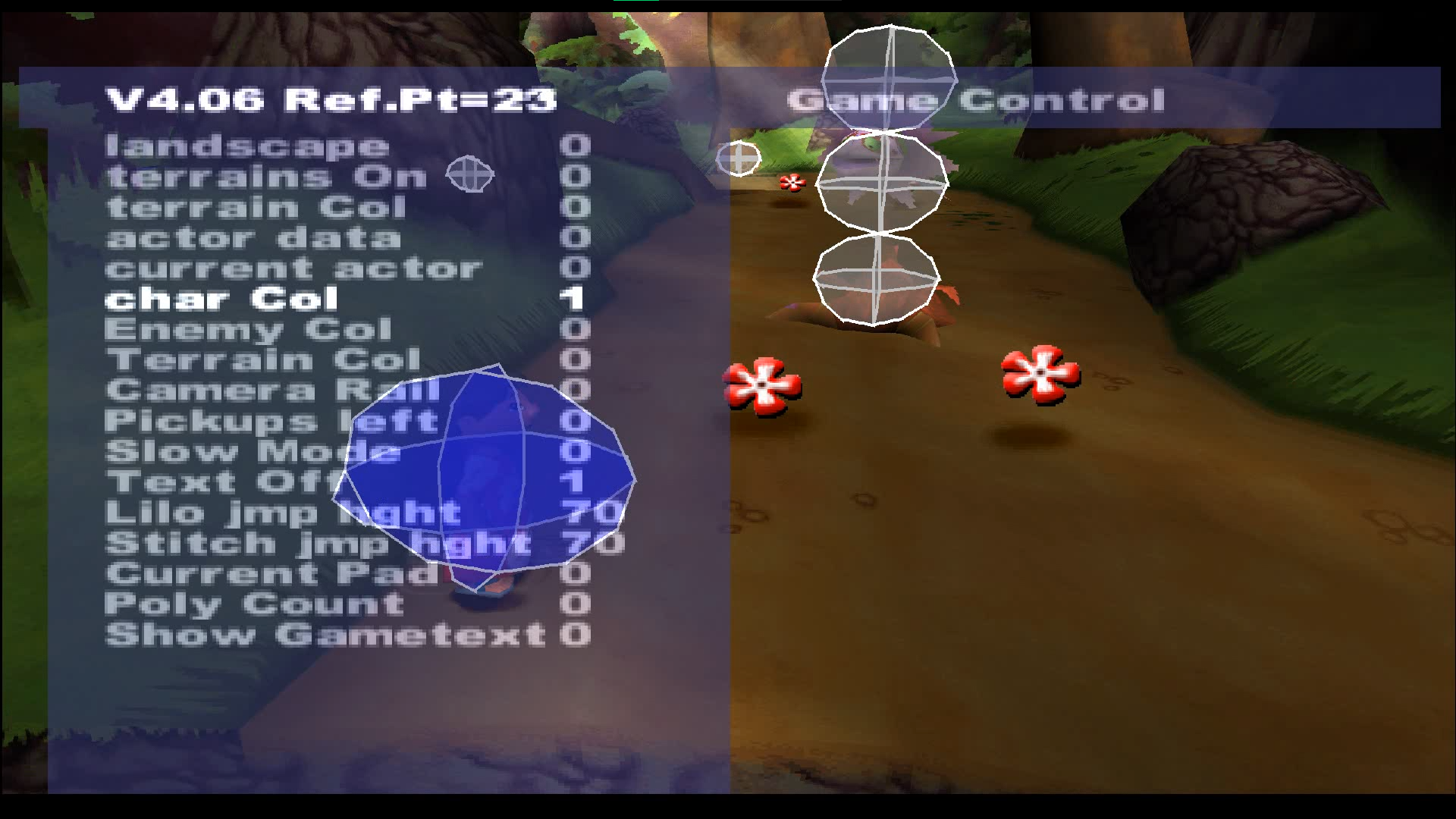
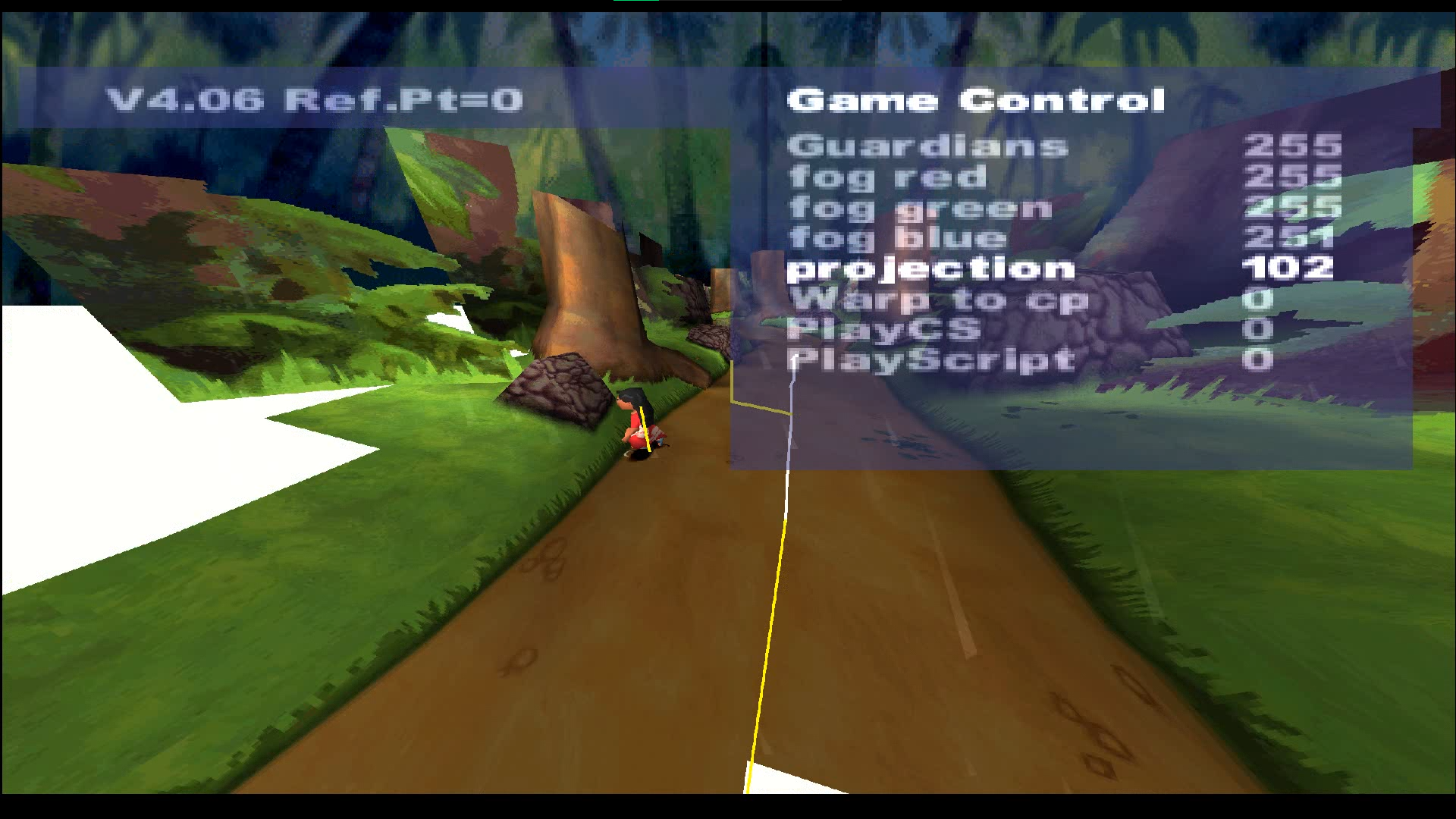
There's also one oddity. The game stops showing you your remaining health after taking damage if you changed any of the menu options while taking damage. To fix it you need to force show your collectibles by pressing L1.
Here is the list of all functions of this menu and what they do:

|
This needs some investigation. |
Left part#
Right part (Game Control)#
Option |
Values |
Effect |
|---|---|---|
Guardians |
0-255 |
It's unclear why it needs 255 values, looks like they all do the same one thing: if you change it - the current level will instantly reload, but the game will respawn all golems in clearings (they are called guardians) and forget that you completed any paths. For example, if you was in a time mode on any level and used this option - the level will be loaded in a normal mode. It doesn't work like a complete save deletion - the number of collected special items will be seen above all paths you played. You just won't be able to choose them via map. |
fog red |
|
|
fog green |
||
fog blue |
||
projection |
0-????? |
Changes FOV. The effect can be seen on several screenshots above. You can't go from 0 to the highest value by pressing the left arrow. Most likely, the upper cap is 65535, since that's the biggest value for 2 bytes and most of the previous value caps were 255, which is 1 byte. There's definitely more, than 14000 values. If you can confirm the upper cap - cool. Either way, extremely big projection values don't make any difference. |
Warp to cp |
Depends on a level you're in. |
CP is for CheckPoint. Allows you to quickly teleport between different points of any level. There's A LOT of checkpoints, sometimes even more, than 130. But the option works awful on levels with pits and moving platforms, leading to deaths and softlocks. |
PlayCS |
0-255 |
Allows to replay all cutscenes of the level you're currently in, including the short intros and outros. Select any value and press R2 to play it. You can't play cutscene while another one is playing. Also most of the values just play the same one cutscene. Some cutscenes are softlocking the game and you need to skip them by pressing the start button. |
PlayScript |
Allows to replay all in-game story cutscenes. Some values seem to have no effect (0, 1, 3, 4 and 7), but maybe they do something else or certain conditions must be met. Maybe they were just reserved for some cut cutscenes. To play a selected script, press R2. However, if you press R2 on values from 10 to 255 - the value will instantly change to 9. Makes sense, there wasn't that many cutscenes. Unlike PlayCS option, the effect of this option doesn't depend on what level you're currently in and it moves you to the level the selected option needs. |
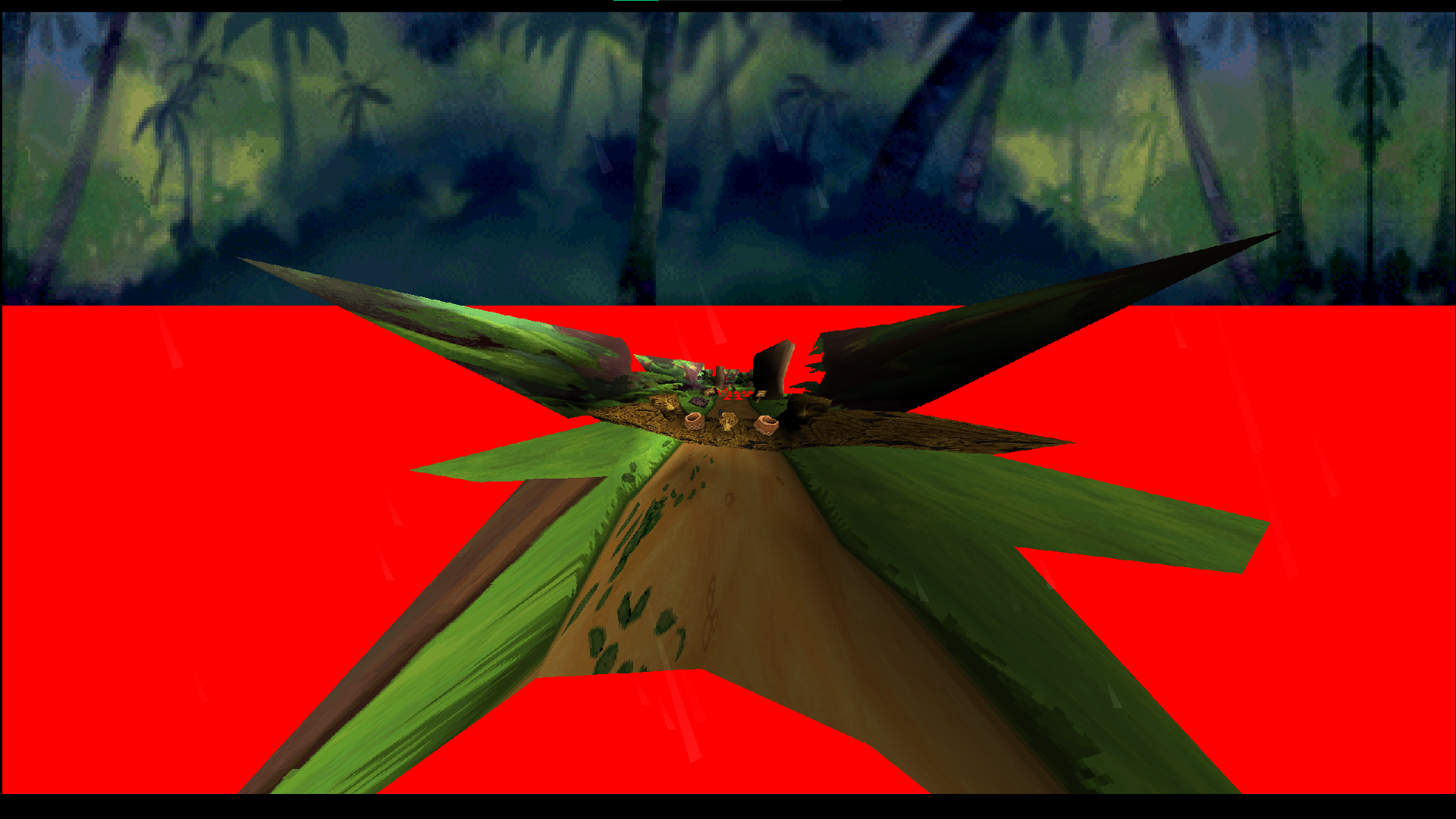
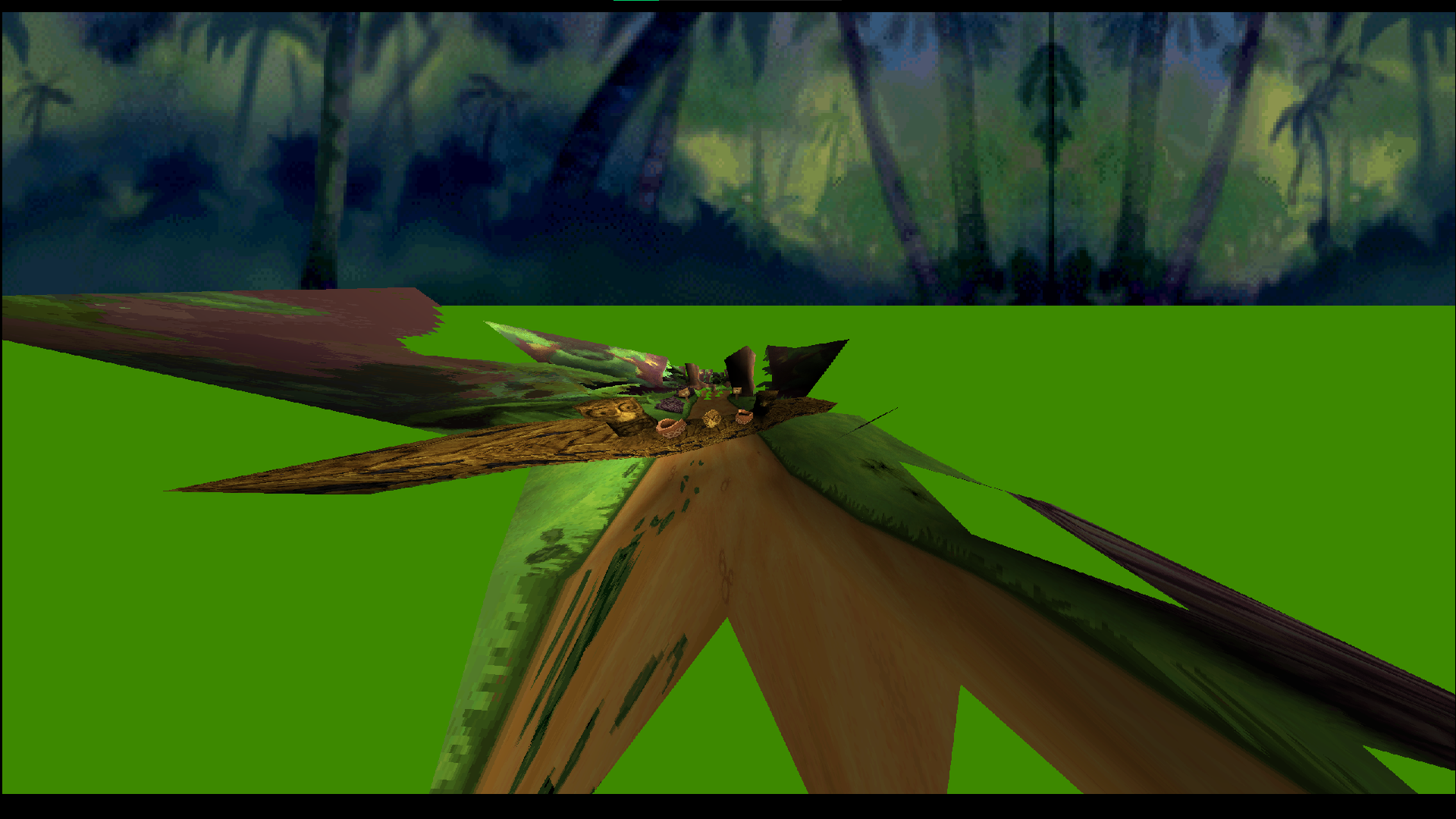 Changes the color of... an out of bounds world beyond the level map. Only a small fraction of it sometimes can be seen with a normal FOV because of the various small graphical glitches, but setting the projection option to a very low value allows to see the effect of these 3 options in its fullest. The default values are different for every level.
|
The Lilo & Stitch series | |
|---|---|
|
Windows |
|
|
Adobe Flash |
|
|
PlayStation |
|
|
PlayStation 2 |
|
|
Game Boy Advance |
|
|
Nintendo DS |
|