This article has a talk page!
This is a sub-page of Proto:DiRT 2 (Windows, PlayStation 3, Xbox 360).

|
To do:
|

|
This prototype is documented on Hidden Palace. |
An early build for PlayStation 3 dated April 2, 2009 which was released as part of TeraRelease 1.0 in 2020. The profile loading system howerver is broken in this build, so it cannot load the savedata regardless.
User Interface#
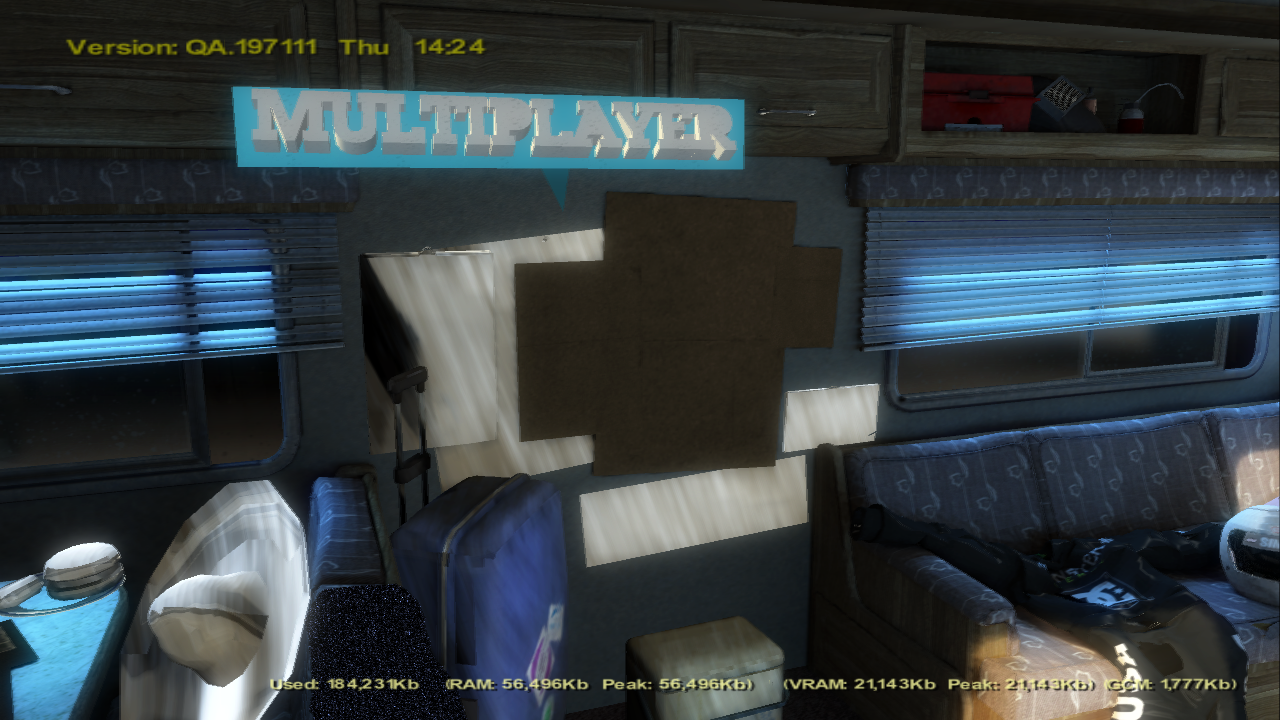
- The Game logo seen in bootup is different, however the final logo also exists, which means logo wasn't fully changed at the time.
- Legal Screen uses Lorem ipsum text as placeholder.
- Dialog appearing and disappearing animations were different.
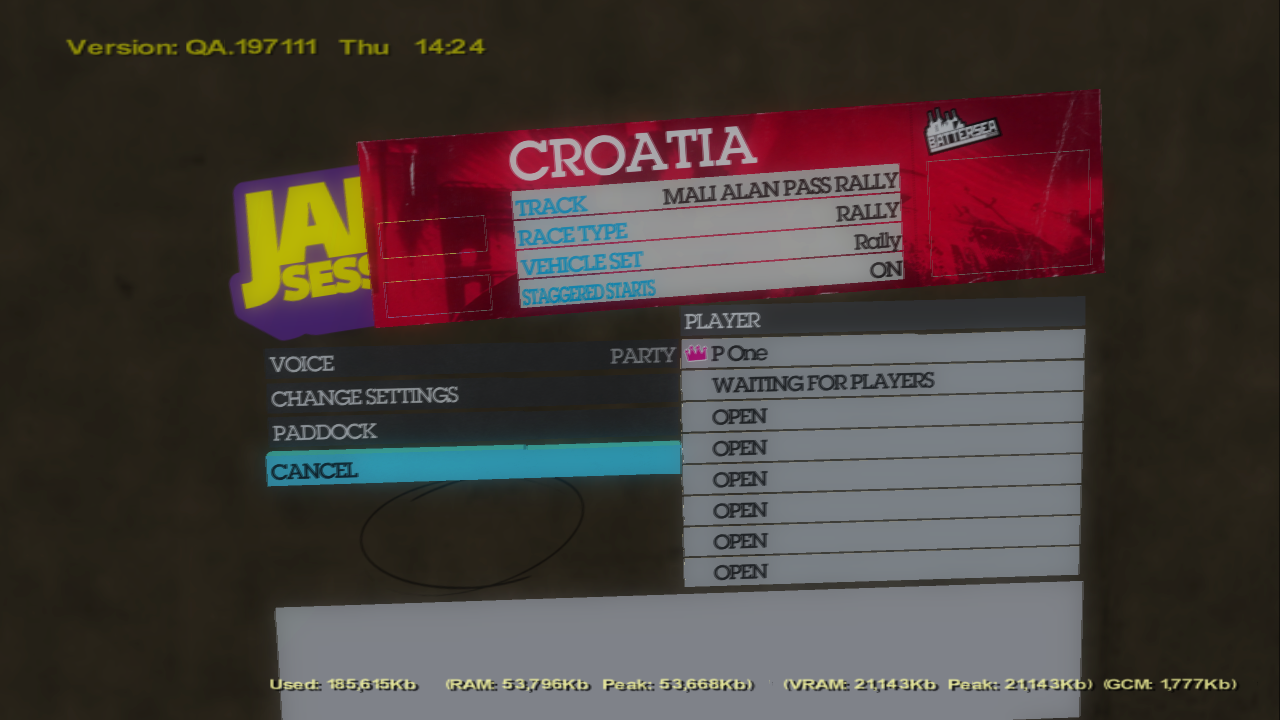
- User Interface main color was blue instead of green.
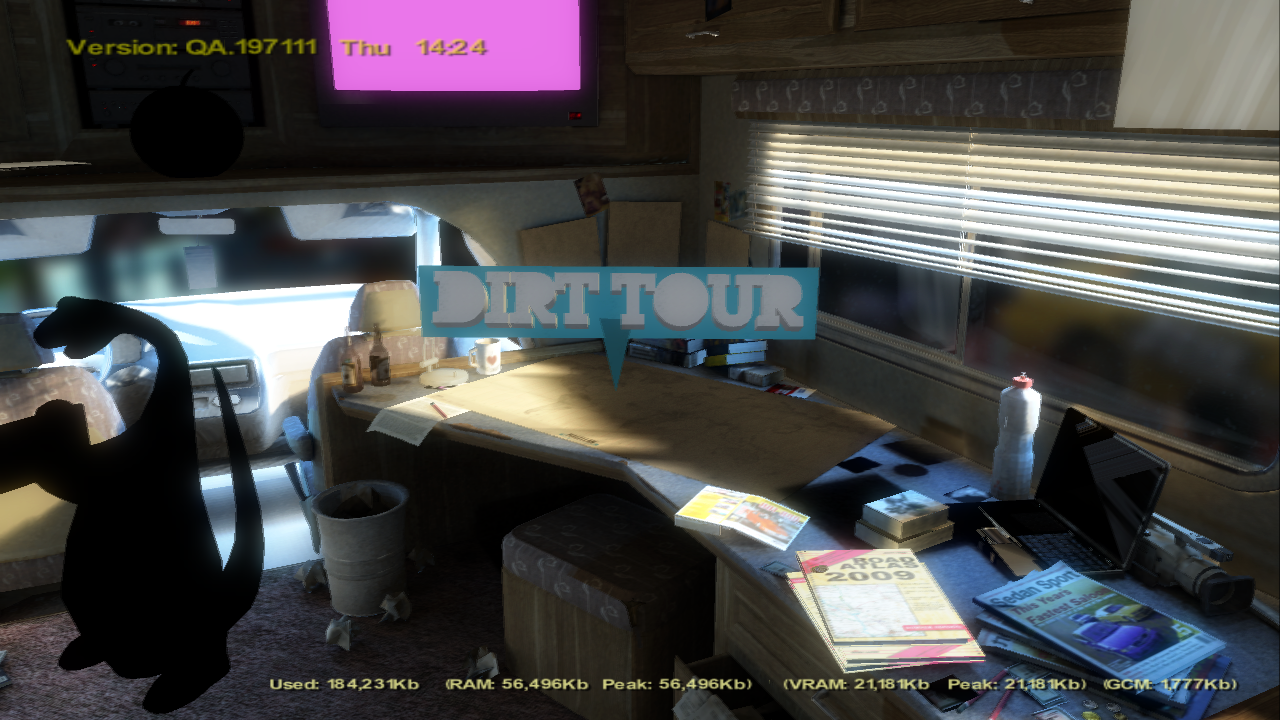
- The 3D Title had an arrow.
- The Mission and XP level pop ups had different style, the XP level having different numbers.
- The Dominating Sector Dialog had no background.
- The opponent elimination in Last Man Standing mode was instead near the Route fillbar.
Gameplay#
- The podium cutscene plays regardless of any mode compared to final game where it only plays if it's Rally, TrailBlazer, and challenges. However, it is not finished yet, as the outro cutscene will be same as end of race on most of locations.
Frontend#
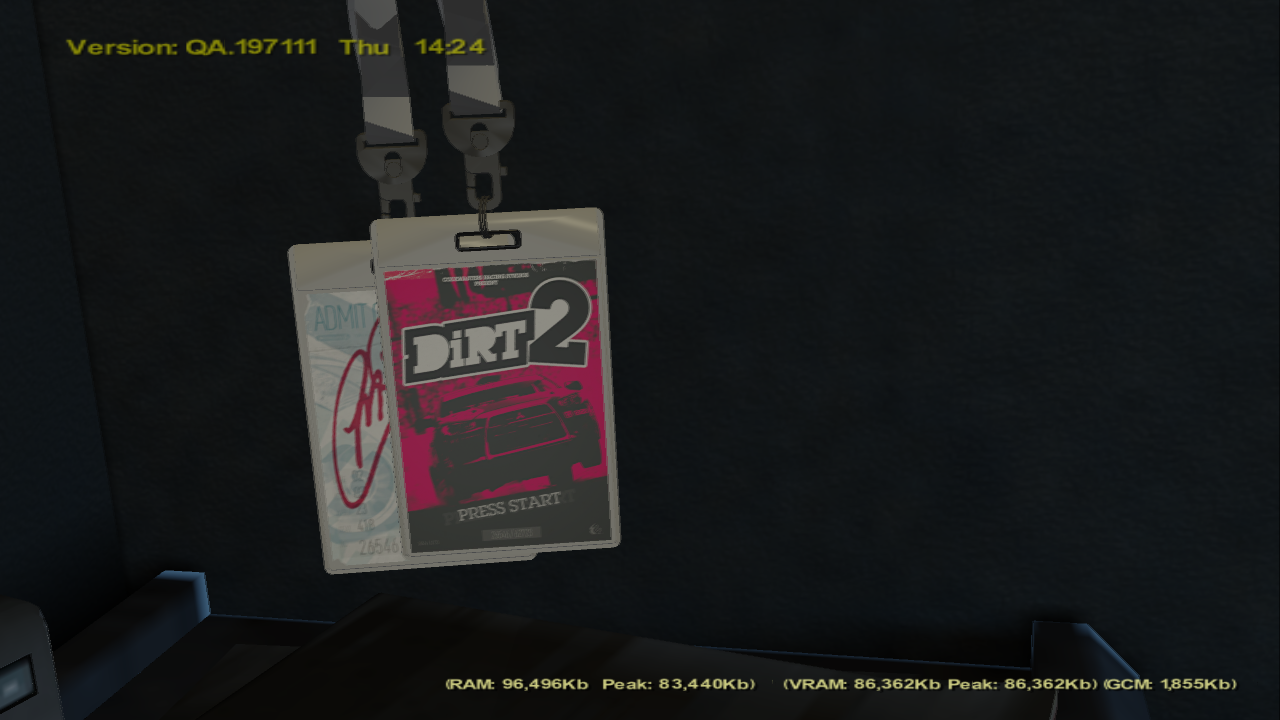
- Start screen poster was reddish color instead of green, applied on one of game renders which has Mitsubishi car cropped instead of Subaru, and uses simplified logo of the game.
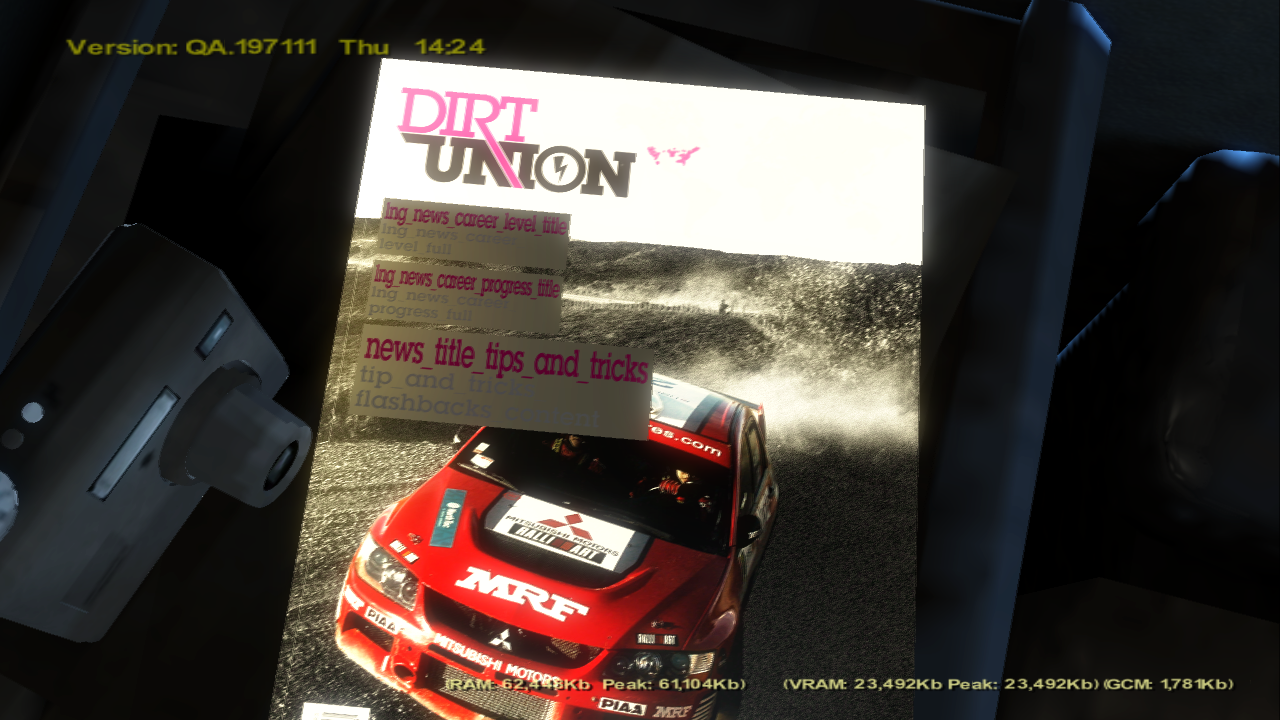
- EXPN news is using placeholder Mitsubishi Lancer EVO 9 wallpaper and it was named as DiRT Union.
Events#
- X-Games events were called DiRT Games.
Cars#
- The first livery (livery_00) on most of the cars have just white paint or even a different color.
- Subaru Impreza WRX STI Hatchback Rally's spoiler is different.
Sounds#
- The User Interface sounds are different.
Soundtrack#
- When finishing the race, one of the cropped versions of songs would play at randomized order depending on how it finished:
- Bill Withers - Who Is He (And What Is He to You)? -
mus_va_neg_01 - The Black Keys - Same Old Thing -
mus_va_neg_02 - Fall Out Boy - I Don't Care -
mus_va_pos_01 - Filthy Dukes - Tupac Robot Club Rock -
mus_va_pos_02 - Black Stone Cherry - Blind Man -
mus_va_pos_03 - Blessed by a Broken Heart - Move Your Body -
mus_va_pos_04 - Bloc Party - Helicopter -
mus_va_pos_05
- Bill Withers - Who Is He (And What Is He to You)? -
Locations#
Watch on YouTubeMost of them are unfinished due to them being in early development.
- The podium grids are placed at different places
- There were no sparks at finishlines or specific places.
London#
- London logo instead had Battersea name.
- London Tracks were named as England.
- The banner had a Battersea Battle logo, and interestingly, it has Citroen C4 Concept and Peugeot cars in it, unfeatured in game.
L. A.#
- The map itself didn't had unique colored stuff such as barriers.
- There were road differences.
- The stadium canopies were white color.
Ingame Videos#
- This build still uses DiRT 1 attract as placeholder.
Debug Features#
As this build is available as debug compile, there are going to be debug stuff included. However some of the stuff require a keyboard connected to the console.
Debug Camera#
This build features a debugging camera, that can be used to fly around the map. It can be toggled by pressing ← Backspace, and it has 2 modes, them being Flying and Car modes.
Hotkeys#
← Backspace - Toggles the Debug Camera modes.
Left Stick - Move around
Right Stick - Look around
L1/R1 - Tilt the camera
L2/R2 - Fly Upwards/Downwards
Circle - Attach to the car
Hold Cross - Fast speed
WASD - Move around
Q/E - Change Field Of View
Z/X - Fly Upwards/Downwards
-/= - Change camera speed.
⇧ Shift + F5-F8 - Save the camera position.
F5-F8 - Teleport the camera to saved position. If none exists, it sets up to the default position with attached to the car.
Page Up/Page Down - Changes camera link, it attaches the camera (if attach is enabled) to the selected existing car.
Dev Menu#
There isn't much in this dev menu. But here are the options the menu has:
Audio
- Event Speech - Doesn't seem to do anything.
Unlock entire game (activate from Main Menu) - Does as expected, unlocks the entire game.
Toggle Network Status Display - Shows network information
Toggle FPS Display - Doesn't seem to do work in this build.
Toggle Point Tool - The point tool that can teleport the car to the pointed location.
Toggle dummy input testing mode - Self explanatory.
Toggle Camera Name - Shows camera information
Toggle AI Control - Makes the player car driven by AI.
Show AI Status - Shows the AI and Human cars status.
Show AI Choreographer
Show Network Catch-Up
Change Language - Changes the language, although it may not refresh instantly.
Rewards
-
Reputation
- add 100 xp
- add 500 xp
- add 1000 xp
- add 20,000 xp
-
Money
- add 1
- add 10
- add 100
- add 1,000
- add 10,000
- add 100,000
- add 1,000,000
Toggle Track Info - Shows track information
In-race
- Add 1 mile
- Add 5 miles
- Add 10 miles
- Add 50 miles
- Add 100 miles
- Add 500 miles
- Win Race - Wins the race
Hotkeys#
Tab ↹ - Toggles the Dev Menu.
↑/↓ - Select an option
→ - Toggle an option/Access the sub-option
← - Leave the sub-option
= - Teleport the car in Point Tool
Hotkeys#
General#
0-5 - Forces the LOD into specified variant.
L1 + R1 - Force finishes the race.
config.xml#
Inside of the prototype's files is a vast .xml file containing multiple cheats and several debug stuff.
Notes#
- The Iron Man mode was renamed to Landrush despite what the comment says. It must have been the original name of the game mode.
Gallery#