 Sunsoft_Dev_Disks.jpg
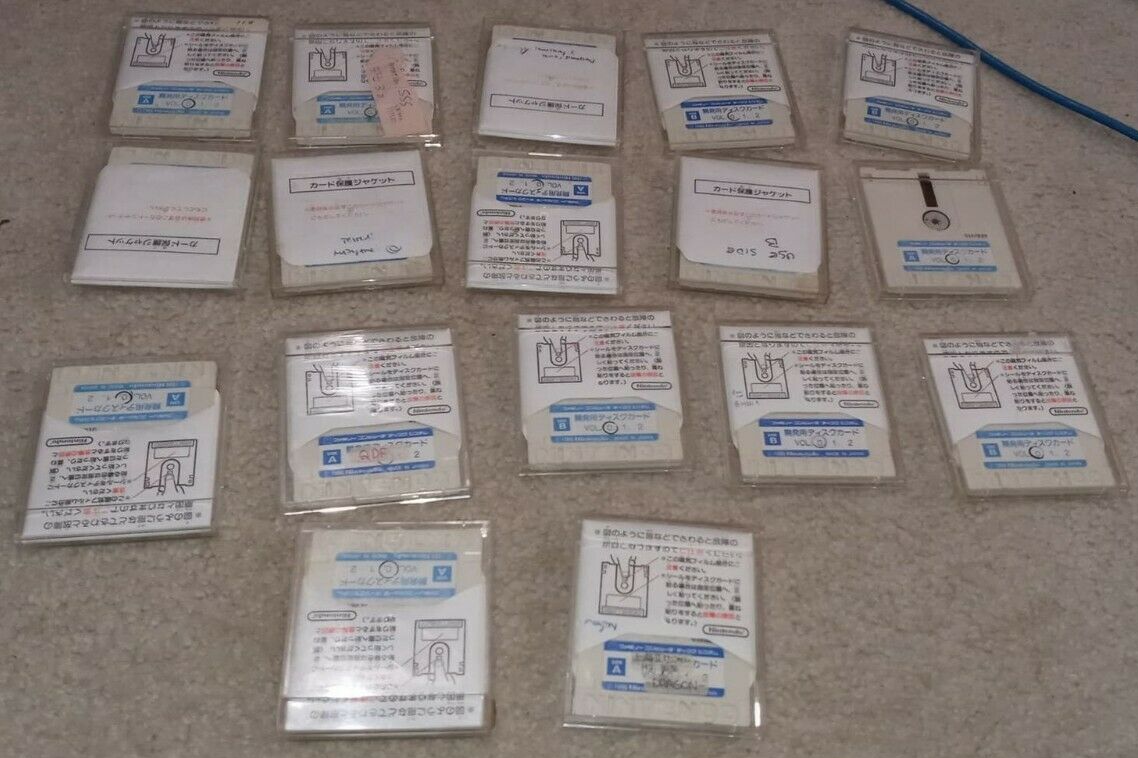
This page covers a set of 19 Sunsoft FDS dev disks that were dumped and released on Lost Levels. These disks were used during the development of several Sunsoft games and contain some early graphics from them. This page shows all the extracted graphics and some insight into the development material.
The disks have an interesting provenance, where DreamTR obtained them from Sunsoft of America through a trade.1
A picture of 17 of the disks can be seen in nashvillearcade/DreamTR's auction (see right).

|
To do: |
Dev Disks#
Disk Control#
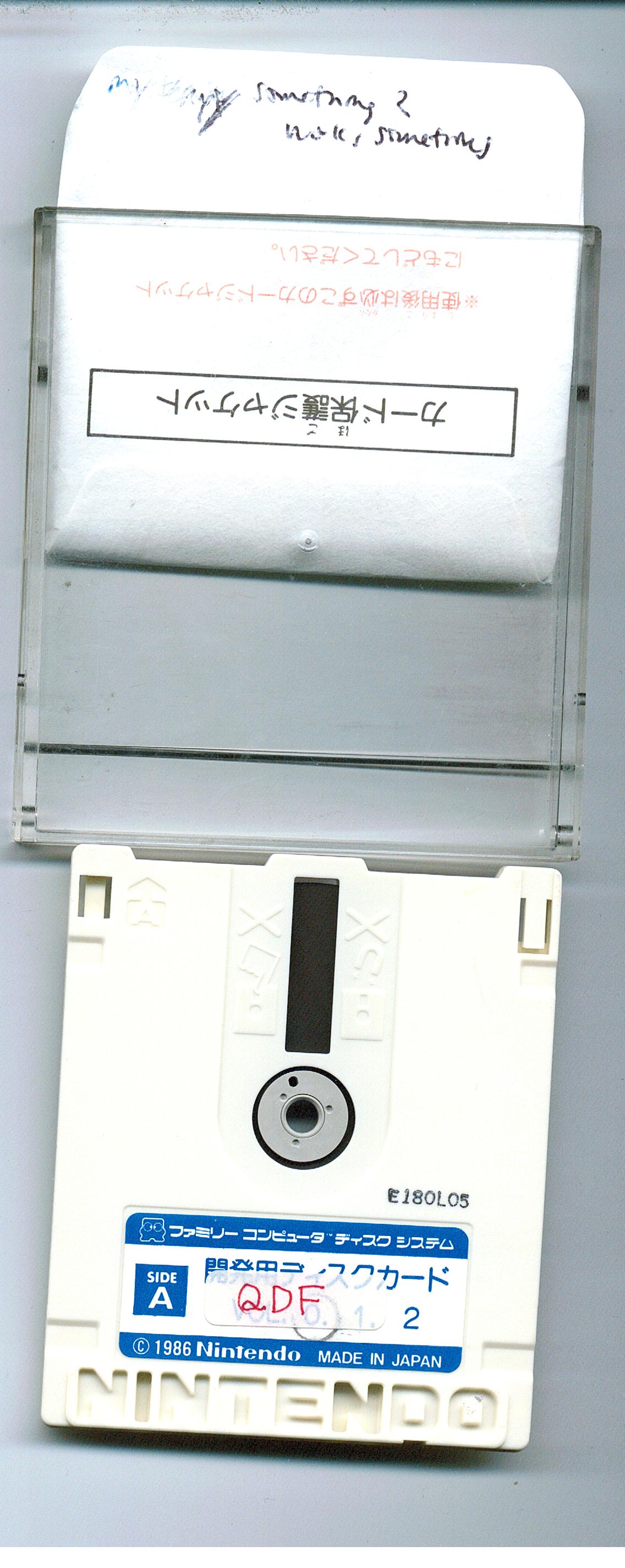
 While running, the program goes into a loop indicated by the routine below:
$CFB7:A5 F0     LDA $00F0 = #$XX
$CFB9:10 FC BPL $CFB7 //LoopCommands#

At startup, the program asks you to input a command and waits for RAM addresses $E0 (command ID) and $E1 (any nonzero value) to be modified. The available commands are:
10-DISK DELETE- Delete files from the inserted disk and update the directory. The new file count to use is specified at CPU $DFCA.20-DISK SAVE- Save a file to the inserted disk and update the directory. The file header and data to save are located at CPU $6000.40-DIRECTORY- Fetch the directory listing for the current disk into CPU $D800. Implicitly called/used by other commands.80-DISK LOAD- Load the file header + data from the disk with a matching file header into CPU $6000. The file header to check is located at CPU $DFC0.
$E0, $E1, and most of the command parameters are seemingly expected to be modified using a proprietary serial transfer protocol utilising the Famicom's expansion port, as none of them are ever explicitly modified by the program. The serial protocol facilitates data transfers both to/from CPU memory, thus it was likely used in conjunction with the disk commands to transfer, examine, and modify disk files during development.
(Source: Rachel Mae & TakuikaNinja)
Notifications#
Present at 0xFE1:
DISK SAVE
DISK ERROR
NOW SAVING
SET DISK CARD
EJECT DISK
NOW KEEPING
NOW LOADING
DISK DELETE
DISK LOAD
COMPLETE
...and at 0x1C80:
WAIT A MOMENT
SET DISK SIDE
DISK ERR
Tile Editor (Newer Version)#
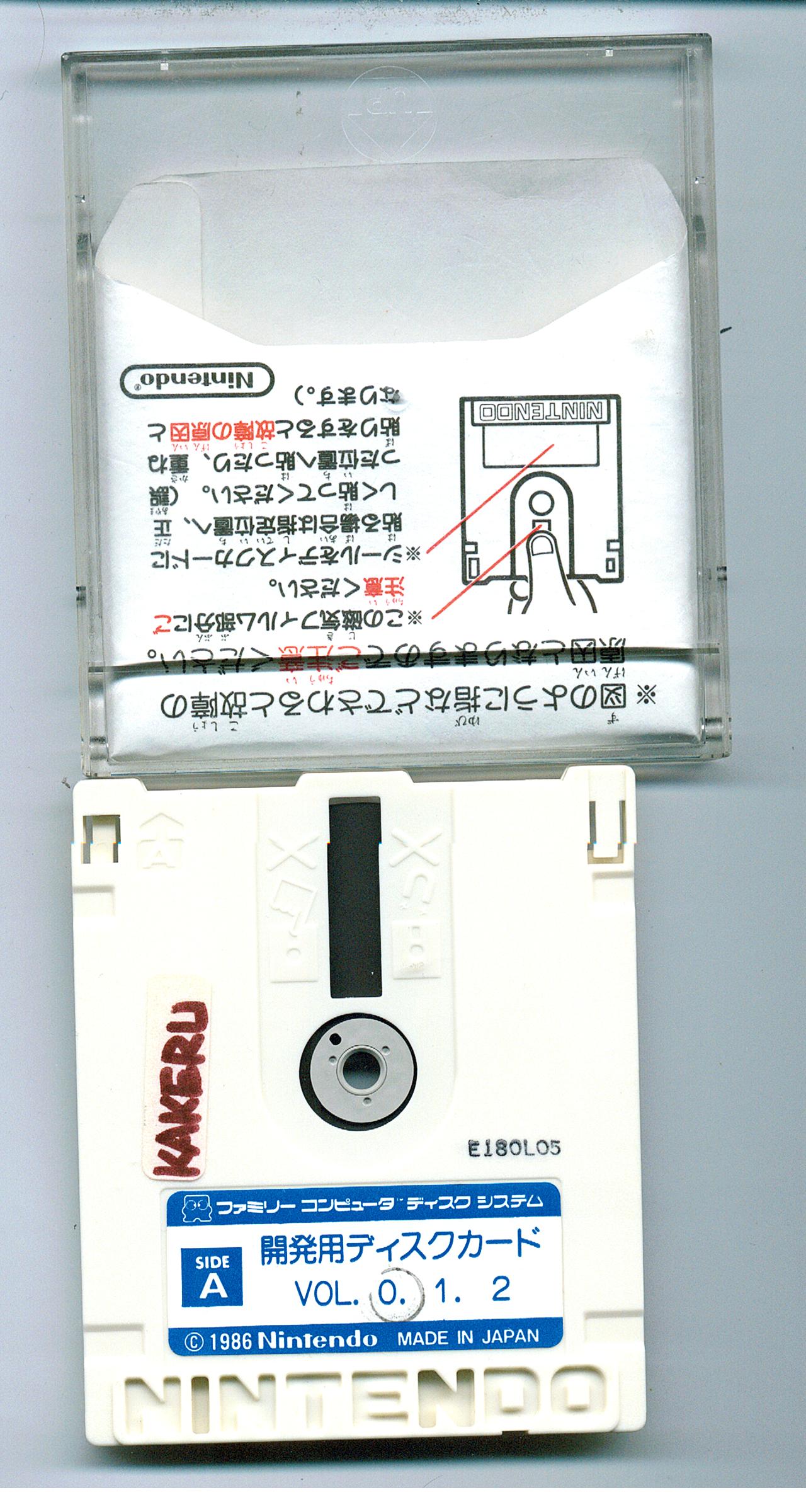
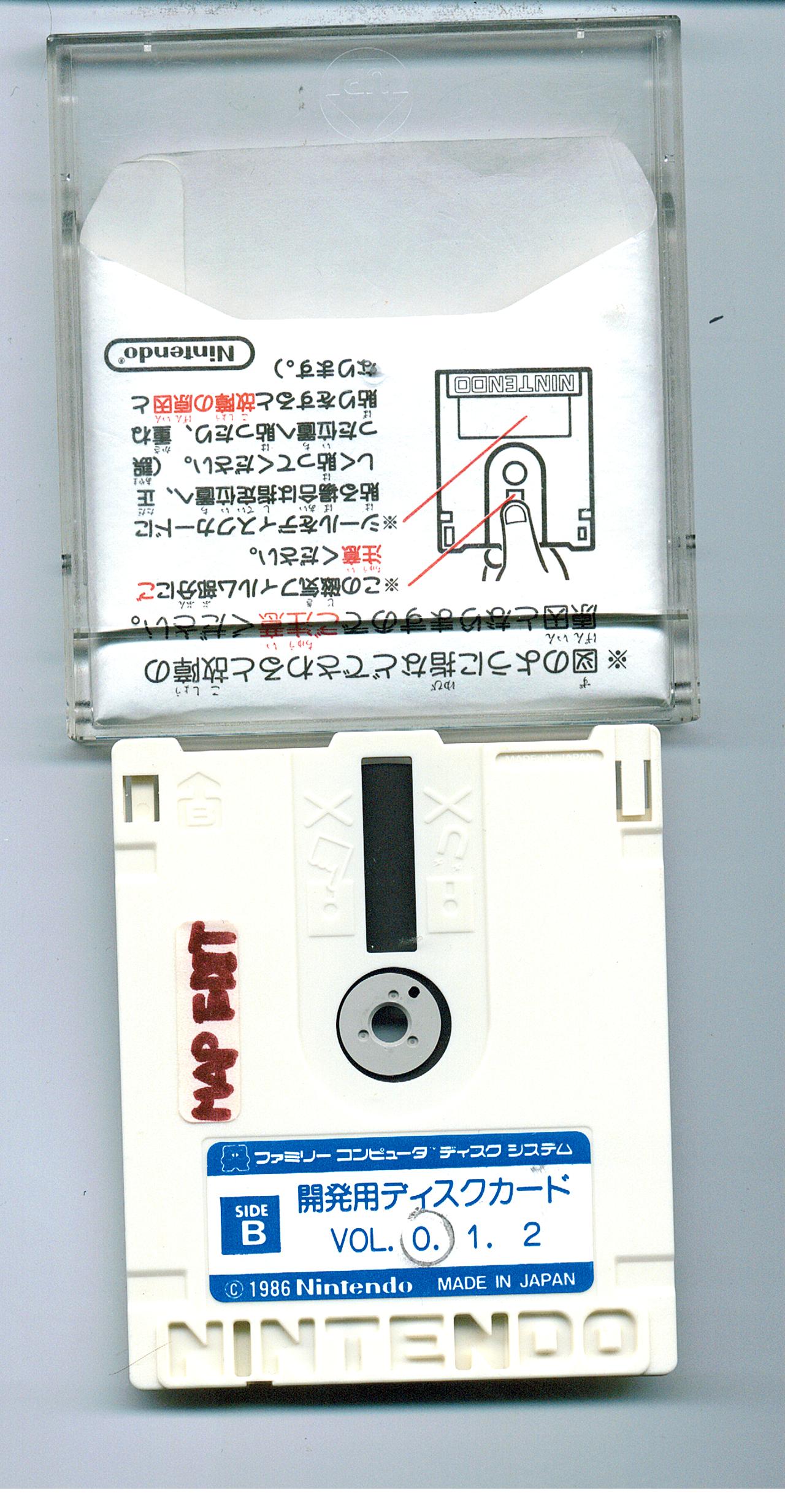 The editor contains a total of 12 maps, but all of them appear empty because the tile editor has a unique storage system: each file you load can be either a CHR file or a BG file, but never both. To view the maps correctly, you have to look at a CHR file's graphics then go to the map that you want to view correctly. Since the PPU doesn't reset when you view a map, the map will use the graphics of what you last saw.


One file contains graphics for mountains and castles, but there doesn't appear to be a map that corresponds with the graphics. Likewise, there is one map that doesn't have any corresponding graphics. All the maps don't seem to belong to any games and are probably just demos.
Data Disks#
These data disks contain early graphics and maps from mostly NES games, plus one Game Boy title. These disks cannot run on their own. In order to view the assembled graphics, load the Tile Editor disk, swap to the desired data disk, then use the menu options to access its files.
D-16-4#
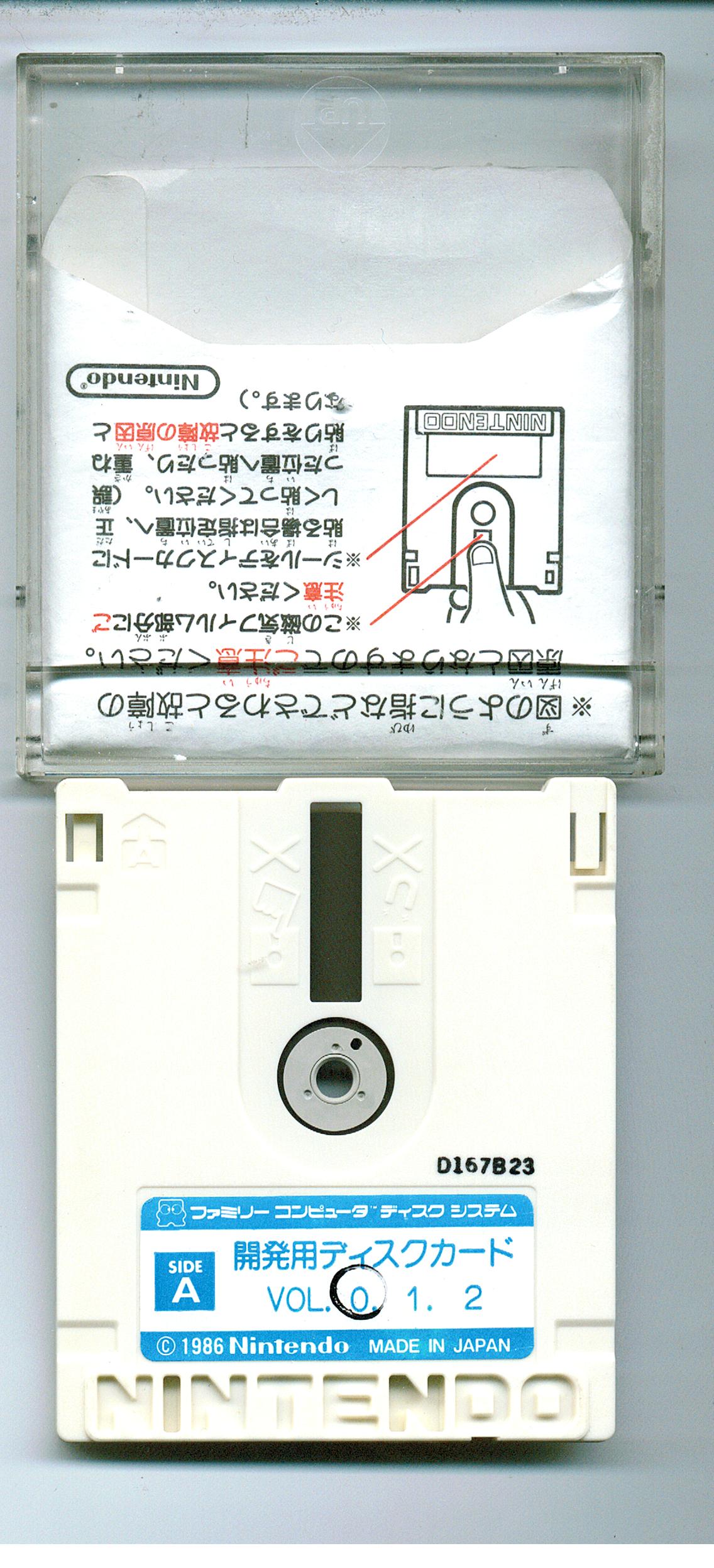
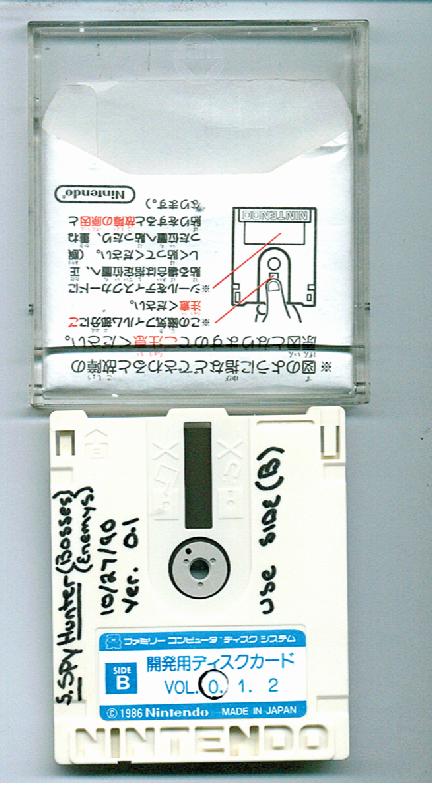 Contains assorted graphics and mockup boss battles for Super Spy Hunter.
F08#
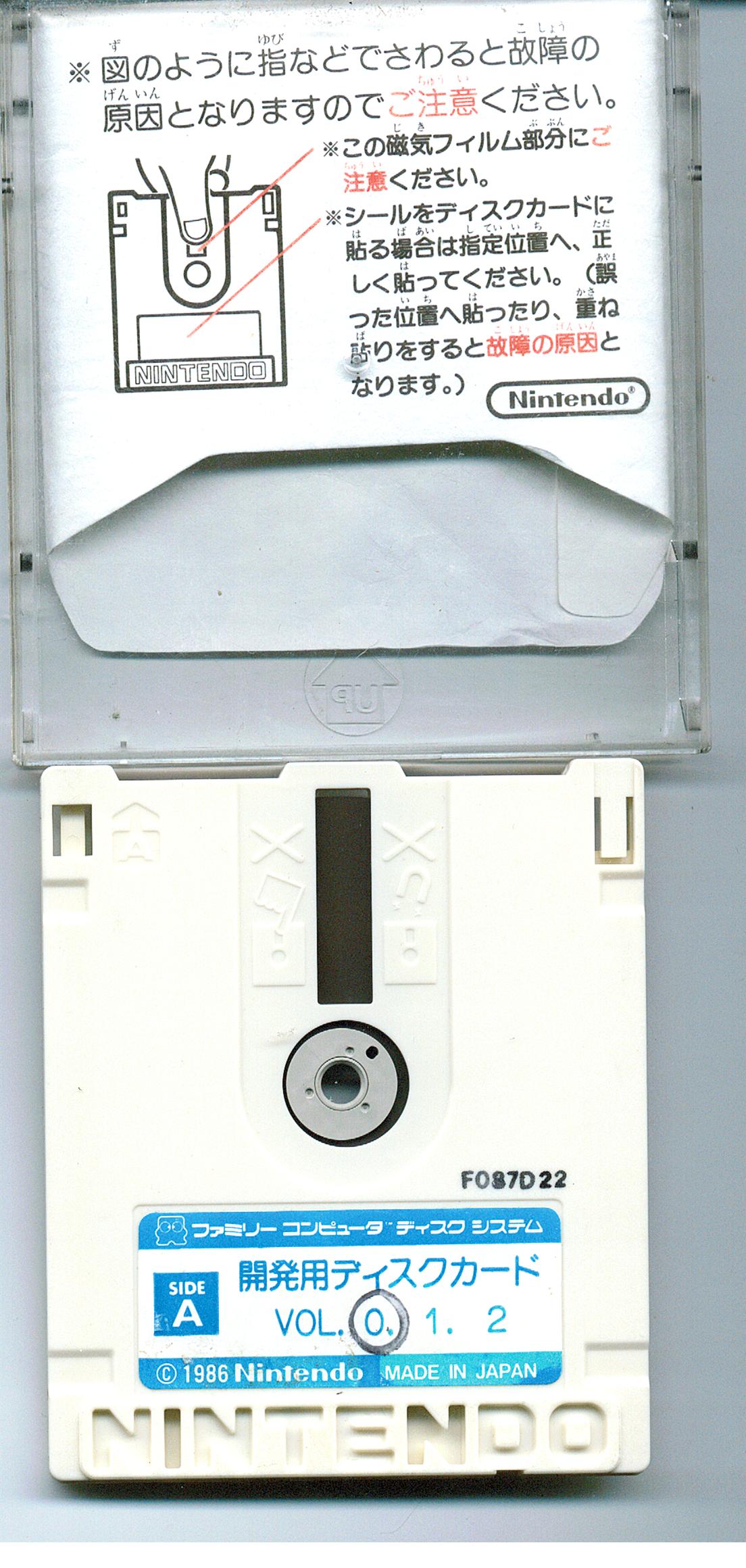
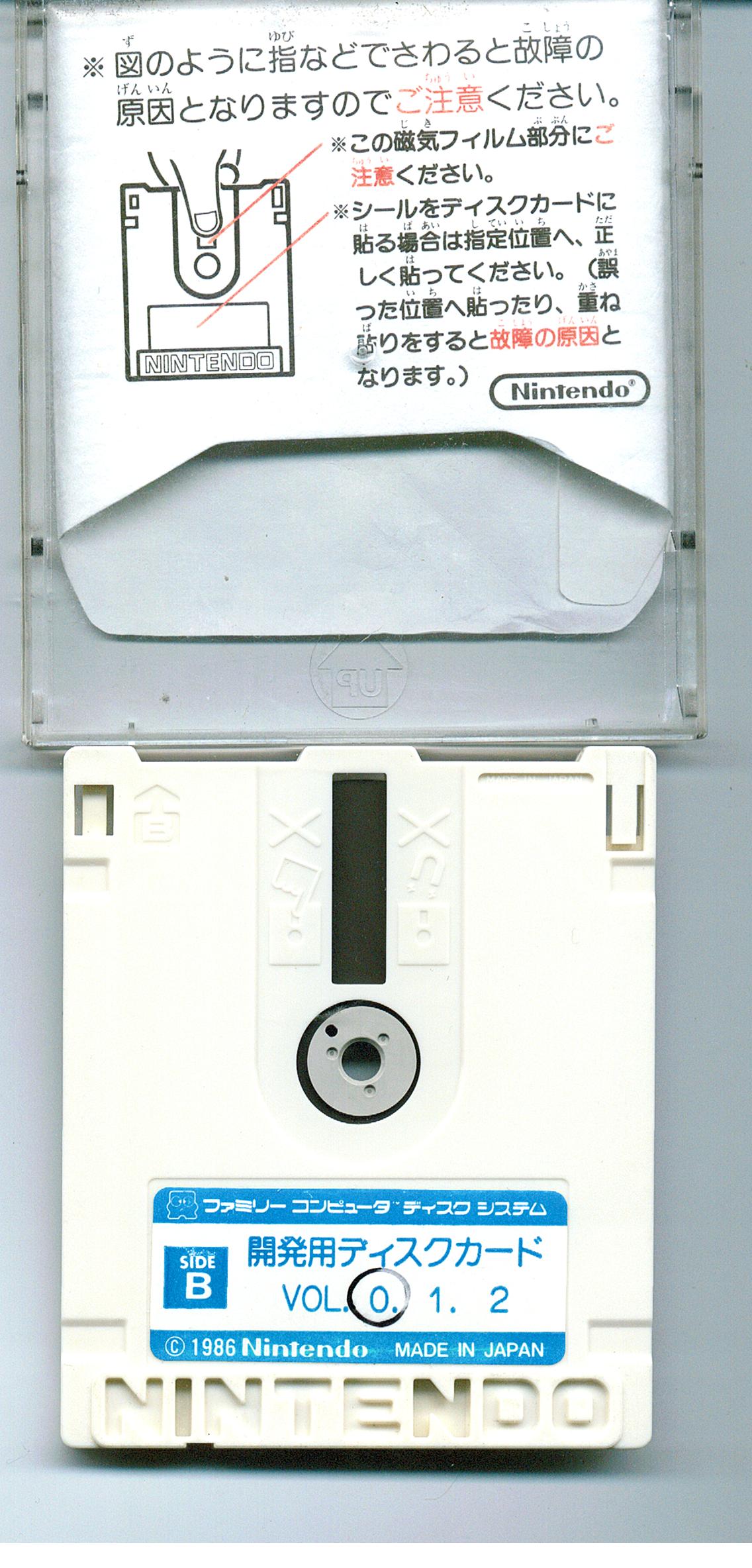 Contains graphics and mockups for Journey to Silius.
G-18#
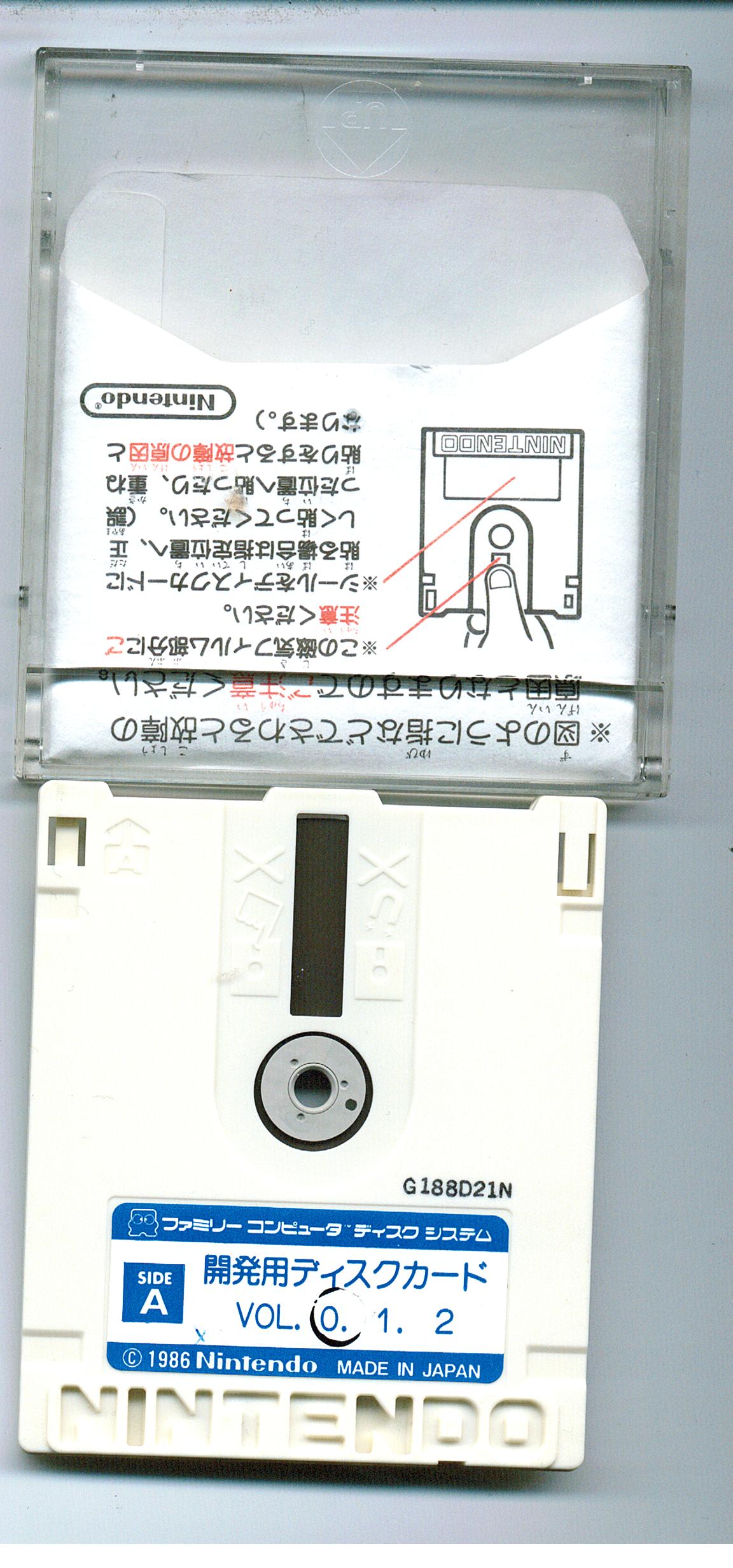
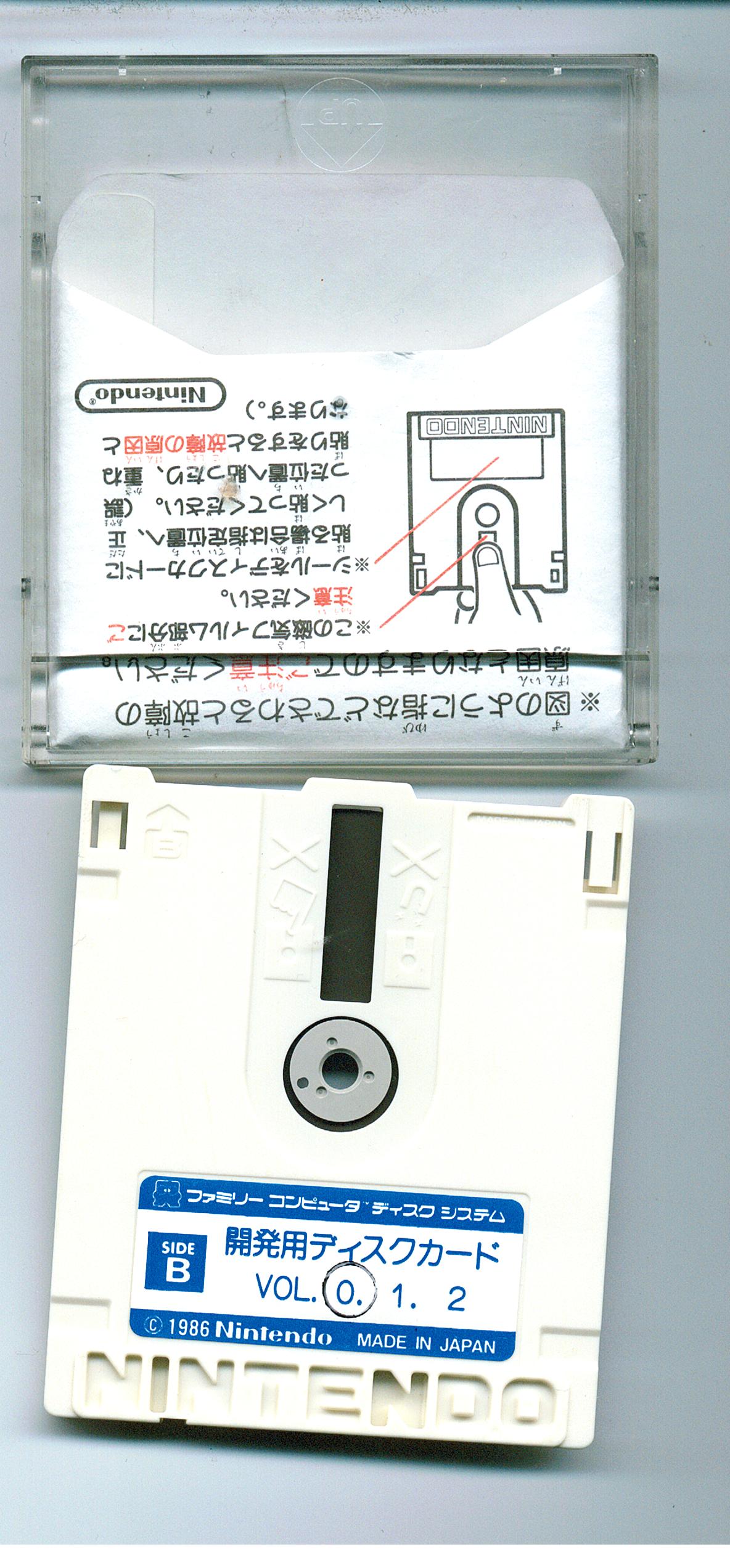 Composed of level mockups, cutscene mockups, and sprites for Gremlins 2.
Ship#

This rather crude ship exploding animation can be found on dev disks G-18 and J22, but the graphics are corrupted on the latter disk. All of the files on the disks have names; they can be named after the person who named it, or can be named for what it is. Oddly enough, this file is named after a person called Ryan; people's names for files except for this one are named after a Japanese person.
G-18-2#

|
This page or section needs more images. |
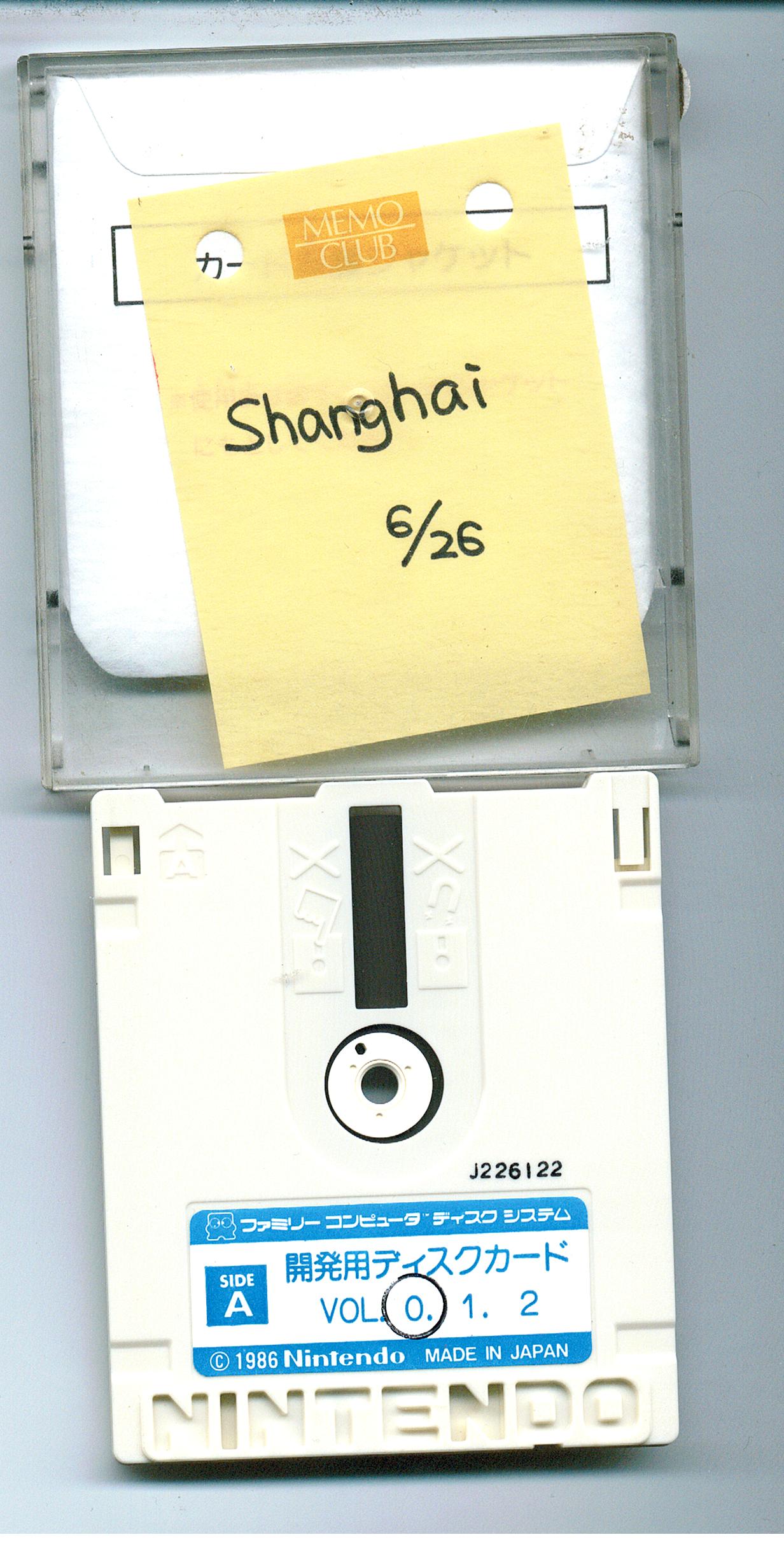
Contains a sample version of Shanghai II, with a different tile arrangement on each side.
G-18-3#
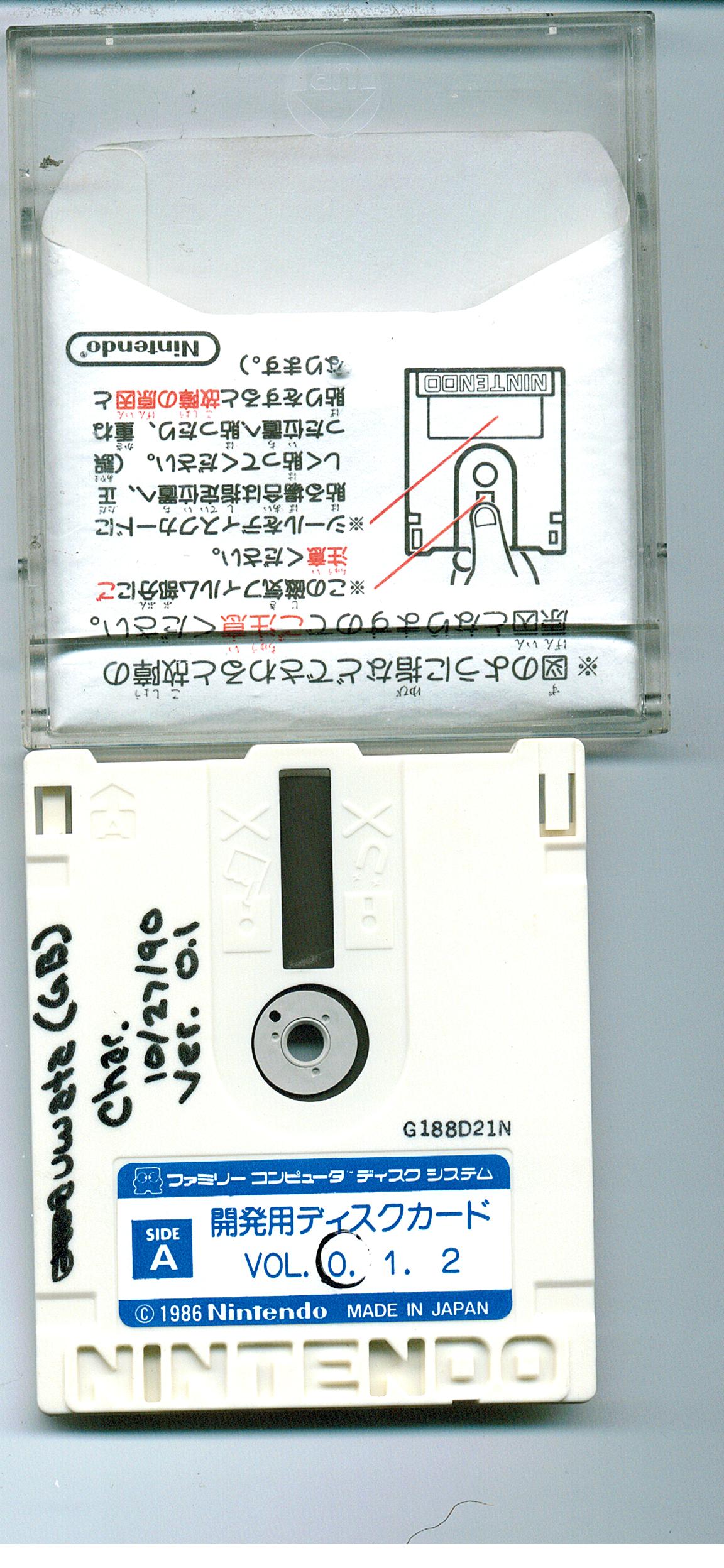
 Contains the sprites of the main character from Trip World for the Game Boy.
J22#
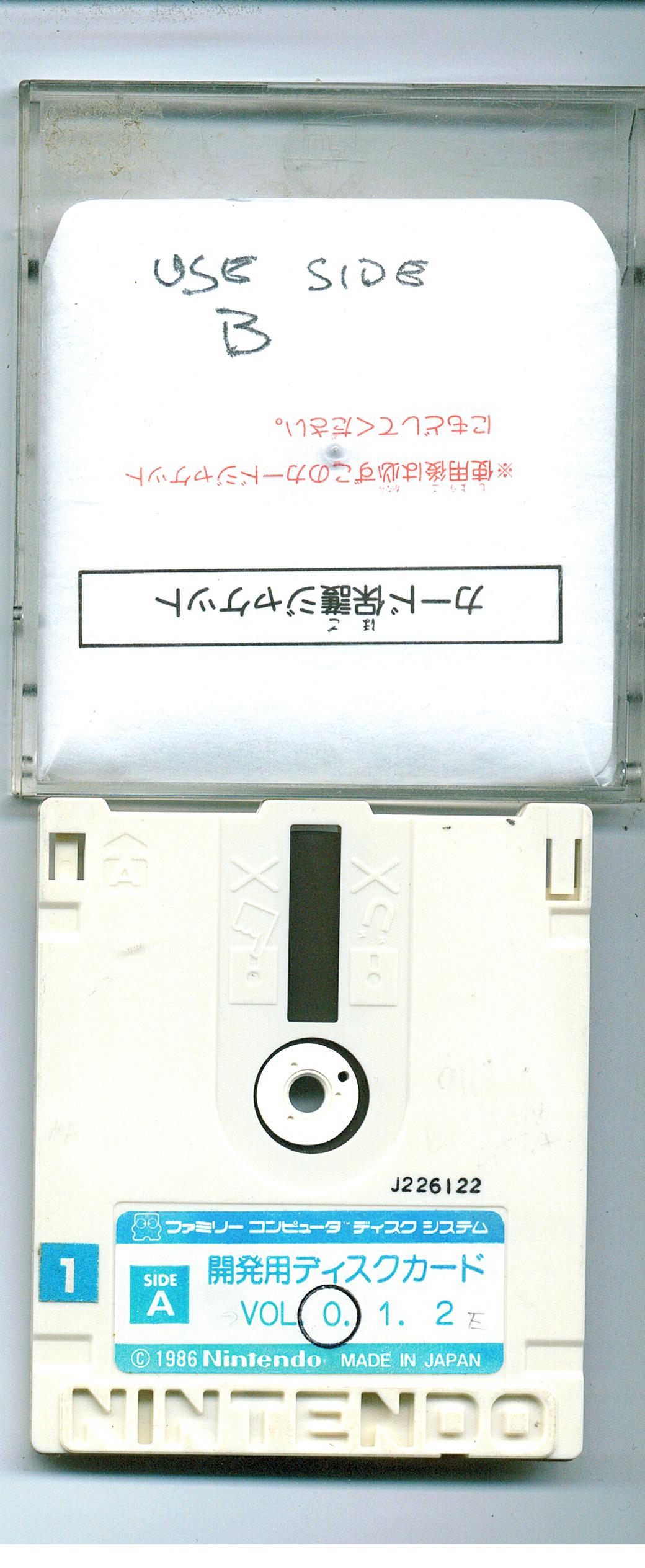
 Contains graphics for Gremlins 2 and an unknown Superman game (possibly what became Sunman).
Superman#


J22-3#

|
|
To do: |
Contains an actual game. By copying the disk's data onto Side B of Adian no Tsue, you can see that it is in fact Step Drill from "Super Boy Allan".
There is only one difference between the two versions: Step Drill on the dev disk contains a minor musical error which has the FDS channel disabled during part of the title screen music. Resetting the game will fix this.
K05#
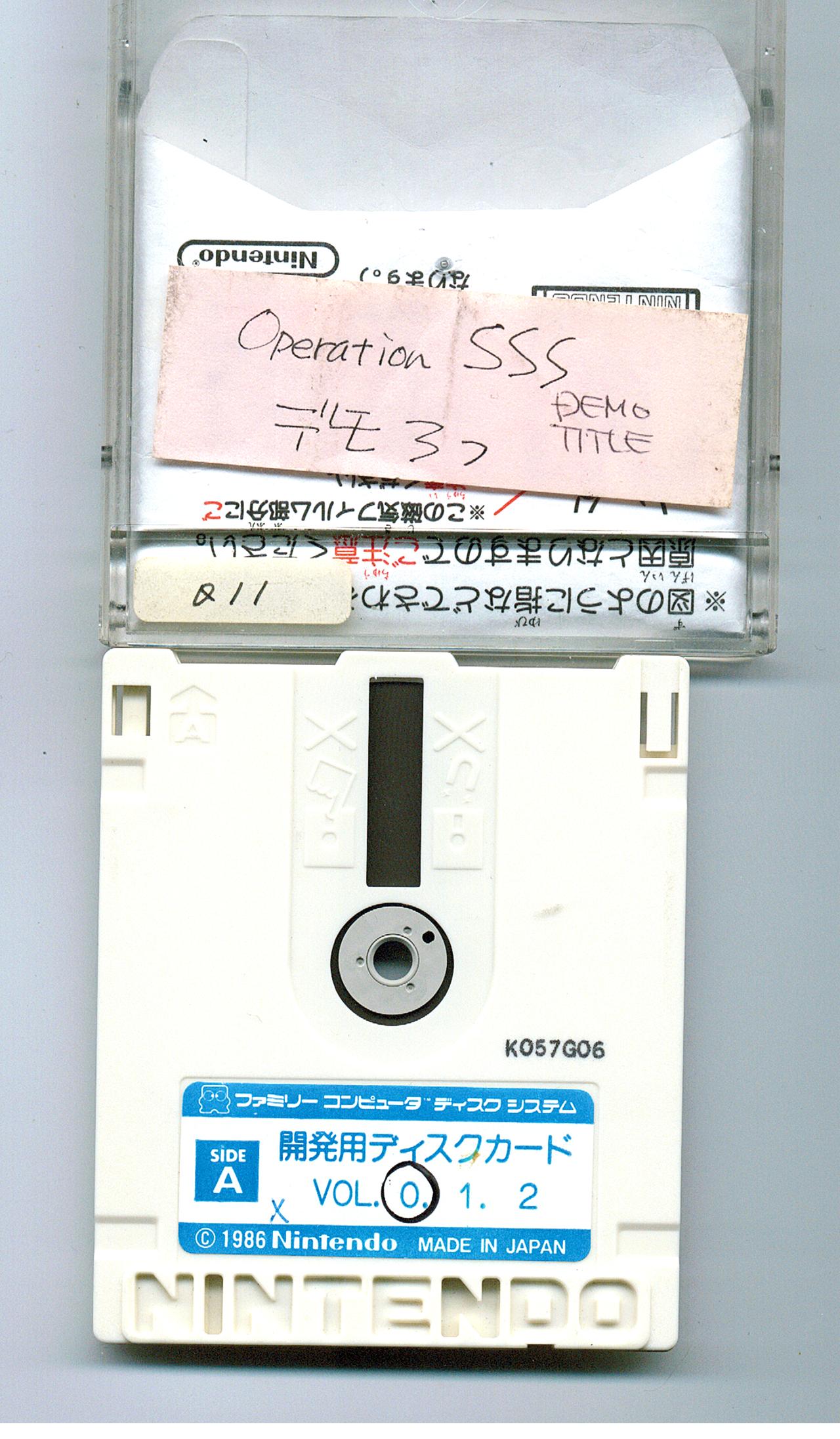
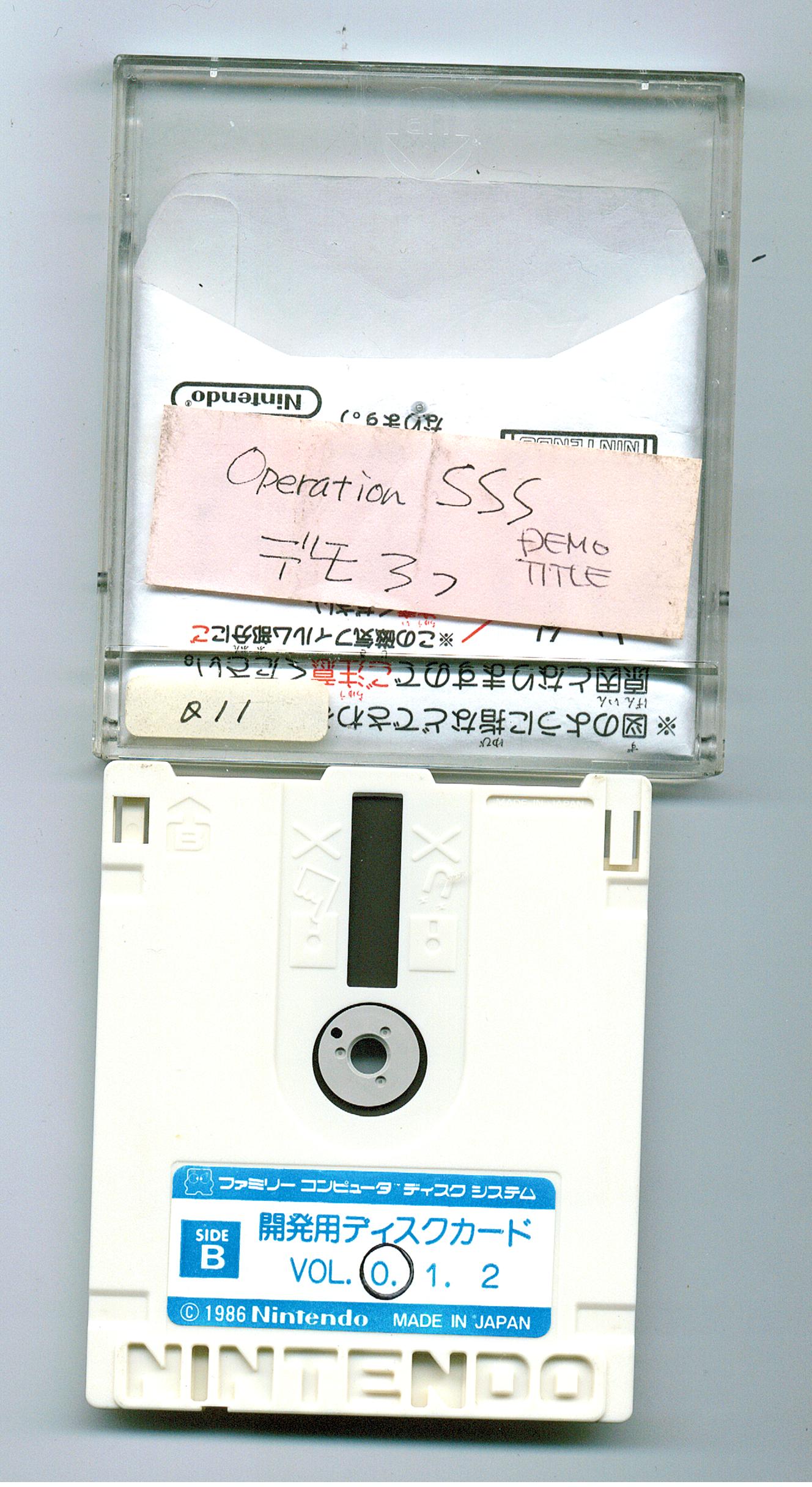 Contains graphics of Freeon Leon from Ufouria: The Saga and O-chan from its Japanese counterpart, Hebereke.